Why Penpot is a Game-Changer for Designers: My Experience with Open-Source Design
How Penpot Empowers Designers with Freedom, Collaboration, and Innovation
Penpot
Why Penpot is a Game-Changer for Designers: My Experience with Open-Source Design
How Penpot Empowers Designers with Freedom, Collaboration, and Innovation
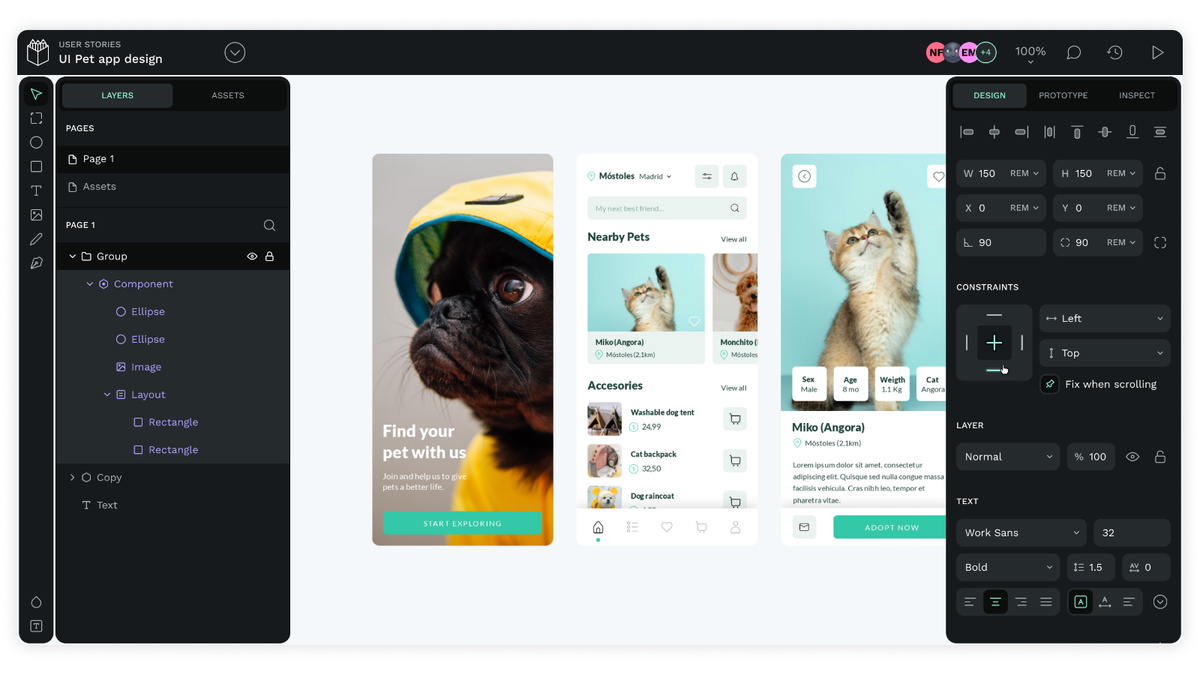
Penpot Interface Overview
In the fast-evolving world of design, new tools often promise to revolutionize workflows, and some live up to the hype. Penpot, an open-source design tool, does just that. As a UI/UX designer constantly exploring new technologies, I’ve had the opportunity to use Penpot extensively, and it’s quickly become one of my go-to design tools. In this article, I’ll share why Penpot stands out in a crowded design landscape, how it compares to other industry staples, and why I believe it’s a game-changer for designers.
What is Penpot?
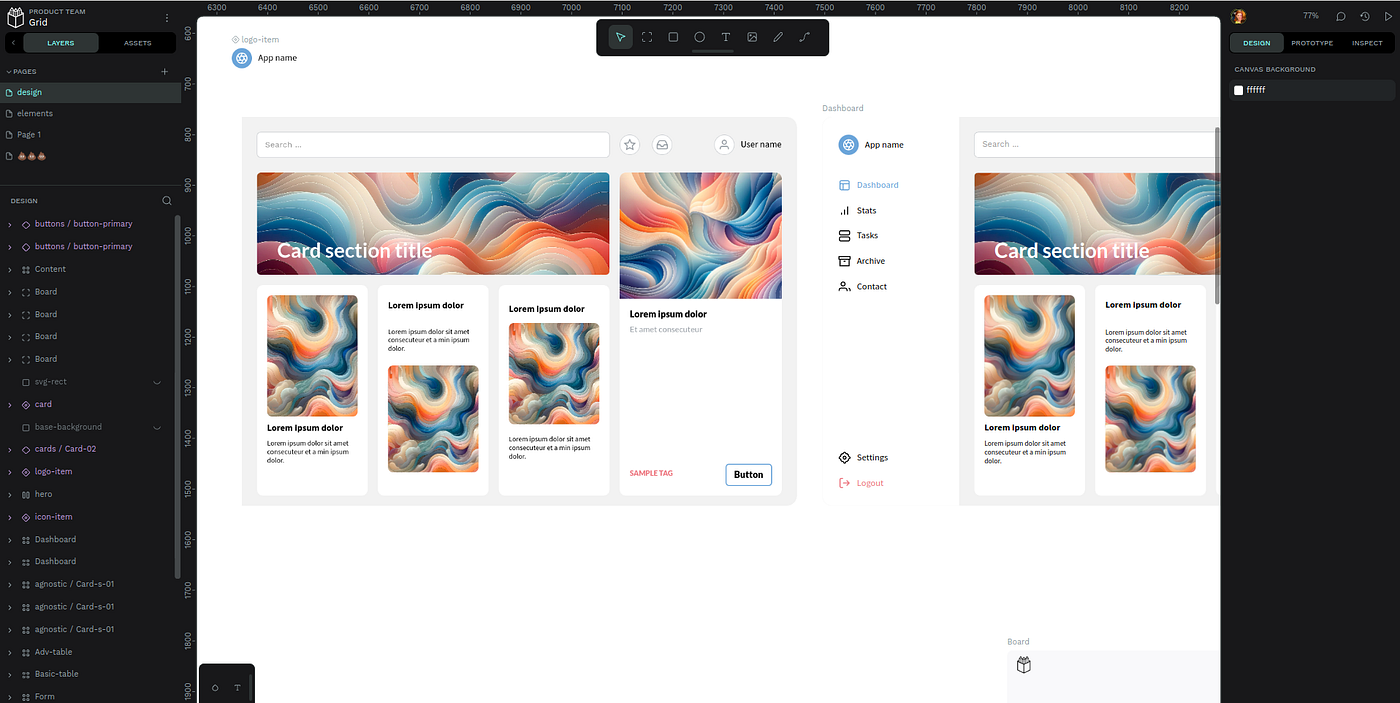
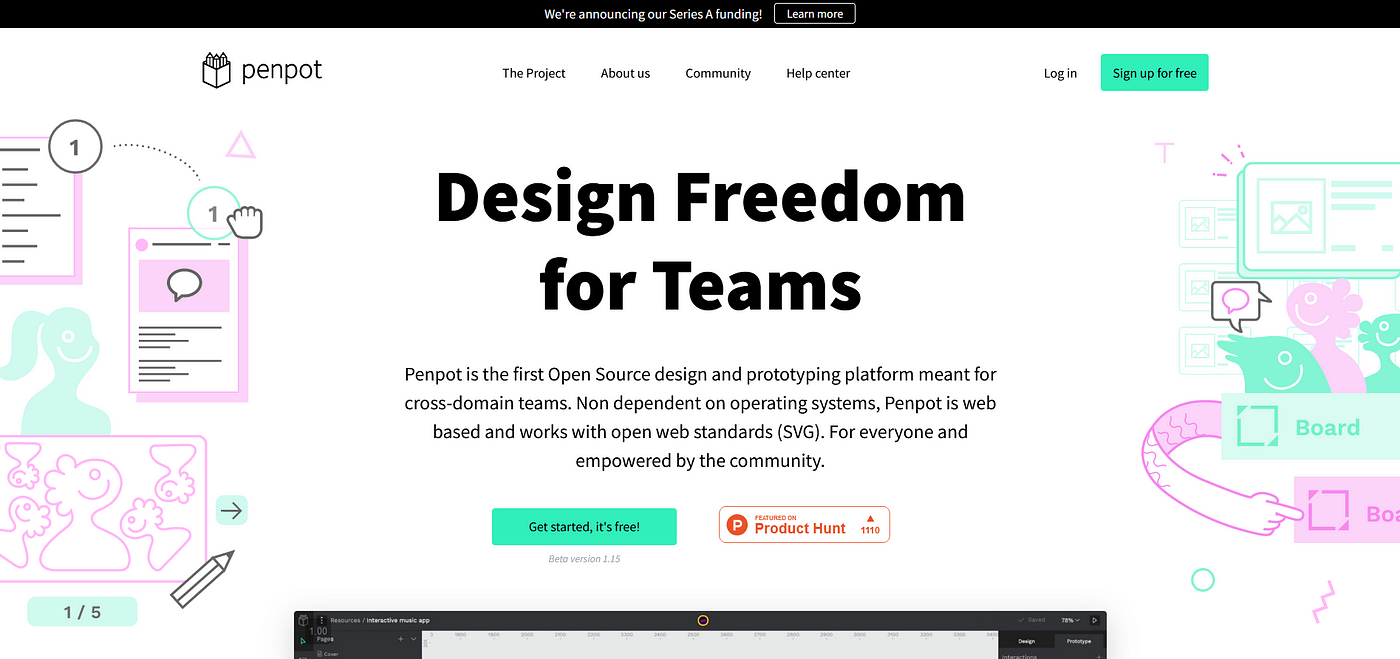
Penpot Homepage
Penpot is an open-source, web-based design tool created with a focus on flexibility, collaboration, and accessibility. Unlike proprietary tools such as Figma or Adobe XD, Penpot allows users to take advantage of its open-source nature, enabling both customization and a cost-free experience. Whether you’re designing for web or mobile, or working with a team of developers or designers, Penpot has a feature set that makes it competitive with other design tools on the market.
Key Features of Penpot
1. Streamlined User Interface
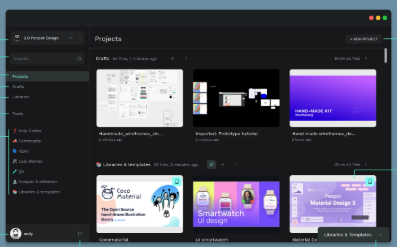
Penpot User Interface
One of the first things you’ll notice when you start using Penpot is its clean, user-friendly interface. The design workspace is intuitive, making it easy to get started regardless of your experience level. Penpot prioritizes a simple, uncluttered design, giving you more time to focus on creativity and less time navigating complex menus.
2. Robust Vector Editing Tools
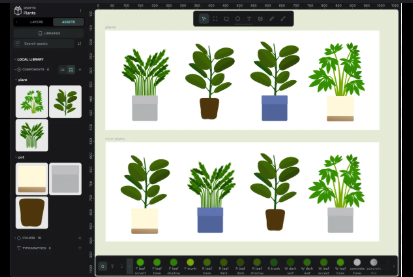
Penpot Vector Editing
For any designer, the ability to create and manipulate vector shapes is critical, and Penpot delivers in this area. The vector editing tools are precise, allowing for intricate design work such as custom UI elements or detailed icons. Whether you’re building out a complex interface or creating a simple logo, Penpot’s vector tools provide the versatility to bring your vision to life.
3. Real-Time Collaboration
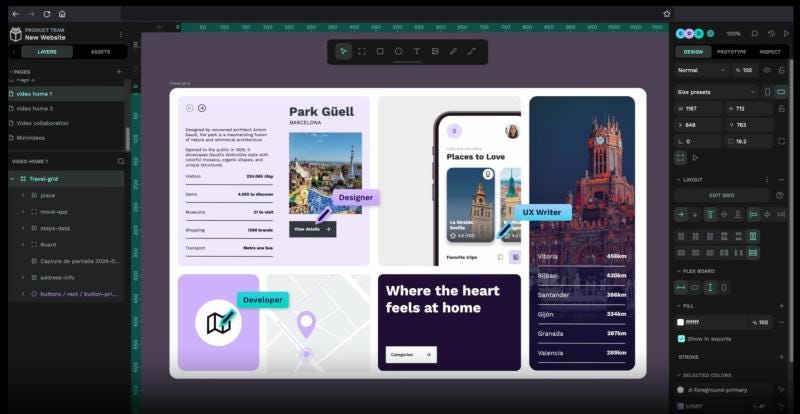
Real-Time Collaboration in Penpot
Penpot shines when it comes to collaboration. Since the tool is web-based, multiple team members can work on the same project simultaneously. This real-time collaboration feature eliminates the need for constant file sharing or version control issues. Whether you’re collaborating with designers, developers, or clients, Penpot allows seamless interaction within the design process.
4. Prototyping Capabilities
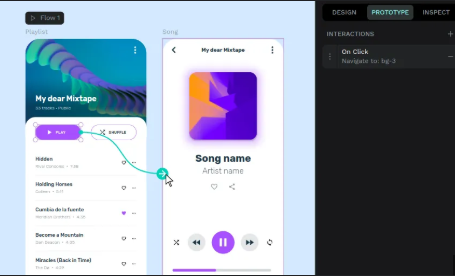
Prototyping in Penpot
Prototyping is essential for UI/UX designers, and Penpot simplifies the process. With its built-in prototyping tools, you can link screens, define interactions, and simulate user flows directly within the platform. This reduces the need for external tools and streamlines the transition from design to user testing or development.
5. Cross-Platform Access
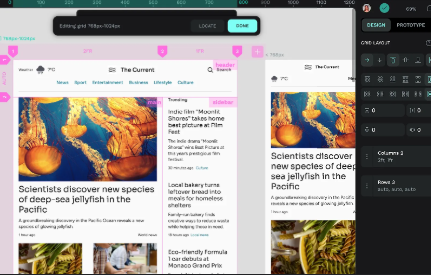
Penpot on Different Devices
Since Penpot is web-based, it is accessible from any device with an internet connection. Whether you’re working on a Mac, PC, or Linux, you can access your design files and collaborate with others without worrying about platform compatibility. This level of accessibility is a significant advantage for teams that use different operating systems or need to work on the go.
Why Penpot is a Game-Changer for Designers
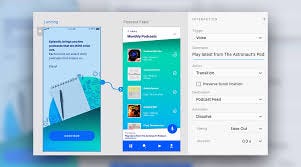
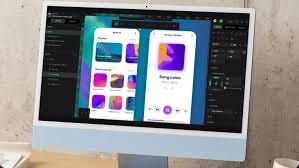
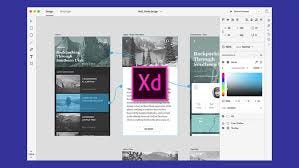
Penpot vs. Other Design Tools
Cost-Free and Open-Source
One of the most compelling reasons to try Penpot is its open-source model. Unlike other design tools that require expensive subscriptions, Penpot is completely free to use. This is especially beneficial for freelancers, startups, or anyone looking for a high-quality design tool without a hefty price tag. Being open-source also means that Penpot continues to evolve and improve with contributions from its growing community of developers and designers.
Customization at Your Fingertips
With open-source software, you get the freedom to customize and adapt the tool to your workflow. Penpot allows you to adjust the platform to suit your specific needs — whether that means tweaking the interface, adding new features, or integrating third-party tools. This level of flexibility is something that proprietary design tools often lack.
Strong Community Support
Penpot is backed by a thriving community of developers and designers who actively contribute to its growth. This community-driven approach ensures that Penpot evolves quickly and continues to meet the needs of its users. Whether you’re looking for tutorials, plugins, or help with troubleshooting, the Penpot community is an invaluable resource.
Penpot vs Other Design Tools
Comparing Penpot and Figma/Adobe XD
While Penpot offers a robust feature set, it’s important to compare it to other industry-standard design tools to understand where it excels and where it may still be catching up.
- Figma: Penpot’s real-time collaboration and web-based nature are similar to Figma, which is often praised for its cloud-first approach. However, Penpot stands out due to its open-source flexibility, making it a more attractive choice for those who prioritize transparency and control over their tools.
- Sketch: Sketch has long been the industry standard for macOS users. While Penpot lacks native desktop support for macOS like Sketch, its cross-platform accessibility levels the playing field, making it an attractive choice for diverse teams.
- Adobe XD: Adobe XD offers seamless integration with other Adobe Creative Cloud apps, but Penpot provides an equally powerful suite of design tools without the subscription fees. Penpot’s vector editing and prototyping capabilities make it comparable to Adobe XD in terms of core features.
Real-World Applications and Projects
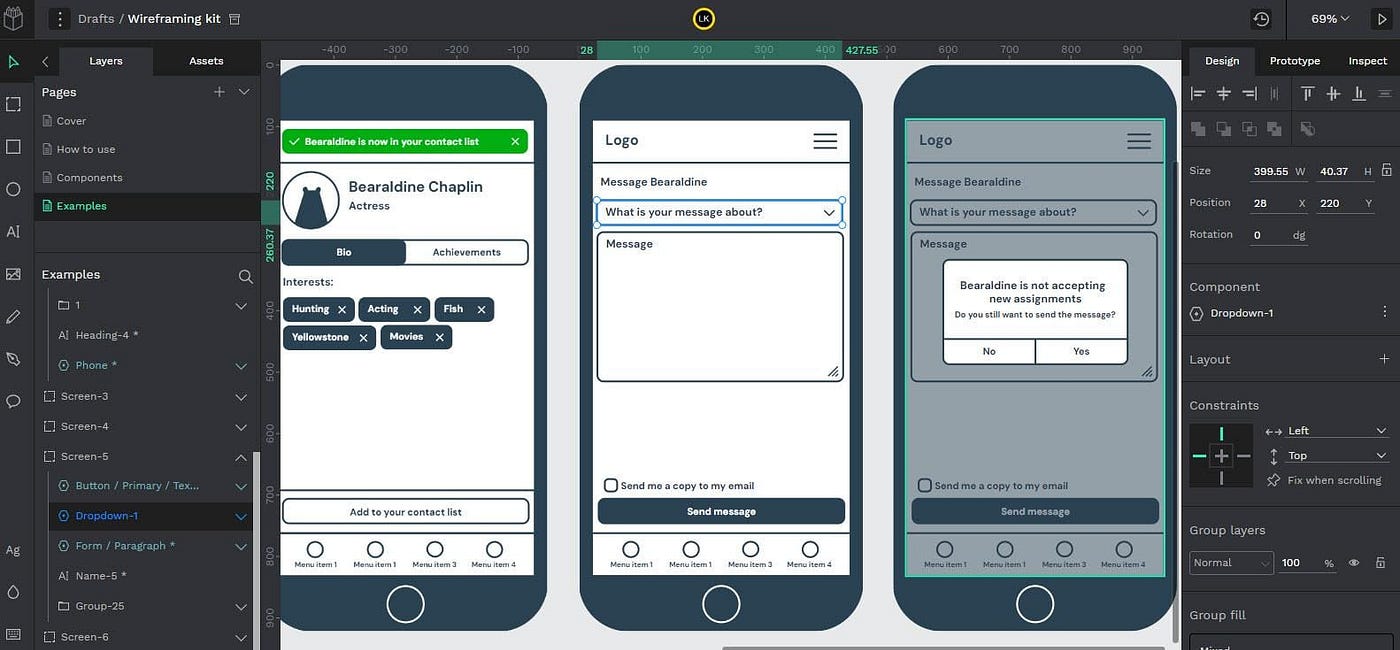
Penpot Project Example
Since integrating Penpot into my workflow, I’ve used it for everything from wireframing to full-fledged UI design projects. One notable project involved designing an interactive prototype for a mobile app, where Penpot’s prototyping tools allowed me to create clickable screens and simulate user interactions effortlessly. The seamless collaboration with other designers on the project further highlighted Penpot’s strength in team-based environments.
Challenges and Areas for Improvement
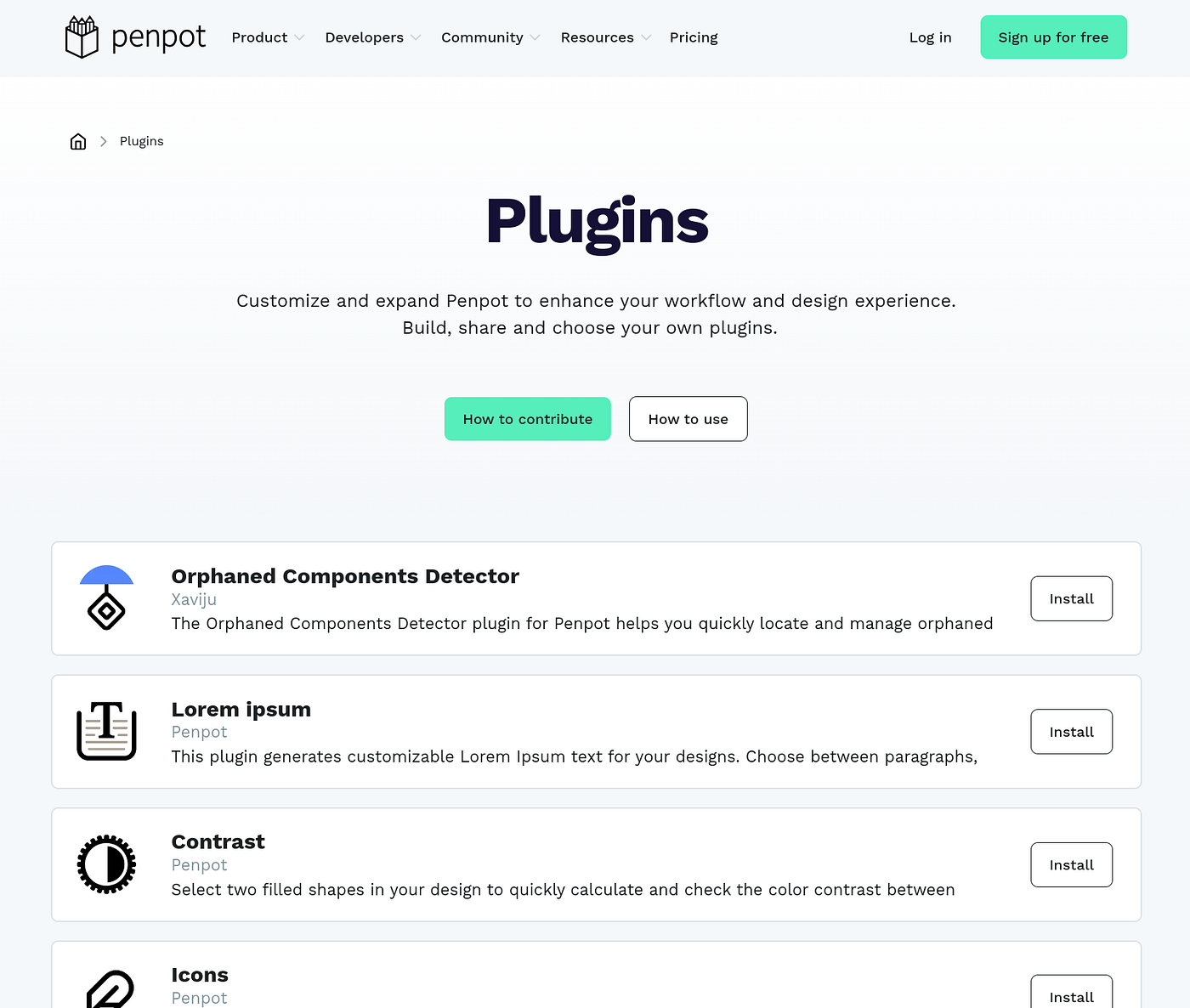
Penpot Plugin Ecosystem
While Penpot is an impressive tool, there are a few areas where it can improve:
- Plugin Ecosystem: Penpot does not yet have the extensive plugin ecosystem that Figma offers, limiting its extendibility for highly specialized tasks.
- Advanced Features: While Penpot covers all essential design tasks, it may not have the advanced features of some of its competitors. This may be a consideration for designers who require highly specialized functionalities.
Despite these limitations, Penpot remains a competent tool for most design projects, with its open-source nature and collaborative features making it a compelling choice for many.
Conclusion
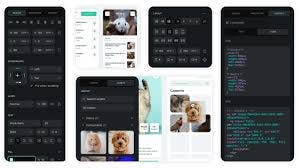
Penpot Features Summary
Penpot is a game-changer for designers who want a flexible, cost-effective, and powerful design tool. Its open-source nature, user-friendly interface, real-time collaboration, and prototyping features set it apart from many other design platforms. While it’s still evolving, Penpot is undoubtedly one of the most exciting tools for designers who value transparency, accessibility, and collaboration.
If you’re looking for a new design tool, I highly recommend trying Penpot. Whether you’re an individual designer, part of a small team, or working within an organization, Penpot offers a feature set that competes with the best of them, all while remaining open-source and completely free.
메타데이터
- post_id
- 6556c4979fdb
- slug
- why-penpot-is-a-game-changer-for-designers-my-experience-with-open-source-design-6556c4979fdb
- url
- https://www.designsystemscollective.com/why-penpot-is-a-game-changer-for-designers-my-experience-with-open-source-design-6556c4979fdb
- canonical_url
- https://www.designsystemscollective.com/why-penpot-is-a-game-changer-for-designers-my-experience-with-open-source-design-6556c4979fdb
- author_url
- https://medium.com/@g.r.tanny
- status
- ok
- fetched_at
- 2026-06-09 15:37:30