Linux Filesystems Explained: Btrfs, Ext4, XFS, F2FS, and ZFS
Linux Filesystems Explained: Btrfs, Ext4, XFS, F2FS, and ZFS
Linux Filesystems Explained: Btrfs, Ext4, XFS, F2FS, and ZFS
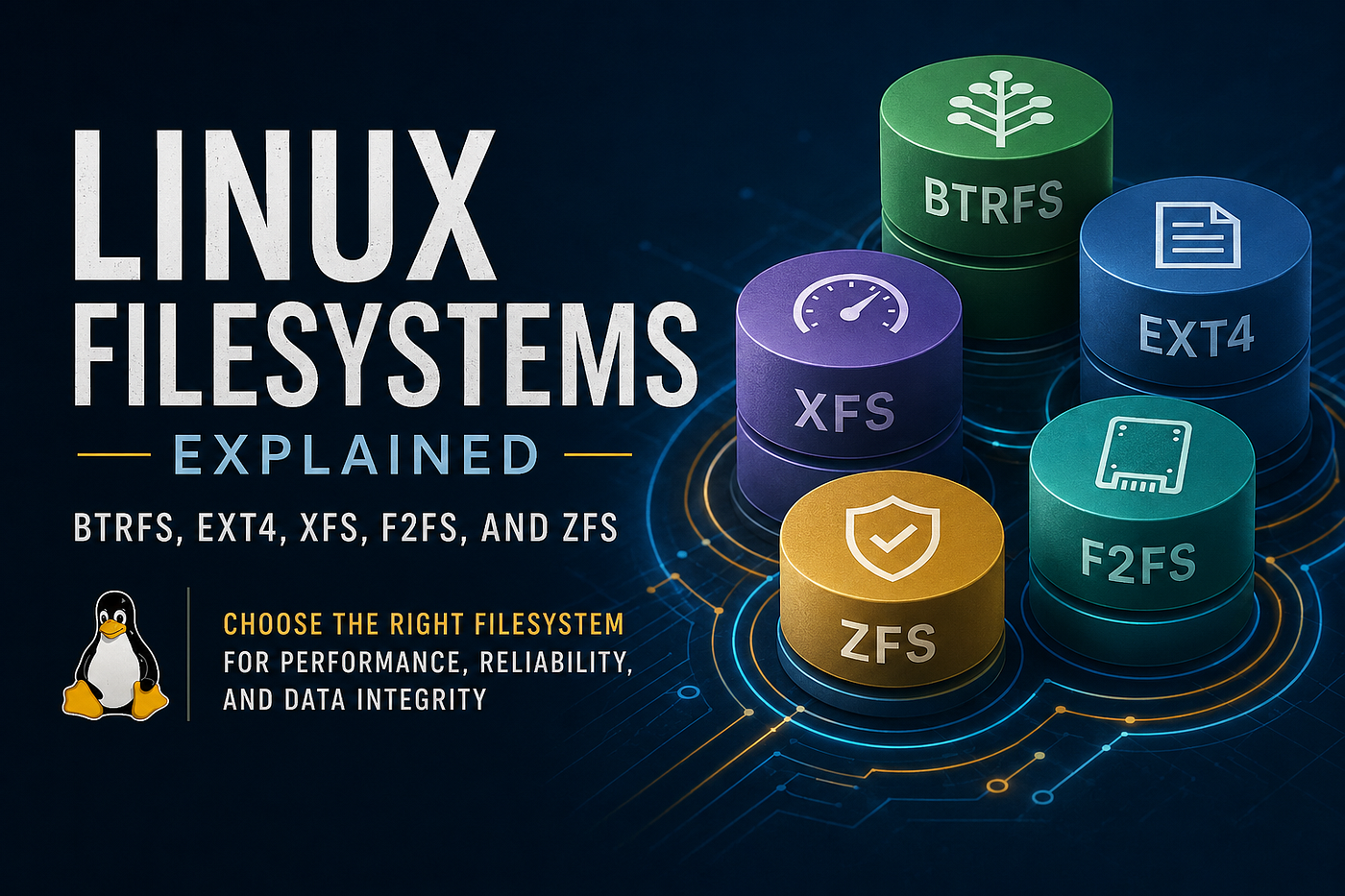
Linux Filesystems Explained: Btrfs, Ext4, XFS, F2FS, and ZFS
When most administrators install Linux, they accept the default filesystem and move on. It’s an understandable choice — after all, the filesystem is often invisible until something goes wrong.
Yet the filesystem sits at the heart of every Linux system. Every log file, virtual machine disk, database record, application binary, and configuration file ultimately depends on the filesystem to store and retrieve data reliably.
Choosing the right filesystem can influence:
- System performance
- Storage efficiency
- Data integrity
- Recovery capabilities
- Scalability
- Administrative overhead
For small environments, the differences may be negligible. At enterprise scale, however, selecting the wrong filesystem can introduce operational challenges that become difficult and expensive to correct later.
Understanding modern Linux filesystems allows administrators to align storage technologies with business requirements rather than relying solely on defaults.
Let’s examine five of the most common filesystems available in Linux today.
Understanding Filesystem Evolution
Before exploring individual filesystems, it’s useful to understand why multiple options exist.
Early Linux systems primarily relied on Ext2, which offered simplicity but lacked journaling capabilities. If a server lost power unexpectedly, lengthy filesystem checks could be required before the system became usable again.
Ext3 introduced journaling, significantly improving recovery times after crashes.
Ext4 expanded on this foundation by improving scalability, performance, and reliability.
As storage technologies evolved, new challenges emerged:
- Multi-terabyte storage arrays
- SSDs and flash storage
- Large virtualization environments
- Snapshot requirements
- Data integrity concerns
- Cloud-native workloads
New filesystems such as XFS, Btrfs, F2FS, and ZFS were developed to address these challenges.
Today, Linux administrators can choose a filesystem optimized for their specific workload rather than relying on a one-size-fits-all solution.
Ext4: The Industry Standard
Ext4 is often described as the “safe choice,” but that description undersells its capabilities.
Released in 2008, Ext4 remains one of the most widely deployed filesystems in the Linux ecosystem. Its popularity stems from a balance of performance, reliability, and simplicity.
How Ext4 Works
Ext4 uses journaling, which records pending filesystem changes before committing them to disk.
If the system crashes during a write operation, the journal can be replayed during boot, dramatically reducing recovery times compared to non-journaled filesystems.
This design makes Ext4 particularly resilient in environments where uptime matters.
Why Administrators Still Choose Ext4
Despite newer alternatives, Ext4 continues to dominate because:
- It is extremely mature
- Recovery tools are well understood
- Documentation is abundant
- Performance is predictable
- Most Linux administrators knows how to manage it
In infrastructure operations, predictability often outweighs advanced features.
Many organizations would rather deploy a filesystem with twenty years of operational history than adopt newer technology with additional complexity.
Real-World Examples
Ext4 is commonly found on:
- Linux web servers
- Corporate application servers
- Small virtualization hosts
- General-purpose cloud instances
- Enterprise Linux workstations
If your environment does not require snapshots, compression, or storage pooling, Ext4 remains an excellent choice.
XFS: Enterprise Scale and Performance
XFS was originally developed by Silicon Graphics in the 1990s for high-performance computing systems.
Unlike Ext4, XFS was built with massive datasets in mind.
As storage systems grew from gigabytes to terabytes and eventually petabytes, XFS demonstrated its ability to scale effectively.
Why Red Hat Chose XFS
Modern Red Hat Enterprise Linux deployments use XFS as the default filesystem.
The reasoning is simple:
Enterprise workloads often involve:
- Large databases
- Large virtual machine images
- High-throughput applications
- Multi-terabyte storage volumes
XFS handles these scenarios exceptionally well.
Performance Characteristics
One of XFS’s biggest strengths is parallelism.
The filesystem was designed to efficiently handle multiple simultaneous operations, making it particularly effective on systems with:
- Many CPU cores
- Fast RAID arrays
- High-performance NVMe storage
Database administrators frequently favor XFS because of its ability to sustain heavy write workloads.
Operational Considerations
One frequently overlooked limitation is that XFS cannot shrink.
While storage can be expanded online without downtime, reducing filesystem size typically requires backup, recreation, and restoration.
This isn’t usually a problem in enterprise environments where growth is expected, but it is something administrators should understand before deployment.
Btrfs: Bringing Modern Storage Features to Linux
Btrfs was developed to solve problems that traditional Linux filesystems were never designed to address.
As virtualization, containers, and cloud-native environments became common, administrators needed capabilities such as:
- Snapshots
- Rollbacks
- Checksums
- Compression
- Flexible storage management
Btrfs introduced all of these features directly into the filesystem itself.
Copy-on-Write Explained
One of Btrfs’s defining features is Copy-on-Write (CoW).
Instead of overwriting existing data, modified blocks are written to new locations.
This approach enables:
- Instant snapshots
- Efficient cloning
- Improved consistency
A snapshot can be created in seconds regardless of filesystem size.
This capability has transformed how many administrators approach system recovery.
Why Desktop Linux Loves Btrfs
Distributions such as Fedora and openSUSE have embraced Btrfs because snapshots dramatically reduce upgrade risk.
Imagine applying hundreds of package updates.
If something breaks, you can revert to a previous snapshot rather than spending hours troubleshooting.
For desktop users and developers, this is incredibly valuable.
Btrfs and Containers
Container platforms benefit from Btrfs because snapshots and subvolumes can be created rapidly.
This reduces storage overhead while improving deployment flexibility.
As a result, Btrfs often appears in home labs, development environments, and container-focused workloads.
F2FS: Built for Flash from Day One
Most traditional filesystems originated during the era of spinning hard drives.
SSDs changed the storage landscape.
Flash memory behaves fundamentally differently than magnetic disks.
Frequent rewrites can reduce device lifespan, and write amplification can negatively impact performance.
Samsung created F2FS specifically to address these challenges.
Why Flash Storage Needs Special Treatment
SSDs organize data differently than hard drives.
Writing small amounts of data repeatedly can create inefficiencies that traditional filesystems were never designed to handle.
F2FS uses a log-structured architecture that minimizes unnecessary writes.
This results in:
- Better SSD longevity
- Improved random write performance
- More efficient flash utilization
Where F2FS Excels
F2FS is particularly common in:
- Android devices
- Embedded Linux systems
- IoT appliances
- Raspberry Pi projects
- Edge computing deployments
Although less common in enterprise data centers, it remains an excellent choice for flash-centric environments.
ZFS: The Gold Standard for Data Integrity
Few filesystems have achieved the reputation of ZFS.
Developed by Sun Microsystems, ZFS was designed to eliminate many of the storage challenges administrators had accepted as unavoidable.
Rather than simply managing files, ZFS manages entire storage pools.
This fundamentally changes how storage is administered.
End-to-End Data Protection
Traditional filesystems may not detect silent corruption.
A storage controller, memory issue, or failing disk can alter data without triggering an immediate error.
This phenomenon is often called “bit rot.”
ZFS addresses this through end-to-end checksumming.
Every block of data is verified whenever it is read.
If corruption is detected and redundancy exists, ZFS can automatically repair the damaged block.
This capability is one of the primary reasons enterprises trust ZFS with critical data.
Storage Pools Simplify Administration
Instead of managing individual disks and partitions, administrators create storage pools.
The pool becomes a shared resource from which filesystems can be created dynamically.
This greatly simplifies storage management compared to traditional partition-based approaches.
Snapshots and Backups
ZFS snapshots are incredibly efficient.
Organizations frequently use them for:
- Backup workflows
- Ransomware recovery
- Test environments
- Disaster recovery
Combined with replication, ZFS provides capabilities that previously required expensive storage appliances.
The Tradeoff
The primary downside is resource consumption.
ZFS delivers tremendous functionality, but it expects adequate RAM and careful planning.
For environments where storage reliability is paramount, however, the benefits often outweigh the costs.
Which Filesystem Do Linux Professionals Actually Use?
In practice, most Linux environments fall into predictable patterns:
Ext4
- General-purpose Linux systems
- Cloud servers
- Small and medium businesses
XFS
- Red Hat environments
- Databases
- Enterprise applications
Btrfs
- Developer workstations
- Home labs
- Snapshot-heavy systems
F2FS
- Embedded devices
- SSD-focused deployments
ZFS
- NAS platforms
- Backup infrastructure
- Virtualization clusters
- Data archival systems
The filesystem you choose should reflect your operational priorities.
If simplicity is the goal, choose Ext4.
If scalability matters, choose XFS.
If snapshots are critical, consider Btrfs.
If you’re optimizing flash storage, look at F2FS.
If data integrity is non-negotiable, ZFS remains difficult to beat.
Final Thoughts
Filesystems rarely receive attention until they fail. Yet they are one of the most important architectural decisions in any Linux deployment.
The best administrators understand not only how to create a filesystem, but why a particular filesystem was chosen in the first place.
As storage technologies continue evolving, modern filesystems increasingly blur the line between traditional filesystems and storage management platforms.
Understanding Ext4, XFS, Btrfs, F2FS, and ZFS provides a strong foundation for making informed infrastructure decisions — whether you’re managing a single Linux server or an enterprise-scale storage environment.
You can connect me on LinkedIn.
메타데이터
- post_id
- 657f0a161d58
- slug
- linux-filesystems-explained-btrfs-ext4-xfs-f2fs-and-zfs-657f0a161d58
- url
- https://medium.com/@ralston.gordon/linux-filesystems-explained-btrfs-ext4-xfs-f2fs-and-zfs-657f0a161d58
- canonical_url
- https://medium.com/@ralston.gordon/linux-filesystems-explained-btrfs-ext4-xfs-f2fs-and-zfs-657f0a161d58
- author_url
- https://medium.com/@ralston.gordon
- status
- ok
- fetched_at
- 2026-06-09 21:21:26