Your Mac Isn’t Sleeping. It’s Setting Secret Alarms.
You close your laptop lid at midnight, fully charged. You open it the next morning and the battery is at 40%. No app was open. No download…
Your Mac Isn’t Sleeping. It’s Setting Secret Alarms.
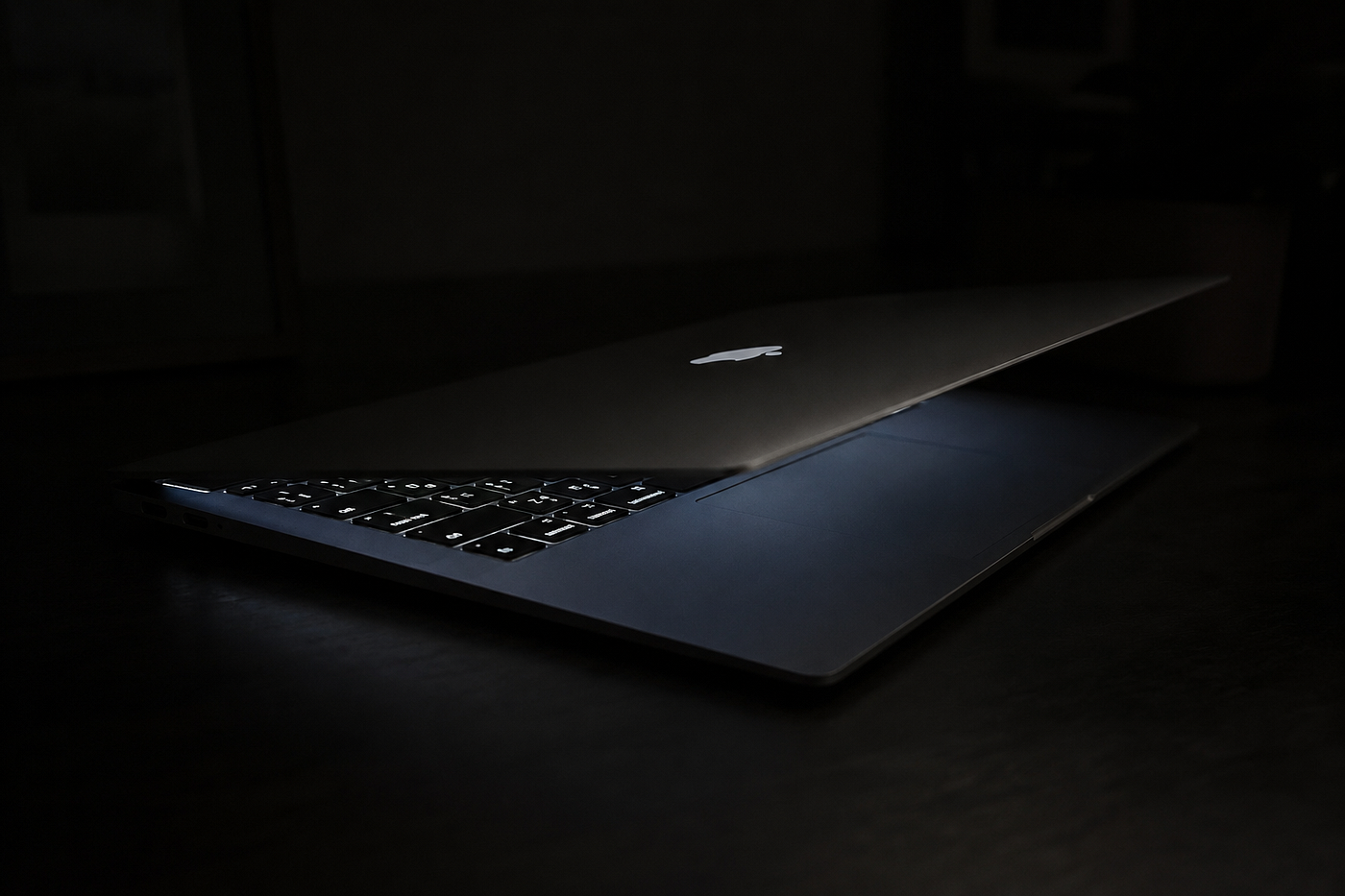
You close your laptop lid at midnight, fully charged. You open it the next morning and the battery is at 40%. No app was open. No download was running. So what happened?
The answer is sitting in a log file most people never look at: Power Events. And once you read it, you realize your Mac has been quietly setting its own wake-up alarms all night, without asking you.
The Problem, Framed
Here’s a scenario every Mac owner has lived through. The machine goes to sleep. A few hours later, the fan spins up, the screen backlight flickers on for a second, then it goes dark again. You didn’t touch it. Nothing was scheduled — or so you thought.
If you dig into pmset -g sched in Terminal, or pull a full sysdiagnose, you'll find a section called Power Events → Next Scheduled Events, and it looks something like this:
appPID:         397
Type:           Wake
Scheduled By:   com.apple.alarm.user-invisible-com.apple.calaccessd.travelEngine.periodicRefreshTimer
Time:           02/07/26, 4:59 PM
UserVisible:    0
appPID: 96
Type: Wake
Scheduled By: com.apple.alarm.user-invisible-com.apple.osanalytics.hardhighengagementtimer
Time: 03/07/26, 5:28 AM
UserVisible: 0Two alarms. Neither one you set. Both marked UserVisible: 0, meaning macOS never intended for you to see them in the first place.
The Core Idea
macOS wakes your Mac up in the middle of sleep — silently and routinely — so background system daemons can do maintenance work, and this log is the receipt.
This isn’t a bug or malware. It’s the power management subsystem, powerd, honoring wake requests that other system processes scheduled ahead of time using the Real-Time Clock (RTC). Your Mac is basically setting its own tiny alarm clocks, then snoozing itself back to sleep once the work is done.
Deep Dive: What Each Field Actually Means
appPID and Type
Every scheduled wake event is tied to a process ID and a type — almost always Wake for these background maintenance events (as opposed to Sleep or PowerOn events, which you'd see for scheduled shutdowns or Wake-on-LAN).
Scheduled By
This is the interesting part. The string tells you exactly which subsystem asked for the wake-up, and it follows a pattern:
com.apple.alarm.user-invisible-<daemon>.<reason>Two daemons show up constantly in the wild — including in your log:
Scheduled By What it’s doing com.apple.calaccessd.travelEngine.periodicRefreshTimer The Calendar access daemon (calaccessd) refreshes travel-time estimates for upcoming calendar events — the "Time to Leave" feature that factors in traffic and location com.apple.osanalytics.hardhighengagementtimer The analytics daemon (osanalytics) periodically wakes to collect and upload diagnostic/usage data, tied to Apple's "Share Mac Analytics" setting
Think of it like a hotel wake-up call system: housekeeping (calaccessd) wants to refresh your itinerary, and the front desk (osanalytics) wants to check occupancy stats. Neither wants to fully wake the guest — just enough to peek in and leave.
Time
The exact timestamp of the next scheduled wake, set in the RTC (Real-Time Clock) hardware, independent of whether the OS is even running.
UserVisible
This is the flag that explains why you never noticed. UserVisible: 0 means the event is intentionally hidden from Notification Center and any user-facing alarm UI. Compare that to a user-visible alarm (like a Calendar reminder popup), which you'd actually see and interact with.
Why This Matters in Practice
These invisible wakes are individually harmless — a few seconds of CPU time, then back to sleep. But they compound:
- Battery drain overnight. A MacBook doing a dozen silent wakes a night burns noticeably more power than one that sleeps straight through, especially on Intel Macs where DarkWake is more aggressive than on Apple Silicon.
- Fan noise and warmth for machines sitting in a bag.
- False alarm for security-conscious users. If you’re reading a sysdiagnose or power log for the first time, an “invisible wake alarm” scheduled by a daemon you’ve never heard of can look suspicious. It isn’t — but it’s worth knowing how to verify that.
How to Actually Read and Check This Yourself
If you want to see your own Mac’s scheduled wakes:
pmset -g schedTo watch wake requests as they happen (useful for diagnosing a specific overnight drain):
pmset -g log | grep "Wake Requests" | tail -20To turn off the two most common offenders:
- Settings → General → AirDrop & Handoff / Calendar → disable Time to Leave estimates (kills the
calaccessd.travelEnginetimer) - Settings → Privacy & Security → Analytics & Improvements → turn off Share Mac Analytics (kills the
osanalyticstimer)
A few caveats: disabling these settings usually stops new wakes from being scheduled, but on recent macOS versions some users report the RTC alarm reappearing after reboot even with the toggles off — a sign this is baked fairly deep into system daemons, not just a preference flag. It’s a known quirk, not something you’re doing wrong.
Key Takeaways
- Power Events logs are diagnostic, not sinister. They show scheduled wake alarms your OS itself set, usually for calendar travel-time refreshes or analytics uploads.
**UserVisible: 0just means "you weren't supposed to notice."** It's a visibility flag, not a red flag.**calaccessdandosanalyticsare the two usual suspects** behind mysterious overnight wakes on Mac.- Use
pmset -g schedandpmset -g logas your first diagnostic step before assuming malware or a hardware fault. - Disabling Time to Leave and Analytics sharing reduces, but doesn’t always eliminate, these wakes — that’s a macOS behavior quirk worth knowing about rather than a fix you did wrong.
Closing Thought
The next time your Mac wakes itself up at 4:59 PM for no visible reason, you’ll know it’s not haunted — it’s just checking the traffic on your behalf, whether you asked it to or not.
메타데이터
- post_id
- 65bc043e04b3
- slug
- your-mac-isnt-sleeping-it-s-setting-secret-alarms-65bc043e04b3
- url
- https://medium.com/macoclock/your-mac-isnt-sleeping-it-s-setting-secret-alarms-65bc043e04b3
- canonical_url
- https://medium.com/macoclock/your-mac-isnt-sleeping-it-s-setting-secret-alarms-65bc043e04b3
- author_url
- https://medium.com/@rajveer.rathod1301
- status
- ok
- fetched_at
- 2026-07-10 18:03:05