Photoshop Tip: How to Efficiently Remove Text from Comics Using Content-Aware Fill
I’d like to share a little discovery that has significantly boosted my workflow efficiency.
Photoshop Tip: How to Efficiently Remove Text from Comics Using Content-Aware Fill
I’d like to share a little discovery that has significantly boosted my workflow efficiency.
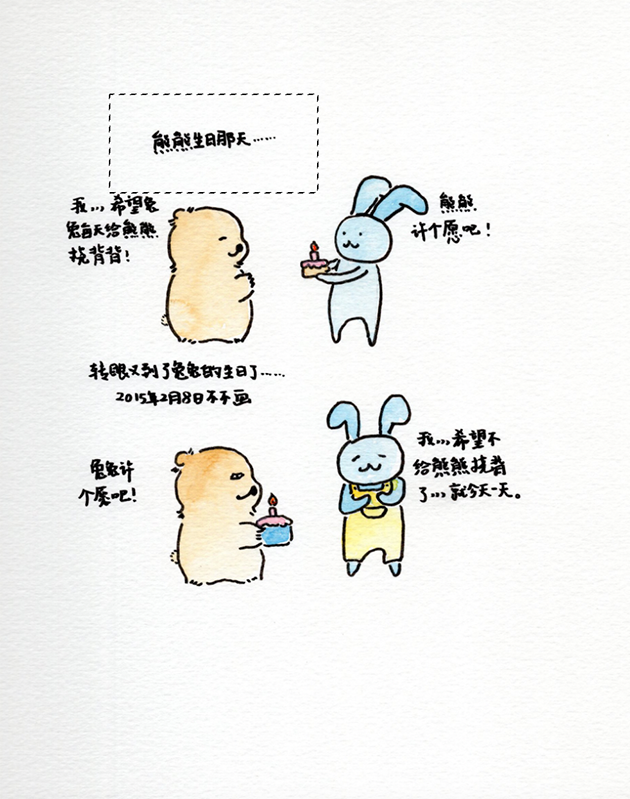
I’m currently working on my “Bear Comic” series, and I need to erase the original text to make space for new lettering during layout.
Initially, I relied on the Clone Stamp and Spot Healing Brush tools. I’d use the Clone Stamp for larger areas and the Healing Brush for tighter spots. While the results were okay, the background colors in my scans are never perfectly uniform. This often led to inconsistent lighting in the retouched areas, and the process was incredibly time-consuming.
I vaguely remembered reading about a simpler method in a Photoshop manual, so I gave it a try. As it turns out, “Content-Aware Fill” is an absolute game-changer.
Take a look at the results below!
1.OPEN THE FILE, AND CHOOSE THE AREA WHICH NEED TO REMOVE THE TEXT
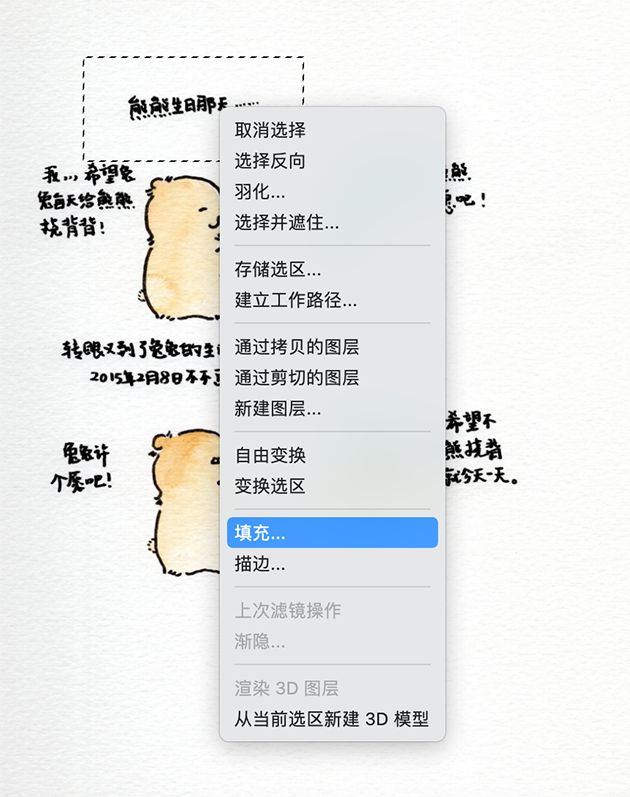
- CHOOSE FILL
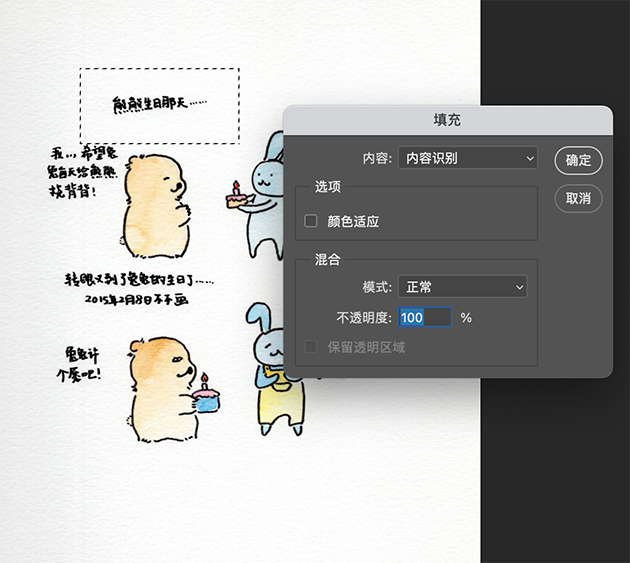
3.CHOOSE CONTENT-AWARE
4.FINAL RESULT
Isn’t it effective? I also discovered that using the Rectangular Marquee Tool to select the area often yields cleaner results than using the Lasso Tool.
Photoshop is like a massive treasure chest filled with tools that can really set you free. As someone who’s still very much a “dabbler,” I’ve definitely taken the long way around more often than not, and there are many complex designs that still feel out of reach. But, I’m learning as I go — and that’s okay!
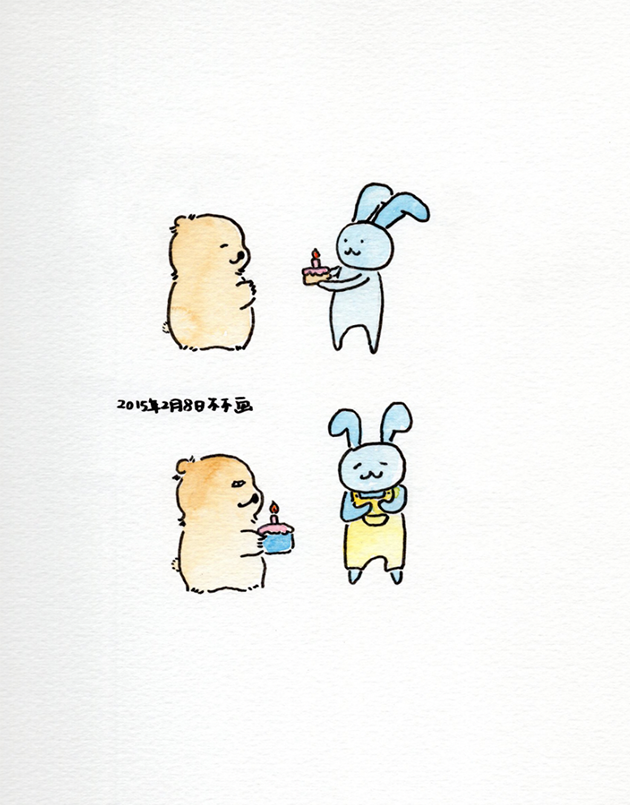
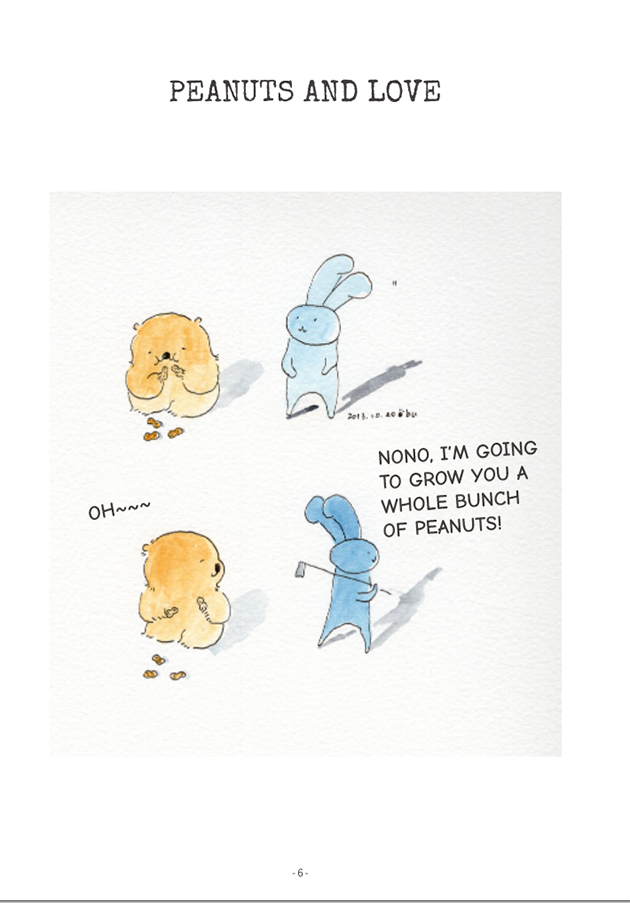
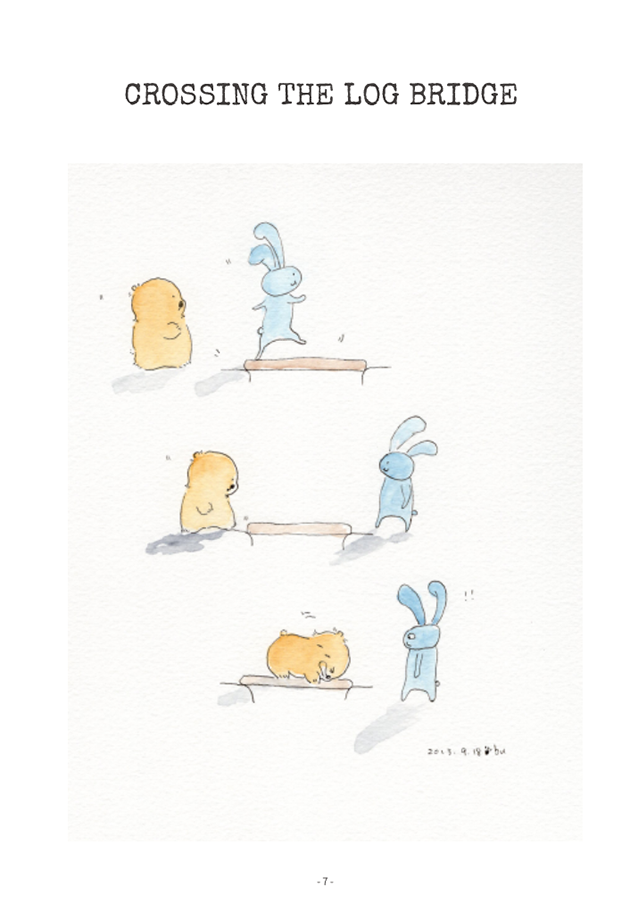
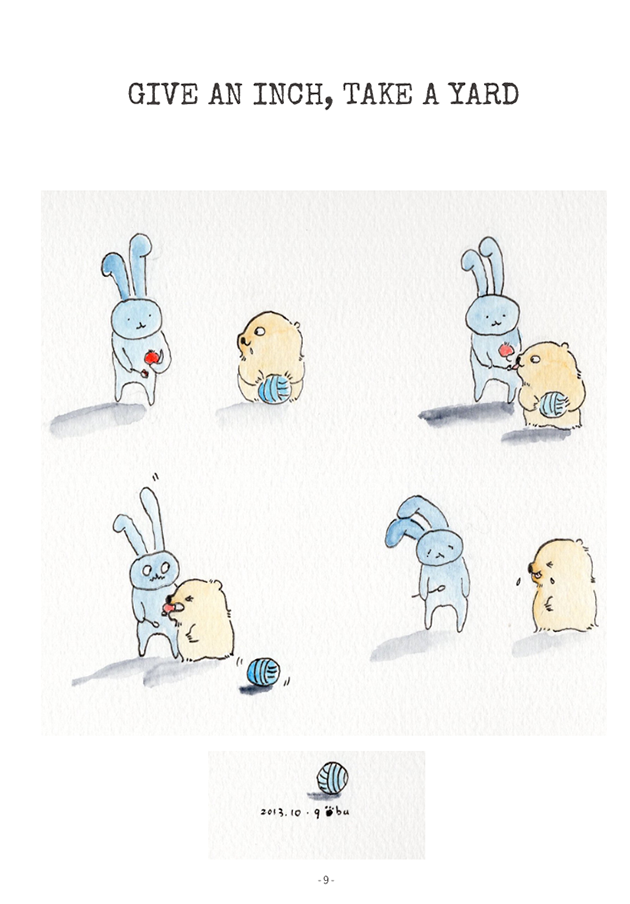
Lastly, here are a few finished pages from the series. Please stay tuned for my upcoming “Bear Comic” collection!
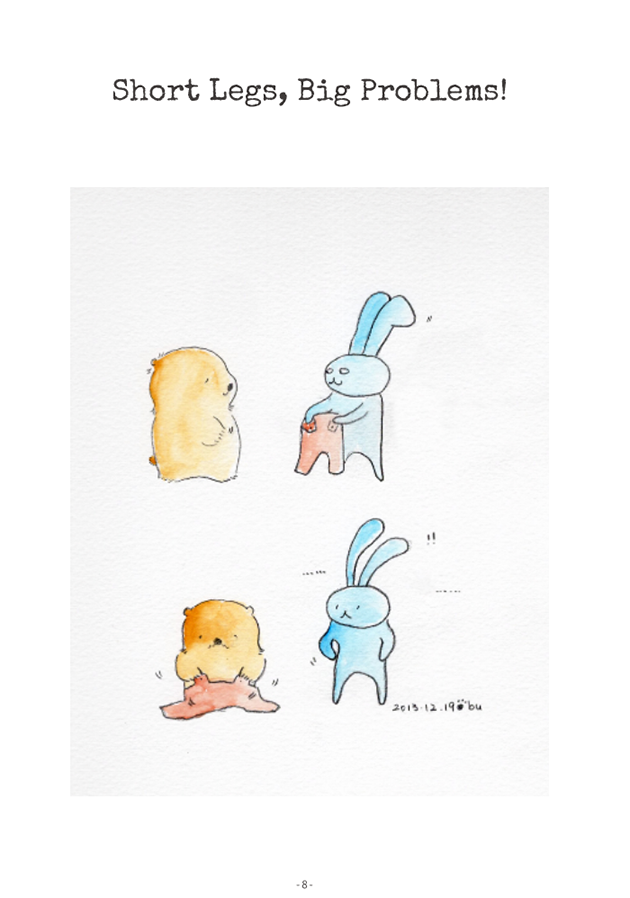
If you enjoyed this technical peek behind the scenes of my creative process, feel free to explore more of my work and writing on my website: huangting.art.
메타데이터
- post_id
- 6642d6e2b37c
- slug
- photoshop-tip-how-to-efficiently-remove-text-from-comics-using-content-aware-fill-6642d6e2b37c
- url
- https://medium.com/@huangtingart/photoshop-tip-how-to-efficiently-remove-text-from-comics-using-content-aware-fill-6642d6e2b37c
- canonical_url
- https://medium.com/@huangtingart/photoshop-tip-how-to-efficiently-remove-text-from-comics-using-content-aware-fill-6642d6e2b37c
- author_url
- https://medium.com/@huangtingart
- status
- ok
- fetched_at
- 2026-06-09 15:37:30