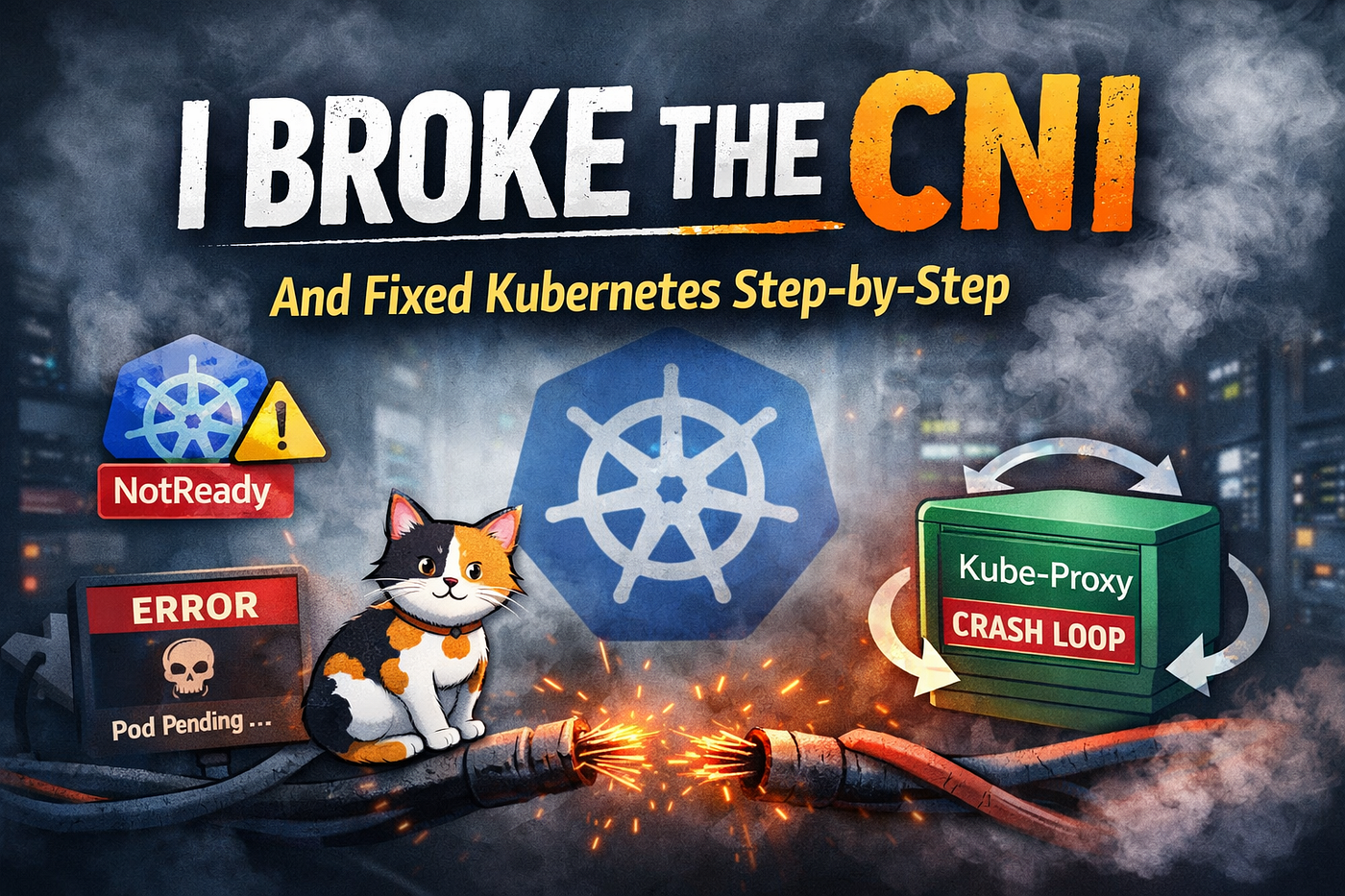
Breaking CNI on Purpose — and Understanding Why Kubernetes Reacts the Way It Does
Kubernetes doesn’t fail loudly. It fails precisely.
Breaking CNI on Purpose — and Understanding Why Kubernetes Reacts the Way It Does
Kubernetes doesn’t fail loudly. It fails precisely.
One of the fastest ways to understand how Kubernetes really works is to break something foundational and watch how the system responds. In this experiment, we intentionally break the CNI (Container Network Interface) layer, observe the symptoms, and then recover it step by step.
This is not chaos engineering for fun. This is about learning why a node becomes NotReady, why Pods get stuck, and why everything magically recovers once the right contract is restored.
Step 1: Break the CNI (Clean and Reversible)
We start by removing the CNI configuration from the node. This does not delete any Kubernetes objects. It only breaks the node’s ability to create Pod networking.
# Move CNI config out of the way
mv /etc/cni/net.d /etc/cni/net.d.bak
# Restart kubelet so it rechecks networking
systemctl restart kubeletNow check node status:
root@master-01:/etc# kubectl get nodes
NAME       STATUS     ROLES           AGE   VERSION
master01   NotReady   control-plane   11h   v1.32.11
Expected result:
STATUS: NotReadyGet pod Status — Controller pod is in pending state
root@master-01:/etc# kubectl -n kube-system get pods
NAME                                       READY   STATUS              RESTARTS       AGE
calico-kube-controllers-6b4d6df47d-5lvzz   0/1     Pending             0              30s
calico-node-ffwnn                          1/1     Running             0              37s
coredns-566d8b4656-kgrtc                   1/1     Running             0              14m
coredns-5bdfcf8b66-c6gfr                   1/1     Running             0              15m
coredns-5bdfcf8b66-s8cch                   1/1     Running             0              15m
etcd-master01                              1/1     Running             2              11h
kube-apiserver-master01                    1/1     Running             8              11h
kube-controller-manager-master01           1/1     Running             16             11h
kube-proxy-cchd7                           1/1     Running             50 (52s ago)   11h
kube-scheduler-master01                    1/1     Running             16             11h
Confirm the exact reason:
kubectl describe node master01 | grep -i network -A3You will see:
NetworkPluginNotReady
cni plugin not initialized
This is the same state a fresh cluster is in before CNI is installed.
Step 2: Observe What Happens to Pods
Let’s try to create a Pod while CNI is broken.
kubectl run cni-break-test --image=busybox:1.36 --restart=Never -- sleep 3600Check its status:
kubectl get pod cni-break-testThen describe it:
kubectl describe pod cni-break-testWhat you’ll see:
- Pod stuck in
ContainerCreating - Events like:
FailedCreatePodSandBox NetworkPluginNotReady
This confirms an important rule:
Scheduler can place Pods, but kubelet cannot create them without CNI.
Step 3: Prove Networking Is the Only Thing Missing
Even basic networking checks fail because the Pod never gets an IP:
kubectl run net-test --image=busybox:1.36 --rm -it --restart=Never -- ip aNo Pod IP = no CNI = no networking.
Step 4: Recover the CNI (Properly)
Now we restore the missing pieces in the correct order.
Install CNI binaries (node requirement)
apt-get update
apt-get install -y containernetworking-plugins
Verify binaries exist:
root@master-01:/etc# ls /opt/cni/bin
bandwidth  calico  calico-ipam  flannel  host-local  install  loopback  portmap  tuning
Restart runtime and kubelet
systemctl restart containerd
systemctl restart kubelet
Reapply Calico (CNI provider)
kubectl apply -f https://raw.githubusercontent.com/projectcalico/calico/v3.27.0/manifests/calico.yamlRestart Calico components:
kubectl -n kube-system rollout restart ds calico-node
kubectl -n kube-system rollout restart deploy calico-kube-controllers
Step 5: Verify Full Recovery
Check node status:
root@master-01:/etc# k get nodes
NAME       STATUS   ROLES           AGE   VERSION
master01   Ready    control-plane   12h   v1.32.11
Expected:
STATUS: ReadyCheck system Pods:
root@master-01:/etc# kubectl -n kube-system get pods
NAME                                       READY   STATUS             RESTARTS       AGE
calico-kube-controllers-7f89b976dc-q285t   1/1     Running            0              3m47s
calico-node-5b7t4                          1/1     Running            0              3m48s
coredns-84fcb7fbfc-2zv7r                   1/1     Running            0              110s
coredns-84fcb7fbfc-lkbkt                   1/1     Running            0              110s
etcd-master01                              1/1     Running            2              11h
kube-apiserver-master01                    1/1     Running            8              11h
kube-controller-manager-master01           1/1     Running            16             11h
kube-proxy-cchd7                           0/1     CrashLoopBackOff   53 (16s ago)   11h
kube-scheduler-master01                    1/1     Running            16             11h
Everything should move to Running.
The previously stuck Pods will now start without being recreated — kubelet retries automatically once networking is ready.
Check logs of kube-proxy
root@master-01:/etc# k logs kube-proxy-cchd7 -n kube-system
I0206 04:01:53.780016       1 server_linux.go:66] "Using iptables proxy"
I0206 04:01:53.938042       1 server.go:698] "Successfully retrieved node IP(s)" IPs=["192.168.0.100"]
I0206 04:01:53.961893       1 conntrack.go:60] "Setting nf_conntrack_max" nfConntrackMax=262144
E0206 04:01:53.962326       1 server.go:234] "Kube-proxy configuration may be incomplete or incorrect" err="nodePortAddresses is unset; NodePort connections will be accepted on all local IPs. Consider using `--nodeport-addresses primary`"
I0206 04:01:54.039063       1 server.go:243] "kube-proxy running in dual-stack mode" primary ipFamily="IPv4"
I0206 04:01:54.039177       1 server_linux.go:170] "Using iptables Proxier"
I0206 04:01:54.046974       1 proxier.go:255] "Setting route_localnet=1 to allow node-ports on localhost; to change this either disable iptables.localhostNodePorts (--iptables-localhost-nodeports) or set nodePortAddresses (--nodeport-addresses) to filter loopback addresses" ipFamily="IPv4"
I0206 04:01:54.048977       1 server.go:497] "Version info" version="v1.32.0"
I0206 04:01:54.049182       1 server.go:499] "Golang settings" GOGC="" GOMAXPROCS="" GOTRACEBACK=""
I0206 04:01:54.054458       1 config.go:199] "Starting service config controller"
I0206 04:01:54.054643       1 config.go:329] "Starting node config controller"
I0206 04:01:54.054830       1 shared_informer.go:313] Waiting for caches to sync for node config
I0206 04:01:54.054531       1 config.go:105] "Starting endpoint slice config controller"
I0206 04:01:54.054874       1 shared_informer.go:313] Waiting for caches to sync for endpoint slice config
I0206 04:01:54.054828       1 shared_informer.go:313] Waiting for caches to sync for service config
I0206 04:01:54.155689       1 shared_informer.go:320] Caches are synced for node config
I0206 04:01:54.155870       1 shared_informer.go:320] Caches are synced for endpoint slice config
I0206 04:01:54.156019       1 shared_informer.go:320] Caches are synced for service config
Why kube-proxy was crashing
kube-proxy started when the node networking was still broken.
Earlier state (from your experiment):
- Node was
NotReady - CNI was missing / partially restored
- Pod network interfaces did not exist yet
- iptables rules could not be programmed correctly
When kube-proxy starts, it assumes networking is ready and immediately tries to:
- Read Service and Endpoint objects
- Program iptables / IPVS rules
- Bind to node networking interfaces
Because CNI was not ready at that moment:
- Required interfaces were missing
- Routing tables were incomplete
- iptables operations failed
So kube-proxy exited.
kubelet then restarted it. Same failure. Repeat → CrashLoopBackOff.
This is expected behavior, not a bug.
Delete the kube-proxy pod
root@master-01:/etc# k delete pod kube-proxy-cchd7 -n kube-system
pod "kube-proxy-cchd7" deleted
Why restarting kube-proxy fixed it
After you recovered CNI:
calico-nodebecameRunning- Pod networking was initialized
- Node flipped to
Ready - Network interfaces and routes finally existed
But kube-proxy was already in a bad startup state:
- It had cached failures
- It never re-runs full initialization logic while crashing
When you restarted kube-proxy:
- It started after networking was healthy
- iptables programming succeeded
- It stayed running
That’s why the restart fixed it.
Important rule (this explains everything)
kube-proxy is order-sensitive. If it starts before CNI is ready, it crashes. If it starts after CNI is ready, it works.
Kubernetes does not automatically re-order system pod startups once things recover.
Why other pods recovered automatically but kube-proxy didn’t
- Regular Pods retry sandbox creation
- CoreDNS retries container startup
- kube-proxy exits hard on init failure
kube-proxy is less forgiving by design.
One-line takeaway
kube-proxy was not the problem — it started too early. Restarting it simply gave it a clean start after CNI was fixed.
Check pod Status
We see that kube-proxy pod gets into running state.
root@master-01:/etc# kubectl -n kube-system get pods
NAME                                       READY   STATUS    RESTARTS      AGE
calico-kube-controllers-7f89b976dc-q285t   1/1     Running   1 (16s ago)   6m9s
calico-node-5b7t4                          1/1     Running   0             6m10s
coredns-84fcb7fbfc-2zv7r                   1/1     Running   0             4m12s
coredns-84fcb7fbfc-lkbkt                   1/1     Running   0             4m12s
etcd-master01                              1/1     Running   2             11h
kube-apiserver-master01                    1/1     Running   8             11h
kube-controller-manager-master01           1/1     Running   16            11h
kube-proxy-6htwx                           1/1     Running   0             94s
kube-scheduler-master01                    1/1     Running   16            11h
What This Experiment Proved (Based on Real Output)
- CNI controls NodeReady
- Remove CNI → Node becomes NotReady
- Restore CNI → Node heals itself
- Scheduler and kubelet are independent
- Scheduler places Pods
- kubelet enforces reality
- Pods don’t fail loudly
- They wait in
ContainerCreating - Errors live in Events, not status columns
- kube-proxy and CoreDNS are victims
- They crash or hang because networking isn’t ready
- Fixing them directly is pointless
Key Takeaways (This Is the Real Learning)
- CNI is mandatory for NodeReady
No CNI → no Pod IPs → node becomes
NotReady. - Scheduler ≠ kubelet Scheduler can assign Pods, but kubelet enforces networking reality.
- CNI failure is a node problem, not a Pod problem Pods wait. Nodes decide readiness.
- Recovery is kubelet-driven Once kubelet sees valid CNI config and binaries, the cluster heals itself.
- This is exactly what happens during cluster bootstrap You recreated Kubernetes’ earliest failure mode on purpose.
Conclusion
Breaking CNI is one of the fastest ways to understand Kubernetes’ internal contracts.
Nothing crashed randomly. Nothing behaved inconsistently.
Kubernetes did exactly what it is designed to do:
- Refused to run Pods without networking
- Marked the node NotReady when the network contract was violated
- Allowed scheduling but blocked Pod sandbox creation
- Recovered automatically once the CNI contract was restored
The kube-proxy failure fits this pattern perfectly. It wasn’t broken — it simply started before networking was ready, failed its initialization, and kept restarting. Once CNI was healthy, restarting kube-proxy gave it a clean start and it immediately stabilized. Order mattered, not configuration.
If CoreDNS teaches you about service layers, CNI teaches you about foundations, and kube-proxy teaches you about startup dependency and timing.
Once you understand those three layers, Kubernetes stops feeling mysterious — and starts feeling predictable, strict, and deeply intentional.
메타데이터
- post_id
- 6691de27d1ed
- slug
- breaking-cni-on-purpose-and-understanding-why-kubernetes-reacts-the-way-it-does-6691de27d1ed
- url
- https://medium.com/@tradingcontentdrive/breaking-cni-on-purpose-and-understanding-why-kubernetes-reacts-the-way-it-does-6691de27d1ed
- canonical_url
- https://medium.com/@tradingcontentdrive/breaking-cni-on-purpose-and-understanding-why-kubernetes-reacts-the-way-it-does-6691de27d1ed
- author_url
- https://medium.com/@tradingcontentdrive
- status
- ok
- fetched_at
- 2026-06-10 18:44:10