What are QR codes, how do I use them?
QR code stands for: Quick Response code
What are QR codes, how do I use them?
[embed]
QR code stands for: Quick Response code
An extended transcript
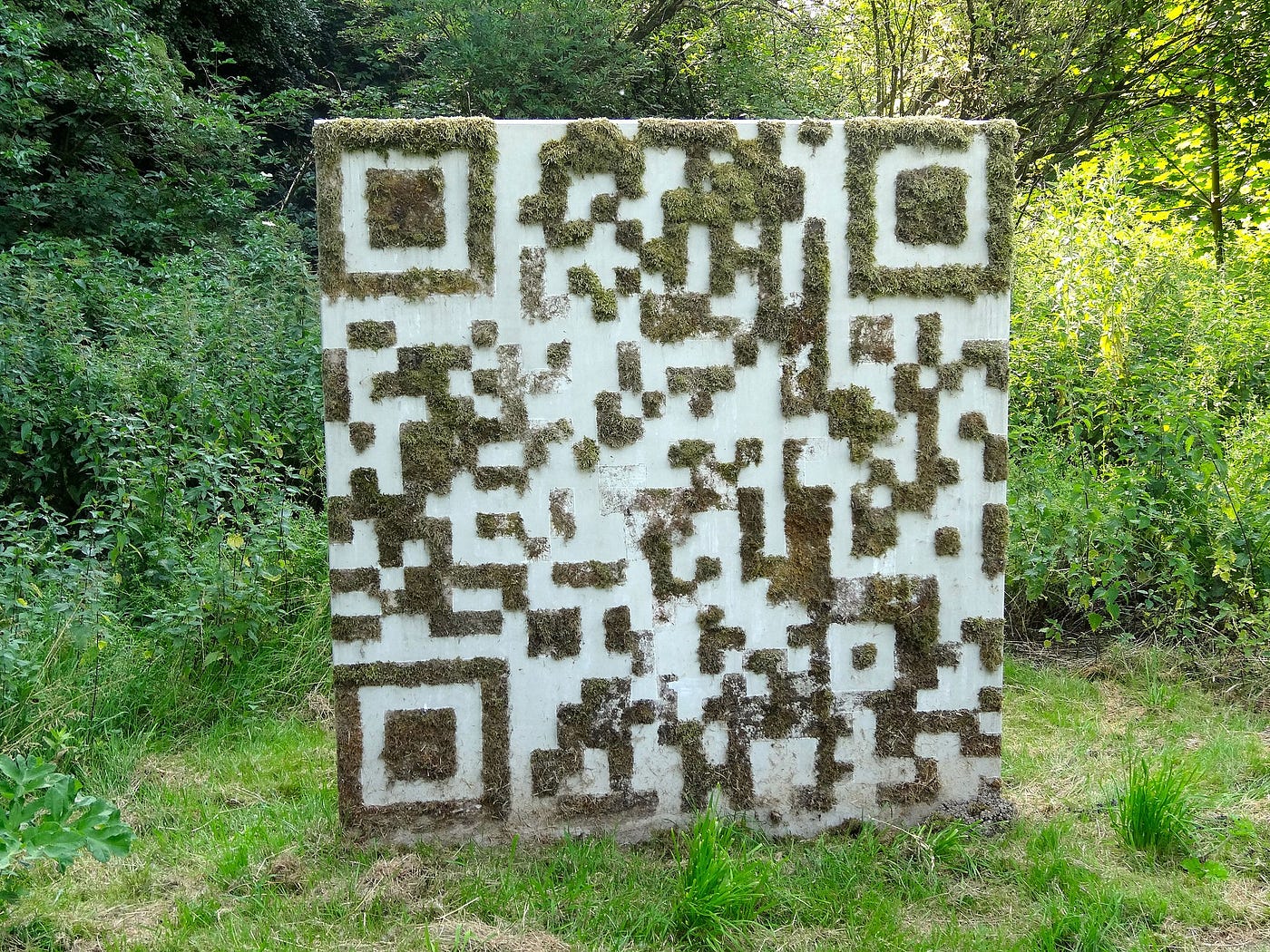
Source Wikimedia licensed CC0
A QR code or Quick Response code is a specific matrix barcode or two dimensional code that is machine-readable and designed to be read by smartphones.
The code consists of black modules arranged in a square pattern on a white background, though these days you can choose any contrasting colours you fancy to make them. The information encoded may be text, a URL, or other data. They are very common in Japan and also having a resurgence in popularity in the UK. The technology was created by Toyota subsidiary Denso Wave in 1994. The QR code is one of the most popular types of two-dimensional barcodes as it was designed to allow its contents to be decoded at high speed.
Basically, a QR code is a sophisticated barcode.
So, what makes QR codes different than the typical barcode you see on, say, food products or other items? Typical barcodes are linear one-dimensional codes and can only hold up to 20 numerical digits, whereas QR codes are two-dimensional (2D) matrix barcodes that can hold thousands of alphanumeric characters of information.
In fact, it’s their ability to hold significantly more information as well as their user friendliness which makes QR codes practical for educational uses.
QR codes can be scanned and read by smartphones via software that’s already installed on your phone (for example: with an iPhone the camera now reads it automatically) or with a compatible application that you download. It is also possible to read a QR code if you are using a laptop or computer, you can scan the QR code with your webcam or upload an image. (search: < qr scanner online> for options to scan if no smartphone available, but here is one possible option).
You might want to create your own QR codes. This is easily done online or via apps you download to your device. It is now also possible to create QR codes directly in many design applications (e.g. Canva.com). Here is a free website that allows you to create a QR code easily.
[embed]A simple animation to show you how to use your smarphone to read a QR code. It really is that simple.
메타데이터
- post_id
- 66c1921dadcd
- slug
- what-are-qr-codes-how-do-i-use-them-66c1921dadcd
- url
- https://medium.com/the-digital-learning-mag/what-are-qr-codes-how-do-i-use-them-66c1921dadcd
- canonical_url
- https://medium.com/the-digital-learning-mag/what-are-qr-codes-how-do-i-use-them-66c1921dadcd
- author_url
- https://medium.com/@mdvfunes
- status
- ok
- fetched_at
- 2026-07-26 13:45:18