No Agents Needed: My Step-by-Step Guide to Closing a Vehicle Loan and Removing Hypothecation at RTO…
Paying off your vehicle loan is a milestone, but in India, the “Final Boss” isn’t the bank — it’s the RTO. If your RC still says…
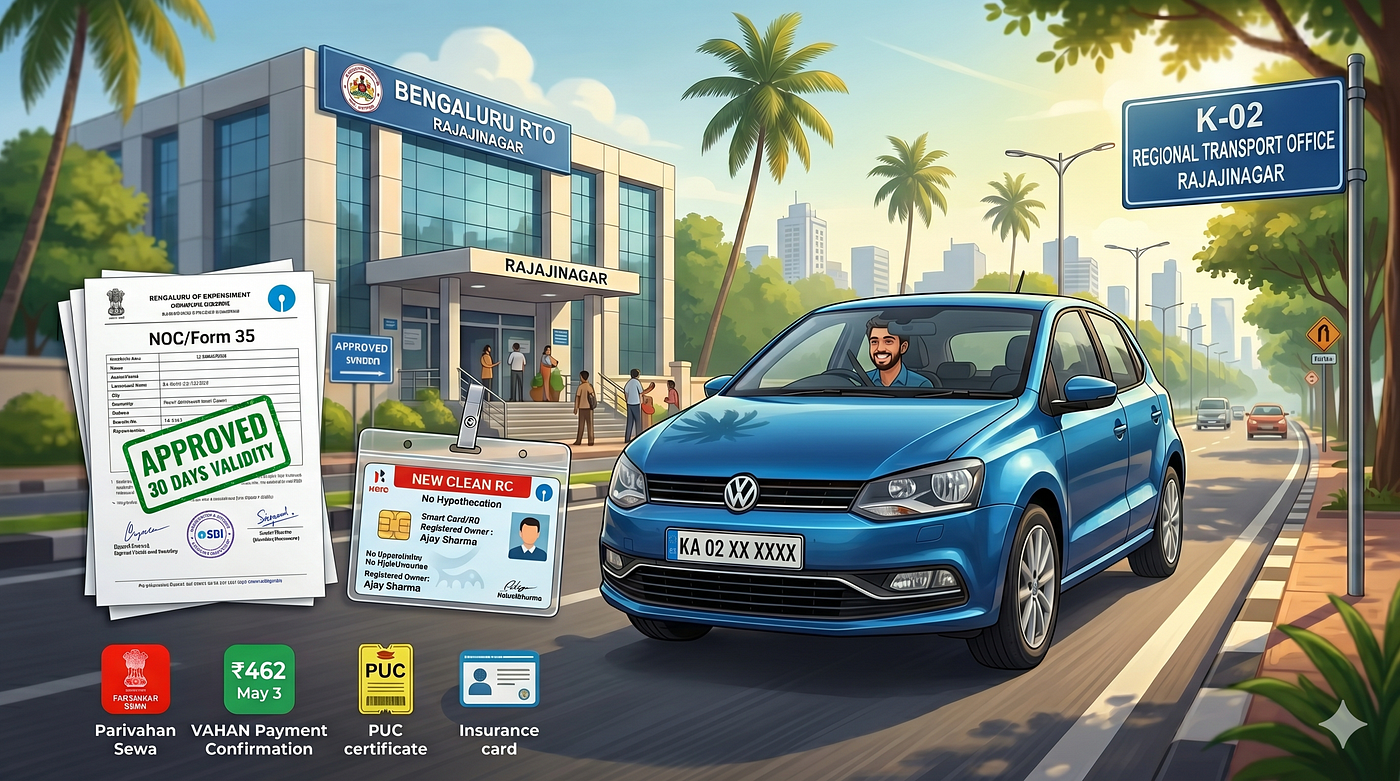
No Agents Needed: My Step-by-Step Guide to Closing a Vehicle Loan and Removing Hypothecation at RTO Rajajinagar
Paying off your vehicle loan is a milestone, but in India, the “Final Boss” isn’t the bank — it’s the RTO. If your RC still says “Hypothecated to [Bank Name],” you don’t fully own your vehicle in the eyes of the law.
I recently completed this process for my loan with SBI at RTO Rajajinagar (KA-02). Here is the exact, fluff-free blueprint of how I did it in 2026 without paying a single rupee to an agent.
Phase 1: The Bank (The Paperwork)
Date: May 2
Even if you clear your dues online (as I did on April 6), the digital confirmation isn’t enough for the RTO. You need physical “wet-ink” signatures.
- Visit your home branch: Go to the specific SBI branch where your loan was sanctioned.
- The Request: Fill out their internal closure form.
- The Takeaway: If your records are clear, they should hand you the NOC (No Objection Certificate) and Form 35 (two copies) immediately.
- ⚠️ THE DEADLINE: SBI specifically notified me that their NOC is only valid for 30 days. Do not sit on these papers! If you miss this window, you’ll likely have to restart the bank paperwork process.
- Check these: Ensure your engine and chassis numbers are 100% accurate on these forms.
Phase 2: The Digital Portal (The Fee)
Date: May 3
Before stepping foot in the RTO, you must initiate the process on the **VAHAN (Parivahan Sewa)** website.
- Go to Hypothecation Termination under Vehicle Services.
- The Fee: I paid ₹462 online.
- Digital Upload: You will need to upload digital copies (scans) of the NOC and Form 35 you just got from the bank.
- Print the Receipt: This is your most important document. Print two copies.
Phase 3: The “Pre-Flight” Checklist
Before heading to Rajajinagar, I realized I had missed one crucial thing: the PUC (Pollution Under Control) certificate. Ensure yours is updated and reflects online in the RTO system.
Your “Battle File”
You will find vendors outside the RTO selling folders with tags and plastic pouches. Buy one. Your file must contain:
- Original RC Card (Place this in a plastic pouch so it doesn’t get lost).
- Original Form-35 & NOC from the bank. Crucial: Sign these and write “Directed to RTO Rajajinagar” on them.
- Insurance Copy.
- Self-attested Aadhaar Copy.
- Physical PUC Copy (Make sure it’s valid and the print is clear).
- Online Fee Receipt (The ₹462 one).
Phase 4: Navigating RTO Rajajinagar (KA-02)
Date: May 13
When you arrive, you will be swarmed by agents asking if you need help. Ignore them. You’ve already done the hard work.
- The Entry: Head straight to Counter 5.
- The Verification: The official at Counter 5 will likely ask you to go to Counter 6 or 8 first. This is where a staff member verify that your physical documents.
- The Submission: Once verified, head back to Counter 5.
- The Acknowledgement: The lady at the counter asked me for a second copy of my fee receipt. She stamped it, wrote a reference number and date, and handed it back. This is your proof of submission.
The Finish Line
And that’s it. No bribes, no “follow-up” fees, and no confusion.
Total Cost: ~₹500 (Portal fees + folder/pouch).
Total Time at RTO: Less than an hour if you have your file ready.
Your new, “clean” RC will be sent to your registered address via Speed Post. Be patient — it takes about 60 days to arrive, I have not yet received but this is what the official told. If you’re in Bengaluru and dreading the RTO, don’t be. Just bring your own pen, your file, and a little bit of patience.
Tips for the Reader:
- The “Double Receipt” Trick: As I found out at Counter 5, always carry an extra copy of your payment receipt. They keep one and give you the other as your receipt. I had two copies of all necessary documents.
- Signature: Don’t forget to sign the bank forms specifically directing them to your local RTO office.
메타데이터
- post_id
- 66d1292a2eeb
- slug
- no-agents-needed-my-step-by-step-guide-to-closing-a-vehicle-loan-and-removing-hypothecation-at-rto-66d1292a2eeb
- url
- https://medium.com/@25b3nk/no-agents-needed-my-step-by-step-guide-to-closing-a-vehicle-loan-and-removing-hypothecation-at-rto-66d1292a2eeb
- canonical_url
- https://medium.com/@25b3nk/no-agents-needed-my-step-by-step-guide-to-closing-a-vehicle-loan-and-removing-hypothecation-at-rto-66d1292a2eeb
- author_url
- https://medium.com/@25b3nk
- status
- ok
- fetched_at
- 2026-06-13 07:35:29




