5 YouTube Transcript Tools That Actually Save You Time
If you’ve ever tried to take notes from a YouTube video, you probably know how annoying it is to keep rewinding just to catch what someone…
5 YouTube Transcript Tools That Actually Save You Time
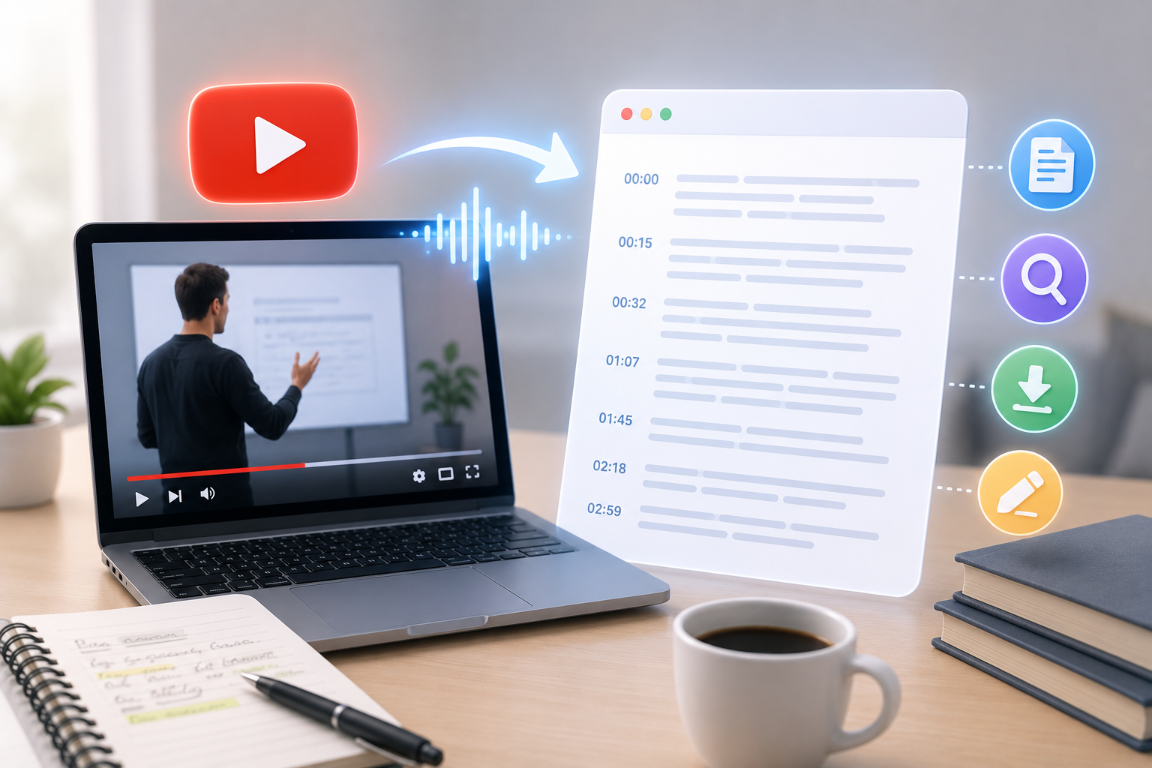
If you’ve ever tried to take notes from a YouTube video, you probably know how annoying it is to keep rewinding just to catch what someone said.
Transcripts can make life a lot easier, whether you’re trying to study, gather ideas for a project, or just prefer reading to watching videos.
But typing out everything by hand takes forever and gets old fast.
That’s where transcript generators come in. They can turn a whole video into text in just a few minutes, which makes it way easier to study or pull out the parts you actually need.
Here are five YouTube transcript tools I’ve found that can actually save you time.
1. GitMind Free Online YouTube Transcript Generator
Why People Like It
With GitMind, you just paste in a YouTube link and it gives you the transcript right away. It’s simple, and you don’t have to mess with a bunch of settings. This makes it easy to go back and review what was said without rewatching the whole video.
I’ve found it especially helpful for classes and group projects, but it’s also good if you work with videos a lot.

What Makes It Useful
- Generates transcripts from YouTube videos quickly
- Simple and beginner-friendly interface
- Helps with note-taking and research
- Easy to copy, save, and review transcripts
- Works well alongside other learning and productivity tools
Best For
Students, researchers, educators, content creators, and professionals.
2. Tactiq
Why People Like It
Tactiq is good for grabbing what people say in videos or meetings and turning it into something you can actually use later. It makes it easier to find and share the important stuff.

What Makes It Useful
- Quick transcript generation
- Easy export options
- Organized text output
- Useful for research and note-taking
Best For
Professionals, researchers, and remote workers.
3. Notta
Why People Like It
Notta is a solid choice if you need to turn audio or video into text a lot. The layout is simple, so you can get to what you need without getting lost in menus.

What Makes It Useful
- Fast transcription
- Supports multiple languages
- Searchable transcripts
- Easy content review
Best For
Students, business users, and multilingual teams.
4. Transkriptor
Why People Like It
Transkriptor is another tool that turns what people say in videos into text without much hassle. It’s handy for things like interviews or class presentations.

What Makes It Useful
- Simple transcription workflow
- Easy editing tools
- Downloadable transcripts
- Supports long-form content
Best For
Researchers, educators, and content creators.
5. Otter
Why People Like It
Otter is widely used for turning conversations, meetings, and video content into searchable text. It makes reviewing spoken information much easier.

What Makes It Useful
- Accurate transcript generation
- Easy search functionality
- Organized transcript management
- Useful collaboration features
Best For
Teams, professionals, and students.
Why More People Are Using YouTube Transcript Generators
Video content is one of the best ways to learn, but it isn’t always the fastest way to find information.
Sometimes you only need a specific quote, key point, or explanation. Watching an entire video just to find one section can take longer than necessary.
Transcript tools fix this by letting you scan through the text instead of scrubbing through the video over and over.
Some of the biggest benefits include:
Faster Research
Find important information without rewatching videos.
Better Note-Taking
Use transcripts as a starting point for study notes and summaries.
Easier Content Creation
Writers and creators can quickly gather ideas from interviews, podcasts, and educational videos.
Improved Accessibility
Some people simply prefer reading instead of watching videos.
More Efficient Learning
Review key concepts faster by reading rather than replaying content.
How to Choose the Right YouTube Transcript Generator
Before choosing a tool, think about how you’ll use it.
Ask yourself:
- Do you need transcripts regularly or occasionally?
- Do you want a free tool?
- Are you using transcripts for studying, research, or content creation?
- Do you need support for different languages?
- Will you be saving and organizing transcripts for future use?
The best tool is honestly just the one that works for how you like to study or work.
Tips for Getting More Value From Video Transcripts
A transcript isn’t just a copy of what was said in a video. You can actually use it in a bunch of different ways.
Here are a few ways to make the most of it:
Highlight Key Takeaways
Mark the most useful insights while reading.
Turn Transcripts Into Notes
Condense long transcripts into shorter summaries.
Save Important Quotes
Keep useful quotes for future reference.
Organize Information by Topic
Group related ideas together to make them easier to revisit later.
Use Transcripts for Content Ideas
Many creators use transcripts to find topics for articles, social posts, and newsletters.
Final Thoughts
YouTube has a ton of useful info, but actually finding what you need can take way longer than you think.
A good transcript tool makes it way easier to get to the point by turning videos into text you can search through.
If you want to try one out, GitMind’s free transcript tool is a good place to start. It can help you spend less time hunting for info and more time actually learning.
메타데이터
- post_id
- 66e9c813a2fa
- slug
- 5-youtube-transcript-tools-that-actually-save-you-time-66e9c813a2fa
- url
- https://medium.com/@chris.perkins240224/5-youtube-transcript-tools-that-actually-save-you-time-66e9c813a2fa
- canonical_url
- https://medium.com/@chris.perkins240224/5-youtube-transcript-tools-that-actually-save-you-time-66e9c813a2fa
- author_url
- https://medium.com/@chris.perkins240224
- status
- ok
- fetched_at
- 2026-08-20 18:09:42