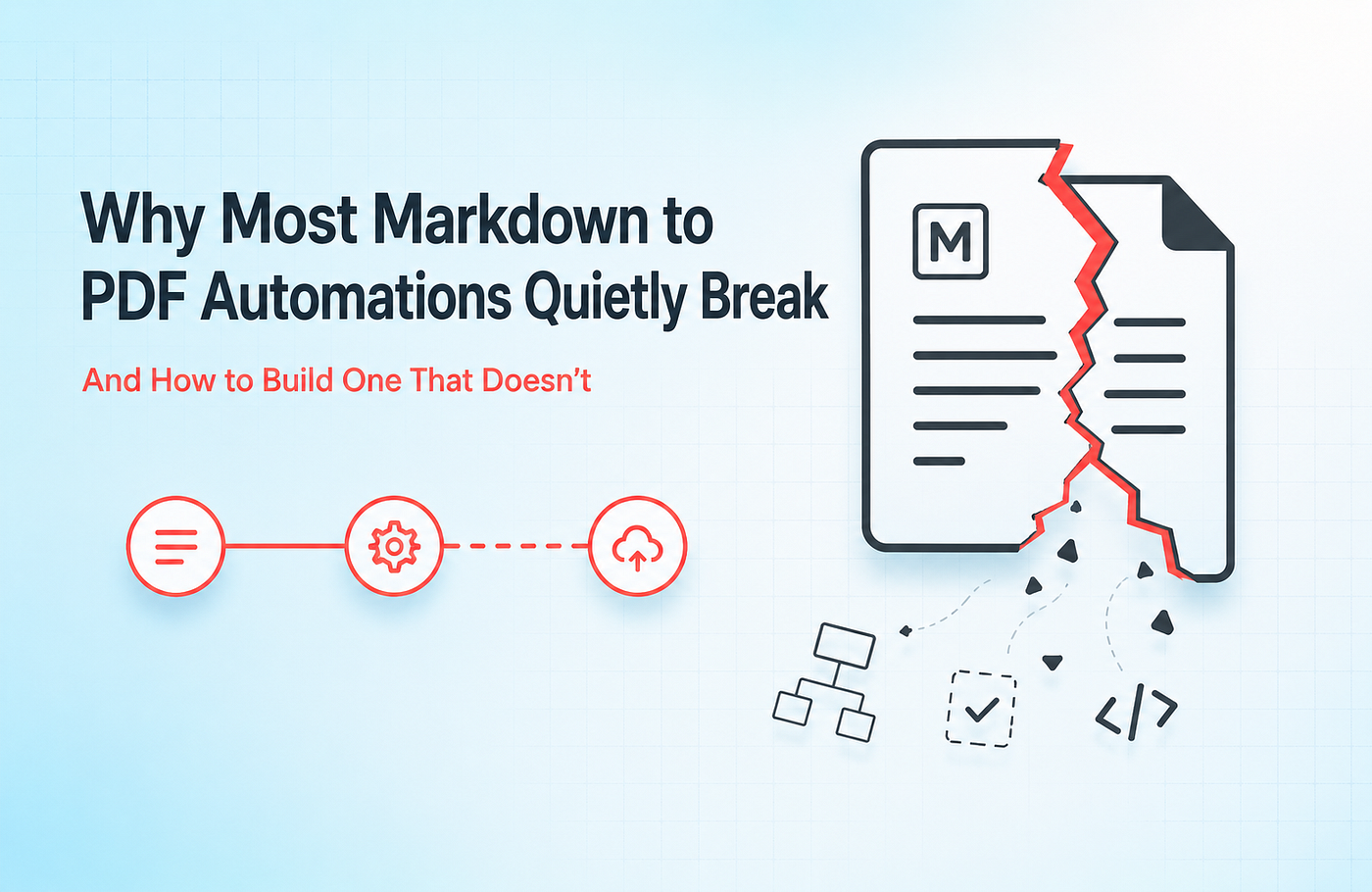
Choosing an HTML-to-PDF API in 2026: What I’ve Learned Watching Teams Pick the Wrong One
Most teams don’t have an HTML-to-PDF problem. They have a document problem that hasn’t shown up yet.
Choosing an HTML-to-PDF API in 2026: What I’ve Learned Watching Teams Pick the Wrong One

Most teams don’t have an HTML-to-PDF problem. They have a document problem that hasn’t shown up yet.
Here’s how it usually starts.
Someone needs an invoice. A developer wires up a rendering API in an afternoon, the PDF works, the ticket gets closed, and everyone moves on.
A few months later, things change.
Marketing wants branded reports. Sales needs proposals. Finance asks for audit-ready statements. Customers expect certificates. Suddenly, one document becomes forty variations, and now someone inside engineering owns a layout system nobody wants to touch.
I run CraftMyPDF, so most teams I talk to arrive after that breaking point. They already picked a tool. It worked. Then the company grew, the workflows changed, and the system they chose stopped scaling with them.
So this isn’t another “Top 10 APIs” article.
Those lists usually compare features without understanding the real issue.
The smarter question is:
Which Type of Tool Fits the Problem You’ll Have a Year From Now?
That’s the decision that actually matters.
The Document Maturity Curve
Documents evolve inside every growing company.
And they almost always evolve in the same direction.
Understanding this curve makes choosing the right platform much easier.
Stage 1: The One-Off Document
At this stage, PDFs are occasional.
Maybe it’s:
- A receipt
- A monthly export
- A one-page report
Engineering owns everything. Volume is low. Nobody outside the dev team touches layouts.
This is where simple rendering APIs work perfectly.
Stage 2: The Handful
Now there are multiple recurring documents.
Invoices, reports, packing slips, and order summaries.
The layouts still live in code, and developers still maintain them, but the workload is manageable.
This is where most teams think:
“We’re fine. We already solved PDFs.”
Usually, they haven’t.
Stage 3: Documents Become Product Surface
This is where the pain starts.
Documents are now customer-facing. Branding matters. Different teams want different versions. Requests pile up.
Now every “small PDF change” becomes:
- A developer task
- A sprint ticket
- Another layout update inside the codeba
The engineer maintaining templates quietly becomes a bottleneck.
This stage catches most companies off guard.
Stage 4: Documents Become Infrastructure
At this point, documents stop being a feature.
They become operational infrastructure.
Now you have:
- High-volume generation
- Multiple departments creating assets
- Non-developers requesting layout changes
- Multiple output formats from the same data
One workflow might generate:
- A PDF
- A social graphic
- A client proposal
- A report
- A video
This is where systems either scale cleanly or collapse into maintenance chaos.
Most Teams Choose for the Stage They’re In Today
That’s the real mistake.
A company at Stage 2 usually buys a Stage 2 solution.
Simple rendering API. HTML inside the codebase. Ship it quickly.
The problem is that the business keeps moving upward even if the tooling doesn’t.
Then, six months later, teams are forced to migrate document systems during growth.
That’s the worst possible time to rebuild infrastructure that customers and finance already depend on.
The smarter approach is simple:
Choose One Stage Ahead
That single decision prevents the most expensive migrations later.
The Real Cost Isn’t the API Pricing
Most comparison articles obsess over monthly pricing.
$9/month. $15/month. Free if self-hosted.
Those numbers matter, but they’re rarely the expensive part.
The real cost is maintenance.
The layout system nobody understands. The rendering bug everyone avoids touching. The workaround that somehow survives for two years. The PDF templates are only for one engineer to safely edit.
That’s where the actual money disappears.
Self-Hosting Isn’t Really Free
A lot of teams underestimate this.
Running a headless browser locally sounds cheap until scale arrives.
Then you start dealing with:
- Memory spikes
- Queue failures
- Browser crashes
- Font rendering issues
- Page-break inconsistencies
- Infrastructure maintenance
The software may cost zero dollars.
The engineering time absolutely does not.
Even spending half a day each week maintaining document infrastructure quietly becomes thousands of dollars per year in operational cost.
That cost never appears on pricing pages, but it’s real.
The Best HTML-to-PDF Tools and APIs in 2026
1. DocRaptor

DocRaptor is built for precision.
It uses Prince XML instead of Chromium, and the difference becomes obvious on complex documents.
Typography is cleaner. Page rendering is more predictable. Accessibility support is significantly stronger.
This is the kind of tool companies use for:
- Financial reports
- Compliance documents
- Legal PDFs
- E-books
- Audit-ready exports
It also supports advanced print features that many browser-based tools struggle with:
- Footnotes
- Cross references
- Tagged PDFs
- PDF/UA compliance
- WCAG accessibility standards
Best For
Teams generating compliance-heavy, customer-facing documents where quality matters more than cost.
Pricing
Starts at $15/month.
2. CraftMyPDF

Full disclosure: this is my product.
But I’ll also be direct about where it fits and where it doesn’t.
CraftMyPDF was built for teams tired of managing document layouts entirely inside codebases.
Instead of stitching together HTML and CSS forever, you visually create templates, inject JSON data, and generate PDFs through an API.
The biggest shift is operational.
Developers stop becoming layout babysitters.
One thing that separates CraftMyPDF from most template platforms is existing PDF support.
A lot of companies already have:
- Government forms
- Contracts
- Regulatory layouts
- Branded documents
…that cannot be redesigned from scratch.
CraftMyPDF allows teams to import existing PDFs and place editable fields directly on top.
It also supports:
- Fillable forms
- QR codes
- Barcodes
- Charts
- Signatures
- Regional hosting
- Dynamic expressions for formatting
And unlike many template tools, developers can still use CSS and JavaScript when needed.
Where It’s Not the Right Fit
If your only requirement is converting one webpage into a PDF, simpler rendering APIs are lighter and faster.
CraftMyPDF becomes valuable when recurring documents become operational workflows.
Best For
Invoices, reports, certificates, recurring SaaS workflows, and large-scale business document automation.
Pricing
Free tier available. Paid plans start at $29/month.
3. Templated

Templated expands beyond PDFs.
That’s what makes it interesting.
Most tools stop at document generation.
Templated handles:
- PDFs
- Images
- Videos
…from the same template infrastructure.
For modern automation-heavy teams, that’s a major advantage.
You can generate:
- Reports
- Social graphics
- Dynamic marketing assets
- Video snippets
…without switching systems.
It also integrates well with:
- Zapier
- Make
- Airtable
- n8n
The editor feels polished, Canva imports are useful, and AI-assisted layout generation helps teams move faster.
The Main Limitation
Templated focuses on generating new assets.
It’s not built around modifying existing PDFs or handling fillable document workflows.
If your business depends heavily on fixed forms or contracts, that gap matters.
Best For
Marketing automation and multi-format content generation.
Pricing
Free tier available. Paid plans start at $29/month.
4. PDFShift

PDFShift is the clean engineering choice.
Simple API, Minimal setup, and reliable rendering.
You send HTML or a live URL, and it returns a PDF.
That simplicity is its strength.
It uses Chromium rendering and works well for teams already comfortable maintaining layouts internally.
The downside is long-term complexity.
Every new document type becomes another layout that developers must maintain.
Best For
Developer-led teams are already managing HTML/CSS workflows.
Pricing
Starts around $9/month.
5. Playwright

Playwright is the self-hosted route.
For some engineering-heavy companies, it’s absolutely the right choice.
It uses Chromium directly, so rendering quality is excellent, and there are no per-document costs.
You own everything.
That’s both the advantage and the burden.
At scale, maintaining document infrastructure becomes a permanent operational responsibility.
You’re now responsible for:
- Browser stability
- Infrastructure scaling
- Queue handling
- Memory management
- Timeouts
- Rendering consistency
For the right team, that tradeoff makes sense.
For many companies, it becomes technical debt faster than expected.
Best For
Engineering-led organizations with infrastructure resources and strict hosting requirements.
Pricing
Free and open source.
Quick Comparison Table

What Actually Changed in 2026?
Three major shifts are changing this category.
1. Multi-Format Generation
The same data increasingly powers:
- PDFs
- Social graphics
- Video content
Teams no longer want separate systems for each output type.
That’s why multi-format platforms are growing quickly.
2. AI-Assisted Template Creation
AI-generated layouts are reducing setup friction.
Instead of starting from a blank canvas, teams can generate usable starting points instantly.
It doesn’t replace design judgment.
But it dramatically speeds up first drafts.
3. Natural Language Workflows
Document generation is slowly becoming conversational.
Instead of writing API calls manually, users increasingly describe what they want in plain language.
This shift is still early.
But it’s clearly where the space is heading.
So Which Tool Should You Actually Choose?
The answer usually comes down to two questions.
Where Are You on the Curve?
And more importantly:
Where Will You Be in 12 Months?
Because sales, marketing, and customer demands will drag your document workflows upward whether you plan for it or not.
The second question is equally important:
Who Needs to Edit Documents?
If the answer is:
“One developer occasionally.”
…then rendering APIs are perfectly fine.
If the answer is: “Several people constantly, including non-developers”
…then you’ve probably already outgrown layouts living inside code. That’s where template platforms start paying back engineering time very quickly.
Final Advice
Before choosing any platform, test a real document.
Not a demo invoice.
A real workflow. A messy report. A difficult layout. A document your business actually depends on.
That one test reveals more than most comparison tables ever will.
Choose the right category first.
That decision matters far more than feature checklists or pricing tables.
Additional Resources
I Automated My Entire Invoicing in 45 Minutes — Here’s the Exact Stack I Used
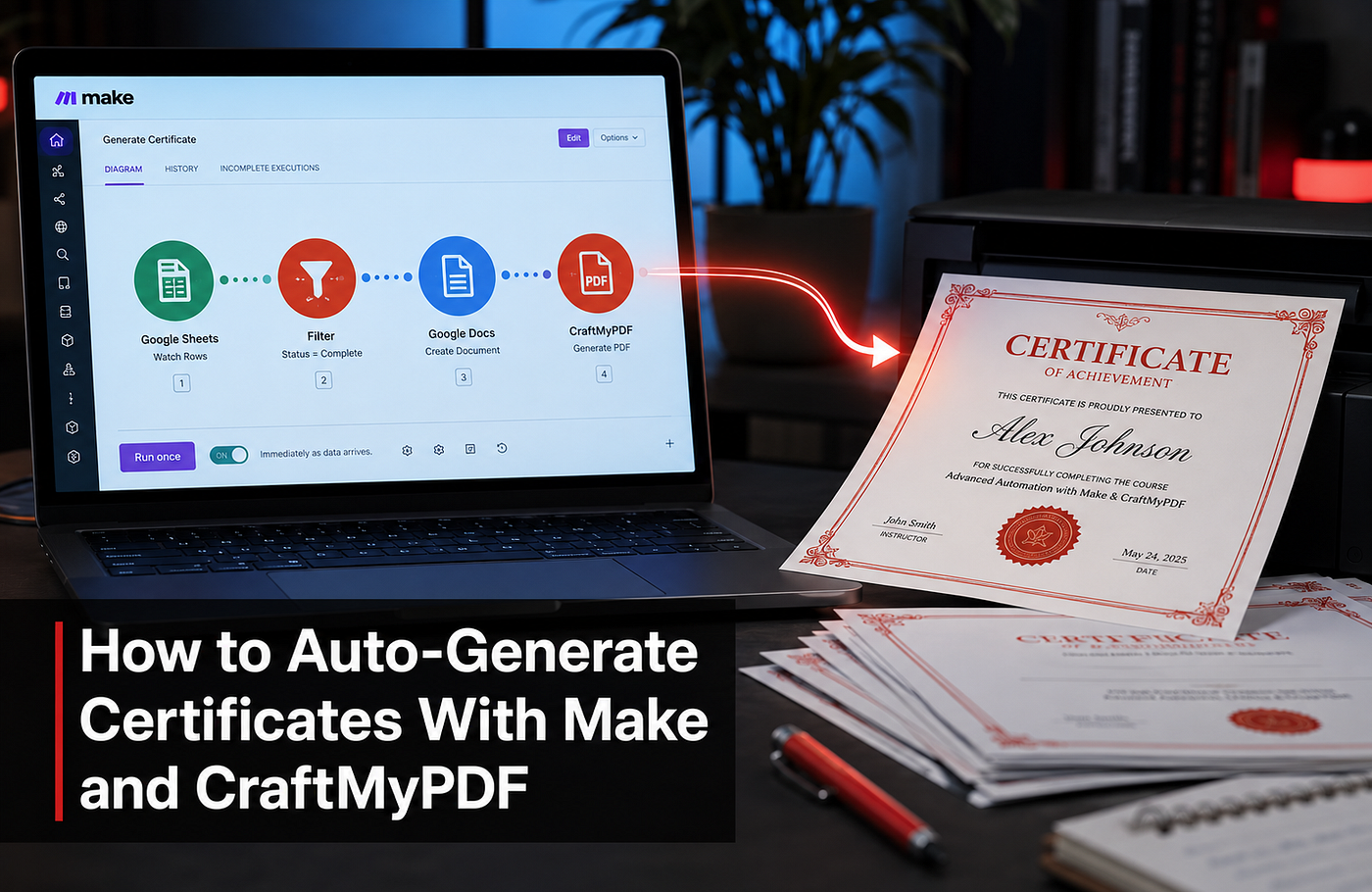
Award Certificate Generator: Recognition Is a Frequency Problem, Not a Design One
메타데이터
- post_id
- 671ea016c58a
- slug
- choosing-an-html-to-pdf-api-in-2026-what-ive-learned-watching-teams-pick-the-wrong-one-671ea016c58a
- url
- https://medium.com/@JackyKiatTan/choosing-an-html-to-pdf-api-in-2026-what-ive-learned-watching-teams-pick-the-wrong-one-671ea016c58a
- canonical_url
- https://medium.com/@JackyKiatTan/choosing-an-html-to-pdf-api-in-2026-what-ive-learned-watching-teams-pick-the-wrong-one-671ea016c58a
- author_url
- https://medium.com/@JackyKiatTan
- status
- ok
- fetched_at
- 2026-06-26 03:39:16