How to Transfer YouTube Music to Spotify | PlaylistGo
If you’re moving from YouTube Music to Spotify, one of the biggest frustrations is losing your carefully curated playlists, liked songs…
How to Transfer YouTube Music to Spotify | PlaylistGo
If you’re moving from YouTube Music to Spotify, one of the biggest frustrations is losing your carefully curated playlists, liked songs, and saved albums. Manually searching for each track again can take hours, or even days, especially if you have large or long-term collections.
Fortunately, there’s a much easier way.
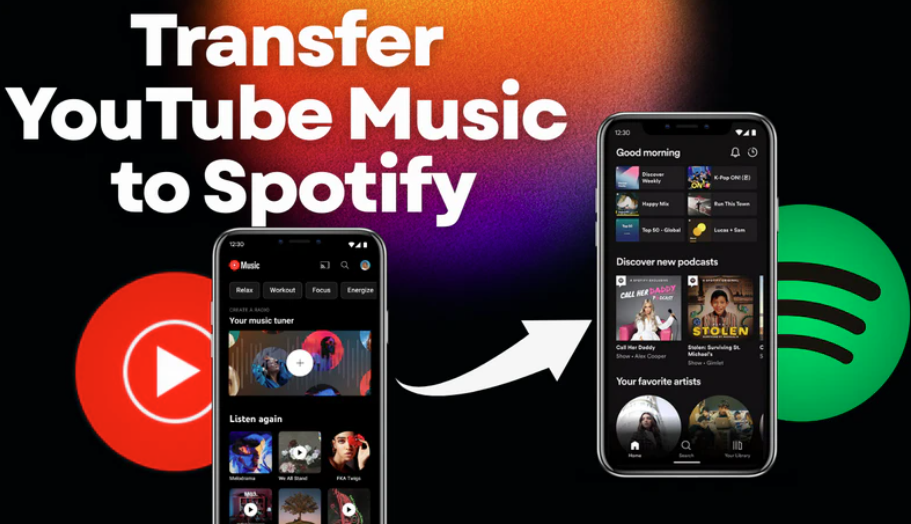
In this article, I’ll walk you through **how to transfer YouTube Music to Spotify step by step**, without downloading files or recreating playlists one by one.
Why People Switch from YouTube Music to Spotify
While YouTube Music works well for many users, Spotify remains a popular alternative for several reasons:
More advanced playlist recommendations
Better cross-device syncing
A cleaner playlist management experience
Wider integration with third-party apps and smart devices
The problem isn’t switching platforms — it’s moving your music history with you.
Can You Transfer YouTube Music Playlists Directly to Spotify?
Short answer: not officially.
YouTube Music doesn’t provide a built-in option to export playlists to Spotify. That means if you rely on manual methods, you’ll have to:
Search for each song individually
Rebuild playlists track by track
Risk missing songs or changing the original order
For users with dozens of playlists, this quickly becomes impractical.
The Easier Way: Use a Professional Playlist Transferer
Instead of manual copying, many users choose a professional playlist transfer solution designed specifically for moving playlists between streaming platforms.
These tools connect directly to your YouTube Music and Spotify accounts and handle the transfer automatically — no audio downloading required.
A good transfer tool should be able to:
Move playlists in bulk
Keep the original song order
Transfer liked songs and albums
**PlaylistGo is a practical example of this type of solution.** It focuses on playlist-to-playlist transfer between major streaming platforms, allowing you to move your YouTube Music library to Spotify with minimal setup and no manual searching.
Step-by-Step: How to Transfer YouTube Music to Spotify with PlaylistGo
Here’s a simple workflow that works for most users:
Step 1: Open PlaylistGo
Install and open PlaylistGo on your computer.
Step 2: Select YouTube Music as the source platform
Choose YouTube Music as the source platform and log in to your YouTube Music account. PlaylistGo will load your YouTube Music library.
Choose which content you want to move:
Playlists
Liked songs
Saved albums
You can transfer everything at once or select specific playlists.

Step 3: Select Spotify as the target platform
Choose Spotify as the target platform and log in to your Spotify account.

Step 4: Start transfer
Once confirmed, the tool automatically matches tracks and recreates your playlists on Spotify.
For most users, the transfer completes in just a few minutes.

What Happens After the Transfer?
After the process finishes:
- Your playlists appear directly in Spotify
- Track order is preserved
- No local files are created
- You can start listening immediately
You’re free to edit or reorganize playlists inside Spotify just like native ones.
Final Thoughts
Switching from YouTube Music to Spotify doesn’t have to mean starting over.
With the right approach, you can move your playlists, liked songs, and albums in minutes — without frustration or lost tracks.
If you’re planning the switch, this guide is a great place to start.
Your music history deserves to move with you 🎧
메타데이터
- post_id
- 6724c02aeaa2
- slug
- how-to-transfer-youtube-music-to-spotify-playlistgo-6724c02aeaa2
- url
- https://medium.com/@chern63/how-to-transfer-youtube-music-to-spotify-playlistgo-6724c02aeaa2
- canonical_url
- https://medium.com/@chern63/how-to-transfer-youtube-music-to-spotify-playlistgo-6724c02aeaa2
- author_url
- https://medium.com/@chern63
- status
- ok
- fetched_at
- 2026-06-17 08:20:12




