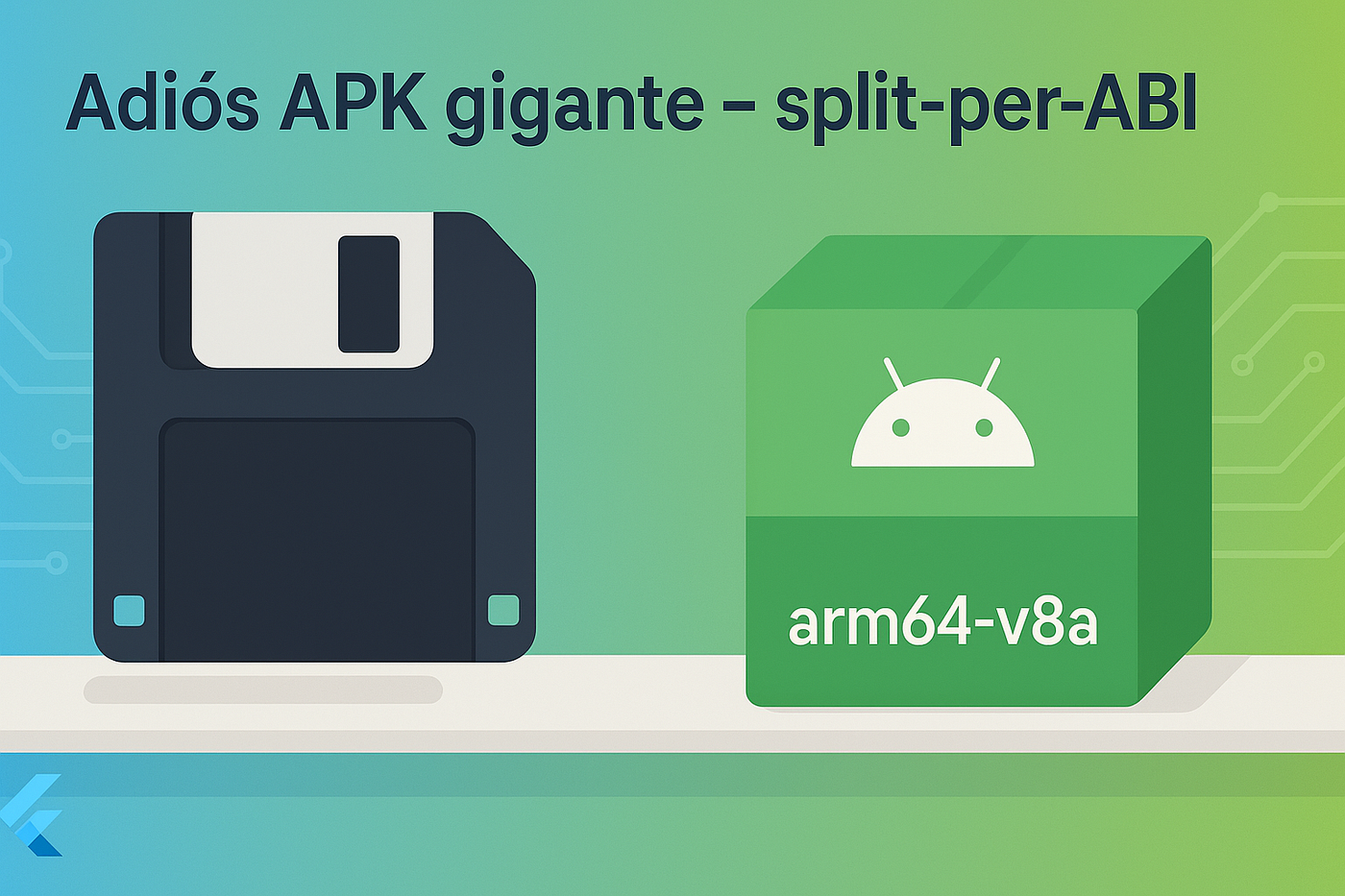
Goodbye Giant APK: how we went from 186 MB to 62 MB with split-per-ABI (and three lines in CI)
Android-only, Firebase App Distribution, and plenty of ML under the hood.
Goodbye Giant APK: how we went from 186 MB to 62 MB with split-per-ABI (and three lines in CI)

Android-only, Firebase App Distribution, and plenty of ML under the hood.
This is a translation of the original post written in Spanish
186 MB… seriously?
Our universal APK weighed in like an elephant: 186 MB.
And yes, the app only ships on Android (for now), but the pubspec.yaml carries some heavy hitters:
firebase_analytics,firebase_messaging,firebase_ml_model_downloadergoogle_mlkit_text_recognition+ other vision libscamera,video_player, etc.
The test team complained about the download size in Firebase App Distribution, and I burned bandwidth every time I pushed a new build. We also have an internal flow that takes that same APK from FAD and redistributes it through MDM to several corporate user groups — nobody enjoys moving a 186 MB file for every update.
First discovery: our devices are 100 % ARM64
Google Analytics showed me something key: every phone in production (≥ 2020) runs an arm64-v8a chipset. No Intel Chromebooks, no 32-bit phones.
If your whole fleet is 64-bit… why ship 32-bit libraries?
The express fix: split-per-ABI
- Minimal changes in
android/app/build.gradle
android {
  splits {
    abi {
      enable true          // turn it on
      // this no longer generates the .apk the IDE expects;
      // if you need debug builds you can do something like:
      // enable gradle.startParameter.taskNames.any {
      //    it.toLowerCase().contains('release') && !it.toLowerCase().contains('debug')
      // }
      reset()              // clear the default list
      include 'arm64-v8a'  // this architecture only
      universalApk false   // DO NOT build the giant universal APK
    }
  }
}- Build from the console (or your Fastlane/CI pipeline)
flutter build apk --release --target-platform android-arm64
# ↳ produces app-release.apk (~62 MB on my side)(*--split-per-abi works too; I just upload the -arm64-v8a one.*)
- Extra tweak in my CI pipeline (GitHub Actions + Fastlane)
- name: Enable Android Build Optimizations
  run: |
    echo "android.enableR8.fullMode=true"  >> android/gradle.properties
    echo "android.enableJetifier=true"     >> android/gradle.properties
    echo "org.gradle.caching=true"         >> android/gradle.properties
Just three lines and R8 does its shrinking and obfuscation magic.
Result

Firebase App Distribution

Summary of APK’s sizes
-124 MB without touching a single line of Dart, removing features, or fighting with ProGuard 🙌.
Why does it work?
- The APK contains one single folder
/lib/arm64-v8a/instead of three. - Every Flutter & plugin
.sois copied once, not three times. - Dart AOT snapshots shrink as well.
If a 32-bit device shows up tomorrow, we rebuild with --split-per-abi and hand over the right APK. While our fleet stays ARM64, we enjoy the mini size.
Quick checklist
- Check your device pool (GA4 → Device model).
- If it’s 100 % 64-bit → add the
splits { abi { … } }block. - Turn on R8 in CI with three lines.
flutter build apk --target-platform android-arm64- Upload to Firebase App Distribution (and in our case to the MDM — without feeling guilty about the MBs).
How heavy is your APK?
Let us know in the comments how big your build is right now 🤓👇 (If it’s over 100 MB, you already know where to start).
For more information
Flutter → Reducing app size
Official guide on split-per-ABI, asset compression, and --target-platform.
[embed]Measuring your app's size How to measure app size for iOS and Android.docs.flutter.dev
Android → Shrink, Optimize, and Obfuscate your app
Google docs on R8/ProGuard, shrinkResources true, keep rules, etc.
Google Play → Play App Signing & Android App Bundles Why AABs deliver ABI/density-optimized APKs and speed up downloads.
메타데이터
- post_id
- 673dd71dbdcb
- slug
- goodbye-giant-apk-how-we-went-from-186-mb-to-62-mb-with-split-per-abi-and-three-lines-in-ci-673dd71dbdcb
- url
- https://medium.com/@cdmunoz/goodbye-giant-apk-how-we-went-from-186-mb-to-62-mb-with-split-per-abi-and-three-lines-in-ci-673dd71dbdcb
- canonical_url
- https://medium.com/@cdmunoz/goodbye-giant-apk-how-we-went-from-186-mb-to-62-mb-with-split-per-abi-and-three-lines-in-ci-673dd71dbdcb
- author_url
- https://medium.com/@cdmunoz
- status
- ok
- fetched_at
- 2026-06-13 07:35:29