Pastebin
Encrypt And Share: Using Pastebin To Safeguard Your Encrypted Text
Pastebin
Encrypt And Share: Using Pastebin To Safeguard Your Encrypted Text
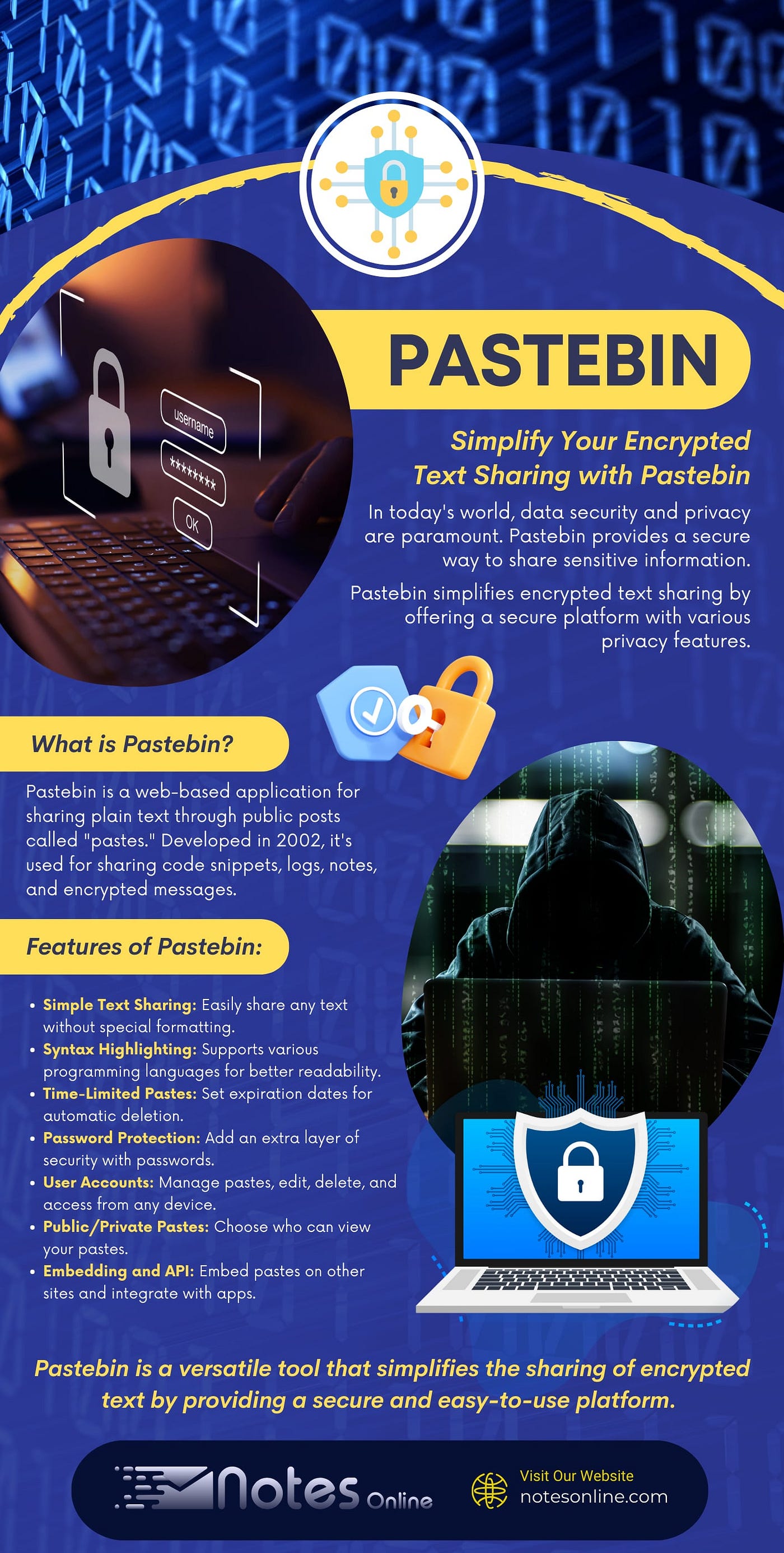
Pastebin is a popular online platform that allows users to store and share plain text. While it’s commonly used for sharing code snippets, Pastebin can also be effectively utilized for sharing encrypted text securely.
This guide will walk you through the process of using Pastebin for encrypted text sharing, ensuring your sensitive information remains private.
[embed]
Step 1: Encrypt Your Text
Before sharing your encrypted text, ensure that it is properly encrypted using a secure encryption method and key.
This is crucial to maintaining the confidentiality of your information. Use reputable encryption tools such as AES (Advanced Encryption Standard) with a strong key size.
Step 2: Paste Your Encrypted Text
- Go to the Pastebin Website: Navigate to the Pastebin website.
- Paste Your Encrypted Text: Copy and paste your encrypted text into the text box provided on the Pastebin website.
- Set Syntax Highlighting (Optional): If your encrypted text is in a programming language, you can choose the appropriate syntax highlighting option to improve readability.
- Set Expiration Time (Optional): Decide if you want to set an expiration time for your paste. This will automatically remove the paste from Pastebin after the specified time period.
- Set Password Protection (Optional): Optionally, set a password to protect your paste. Only users who have the password will be able to access the protected text.
- Create New Paste: Click on the “Create New Paste” button to generate your encrypted paste on Pastebin.
[embed]
Step 3: Share Your Encrypted Paste
Once your paste is created, Pastebin will provide you with a unique URL to your paste. Share this URL and, if applicable, the password with the intended recipient. This allows them to access the encrypted text securely.
Why Use Pastebin For Encrypted Text Sharing?
- Convenience: Pastebin offers a simple and quick way to share encrypted text without needing to set up special accounts or software.
- Security: Even though Pastebin is a public platform, your encrypted text remains secure due to the use of strong encryption and optional password protection.
- Accessibility: Recipients can access the encrypted text from anywhere with internet access, using just the provided URL and, if necessary, the password.
- Anonymity: You can use Pastebin without needing to provide any personal information, ensuring anonymity in sharing.
Best Practices For Using Pastebin
- Use Strong Encryption: Always use strong encryption methods and key sizes to ensure your data is secure.
- Keep Track of Expiry: If you set an expiration time, make sure to inform the recipient about it to avoid confusion.
- Password Management: Choose a strong, unique password and share it securely with your intended recipient.
- Be Mindful of the Public Nature: Remember that while your online notes are encrypted, the fact of its existence on Pastebin is public. Avoid including any sensitive information in the paste title or description.
Conclusion
Using Pastebin for sharing encrypted text provides a convenient and secure method for ensuring that your sensitive information remains private.
By following the steps outlined above, you can confidently share encrypted text with your intended recipients, knowing that it is protected by strong encryption and optional password protection.
Pastebin’s simplicity and accessibility make it an ideal choice for this purpose, whether you are sharing code snippets or confidential messages.
메타데이터
- post_id
- 679141015ce7
- slug
- pastebin-679141015ce7
- url
- https://medium.com/@notesonline/pastebin-679141015ce7
- canonical_url
- https://medium.com/@notesonline/pastebin-679141015ce7
- author_url
- https://medium.com/@notesonline
- status
- ok
- fetched_at
- 2026-08-08 05:54:22