Executing SQL Files in Bulk Using SQLynx in MySQL
In modern database management and operation, executing SQL files in bulk within MySQL showcases its immense value and irreplaceable role…
Executing SQL Files in Bulk Using SQLynx in MySQL
In modern database management and operation, executing SQL files in bulk within MySQL showcases its immense value and irreplaceable role. By consolidating multiple SQL statements into one file for batch processing, database administrators and developers can significantly enhance work efficiency, ensure the consistency and reliability of data operations, and simplify the database maintenance and management process. Whether it’s for data initialization, bulk updates, or executing complex database migration tasks, executing SQL files in bulk provides an efficient, reliable, and easily manageable solution.
This article will delve into how to use SQLynx to facilitate the bulk execution of SQL files in MySQL and analyze its advantages in practical applications.
SQLynx is a modern Web SQL IDE that supports executing SQL files (assuming MySQL and SQLynx are properly installed).
Here are the steps to execute SQL files in SQLynx:
- Configure MySQL Data Source First, add MySQL as a manageable data source in SQLynx. Here’s how:
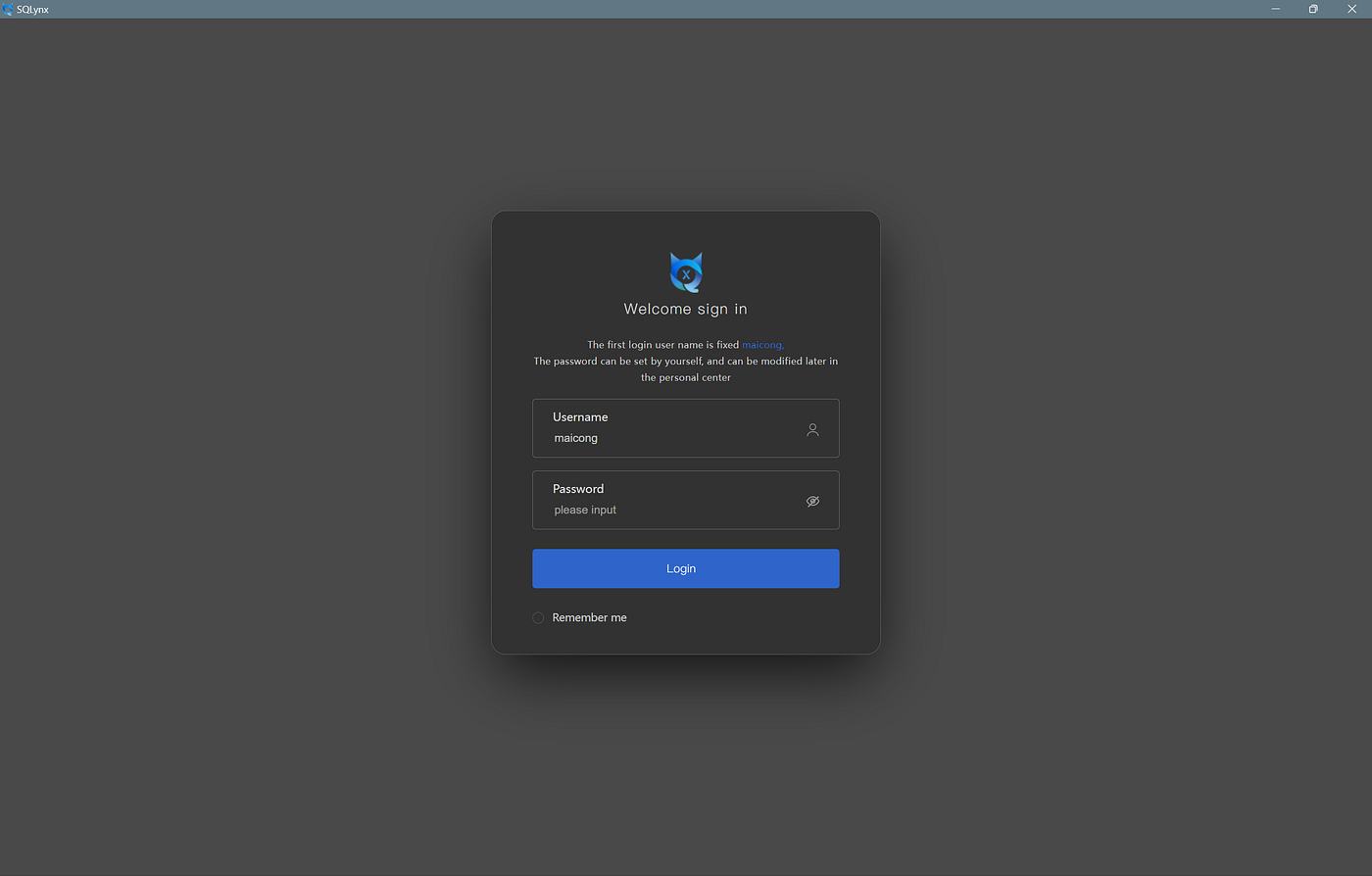
- Open SQLynx: Log in to your SQLynx account and enter the main interface.

- Add MySQL Data Source: In the settings, click the “Add Data Source” button, correctly fill in the MySQL data source information. After testing the connection successfully, the data source will be added.

2. Open SQL File
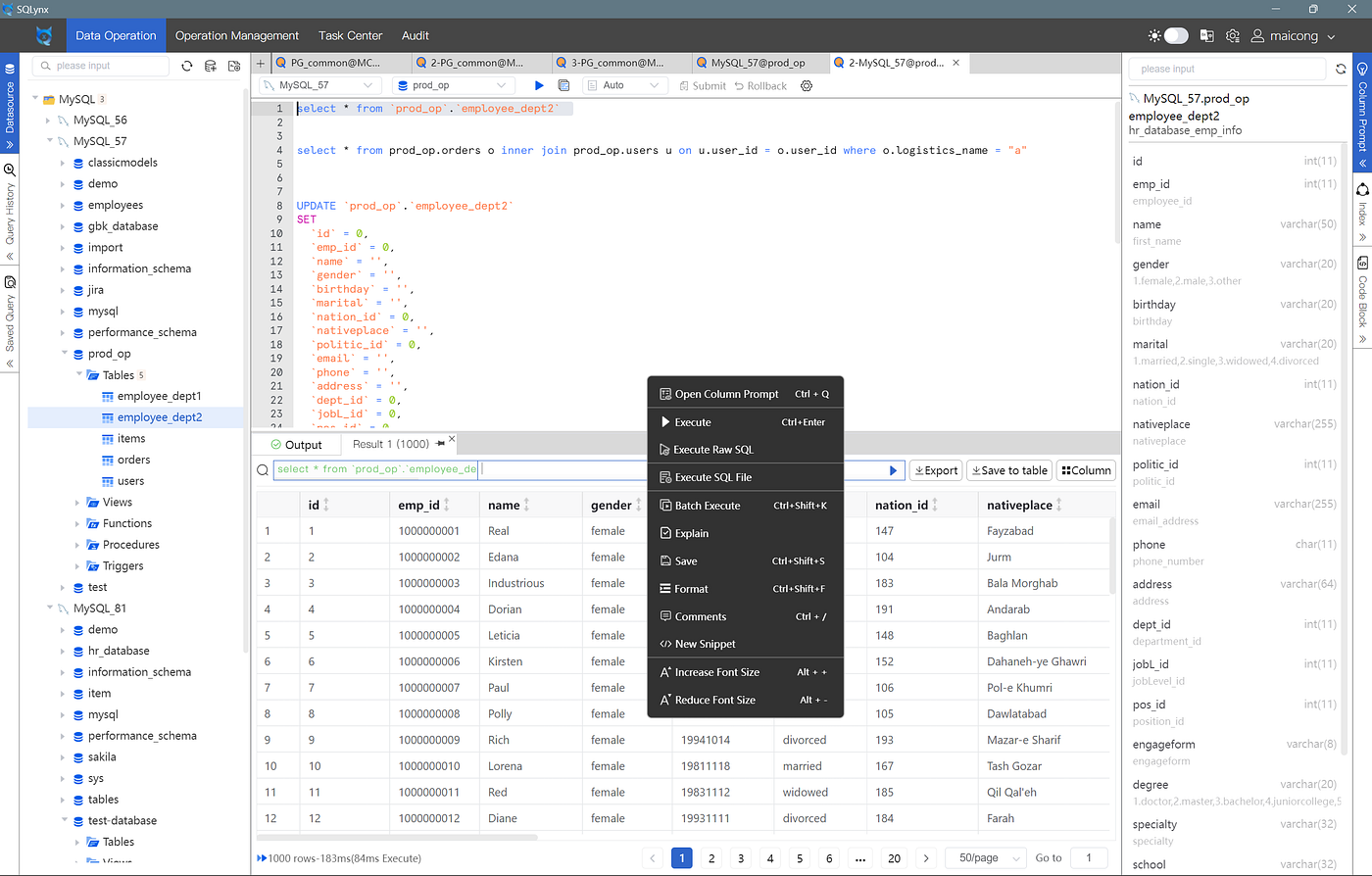
- Select File: Right-click in the SQL editor box, choose to execute an SQL file, find and open the recently uploaded SQL file, such as
users.sqlandusers_test2.sql.

- View Content: The file information will be displayed in the editor for you to view and select.

3. Execute SQL File
- Confirm Execution Mode: This supports transaction execution, stop on error, and continue on error modes, allowing for highly customizable execution to fit different usage scenarios.

- Execute SQL: Click the “Execute” button. SQLynx will execute all commands within the SQL file. You can also monitor the execution details in the task window (ideal for large file execution). For example, as shown below, a total of 6 SQL statements were successfully executed. Detailed information can be accessed in the log.


4. Check Execution Results Verify if the data after execution is correct.

5. SQL File Examples
One file named users.sql contains:
CREATE TABLE users (
    id INT AUTO_INCREMENT PRIMARY KEY,
    name VARCHAR(100),
    email VARCHAR(100),
    created_at TIMESTAMP DEFAULT CURRENT_TIMESTAMP
);

INSERT INTO users (name, email) VALUES ('John Doe', 'john@example.com');
INSERT INTO users (name, email) VALUES ('Jane Smith', 'jane@example.com');
Another file, users_test2.sql, demonstrates copying a new table:
CREATE TABLE users_test2 (
    id INT AUTO_INCREMENT PRIMARY KEY,
    name VARCHAR(100),
    email VARCHAR(100),
    created_at TIMESTAMP DEFAULT CURRENT_TIMESTAMP
);

INSERT INTO users_test2 (name, email) VALUES ('John Doe', 'john@example.com');
INSERT INTO users_test2 (name, email) VALUES ('Jane Smith', 'jane@example.com');
6. Considerations
- Check SQL Files: Ensure the syntax within the SQL files is correct to avoid errors during execution.
- Backup Data: It’s advisable to backup the database before executing SQL files involving data modification or deletion, to prevent unexpected data loss.
7. Conclusion Following the above steps, you can easily upload and execute SQL files in SQLynx, accomplishing database initialization or bulk data operations.
메타데이터
- post_id
- 68d73fc53bb5
- slug
- executing-sql-files-in-bulk-using-sqlynx-in-mysql-68d73fc53bb5
- url
- https://medium.com/@senkae.ll/executing-sql-files-in-bulk-using-sqlynx-in-mysql-68d73fc53bb5
- canonical_url
- https://medium.com/@senkae.ll/executing-sql-files-in-bulk-using-sqlynx-in-mysql-68d73fc53bb5
- author_url
- https://medium.com/@senkae.ll
- status
- ok
- fetched_at
- 2026-07-23 13:25:52