The Architecture of AI Intent
A checkpoint on the road from chatbot to autonomous agent

made with Gemini AI
The Architecture of AI Intent
A checkpoint on the road from chatbot to autonomous agent
We’ve come a long way. From first steps with the Coda MCP to the structured harnesses of AntiGravity and the various forms Claude can take. If you’ve followed along, you’ve felt the ground shifting.
Before we dive into the hard practical work — skill files, triage logic, limit enforcement — let’s pause. Why are we doing this? And where exactly are we on the map?

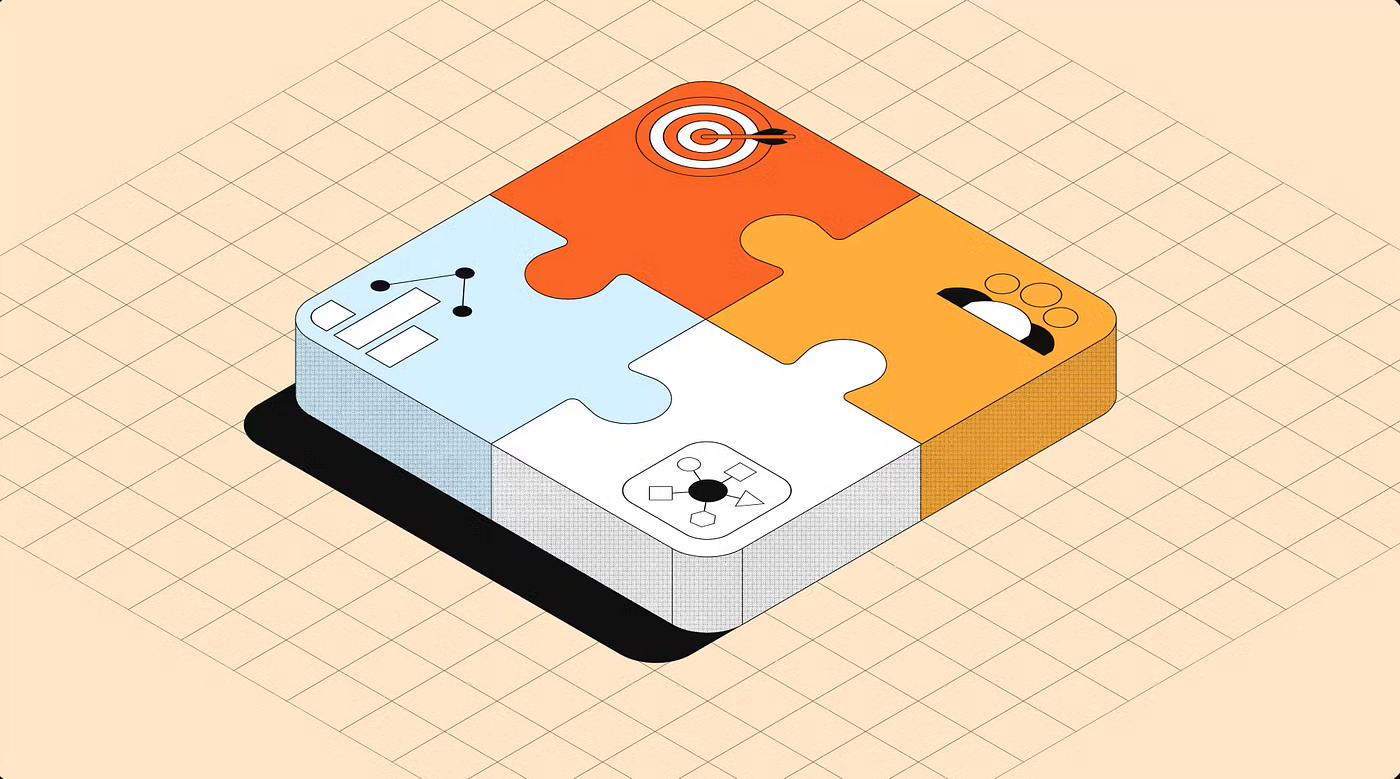
the different levels of support
Three Stages: From Talking to Delegating
The core argument of the past few months comes down to three stages.
Stage 1 — The Chatbot (AI as destination)
You open a browser tab. You navigate to Claude.ai or ChatGPT. You copy a block of text from your doc, paste it in, ask a question, copy the answer back. Maybe you paste in a second document. Maybe you forget to, and the AI makes something up.
This is useful. But you are doing all the work. You are the integration layer. Every session starts from zero — no memory of last time, no awareness of your systems, no continuity. The AI is a smart tool sitting behind a wall. You shuttle information back and forth through a narrow window.
Cost: your attention, constantly.
Stage 2 — The Co-worker (AI with context)
Claude Cowork and Projects changed this. Now the AI has access to your local files. You drop your SKILLS.md or your project brief into a Project, and Claude reads it before every conversation. The context window is persistent. The distance shrinks.
But the interaction is still manual. You still decide when to open the chat. You still ask the question, wait for the answer, and decide what to do with it. The AI is aware of your world — but it doesn’t act in it. It advises. You execute.
Think of it as hiring a very well-briefed consultant who sits next to you. They know your business. But they wait to be asked.
Cost: still your time, but less of it.
Stage 3 — The Agent (AI as control layer)
This is where MCP and AntiGravity enter the picture.
You define a workflow. Say: “Every time a new client row is added to my Coda table, draft an onboarding email, create the project structure, and flag any missing information.” That instruction lives in a skill file. The agent reads it, understands the rules, and executes — across tools, across documents, without you touching it.
The AI now has hands. It reads from Coda, writes to Coda, creates pages, sends requests. You’re not automating a single button click — you’re delegating an entire chain of decisions to a system that knows your standards because you wrote them down, once, clearly.
The shift is subtle but profound: you stop being the person who does the work, and become the person who defines how the work must be done.
Cost: upfront investment in clear rules. Return: compounding.

The Three Layers
The Three Layers You’re Actually Managing
Once you reach Stage 3, you’re not just using AI. You’re operating a stack. And like any stack, the layers matter as much as the components.
Layer 1 — The Software (where the work lives)
Coda, Notion, HubSpot, Linear. These are your systems of record. They hold the data, the structure, the output. The AI doesn’t replace them — it operates inside them.
Layer 2 — The Harness (where the rules live)
This is the layer most people skip, and it’s the most important one. AntiGravity, Claude Code, Cursor — these are not just interfaces to an LLM. They are the governed environment in which the LLM operates. They define what the agent can see, what it’s allowed to touch, and how it should behave when things go wrong.
This is why Claude Code feels different from chatting with Claude in a browser. It’s not a different model — it’s a different harness. The same intelligence, operating under a different set of constraints. One is a conversation. The other is a controlled execution environment.
The choice of harness matters. AntiGravity is built around governed skill files and explicit architectural control — it’s designed for people who want to define the rules. Cursor is optimised for code, with tighter IDE integration and faster iteration loops. Neither is wrong. But choose consciously, not by default.
Layer 3 — The LLM (where the reasoning happens)
Claude, GPT-4, Gemini. The model does the thinking. But thinking without boundaries is just noise. The harness is what turns raw reasoning into reliable output.
One thing worth knowing: not all models follow instructions equally well. A capable model treats your skill files as rules. A weaker one treats them as suggestions — and quietly drifts. The output still looks plausible. It reads correctly. But the logic is off, and you won’t catch it until something downstream breaks. At scale, that drift becomes expensive to trace and fix. The “cheaper” model stops being cheap.
The glue between Layer 1 and Layer 3 is Layer 2 — and that glue is made of Markdown. Your skill files tell the harness how to connect the model’s reasoning to your specific software, your specific standards, and your specific workflows. Without that middle layer, you’re back to Stage 1: manually bridging the gap yourself.
Why Markdown?
You might wonder: why the obsession with .md files? The answer goes deeper than personal preference.
Markdown has become the lingua franca between human intent and machine execution — and that didn’t happen by accident.
A brief history
Markdown was created in 2004 by John Gruber and Aaron Swartz with a simple goal: plain text that humans can read without training, and machines can parse without friction. It powered Reddit, GitHub READMEs, and static site generators. By the time OpenAI, Anthropic, and Google began training the current generation of LLMs, Markdown was everywhere — especially on GitHub, where nearly every open-source project uses a README.md as its front page.
Those models learned to reason by reading millions of structured Markdown documents. They didn’t just learn the syntax — they internalized its logic. Headers signal topic shifts. Bullet points signal enumeration. Code blocks signal precision. The models learned to think in Markdown because that’s what the best-structured content on the internet looked like.
Why it works technically
- Token efficiency. AI models process text in tokens. XML and HTML require opening and closing tags that consume token budget fast. Markdown uses single characters —
#,-,>— keeping overhead low while preserving structure. - Attention alignment. Modern LLMs use attention mechanisms to focus on relevant parts of a prompt. Markdown gives the model clear structural cues: a blockquote signals context, a code block signals strict formatting, headers segment goals from constraints. Structure isn’t decoration — it guides how the model reads.
- Training data bias. Because so much high-quality technical content — GitHub, Stack Overflow, software documentation — is written in Markdown, models are inherently tuned to treat its structures as semantically meaningful. A
##heading isn't just visual; the model understands it as a major topic boundary. - Human maintainability. Skill files need to be written, revised, and version-controlled by humans. Markdown is readable in any text editor, renders cleanly on GitHub or Notion, and requires no special tooling. Your agent’s rules stay accessible to you, not locked inside a GUI.
What about the alternatives?
Markdown isn’t the only option — and knowing when to deviate matters. XML is the right choice when your prompt needs strict logical boundaries between distinct blocks of information; it’s verbose and token-heavy, but Claude is explicitly fine-tuned to handle XML tags well. JSON works best for function calls and structured data extraction, but breaks down fast when you need to write long-form instructions — the syntax simply wasn’t built for prose. YAML suits configuration-heavy agents where settings and instructions live together, but it’s fragile: one wrong indent and the whole file fails silently. Plain text has the lowest overhead of all, but gives the model no structure to work with — instructions, context, and tasks blur together.
The current best practice: write your skill files in Markdown, and wrap distinct sections in XML tags when you need hard boundaries — for example, separating system rules from user input to prevent prompt injection.
Why this matters for Stage 3
At the Agent level, your Markdown files are not documentation. They are the operating system of your agent. They define what it knows, what it’s allowed to do, and what it must never do. The reason Stage 3 works — the reason you can delegate an entire workflow and trust the output — is because the rules are written down, structured, and machine-readable.
A chat message is volatile. A SKILLS.md file is not. That permanence is the foundation everything else is built on.
What Comes Next
The three stages, the three layers, the case for Markdown — that is the map. Now we build on it.
The next post is about triage. Before any skill file runs, before any index loads, the agent needs to know where to send the request. That routing decision lives in a single global file — GEMINI.md or CLAUDE.md — which points every incoming request to the right domain index. One index per platform. One platform per concern.
But not every request arrives clearly labelled. When the signal is ambiguous, the triage file doesn’t guess — it asks. That one behaviour is what keeps the whole system from drifting on unclear input.
We stop hoping the AI understands us. We start building a system that has to understand us — because the rules leave no room for ambiguity.
Further Reading
- Singapore’s Model AI Governance Framework for Agentic AI — the world’s first governance framework specifically for agentic AI systems.
- Superhuman on designing an AI layer — why integration without a shared context layer keeps humans stuck as the glue.
On a personal note, creating these in-depth posts takes a lot of time and effort. While I love sharing my knowledge, a little support goes a long way. If you found this helpful, consider a small donation. Every bit of encouragement helps fuel the next deep-dives!
My name is Christiaan, and I regularly blog about Coda. If you’d like to take this further with hands-on support for your own Coda setup, I offer professional consultations — feel free to reach out. You can also find my free contributions in the Coda Community and on X. The Coda Community is a fantastic resource for free insights, especially when you share a sample doc.
메타데이터
- post_id
- 6918e2199259
- slug
- the-architecture-of-ai-intent-6918e2199259
- url
- https://medium.com/@huizer/the-architecture-of-ai-intent-6918e2199259
- canonical_url
- https://medium.com/@huizer/the-architecture-of-ai-intent-6918e2199259
- author_url
- https://medium.com/@huizer
- status
- ok
- fetched_at
- 2026-06-20 20:29:01