AI Agent Control Surface: Build the Command Layer Your Coding Agents Need
Coding agents are getting faster. The next bottleneck is no longer writing prompts. It is knowing what your agents are doing, what they are…
AI Agent Control Surface: Build the Command Layer Your Coding Agents Need

Coding agents are getting faster. The next bottleneck is no longer writing prompts. It is knowing what your agents are doing, what they are allowed to do, and when a human must step in.
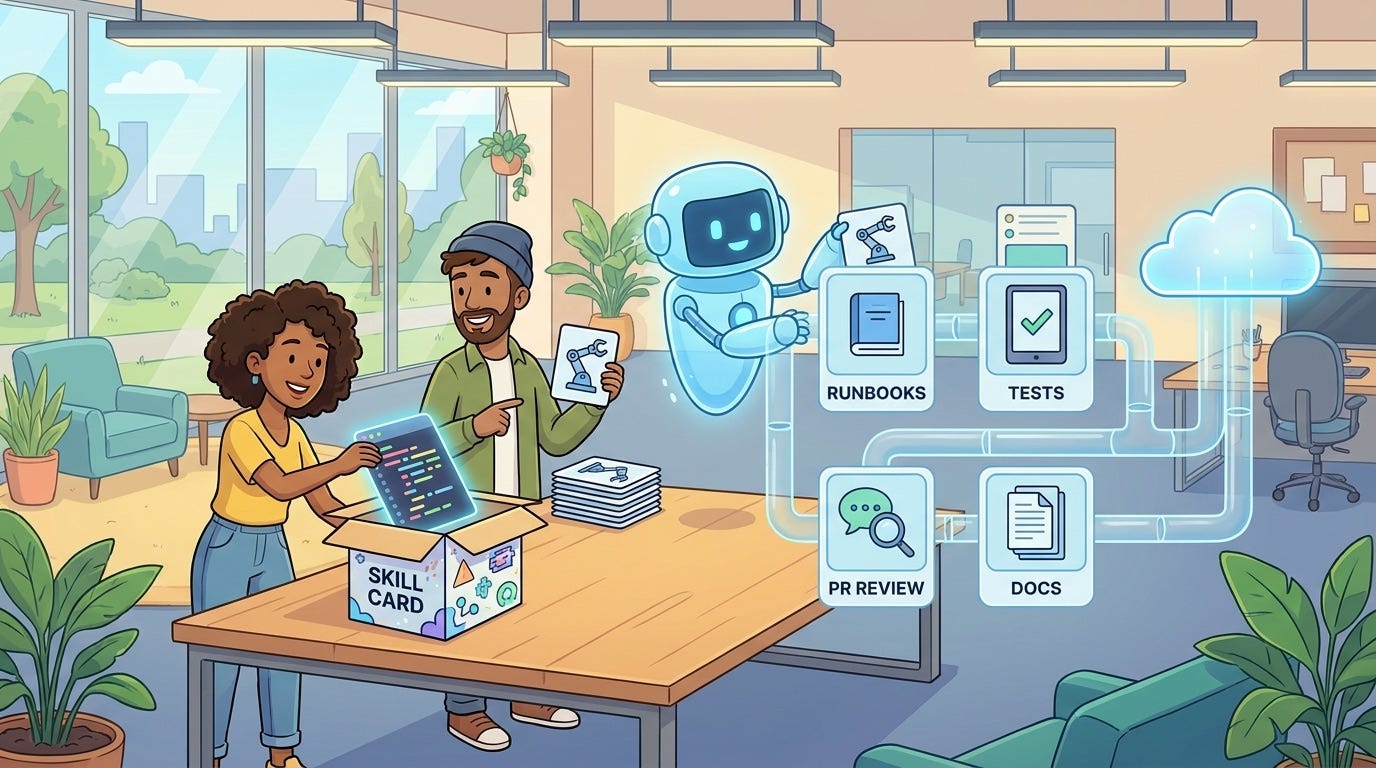
A small keypad for AI agents sounds like a novelty until you notice what it is really pointing at. Developers are no longer asking one assistant for one answer. They are running multiple coding agents, background tasks, review loops, repo scans, test fixes, migrations, and documentation updates at the same time.
That creates a new problem. A chat box is a weak control surface for delegated work. It hides status. It blurs permission boundaries. It makes approvals feel like a stream of tiny interruptions. It encourages the most dangerous habit in agentic development: clicking approve because you are tired, not because the action is safe.
Recent coverage of OpenAI’s Codex Micro shows this shift clearly: agent work is moving toward physical shortcuts, live status lights, push-to-talk prompts, and controls for reasoning effort. At the same time, platforms such as Cloudflare Agents and Temporal are documenting durable human-in-the-loop patterns, approval gates, timeouts, and audit trails. The hardware is interesting. The deeper lesson is more important: developers need a command layer for AI agents.
This guide explains how to design that layer. You can use the ideas whether your agents run in Codex, Claude Code, GitHub Copilot, Cursor, a custom workflow engine, or an internal platform. The goal is simple: let safe work move quickly, make risky work obvious, and leave a record that a reviewer can trust later.
What Is an AI Agent Control Surface?
An AI agent control surface is the interface and policy layer where humans monitor, approve, reject, pause, resume, and audit agent actions. It is not just a dashboard. It is the place where agent autonomy becomes accountable work.
A useful control surface answers five questions quickly:
- What is each agent trying to do?
- What has it already changed?
- What is it asking permission to do next?
- What risk level does that action carry?
- Can we undo or investigate the action later?
Most teams already have fragments of this. Git shows diffs. CI shows tests. Chat shows conversation. Logs show tool calls. Issue trackers show intent. The control surface pulls those fragments into one decision point.
The control surface should not make the developer feel powerful. It should make the developer hard to fool.
Why This Matters Now
Agentic coding changed the shape of review. With autocomplete, the developer wrote the final code. With a coding agent, the agent may inspect the repo, choose files, edit code, run commands, update tests, commit changes, and open a pull request. The human is no longer only writing. The human is supervising.
That sounds efficient until review volume rises. Developers on Reddit and engineering forums keep describing the same pain: AI-generated pull requests are hard to trust, agents sometimes drift outside the requested scope, and review becomes the bottleneck when code is produced faster than humans can inspect it.
The answer is not to approve every step manually. That turns agent work into a slower version of normal work. The answer is also not to give agents blanket permission. That creates a quiet path from “fix this test” to “changed auth logic, updated a migration, and pushed a config file.”
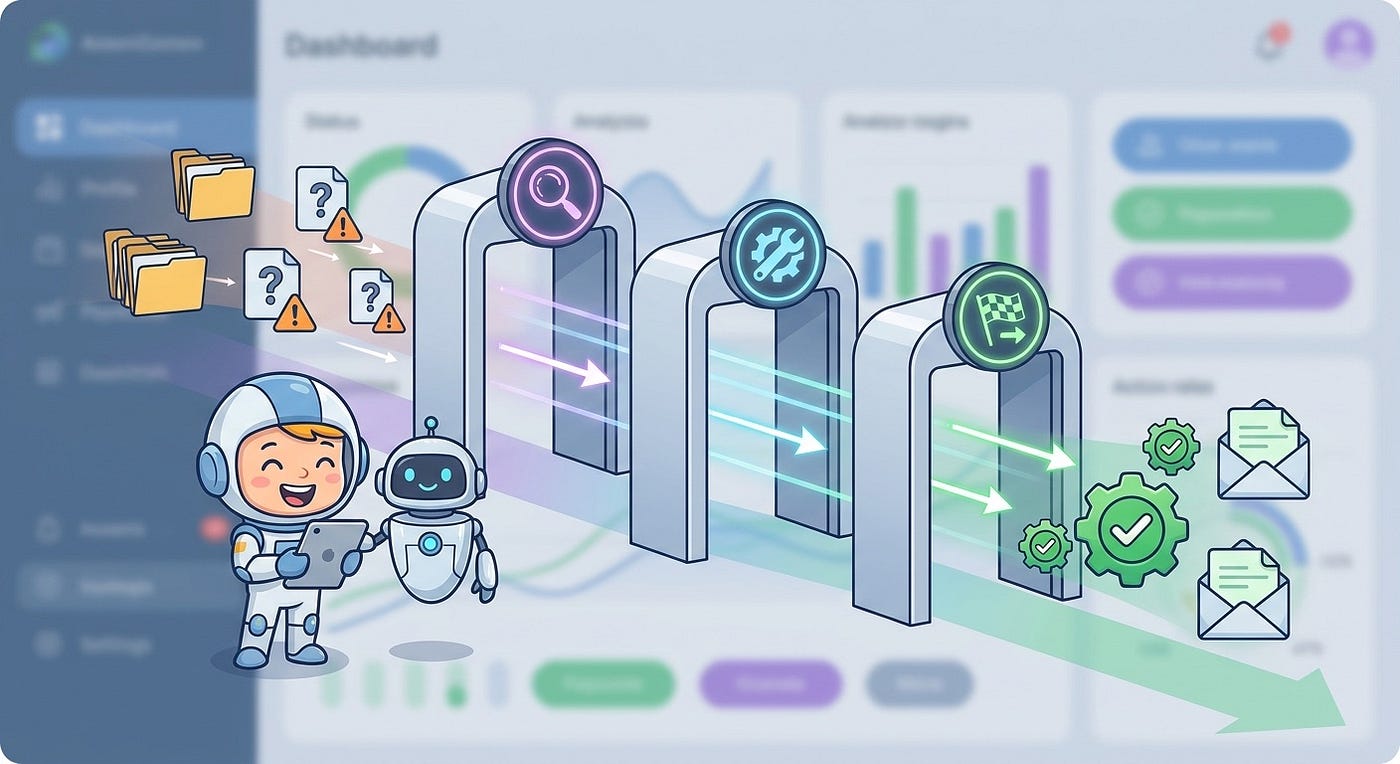
The practical answer is tiered control. Low-risk actions should run automatically. Medium-risk actions should create compact review cards. High-risk actions should require explicit approval, extra context, and sometimes a second approver.
The Four Jobs of a Good Control Surface
1. Show State, Not Just Chat
Chat is useful for intent, but terrible for operational state. If an agent is working for twenty minutes, the developer should not need to scroll through messages to know whether it is blocked, editing, testing, waiting for credentials, or asking for approval.
Use visible states such as queued, planning, editing, testing, needs review, blocked, failed, ready to merge, and done. These states should be derived from events, not guessed from model text. A status light is only trustworthy if the runtime behind it emits structured state changes.
2. Separate Intent From Action
A prompt is not a permission slip. “Fix the billing bug” describes intent. It does not automatically authorize schema changes, production data edits, dependency upgrades, or outgoing customer emails.
A control surface should record the original intent and compare each proposed action against it. If the agent asks to touch files outside the expected area, call a new API, change infrastructure, or modify secrets, the UI should flag the mismatch before the reviewer sees the diff.
3. Compress Review Without Hiding Risk
A review card should not be a generic summary. It should help the developer answer one question: “Can I safely let this continue?”
For coding agents, a strong review card includes the requested action, affected files, risk tier, test evidence, scope match, dependency changes, data access, rollback option, and the exact reason approval is required. Keep the card short, but make every field earn its place.
4. Leave an Audit Trail
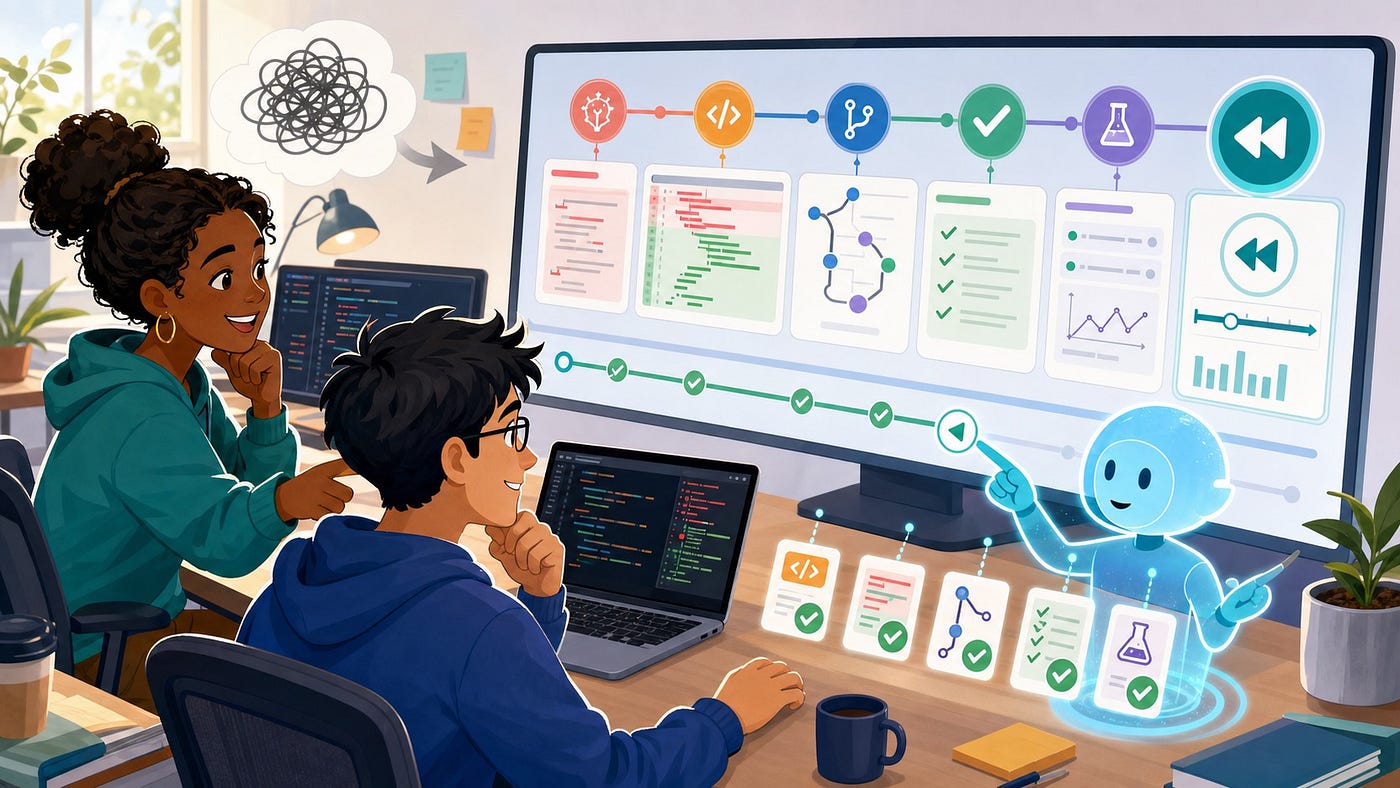
If an agent breaks something, you need to know what happened. Which user started the task? Which model or agent version ran? What tools were available? What did the agent request? Who approved it? What changed after approval? Which tests passed? Which warnings were ignored?
Cloudflare’s human-in-the-loop documentation calls out approval layers, durable waits, and audit trails. Temporal’s sample shows the same principle with signals, timeout handling, and logged decisions. These are not enterprise-only details. They are the difference between a recoverable incident and a mystery.
A practical control surface turns agent work into structured decisions, not scattered chat messages.
Design the Risk Tiers First
Before you design screens, design the risk model. The control surface is only as useful as the policy behind it.
Start with four tiers.
Auto-Run
These actions are safe enough to run without interruption. Examples include reading files, searching the repo, running unit tests, formatting code, generating a local summary, or creating a draft patch in an isolated workspace.
Auto-run does not mean invisible. The agent should still log the action and expose it in the session timeline.
Soft Approval
These actions can proceed with a lightweight approval because the blast radius is limited. Examples include editing files inside the authorized package, adding tests, updating documentation, or installing a development dependency in a disposable environment.
The reviewer needs a short card, not a meeting.
Hard Approval
These actions need explicit confirmation and stronger evidence. Examples include database migrations, production-like data access, dependency upgrades, security-sensitive files, auth changes, CI/CD edits, cloud resources, external API calls, or changes that touch multiple services.
Hard approvals should show why the agent believes the action is necessary, what alternatives it considered, and how to roll back.
Blocked By Policy
Some actions should not be approvable from the agent UI at all. Examples include reading secrets, writing to production, bypassing tests, changing audit settings, or sending external communications from a developer’s account without a separate workflow.
A good control surface does not merely ask the user to be careful. It removes bad buttons.
Build the Review Queue Around Decisions
When several agents are running, the main screen should not be a wall of transcripts. It should be a queue of decisions.
Group work by status: safe progress, needs review, blocked, failed, and ready. Let the developer filter by repo, agent, risk level, task owner, and age. Put the oldest risky item near the top. Show timeouts before they expire. Make it obvious when a task is waiting on a human versus waiting on compute.

The review card should include:
- Intent: the original task in one sentence.
- Proposed action: what the agent wants to do now.
- Scope check: whether the action matches the allowed files, tools, and goal.
- Risk reason: why this needs approval.
- Evidence: tests, static checks, diffs, logs, or failing command output.
- Options: approve, reject, ask for revision, narrow scope, pause, or escalate.
Do not make “approve” the only easy action. A control surface that makes rejection annoying trains people to approve. Give reviewers useful alternatives, such as “approve only these files,” “run tests first,” “explain the migration,” or “split into a smaller patch.”
The best queue is not the one with the most activity. It is the one that makes the next safe decision obvious.
A Simple Control Surface Data Model
You do not need a complex platform to start. You need a clean event model. Treat every agent session as a stream of structured events, then build UI and policy on top.
{
  "session_id": "sess_9x2",
  "agent_id": "repo-fix-agent",
  "user_id": "dev_123",
  "intent": "Fix failing invoice export tests",
  "allowed_scope": {
    "repos": ["billing-api"],
    "paths": ["src/export/**", "tests/export/**"],
    "tools": ["read_file", "edit_file", "run_tests"]
  },
  "proposed_action": {
    "type": "edit_file",
    "paths": ["src/auth/session.ts"],
    "reason": "Shared helper affects export permissions"
  },
  "risk": {
    "tier": "hard_approval",
    "reasons": ["outside_allowed_path", "auth_sensitive_file"]
  },
  "evidence": {
    "tests_run": ["npm test -- export"],
    "result": "failing_before_action"
  },
  "decision": {
    "status": "pending",
    "expires_at": "2026-07-16T10:30:00Z"
  }
}
This schema does three useful things. First, it separates the user’s intent from the agent’s next action. Second, it makes scope violations machine-readable. Third, it gives the UI enough structure to create a useful approval card.
Implementation Pattern: Policy Before Prompt
Many teams try to solve approval with instructions: “Ask before doing anything risky.” That helps, but it is not enough. The model should not be the only component deciding whether an action is risky.
Put a policy layer between the agent and tools. The agent proposes a tool call. The policy layer classifies it. The control surface displays the decision if needed. The tool executes only after the policy allows it.
async function executeToolCall(session, toolCall) {
  const risk = classifyRisk(session.intent, session.allowedScope, toolCall);
await logEvent(session.id, {
type: "tool_call_proposed",
tool: toolCall.name,
args: redactSensitiveArgs(toolCall.args),
risk
}); if (risk.tier === "blocked") {
return { ok: false, reason: "Blocked by policy", risk };
} if (risk.tier === "hard_approval" || risk.tier === "soft_approval") {
const decision = await waitForHumanDecision({
sessionId: session.id,
toolCall,
risk,
timeoutMinutes: risk.tier === "hard_approval" ? 60 : 10
}); if (decision.status !== "approved") {
return { ok: false, reason: decision.status, decision };
}
} const result = await runTool(toolCall);
await logEvent(session.id, { type: "tool_call_completed", result: summarize(result) });
return result;
}The exact code will vary by stack, but the shape should stay the same: propose, classify, decide, execute, log. If approval is just another prompt message, you will eventually lose track of what was actually authorized.
How to Avoid Approval Fatigue
Approval fatigue is the silent failure mode of human-in-the-loop systems. When every action asks for permission, people stop reading. When approvals are too rare, agents surprise you. The control surface has to protect attention.
Use these rules:
- Batch low-risk approvals. Do not ask for every documentation edit one by one.
- Escalate by blast radius. A file rename is not the same as a migration.
- Remember safe patterns. Let teams approve a repeated low-risk action class for a repo, not for the whole company.
- Require evidence before approval. If tests have not run, make “run tests” more prominent than “approve.”
- Set timeouts. If approval expires, the agent should pause or cancel cleanly.
- Make rejection productive. Rejection should give the agent a path forward, such as narrower scope or a request for more evidence.
The point is not to slow the agent down. The point is to spend human judgment where it changes the outcome.
What to Track After Launch
You will not get the control surface right on the first version. Track the system like a product.
Useful metrics include approval volume, rejection rate, timeout rate, average wait time, actions auto-run by tier, incidents caught by human review, scope violations, rollback count, and agent tasks abandoned after review. Also track qualitative signals: which cards were confusing, which warnings were ignored, and which approvals felt unnecessary.
Be careful with the wrong metric. A high approval rate is not always success. It may mean the policy is well-tuned, or it may mean reviewers are rubber-stamping. Pair approval rate with incident rate, diff size, test evidence, and reviewer comments.
Tool Choices: Use What Fits the Runtime
If you are building inside a workflow engine, use durable waits and signals. Temporal’s human-in-the-loop sample is a useful mental model because approval can wait without burning compute, and timeout behavior survives disruptions.
If you are building on an agent platform, use its native approval hooks when available. Cloudflare’s docs describe different approval layers, including MCP elicitation, workflow approvals, and code-mode approvals before side-effecting tool calls.
If you are building your own coding-agent runner, start small. Add structured events, tool risk classification, approval cards, and an audit log before you build a fancy dashboard. The clean event stream matters more than the UI polish.

A Practical Rollout Plan
Start with one repository and one category of work. Good first candidates are test repair, documentation updates, small refactors, dependency review, or issue triage. Avoid production changes, auth changes, and data migrations until the control surface has earned trust.
Define the allowed scope before the agent starts. Decide which tools are available. Decide which actions are auto-run, approval-gated, or blocked. Run the agent in an isolated workspace. Require tests or static checks before merge. Review the audit log after each session and tune the policy.
After a week, look for patterns. Which approvals were obvious? Which were confusing? Which tasks stalled? Which warnings mattered? Which fields did reviewers ignore? Use that evidence to simplify the queue.
The best control surfaces become quieter over time. They learn what safe work looks like in your environment while keeping hard boundaries around actions that deserve human judgment.
The Real Lesson From Agent Hardware
A physical keypad for agents is not just about buttons. It is a sign that agent work is becoming continuous, parallel, and operational. When that happens, the interface has to change.
The future developer workflow will include chat, but it will not be only chat. It will include queues, scopes, status lights, approval cards, audit timelines, rollback controls, and policy-aware tool execution. The teams that build this layer well will move faster because they will not need to choose between speed and control.
So if you are adding coding agents to your workflow, do not start by asking, “Which model should we use?” Ask a sharper question: “What control surface would let us trust ten agents working at once?”
That answer will shape your architecture more than any shortcut key.
FAQ
What is an AI agent control surface?
It is the interface and policy layer used to monitor, approve, reject, pause, resume, and audit AI agent actions. For coding agents, it usually includes task status, risk tiers, approval cards, diffs, test evidence, and logs.
How is this different from an AI agent dashboard?
A dashboard shows information. A control surface supports decisions. It connects status, permissions, approval gates, tool execution, and audit logs so humans can safely supervise delegated work.
Which coding-agent actions should require approval?
Require approval for actions with meaningful blast radius: auth changes, database migrations, production-like data access, dependency upgrades, CI/CD changes, external API calls, and edits outside the authorized task scope.
How do you avoid slowing developers down?
Use risk tiers. Let low-risk actions run automatically, batch safe repeated actions, and reserve human review for actions that can break security, data, cost, reliability, or architecture.
What should an agent approval card show?
Show the original intent, proposed action, affected files or tools, risk reason, scope match, test evidence, rollback option, and clear choices such as approve, reject, revise, pause, or escalate.
Can this work across Codex, Claude Code, Copilot, and custom agents?
Yes, if you model agent sessions as structured events. Each tool may expose different hooks, but the core pattern is portable: propose an action, classify risk, request approval if needed, execute, and log the result.
What is the first feature to build?
Start with structured event logging and a small approval queue. Without reliable events, every later feature becomes guesswork. Once the event stream is stable, add risk tiers, scope checks, and richer review cards.
Sources and Further Reading
메타데이터
- post_id
- 696ff1ed762f
- slug
- ai-agent-control-surface-build-the-command-layer-your-coding-agents-need-696ff1ed762f
- url
- https://medium.com/toward-next-ai/ai-agent-control-surface-build-the-command-layer-your-coding-agents-need-696ff1ed762f
- canonical_url
- https://medium.com/toward-next-ai/ai-agent-control-surface-build-the-command-layer-your-coding-agents-need-696ff1ed762f
- author_url
- https://medium.com/@towardnextai
- status
- ok
- fetched_at
- 2026-07-20 00:44:07