Episode 9. Docker Interactive mode Python
→ For this application, we will set up a new Dockerfile. We will use Python as the base image.
Episode 9. Docker Interactive mode Python

→ For this application, we will set up a new Dockerfile. We will use Python as the base image.
→ The interactive mode feature is not limited to Python. Any programming language can be used
Interactive Mode:
Terminal having capability of taking input data or sending a message
→ Create a file named rng.py in your codebase.
rng.py
from random import randintmin_number = int(input('Please enter the min number: '))max_number = int(input('Please enter the max number: '))if (max_number < min_number):print('Invalid input - shutting down...')else:rnd_number = randint(min_number, max_number)print(rnd_number)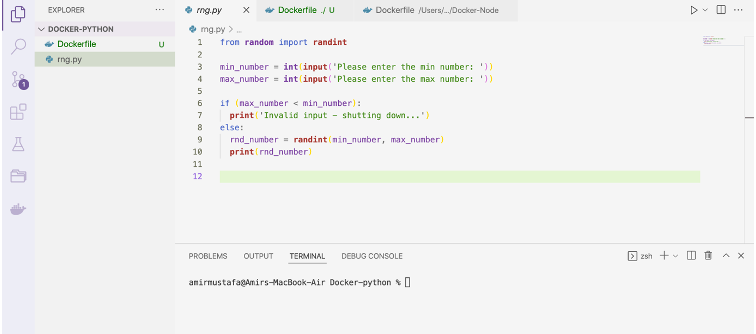
→ The above is a basic python code that accepts two numbers — min and max and output generates
→ Here we do not need a package file as we are not rendering on the web page
→ The terminal asks for two numbers and gives random results in the terminal itself.
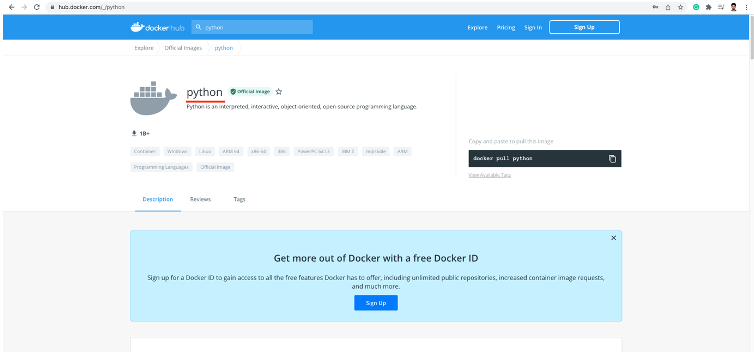
→ Let us create a Dockerfile. We will be using python as the base image
Dockerfile:
FROM pythonWORKDIR /appCOPY . /appCMD ["python", "rng.py"] // equivalent to python rng.py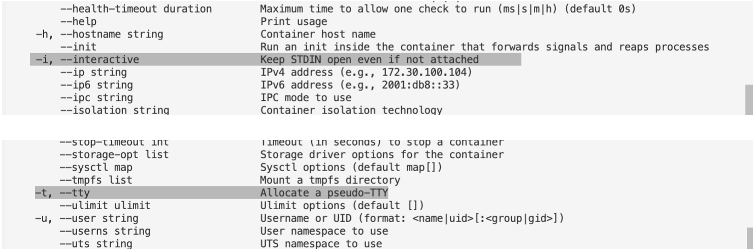
Building the image:
→ We create the import the image from Docker Hub
docker build .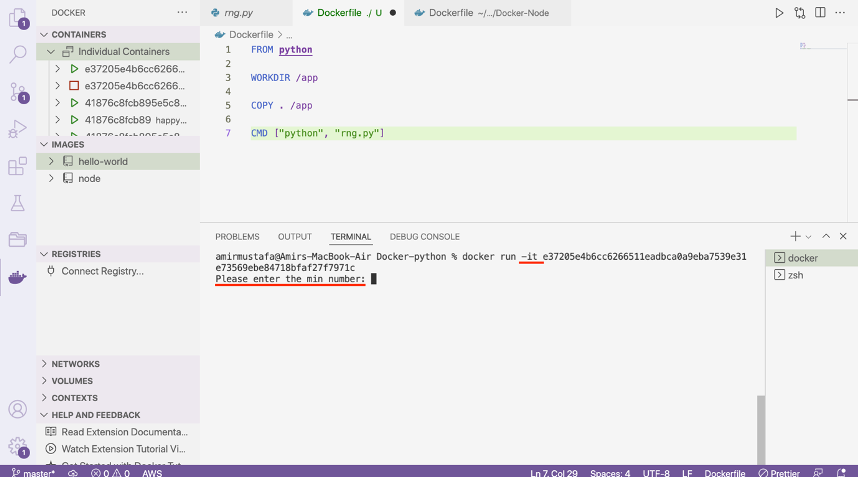
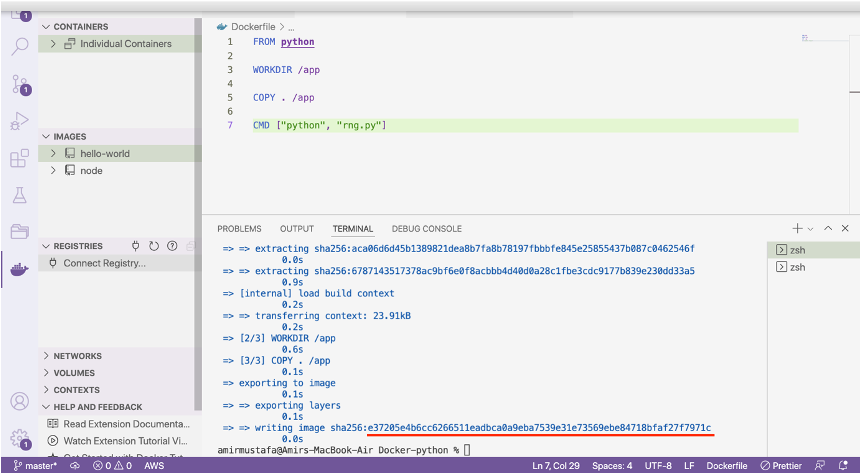
→ Normally when we run the server in a web browser, we run the below command
// Opens server in http://localhost:3000
docker run -p 3000:80 <docker-container-id>
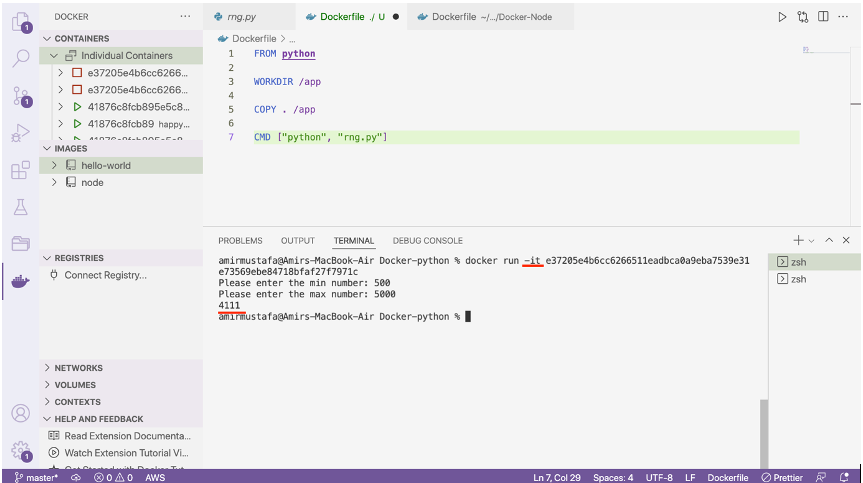
→ For interactive normal mode, we add -it flags, since for this app.
→ For this application, we need not require a browser. In the code we have written terminal will for two numbers — mix and max and gives a random number between the two, so no need to add -p with port flag
docker run -it <docker-python-containerid>→ Without -it flag terminal will crash, as it does not have input capabilities.
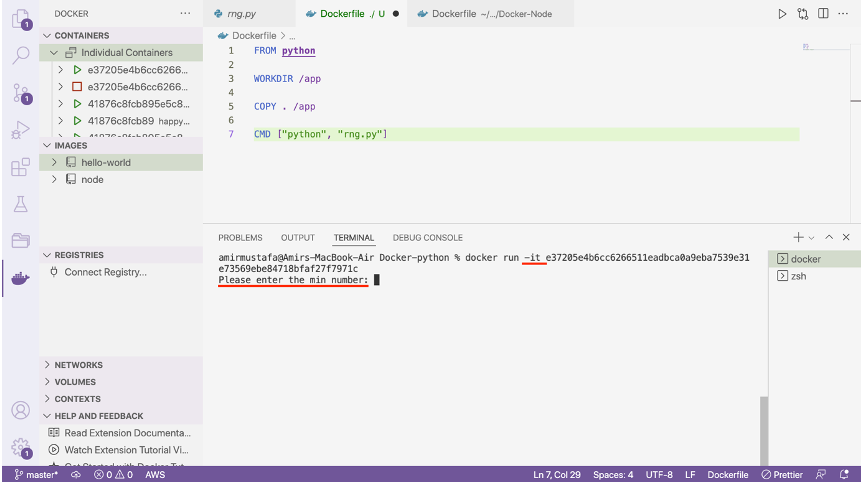
→ Terminal asks for the two input data (i.e. min and max number). Once we enter it, we get a random number between these two numbers in the terminal.
Video:
[embed]
Closing Thoughts:
Docker is not only for web applications, it can also be used for terminal interactivity like this.
Thank you for reading till the end 🙌 . If you enjoyed this article or learned something new, support me by clicking the share button below to reach more people and/or give me a follow on Twitter and subscribe Happy Learnings !! to see some other tips, articles, and things I learn about and share there.
[embed]Follow Amir Mustafa for Docker, AWS, TypeScript and JavaScript contents. *twitter.com*
메타데이터
- post_id
- 6b44eb7fc3cf
- slug
- episode-9-docker-interactive-mode-python-6b44eb7fc3cf
- url
- https://medium.com/@amirmustafaofficial/episode-9-docker-interactive-mode-python-6b44eb7fc3cf
- canonical_url
- https://medium.com/@amirmustafaofficial/episode-9-docker-interactive-mode-python-6b44eb7fc3cf
- author_url
- https://medium.com/@amirmustafaofficial
- status
- ok
- fetched_at
- 2026-07-24 14:41:54