I Was Spending Days Filling the Same Form Over and Over. Here’s How I Got It Down to Hours.
There’s a particular kind of frustration that comes from doing the same thing a hundred times. Not the creative kind of repetition — the…
I Was Spending Days Filling the Same Form Over and Over. Here’s How I Got It Down to Hours.
There’s a particular kind of frustration that comes from doing the same thing a hundred times. Not the creative kind of repetition — the mindless kind. The kind where you open the same Word document, type a different name, change an address, save as, close, and do it again. And again. And again.
That was part of my life for a while.
The problem nobody talks about
I run a small operation where I regularly need to send the same document to dozens of different clients. Same Word document, same fields, different data every time. You’d think mail merge would handle this — it’s literally what it was built for. But if you’ve ever tried to set up a proper mail merge in Word, you know it’s not as smooth as it sounds. The data source connection breaks, the formatting gets weird, conditional fields are a headache, and the whole thing feels like it was designed in 2003 and never revisited.
If you’ve searched for alternatives, you know the landscape. There are VBA macros you can write, but that assumes you want to spend a weekend debugging Visual Basic. There are document automation platforms that charge enterprise prices for what should be a simple operation. And then there’s the classic “just do it by hand” approach, which is what most of us default to when the tooling feels harder than the problem.
For a long time, my workflow was embarrassingly manual. I’d have an Excel spreadsheet with all my client data open on one monitor, and the Word document on the other. Copy, paste, save as, repeat. On a heavy week, this could eat two or three full days.
The moment I realized this was absurd
It hit me during a particularly brutal batch — I think it was around the 60th document — when I caught myself making typos because my brain had completely checked out. I had to go back and re-do seven forms. That’s when I thought: there has to be something that just takes a spreadsheet and fills a document for each row. That’s it. That’s the whole feature I need.
I started searching. I tried a bunch of tools. Some were too complex, some were too expensive, some were clearly built for a different problem. Then I stumbled on filldocuments.com, which does essentially that one thing — you upload your template, connect it to your data, and it generates the filled documents.
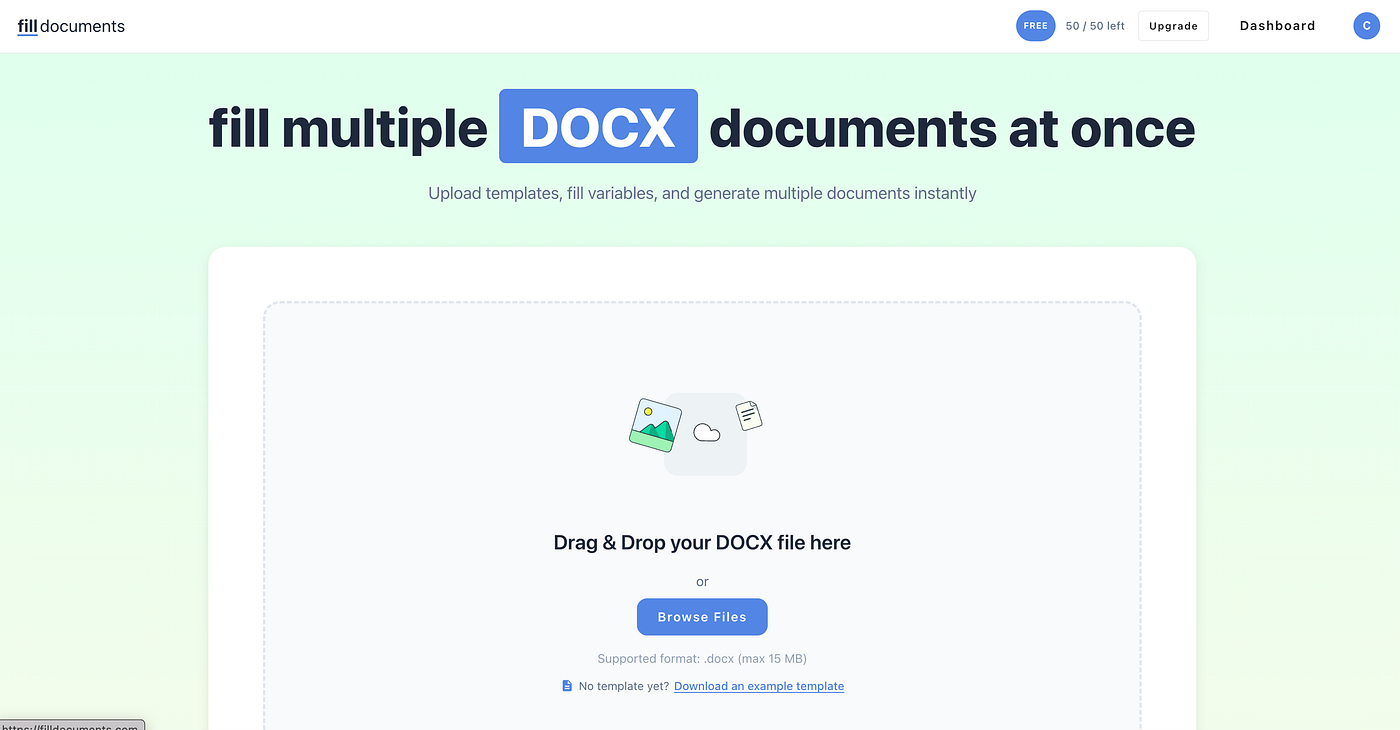
filldocuments.com website
What actually changed
I’m not going to pretend this was some life-altering revelation. It’s a tool that does a specific job. But the impact on my week was real.
What used to take me two to three days — opening files, copying data, double-checking for errors, saving with the right file names — now takes a couple of hours, most of which is just me reviewing the output. The actual generation part takes minutes.
The bigger win was the error rate. When you’re manually filling the same form for the 80th time, you make mistakes. You put the wrong zip code, you misspell a name, you skip a field. When the data comes straight from the spreadsheet, those errors just don’t happen.
The part nobody warns you about
Here’s the thing about automating a tedious task: it doesn’t just save you time. It changes how you think about the work. When filling forms was a three-day nightmare, I would postpone it. I’d batch everything up and dread the week where I had to sit down and grind through them. Now I just… do it when it needs to be done. There’s no procrastination because there’s nothing to dread.
That shift — from avoidance to just getting it done — was probably worth more than the hours saved.
What I’d tell someone in the same spot
If you’re spending real time filling the same document with different data over and over, the first thing I’d suggest is admitting that this is a solvable problem. It sounds obvious, but I spent way too long accepting it as “just part of the job.”
The second thing: you don’t need an enterprise solution. You don’t need to learn VBA. You don’t need to fight with Word’s mail merge wizard every time your data source changes. There are simple tools out there — filldocuments.com is the one that worked for me, but the point is that the solution exists and it’s probably simpler than you think.
The hours you get back aren’t just hours. They’re the mental energy you were burning on autopilot tasks. That’s the part that actually matters.
I don’t work for any of the tools mentioned here. I’m just someone who filled one too many forms by hand and decided to fix it.
메타데이터
- post_id
- 6bc7cb1e9e25
- slug
- i-was-spending-days-filling-the-same-form-over-and-over-heres-how-i-got-it-down-to-hours-6bc7cb1e9e25
- url
- https://medium.com/@danielcataro/i-was-spending-days-filling-the-same-form-over-and-over-heres-how-i-got-it-down-to-hours-6bc7cb1e9e25
- canonical_url
- https://medium.com/@danielcataro/i-was-spending-days-filling-the-same-form-over-and-over-heres-how-i-got-it-down-to-hours-6bc7cb1e9e25
- author_url
- https://medium.com/@danielcataro
- status
- ok
- fetched_at
- 2026-06-15 20:49:13



