Getting Started W/ DAX In Power BI
Getting Started W/ DAX In Power BI
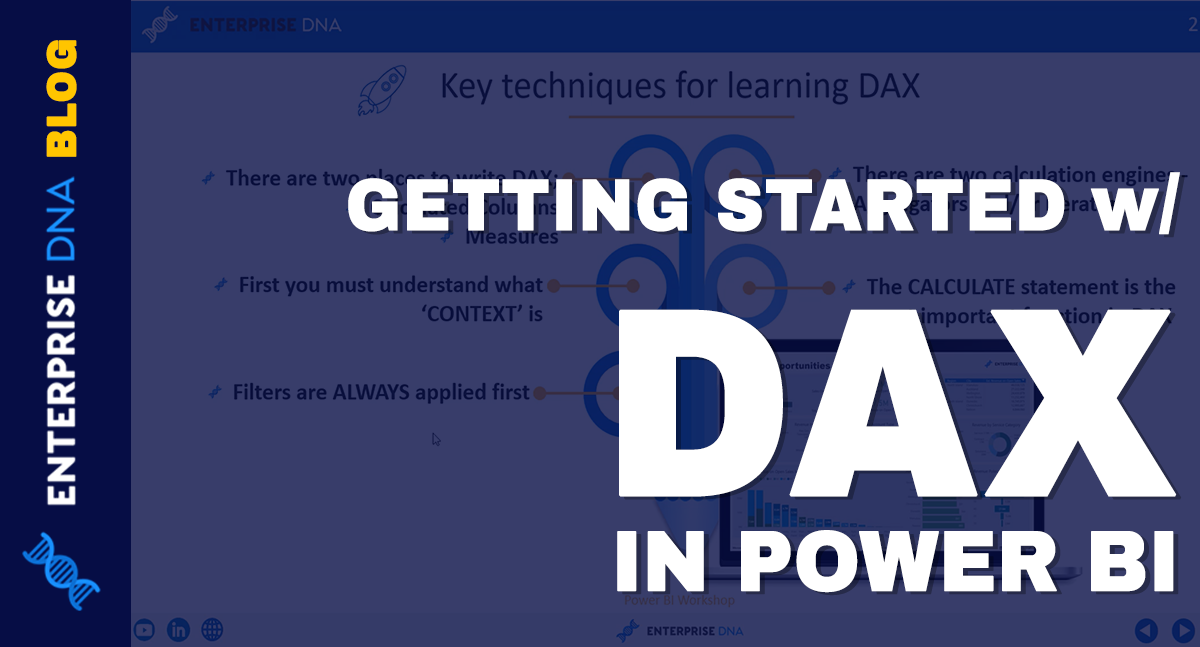
The DAX (Data Analysis Expression) formula language is one of the key pillars in Power BI.
Learning DAX might be overwhelming at first. But once you understand how it works, you can level up your analytical insights.
The key to getting great insights in your reports is through the use of DAX calculations.
For this tutorial, I will discuss some important techniques that you need to remember when using DAX. This will not be a detailed discussion of DAX formulas and examples since there’s a separate course for that. I just want to help you in getting started with DAX by learning the essentials.
Learning The Fundamentals of DAX In Power BI
Compared to other formula languages, DAX is the most efficient tool to use for generating high quality analyses. This is why it’s essential to know the fundamentals when using DAX inside Power BI.
You can write DAX formulas either through calculated columns or measures. You also need to understand what context is in Power BI.
You may have noticed the tutorials follow an order when discussing the different pillars of Power BI. We started with the basics of Query Editor, followed by the fundamentals of the Data Model. You need to understand these first before studying DAX calculations. This is because filters are always applied first before any calculation.
There are two calculation engines used for DAX in Power BI — the aggregators and iterators.
메타데이터
- post_id
- 6c28bbf8ab36
- slug
- getting-started-w-dax-in-power-bi-6c28bbf8ab36
- url
- https://medium.com/@sam.mckay/getting-started-w-dax-in-power-bi-6c28bbf8ab36
- canonical_url
- https://medium.com/@sam.mckay/getting-started-w-dax-in-power-bi-6c28bbf8ab36
- author_url
- https://medium.com/@sam.mckay
- status
- ok
- fetched_at
- 2026-06-23 03:48:11