🚨 Day 15/100 : InvalidImageName
InvalidImageName happens when Kubernetes cannot parse the container image reference you provided.
🚨 Day 15/100 : InvalidImageName
InvalidImageName happens when Kubernetes cannot parse the container image reference you provided.
If the image name format itself is wrong, Kubernetes doesn’t even try to pull it.
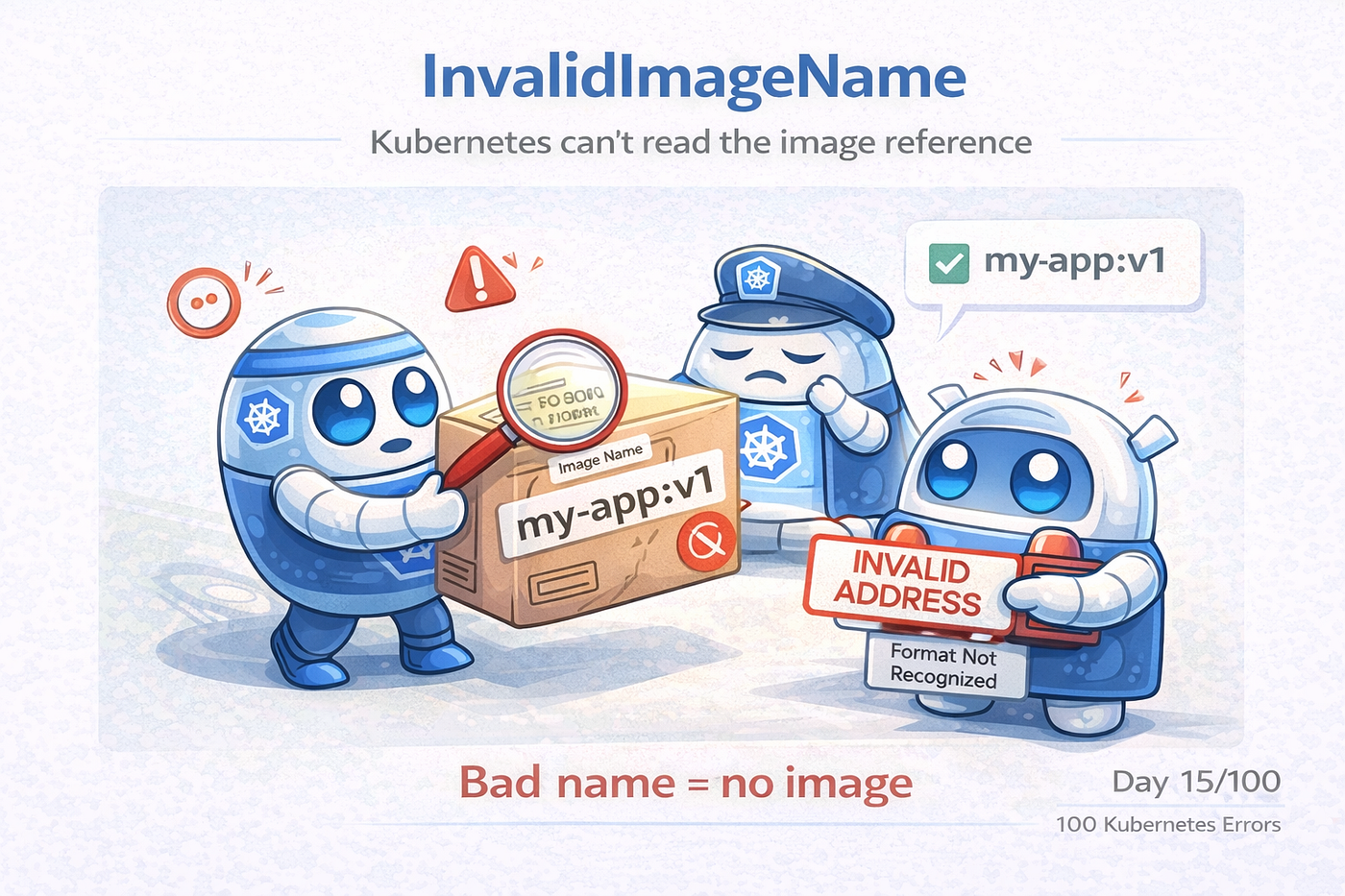
The pod was created. The deployment looked fine. Yet the container never started.
The reason wasn’t Kubernetes. It wasn’t the cluster.
It was something much simpler a wrong image name.
🔥 Real-Time Production Scenario
A new service was deployed.
Pipeline succeeded. Manifests were applied. Pods were created.
But every pod went into:
ErrImagePull → InvalidImageNameNo logs. No container start. Just immediate failure.
🤔 What Actually Happened
The deployment YAML had this:
image: my-app::v1Notice the problem?
👉 Double colon ::
Kubernetes expected:
image: my-app:v1Because of that tiny typo, Kubernetes couldn’t even understand what image to pull.
🧠 What “InvalidImageName” Really Means
This error happens before pulling the image.
Kubernetes validates:
- Image name format
- Registry format
- Tag format
- Special characters
If the string doesn’t follow Docker image naming rules → InvalidImageName
Common Causes (From Real Projects)
1️⃣ Typo in Image Name
image: nginx::latest   ❌
image: nginx:latest    ✅
2️⃣ Missing Tag Format
image: myrepo/myapp:   ❌
image: myrepo/myapp:v2 ✅
3️⃣ Extra Spaces or Special Characters
image: " myapp:v1" ❌4️⃣ Wrong Registry Format
image: http://repo/app:v1   ❌
image: repo/app:v1          ✅
5️⃣ Environment Variable Expansion Issues
image: $IMAGE_NAMEIf the variable is empty → InvalidImageName
🔍 How to Identify the Issue Quickly
Start with pod events:
kubectl describe pod <pod-name>You’ll see something like:
Failed to apply default image tag
InvalidImageName
That message is your biggest clue.
🛠️ How Seniors Troubleshoot It
Step 1️⃣ Check Pod Events
kubectl describe pod <pod-name>Step 2️⃣ Verify Image in Deployment
kubectl get deployment <name> -o yamlLook carefully at:
image:Step 3️⃣ Validate the Image Name Manually
On your machine:
docker pull <image-name>If Docker itself says invalid → Kubernetes will too.
Step 4️⃣ Check CI/CD Variables
Make sure environment variables used for image names are not empty or malformed.
🧨 Real Production Incident
Issue: Pods failing after CI pipeline update.
Cause: New pipeline added an extra slash in image:
image: myregistry//app:v3Fix: Corrected image reference.
Lesson:
The smallest typo can stop an entire deployment.
🎯 Final Thought
InvalidImageName is not a Kubernetes problem. It’s a string format problem.
If Kubernetes can’t read the image name, it can’t even begin the deployment.
Always validate your image references before looking deeper.
📌 What’s Next
This is Day 15 of 100 Kubernetes Errors.
Next up: Secret not found
If you’ve been bitten by InvalidImageName: before, you’re not alone.
If you found this useful, follow me **shaikmustafa**.
Failures are the best Kubernetes teachers.
메타데이터
- post_id
- 6deb81fa59c8
- slug
- day-15-100-invalidimagename-6deb81fa59c8
- url
- https://medium.com/@shaikmustafa8991/day-15-100-invalidimagename-6deb81fa59c8
- canonical_url
- https://medium.com/@shaikmustafa8991/day-15-100-invalidimagename-6deb81fa59c8
- author_url
- https://medium.com/@shaikmustafa8991
- status
- ok
- fetched_at
- 2026-08-17 09:41:18