5 Apps for ADHD Adults Who Work Remotely (and Lose Track of Everything)
5 scheduling and focus apps for ADHD remote workers I actually kept past month two, and why
5 Apps for ADHD Adults Who Work Remotely (and Lose Track of Everything)
5 scheduling and focus apps for ADHD remote workers I actually kept past month two, and why
There’s a specific 2pm Wednesday energy where I’ve answered zero of the emails I planned to finish before noon, I’ve opened my task manager nine times without starting anything, and I’ve somehow spent forty-five minutes reading about mechanical keyboards. That’s a medium day of remote work with ADHD. The planning systems that barely held together in an office dissolved completely at home. No commute to signal the start of the day, no ambient noise to fill the void, no colleague walking past to accidentally remind me that I was supposed to finish something. These five apps are what replaced all of that.
The short version
Reclaim.ai — AI scheduler that auto-blocks tasks and habits in your existing Google or Outlook calendar. Free; $8/mo Plus.
Lifestack — energy-aware daily planner that builds your schedule around when you can actually do things, not when a grid says you should. 2-week trial; $9.99/mo or $50/yr.
Toggl Track — time tracker that shows you where your day actually went, down to the minute. Free; $9/mo Starter.
Akiflow — universal task inbox that pulls from 30+ apps (Notion, Asana, Slack, Gmail) into one prioritized view with a built-in calendar. $19/mo billed annually.
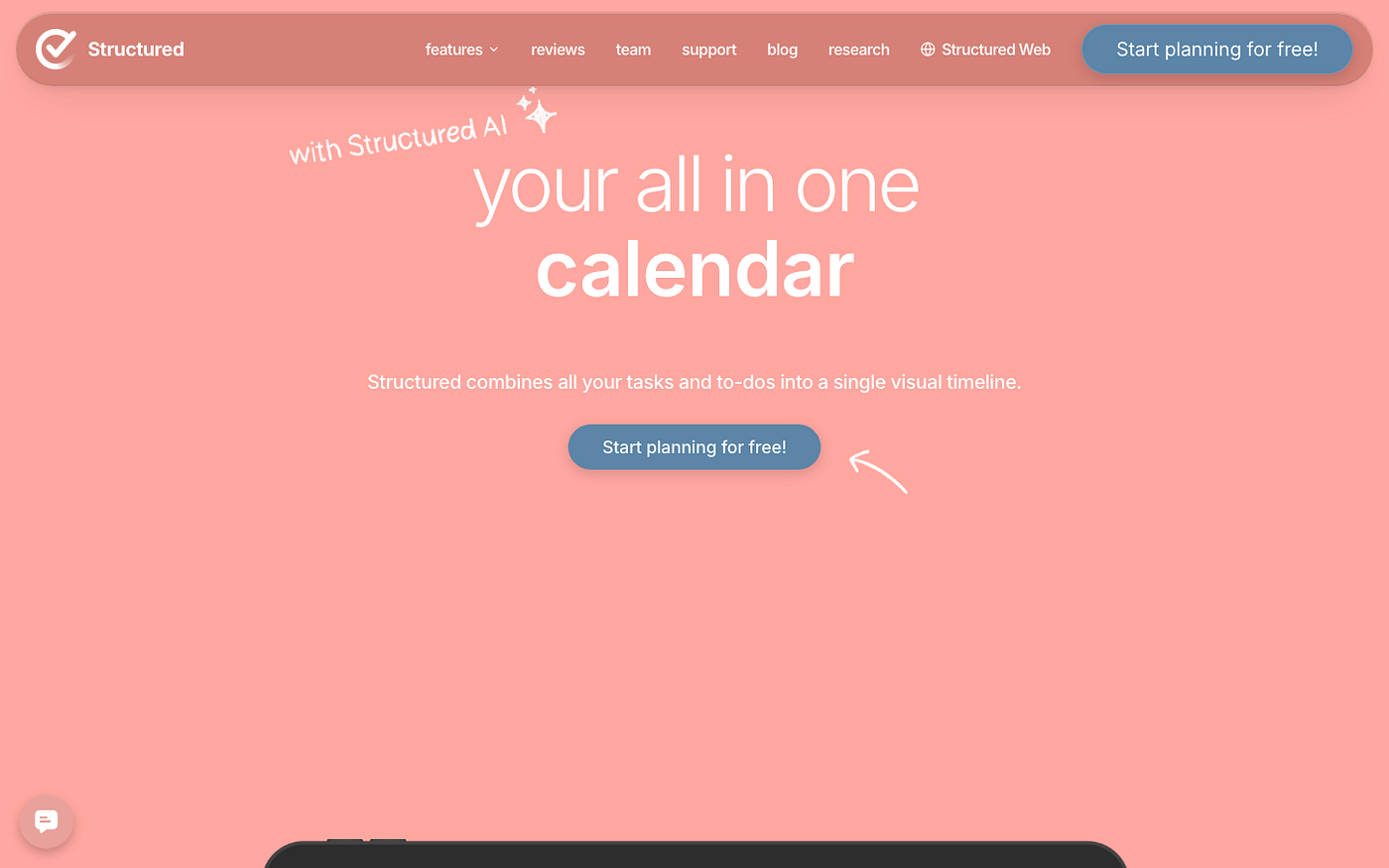
Structured — visual timeline planner that turns your day into a scrollable schedule of color-coded blocks. Free; ~$30/yr Pro.
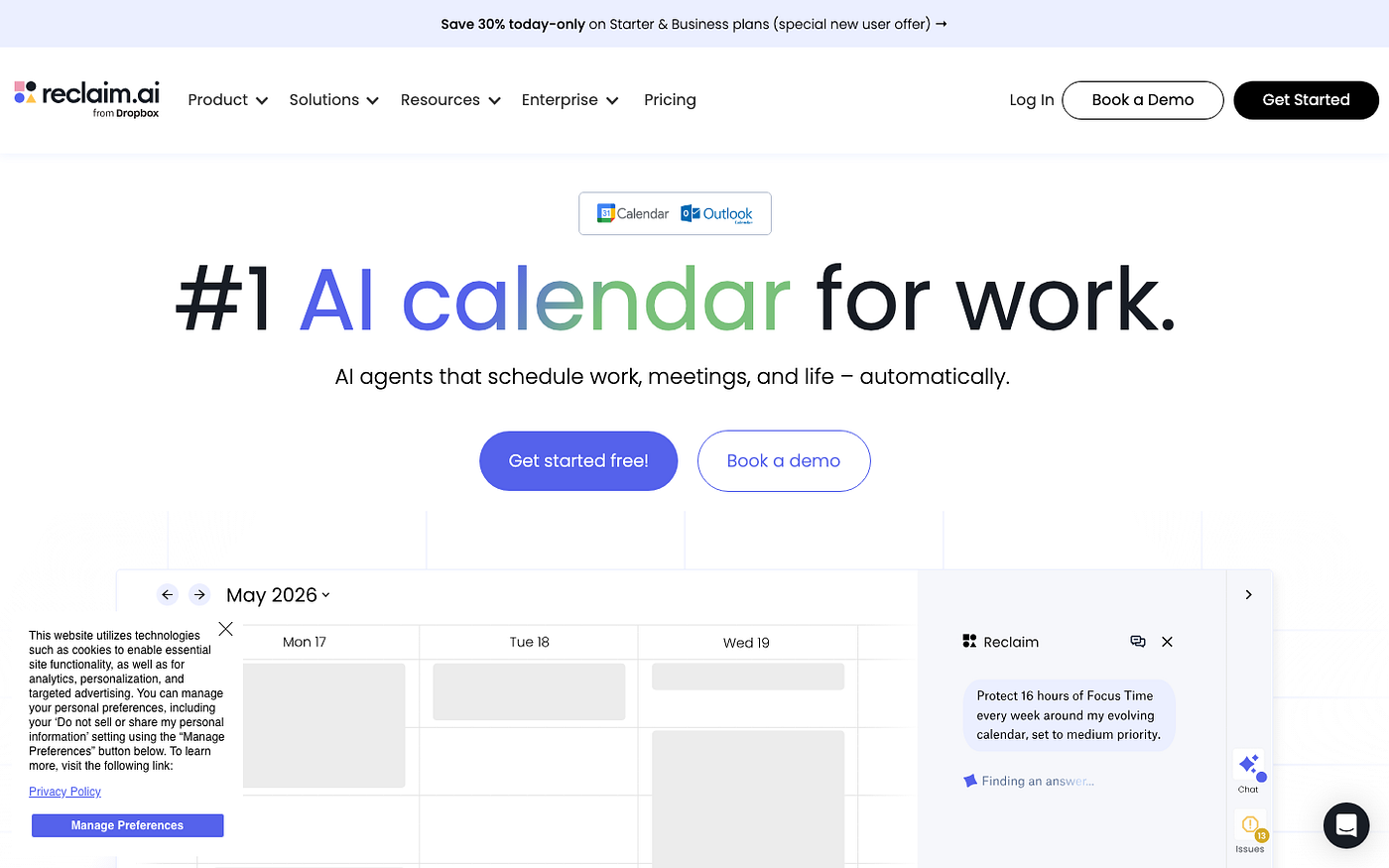
1. Reclaim.ai: Auto-Scheduling for Remote Workers Who Can’t Calendar Their Own Tasks
Reclaim.ai is an AI scheduling tool that connects to your Google Calendar or Outlook and automatically blocks time for tasks, recurring habits, and focus sessions. You tell it what needs to happen this week, it finds the gaps and fills them. No drag-and-drop required.
What changed my remote-work routine: I stopped manually deciding when to do things. I dump tasks into my to-do list, sync it to Reclaim, and it schedules them around my existing meetings. Instead of an untouched task list staring at me at 4pm wondering why I haven’t started anything, I have a calendar that already shows when to write the proposal, when to do admin, and when to stop trying to do either.
Where it falls apart: meeting-heavy weeks leave Reclaim with thin slivers to work with, and the AI doesn’t always pick the right one. It once scheduled a two-hour writing block at 3:45pm on a Friday. I ignored it. You can train it on your energy preferences, but that takes a few weeks of real use before the scheduling starts to feel accurate rather than technically optimized.
Pricing: Free (limited features); $8/mo Plus billed annually. Best for: remote workers who have a stable task list but can never figure out when to actually do any of it.
2. Lifestack: The Energy-Aware Planner for ADHD Remote Workers
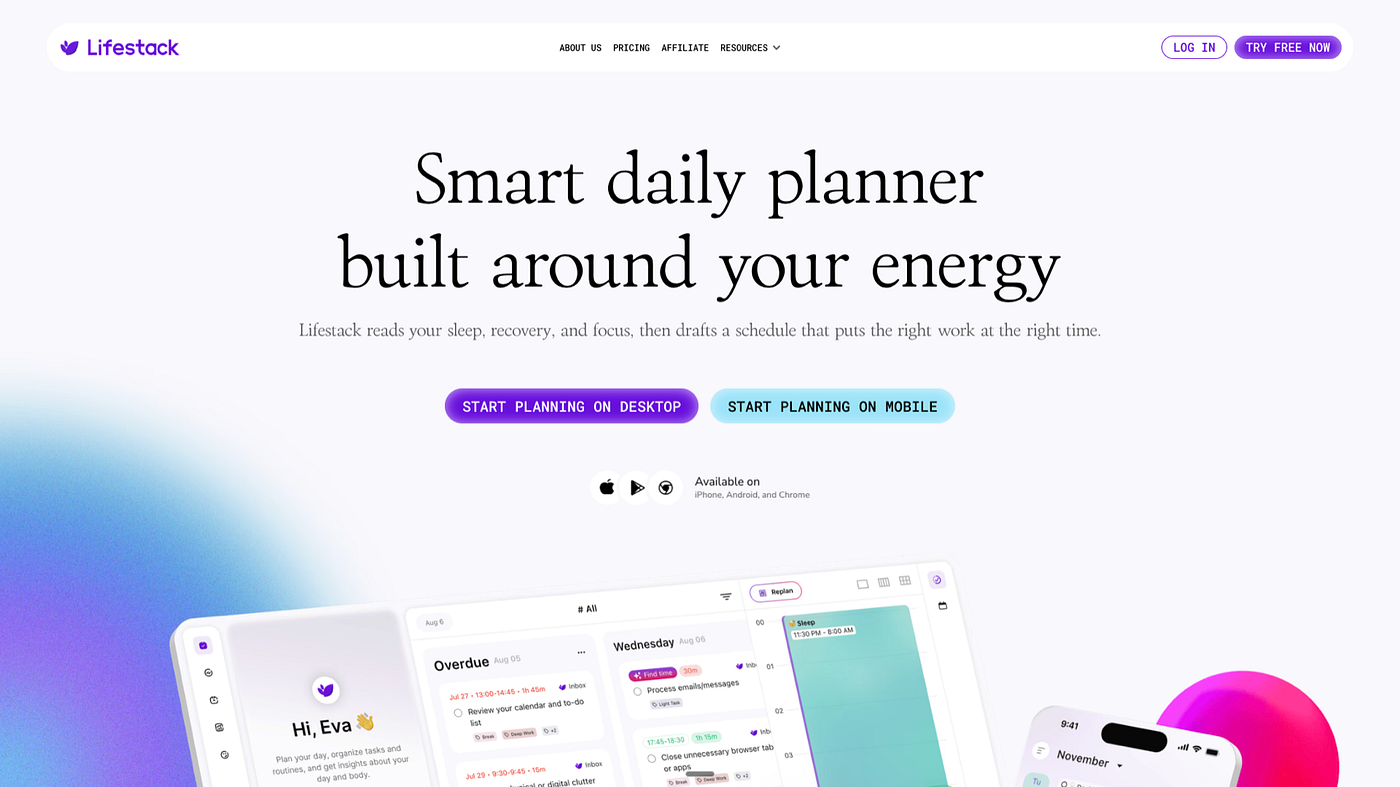
Lifestack is a daily planner that schedules your day around your energy patterns, not a fixed 9-to-5 grid. It reads your sleep and recovery data, asks how you’re feeling, and builds a schedule that accounts for the fact that 9am-you and 4pm-you are not the same person with the same cognitive capacity.
Remote work without external accountability is where Lifestack earns its keep. On days I wake up already depleted, it puts light admin work in the morning and moves deep-focus tasks to a later window, if there’s a better one. I’ve kept it for longer than any other calendar app because it stopped assuming I could will myself into focus whenever a block said so. On a medium ADHD day, that assumption is what kills the plan.
The limitation that matters: Lifestack works best when you’re honest about your energy check-ins. Skip them for a few days and the schedule it generates starts to feel generic rather than tailored. It also doesn’t have Reclaim’s depth of task management integration, so if you want AI scheduling plus a rich to-do list in one tool, you’ll probably end up running both. That’s not necessarily a problem, but it’s worth knowing before you expect Lifestack to replace your task manager.
Pricing: 2-week free trial; $9.99/mo or $50/yr. Best for: ADHD adults whose remote-work problem isn’t knowing what to do, it’s knowing when they’re actually capable of doing it.

3. Toggl Track: Time Tracking That Makes ADHD Time Blindness Visible
Toggl Track is a time tracker. You start a timer when you begin a task, stop it when you finish, and by the end of the week you have a real report of where your hours went, broken down by project or client. That’s it. Simple in a way that actually works.
I started using it to log client work for billing. I stayed because of what the data showed me. I genuinely believed my morning email triage took 10 minutes. Toggl said 38, consistently. I thought my deep-focus writing sessions were 90 minutes. They were 45, and then I’d switched tabs without noticing. Having real numbers instead of estimates changed how I planned my days more than any scheduling app did, because I was finally planning based on actual time, not the ADHD version of it.
The friction: you have to remember to start the timer. For anyone with ADHD, that is the actual problem. Toggl has a browser extension that can guess what you’re working on and prompt you, but it’s not fully automatic unless you’re on a paid plan and willing to configure it. If time blindness is a persistent issue beyond just tracking hours, the ADHD time blindness apps post has a broader look at what else helps.
Pricing: Free (unlimited tracking, basic reporting); $9/mo Starter billed annually (advanced reports, time estimates). Best for: remote workers who bill by the hour, or anyone who suspects their sense of how long things take is significantly wrong.
4. Akiflow: One Inbox for Remote Workers Whose Tasks Live in 6 Different Tools
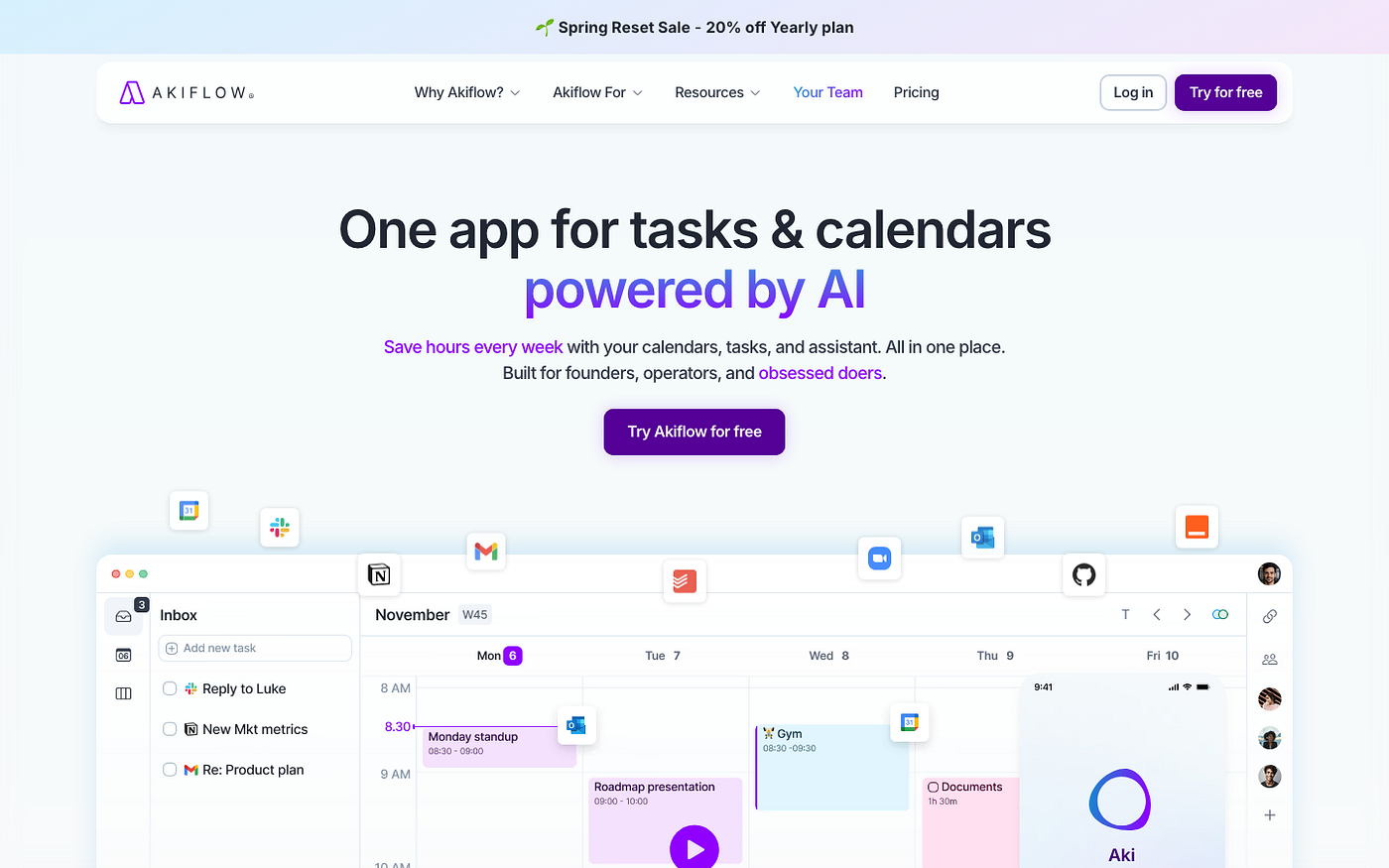
Akiflow is a task manager and calendar that pulls tasks in from more than 30 apps, including Notion, Asana, Linear, GitHub, Slack, Gmail, and Trello. Everything lands in a single inbox next to a weekly calendar. You drag tasks onto the calendar to time-block them without switching tools.
The problem it solves is real: most remote workers doing creative or technical work have tasks scattered across at least three different places. A PR to review in GitHub, a design request in Slack, a follow-up from a meeting in Notion. Akiflow makes a single prioritized list out of all of it. I use it for exactly that: one view of what I need to do today, without opening each tool individually to remember what’s in it.
The obvious problem is price. At $19/mo billed annually (or $34 month-to-month), Akiflow costs more than most of the other apps on this list combined. If you primarily work out of one task manager and your calendar, the multi-tool unification play doesn’t justify it. It’s built for individual power users who are genuinely drowning in cross-tool task scatter, not for someone with a tidy Notion database and nothing else.
Pricing: 7-day free trial; $19/mo billed annually ($34/mo month-to-month). Best for: remote workers or freelancers juggling tasks across three or more platforms who are tired of context-switching just to know what to do next.
5. Structured: The Visual Timeline Planner for ADHD Brains That Need to See the Day
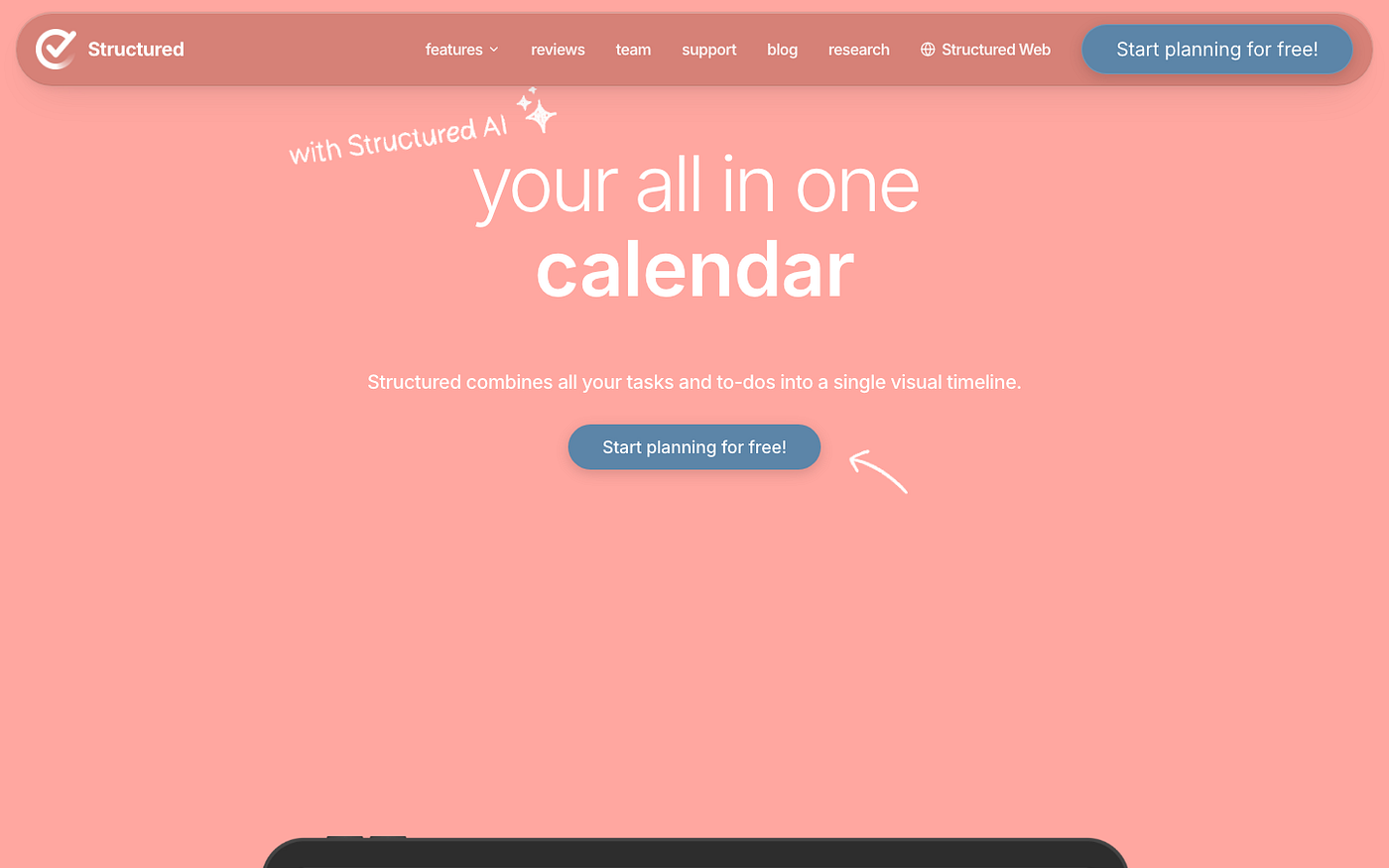
Structured shows your day as a scrollable vertical timeline. Each task and appointment appears as a color-coded block in its slot, stacked in order, so you can see at a glance how full your day is and exactly where the gaps are. It syncs with your existing calendar and lets you add tasks directly into the timeline.
What makes it genuinely different for ADHD: the visual representation does something task lists and calendar grids don’t. When I can see that I have a meeting at 10, a dentist appointment at 2, and three tasks I’ve told myself I’ll do today, I can immediately see that one of those tasks isn’t happening. Task lists don’t show me that. Standard calendar views don’t make it obvious either. The timeline does, in about two seconds, which is how long I have before I lose interest in planning and start doing something else.
Where it’s limited: Structured is built primarily as a mobile app. The web version exists (it’s in the nav as Structured Web), but it doesn’t have the same polish as the iOS version. For anyone who works primarily at a desktop and lives in a browser, this creates friction, because you’ll be pulling out your phone to check your timeline mid-session. It’s also light on integrations compared to Akiflow or Reclaim, so don’t expect it to pull tasks from six different tools.
Pricing: Free (core features); ~$30/yr Pro (recurring tasks, color themes, unlimited events). Best for: visual thinkers who need to see the shape of their day, not just a list of what’s in it.
FAQ
What’s the best scheduling app for ADHD adults who work from home?
Depends on what’s breaking. If tasks never get scheduled because you can’t figure out when to do them, Reclaim.ai handles that automatically. If you’re scheduled but your energy doesn’t cooperate with the plan, Lifestack is the one that accounts for when you’re actually capable. Most ADHD remote workers eventually end up using something from both categories at once, because they’re solving different problems.
Does Toggl Track work on the free plan, or do you need to pay?
The free plan is genuinely useful. You get unlimited time tracking for up to 5 users and basic weekly reports. What it lacks is advanced filtering, time estimates, and rounding rules, which matter if you’re billing clients and need precise exports. For personal time awareness and figuring out where your day goes, free is enough to start. Most people realize after a week whether they need more features.
Can I use Lifestack alongside Google Calendar?
Lifestack syncs with Google Calendar and uses your existing events as fixed anchors when building the day’s schedule. It also works with Apple Calendar. The idea is that it’s layering energy-aware scheduling on top of what you already have, not asking you to rebuild your calendar from scratch. What it doesn’t do is pull tasks from external task managers via sync, so your to-do list needs to live inside Lifestack or be added manually.
Is Akiflow built for freelancers and solo workers, or is it for teams?
It’s individual-only, no shared workspaces or team plans. Akiflow is designed specifically for solo power users who have tasks in too many places. Whether the price ($19/mo billed annually) makes sense depends on how many tools you’re actually juggling. More than three and the unification is worth it. If you mostly work out of one task manager and your calendar, you’ll pay for a feature you don’t need.
Which of these still works when my schedule changes every day?
Structured handles daily variability well because it’s focused on displaying today, not predicting the whole week. Lifestack is also designed for daily replanning rather than set-and-forget weekly blocks, which is useful when your days don’t have a repeating pattern. Reclaim.ai recalculates daily but can feel chaotic when your meetings shift constantly and it has to keep reshuffling. If no two days look the same, start with Lifestack or Structured.
What should I try first if every productivity app I’ve tried has failed me?
Start with Toggl Track. Not because it’s a planning app, but because it shows you the gap between how you think your time works and how it actually works. Most ADHD adults are surprised by the data. Once you know what your day actually looks like, the right planning tool becomes clearer. Trying to pick a scheduler before you know your real patterns is usually how you end up on your eighth app and still stuck.
None of these apps fix ADHD. What they do is make the parts that remote work makes harder, the structure, the time awareness, the task scatter, slightly less hard. The honest version: I still lose track of things. I still have days where nothing I planned happens. The difference is I lose track of smaller things now, and I’m better at recognizing when the plan I made this morning has no shot at surviving contact with 4pm-me. That’s not the same as being fixed, but it’s enough.
메타데이터
- post_id
- 6f7c4fbd3f5a
- slug
- 5-apps-for-adhd-adults-who-work-remotely-and-lose-track-of-everything-6f7c4fbd3f5a
- url
- https://medium.com/@maya.benson334/5-apps-for-adhd-adults-who-work-remotely-and-lose-track-of-everything-6f7c4fbd3f5a
- canonical_url
- https://medium.com/@maya.benson334/5-apps-for-adhd-adults-who-work-remotely-and-lose-track-of-everything-6f7c4fbd3f5a
- author_url
- https://medium.com/@maya.benson334
- status
- ok
- fetched_at
- 2026-06-20 20:29:01