Unlocking Dynamic Workflows: SpEL in Spring Integration for Advanced Routing and Transformation
As software engineers, we often encounter scenarios where data needs to flow through a series of steps, undergo transformations, and be…
Unlocking Dynamic Workflows: SpEL in Spring Integration for Advanced Routing and Transformation
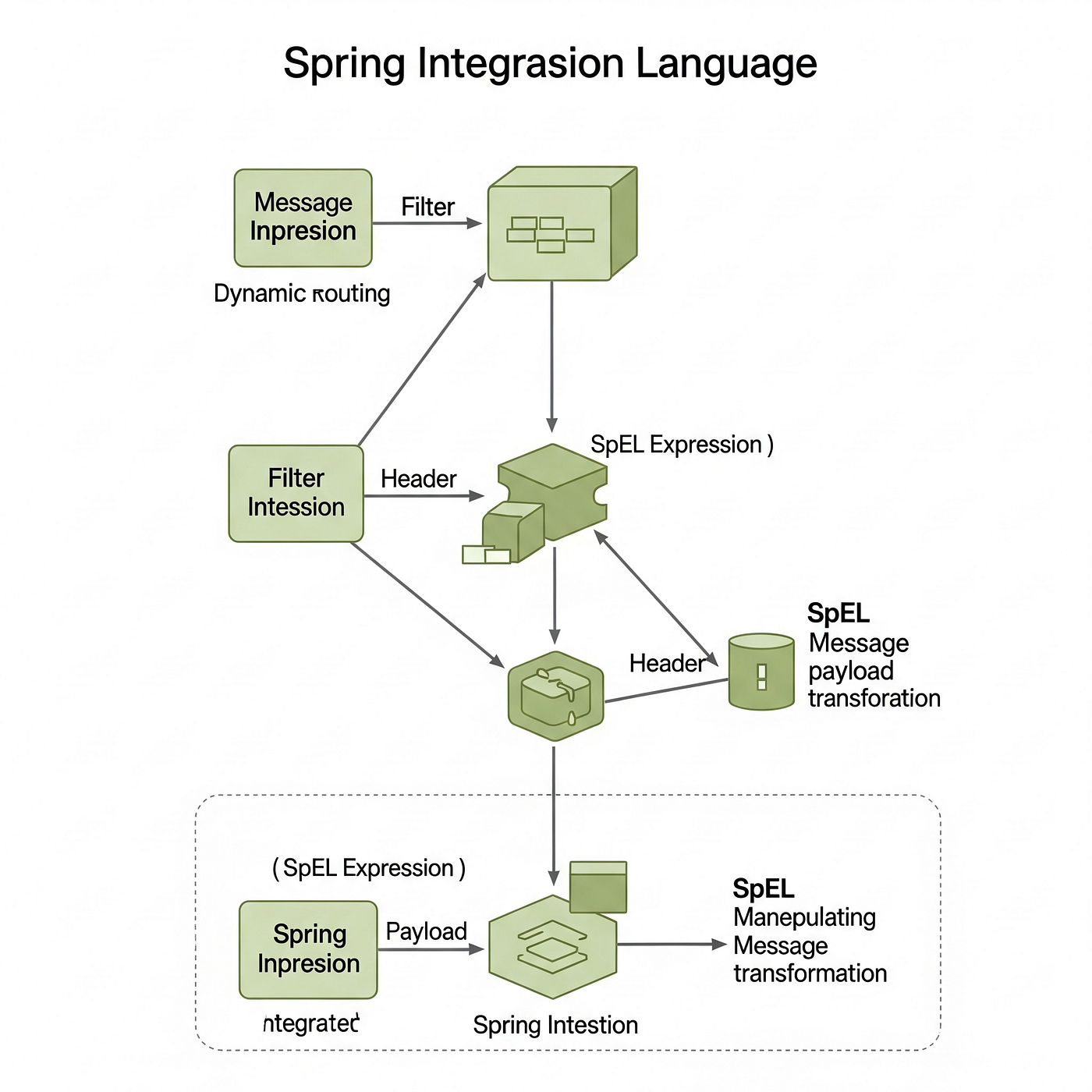
for free reading -> https://master-spring-ter.medium.com/708b9c6a4bcb?source=friends_link&sk=88f61c5b1e9624b85d66c8db0062aebc
As software engineers, we often encounter scenarios where data needs to flow through a series of steps, undergo transformations, and be routed to different destinations based on dynamic conditions. While if/else statements and custom Processor classes can achieve this, they often lead to brittle, hard-to-maintain code, especially as the complexity of your workflows increases.
Enter Spring Integration, Spring Boot’s powerful extension for building message-driven architectures. And within Spring Integration, one of its most potent weapons for achieving true dynamism is Spring Expression Language (SpEL).
Beyond Static Routing: Why SpEL Matters Here
Imagine an inbound message representing an order. Depending on the orderType (e.g., "Standard", "Expedited", "International"), you might need to route it to different processing channels, apply different tax calculations, or even enrich the payload with specific data from external systems.
Traditionally, you might use a Router component with a mapping-adapter defined in XML or a series of @Router annotations with explicit if/else logic in Java. This works, but it's not always the most flexible.
SpEL changes the game. It allows you to define these routing and transformation rules declaratively, using powerful expressions that can inspect message headers, payload content, and even interact with Spring beans at runtime.
Case Study 1: Dynamic Routing with SpEL
Let’s say you have an input channel orderChannel and you want to route messages to standardOrderChannel, expeditedOrderChannel, or internationalOrderChannel based on a header orderType.
Instead of a series of explicit mapping entries, you can use SpEL directly in your router:
import org.springframework.context.annotation.Bean;
import org.springframework.context.annotation.Configuration;
import org.springframework.integration.dsl.IntegrationFlow;
import org.springframework.integration.dsl.IntegrationFlows;
import org.springframework.integration.router.PayloadTypeRouter;
import org.springframework.integration.router.ExpressionEvaluatingRouter;
import org.springframework.messaging.MessageHeaders;

@Configuration
public class OrderRoutingConfig {
    @Bean
    public IntegrationFlow orderProcessingFlow() {
        return IntegrationFlows.from("orderChannel")
                .route(new ExpressionEvaluatingRouter("headers['orderType']"),
                        r -> r.channelMapping("STANDARD", "standardOrderChannel")
                              .channelMapping("EXPEDITED", "expeditedOrderChannel")
                              .channelMapping("INTERNATIONAL", "internationalOrderChannel")
                              .defaultOutputChannel("unknownOrderChannel")) // Fallback channel
                .get();
    }
    // Define your various channels and subsequent flows
    @Bean
    public IntegrationFlow standardOrderFlow() {
        return IntegrationFlows.from("standardOrderChannel")
                .<String, String>transform(p -> "Processing standard order: " + p)
                .handle(m -> System.out.println(m.getPayload()))
                .get();
    }
    @Bean
    public IntegrationFlow expeditedOrderFlow() {
        return IntegrationFlows.from("expeditedOrderChannel")
                .<String, String>transform(p -> "Processing expedited order: " + p + " (High Priority!)")
                .handle(m -> System.out.println(m.getPayload()))
                .get();
    }
    @Bean
    public IntegrationFlow internationalOrderFlow() {
        return IntegrationFlows.from("internationalOrderChannel")
                .<String, String>transform(p -> "Processing international order: " + p + " (Customs review required!)")
                .handle(m -> System.out.println(m.getPayload()))
                .get();
    }
    @Bean
    public IntegrationFlow unknownOrderFlow() {
        return IntegrationFlows.from("unknownOrderChannel")
                .<String, String>transform(p -> "Unknown order type received: " + p)
                .handle(m -> System.err.println(m.getPayload()))
                .get();
    }
}
Notice the power here: headers['orderType']. This SpEL expression directly accesses the orderType header of the incoming message. No explicit Java code to extract the header, no verbose switch statements. It's clean, declarative, and highly readable.
Case Study 2: Dynamic Payload Transformation
SpEL isn’t just for routing; it’s also incredibly powerful for in-place payload transformations, especially when you need to combine data from different parts of the message or perform simple calculations.
Let’s say your incoming message payload is a JSON string representing a product, and you want to transform it into a more refined internal representation, potentially adding a calculated totalPrice based on quantity and unitPrice.
import org.springframework.context.annotation.Bean;
import org.springframework.context.annotation.Configuration;
import org.springframework.integration.dsl.IntegrationFlow;
import org.springframework.integration.dsl.IntegrationFlows;
import org.springframework.integration.transformer.HeaderEnricher;
import org.springframework.integration.transformer.ExpressionEvaluatingTransformer;
import org.springframework.messaging.Message;
import org.springframework.messaging.support.MessageBuilder;
import com.fasterxml.jackson.databind.JsonNode;
import com.fasterxml.jackson.databind.ObjectMapper;

@Configuration
public class ProductTransformationConfig {
    private final ObjectMapper objectMapper = new ObjectMapper();
    @Bean
    public IntegrationFlow productTransformationFlow() {
        return IntegrationFlows.from("rawProductChannel")
                // Assume payload is a JSON string: {"name": "Laptop", "quantity": 2, "unitPrice": 1200.00}
                .<String, JsonNode>transform(s -> {
                    try {
                        return objectMapper.readTree(s);
                    } catch (Exception e) {
                        throw new RuntimeException("Failed to parse JSON", e);
                    }
                })
                .transform(new ExpressionEvaluatingTransformer("payload.put('totalPrice', payload.get('quantity').asDouble() * payload.get('unitPrice').asDouble())"))
                .<JsonNode, String>transform(jsonNode -> jsonNode.toString())
                .handle(m -> System.out.println("Transformed Product: " + m.getPayload()))
                .get();
    }
}
Here, payload.put('totalPrice', payload.get('quantity').asDouble() * payload.get('unitPrice').asDouble()) is the magic. After transforming the JSON string into a JsonNode, we use SpEL to directly manipulate the JsonNode object. We access its properties (quantity, unitPrice), perform a calculation, and then add a new totalPrice field.
Important Note: While powerful, for very complex transformations, you might still opt for a dedicated transformer bean or a custom Processor to maintain readability and testability. SpEL shines for simpler, often mathematical or string-based, manipulations.
Less Known Info: Leveraging SpEL for Dynamic Service Invocation
This is where it gets really interesting. Did you know you can use SpEL to dynamically invoke methods on Spring-managed beans within your Integration flows? This is incredibly powerful for scenarios where the service or method to call depends on runtime conditions.
Let’s say you have different tax calculation services (usTaxService, euTaxService) and you want to invoke the correct one based on a countryCode header.
import org.springframework.context.annotation.Bean;
import org.springframework.context.annotation.Configuration;
import org.springframework.integration.dsl.IntegrationFlow;
import org.springframework.integration.dsl.IntegrationFlows;
import org.springframework.integration.handler.ServiceActivatingHandler;
import org.springframework.integration.expression.ExpressionUtils;
import org.springframework.expression.Expression;
import org.springframework.stereotype.Service;
import org.springframework.messaging.Message;

@Service("usTaxService")
class USTaxService {
    public double calculateTax(double amount) {
        return amount * 0.05; // 5% US tax
    }
}
@Service("euTaxService")
class EUTaxService {
    public double calculateTax(double amount) {
        return amount * 0.20; // 20% EU tax
    }
}
@Configuration
public class DynamicServiceInvocationConfig {
    @Bean
    public IntegrationFlow taxCalculationFlow() {
        return IntegrationFlows.from("orderValueChannel")
                .<Double, Double>transform(payload -> {
                    // Imagine payload is the order amount
                    System.out.println("Received order value: " + payload);
                    return payload;
                })
                .handle(new ServiceActivatingHandler(message -> {
                    String countryCode = message.getHeaders().get("countryCode", String.class);
                    Double orderAmount = message.getPayload() instanceof Double ? (Double) message.getPayload() : null;
                    if (countryCode == null || orderAmount == null) {
                        throw new IllegalArgumentException("Missing countryCode or invalid order amount.");
                    }
                    // Dynamically select the service based on countryCode
                    String serviceBeanName = (countryCode.equals("US")) ? "usTaxService" : "euTaxService";
                    Expression expression = ExpressionUtils.create                            (serviceBeanName + ".calculateTax(#this)");
                    // Evaluate the expression against the message payload
                    // '#this' refers to the current message payload in SpEL context
                    return expression.getValue(message, Double.class);
                }))
                .handle(m -> System.out.println("Calculated Tax: " + m.getPayload()))
                .get();
    }
}
In this example, the ServiceActivatingHandler (used here for demonstration, you could also use .handle(beanName, methodName)) dynamically constructs a SpEL expression like "usTaxService.calculateTax(#this)" or "euTaxService.calculateTax(#this)" based on the countryCode header. The #this in SpEL refers to the current message payload, which is the order amount.
This approach offers unparalleled flexibility. You’re not hardcoding service calls; you’re declaring how to resolve them at runtime.
When to Use SpEL in Spring Integration (and When Not To)
Use SpEL when:
- Dynamic Routing: Your routing logic depends on message headers or simple payload content.
- Simple Transformations: You need to perform basic calculations, string manipulations, or add/modify simple fields.
- Header Enrichment: You want to add derived headers based on existing message data.
- Conditional Processing: You need to enable/disable certain flow segments based on a condition.
- Dynamic Service/Method Invocation: The specific bean or method to call depends on runtime data.
Avoid SpEL when:
- Complex Business Logic: Your transformation or routing involves extensive conditional logic, external service calls within the transformation, or complex data structures. In such cases, a dedicated Spring bean (e.g.,
@Serviceor@Transformer) is more appropriate for testability and maintainability. - Performance-Critical Loops: While SpEL is optimized, evaluating complex expressions repeatedly in high-throughput scenarios might introduce overhead.
- Debugging Challenges: Overly complex SpEL expressions can be harder to debug than well-structured Java code.
Conclusion
Spring Expression Language, when wielded within Spring Integration, transforms your declarative configurations into highly dynamic and adaptable message processing pipelines. By understanding its capabilities for routing, payload transformation, and even dynamic service invocation, you can build more robust, flexible, and maintainable systems that respond elegantly to changing business requirements.
So, the next time you find yourself writing repetitive if/else blocks for message processing, remember the power of SpEL. It's a less-traveled path, but one that leads to cleaner code and more intelligent enterprise integration solutions. Dive in, experiment, and unlock the true potential of your Spring Boot applications.
메타데이터
- post_id
- 708b9c6a4bcb
- slug
- unlocking-dynamic-workflows-spel-in-spring-integration-for-advanced-routing-and-transformation-708b9c6a4bcb
- url
- https://medium.com/@master-spring-ter/unlocking-dynamic-workflows-spel-in-spring-integration-for-advanced-routing-and-transformation-708b9c6a4bcb
- canonical_url
- https://medium.com/@master-spring-ter/unlocking-dynamic-workflows-spel-in-spring-integration-for-advanced-routing-and-transformation-708b9c6a4bcb
- author_url
- https://medium.com/@master-spring-ter
- status
- ok
- fetched_at
- 2026-06-25 16:53:31