Claude Code Local Model Workflow: How Developers Cut Cost Without Losing Control
A coding agent can feel magical until the bill, rate limit, or security review arrives. Claude Code is useful because it can read a…
Claude Code Local Model Workflow: How Developers Cut Cost Without Losing Control

Claude Code Local Model Workflow
A coding agent can feel magical until the bill, rate limit, or security review arrives. Claude Code is useful because it can read a codebase, edit files, run commands, and keep working through a task. That same strength also makes long sessions expensive, noisy, and risky when every small refactor goes through a frontier cloud model.
The smarter workflow is not “cloud model or local model.” It is routing. Use local models for cheap, private, repeatable coding work. Use Claude’s hosted models when the task needs stronger reasoning, deeper planning, or higher confidence. The goal is not to replace the best model. The goal is to stop using it for every scratch-pad step.
This guide explains how a practical Claude Code local model workflow works, where it fits, where it fails, and how developers can use it without turning their setup into a fragile science project.
Why local models are suddenly part of the Claude Code conversation
Developer demand around AI coding agents has moved from “can it write code?” to harder workflow questions:
- How do I keep agentic coding sessions affordable?
- How do I avoid sending sensitive source code to a remote API for routine tasks?
- How do I keep working when rate limits or provider outages interrupt a long session?
- How do I test AI coding workflows before trusting them on real repositories?
- Which coding tasks are safe to delegate to cheaper models?
Recent developer discussions and technical guides point to the same pressure: agentic coding burns many more tokens than a normal chat. A coding agent may inspect files, summarize context, generate patches, run tests, read failures, revise code, and repeat. That loop is powerful, but it is not cheap.
At the same time, local coding models have become good enough for a useful slice of daily engineering work: code explanation, simple refactors, test scaffolding, docs updates, lint fixes, boilerplate, and first-pass debugging. They are not perfect. They are not always better. But for many low-risk tasks, they are good enough to change the economics.
What Claude Code actually needs from a local model
Claude Code is an agentic coding tool. It can operate in a terminal, IDE, desktop app, or browser. In a project, it can inspect code, edit files, run commands, and integrate with development tools. When you use it with a hosted model, requests go to Anthropic’s API or a supported provider.
A local model workflow changes the model endpoint. Instead of sending every request to the default remote service, the developer points Claude Code toward a local or self-hosted server that speaks a compatible API shape. In practice, developers commonly explore backends such as Ollama, LM Studio, llama.cpp, or a proxy that presents an Anthropic-compatible Messages API.
The important idea is simple:
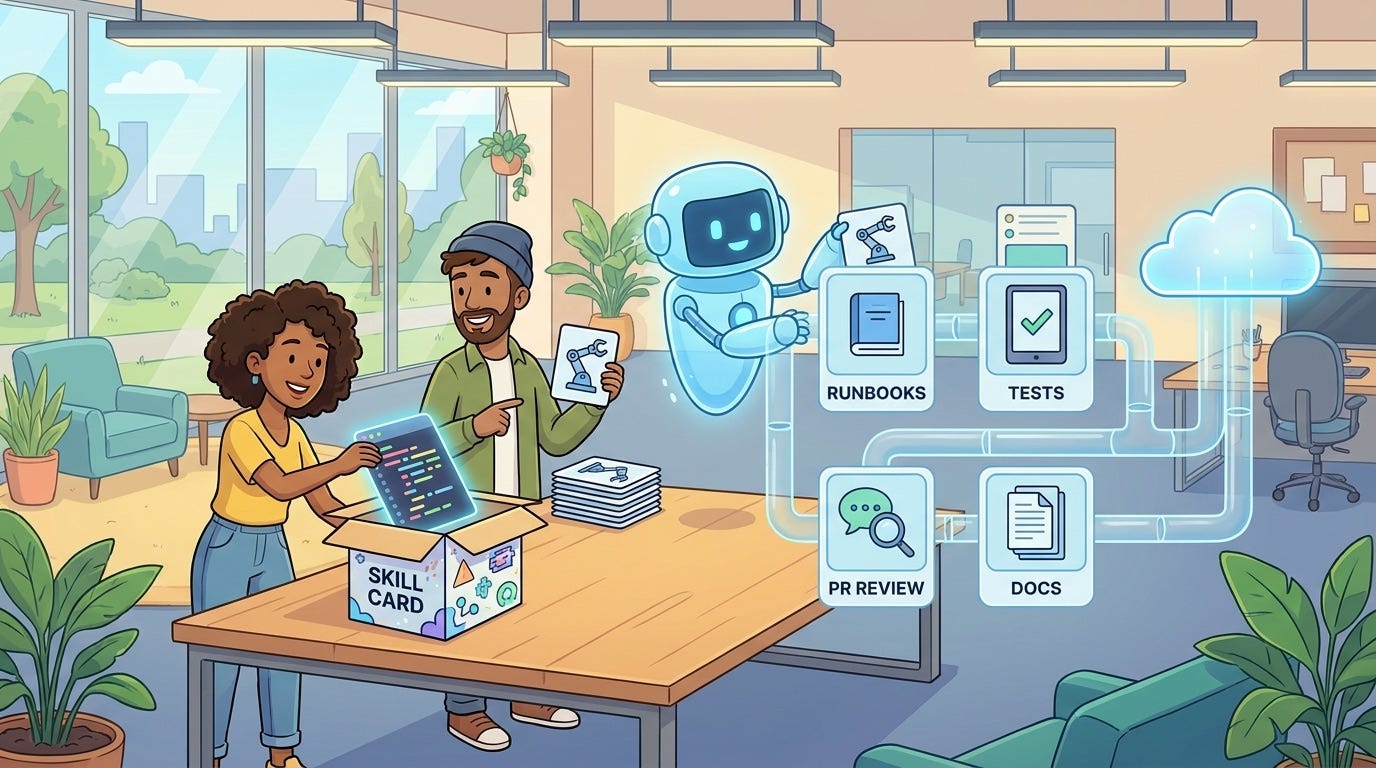
Claude Code remains the coding harness. The local model becomes one possible brain behind the harness.
That split matters. The harness handles the workflow: reading files, proposing edits, calling tools, and running commands. The model handles language and reasoning. If the model is weaker, the harness still works, but quality, planning depth, and tool-use reliability may change.
When a local Claude Code workflow makes sense
Local models are not the right default for every task. They are useful when the work is bounded, repetitive, privacy-sensitive, or cost-sensitive.
Use local models for low-risk coding tasks
Good candidates include:
- Explaining a file or function in plain language
- Writing first-draft unit tests for simple modules
- Renaming variables or cleaning up obvious duplication
- Generating documentation from existing code
- Fixing formatting, lint, or small type issues
- Creating scaffolding for routes, components, or data models
- Summarizing a pull request before human review
These tasks have clear boundaries. They are easy to inspect. They usually do not need the most advanced reasoning model available. A local model can handle the first pass, and a developer can review the diff.
Use hosted frontier models for high-risk work
Keep stronger hosted models for tasks where wrong answers are expensive:
- Security-sensitive changes
- Database migrations
- Authentication and permission logic
- Complex multi-file architecture changes
- Performance-critical refactors
- Production incident debugging
- Ambiguous product logic
The practical rule is: if you would not trust a junior developer to make the change without close review, do not blindly trust a local model either.
The workflow architecture: route, constrain, verify
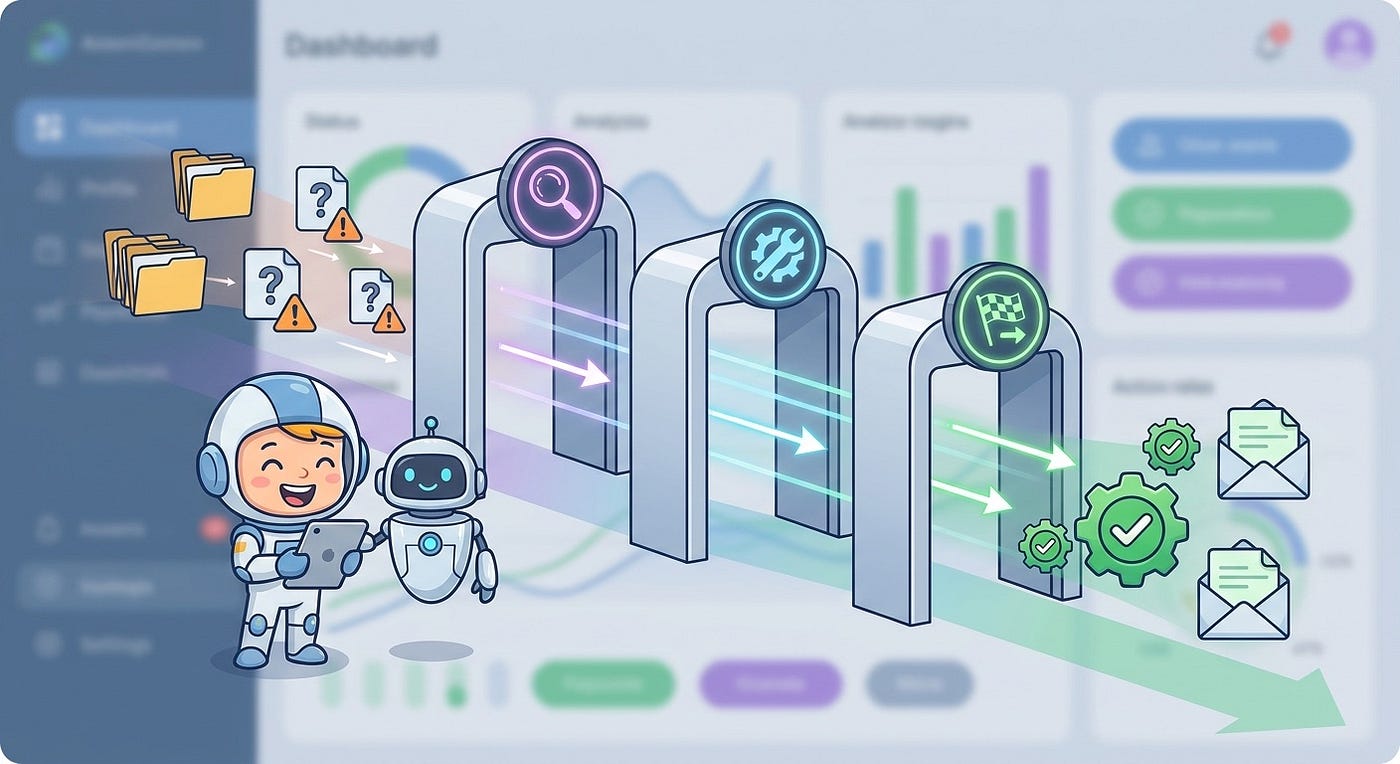
A reliable Claude Code local model workflow has three parts:
- Route the right tasks to the right model.
- Constrain what the agent can read, edit, and run.
- Verify the output before it enters the main branch.
This sounds basic, but it prevents most expensive mistakes. The problem is rarely that a local model writes one weak line of code. The bigger risk is allowing an unbounded coding loop to modify too many files, run too many commands, or hide its uncertainty behind confident prose.

Routing by task type
Create a simple routing policy before you start. For example:
- Local model: docs, tests, simple explanations, boilerplate, small refactors.
- Hosted model: architecture, security, migrations, complex debugging, release blockers.
- Human only: secrets, billing changes, destructive production operations, legal or compliance logic.
You do not need a complex system at first. A short checklist in your repository is enough. The checklist should answer one question: “Should this agent session be cheap and local, or careful and remote?”
Constraining the agent
Claude Code supports settings scopes for user, project, local, and managed configuration. The practical use for teams is to define project-level permissions and hooks so the agent does not operate like an unrestricted shell with a friendly chat box.
Useful constraints include:
- Deny reads from secret files such as environment files and credential folders.
- Allow only known safe commands such as tests, formatters, and linters.
- Require human approval for package installs, network calls, or destructive commands.
- Keep personal local model endpoint settings out of shared project config.
- Document which tasks are safe for local-model sessions.
The model choice does not remove the need for permissions. A local model can still make bad edits, run the wrong command, or include sensitive content in generated output. Local inference reduces one class of data exposure; it does not solve workflow safety.
Verifying the output
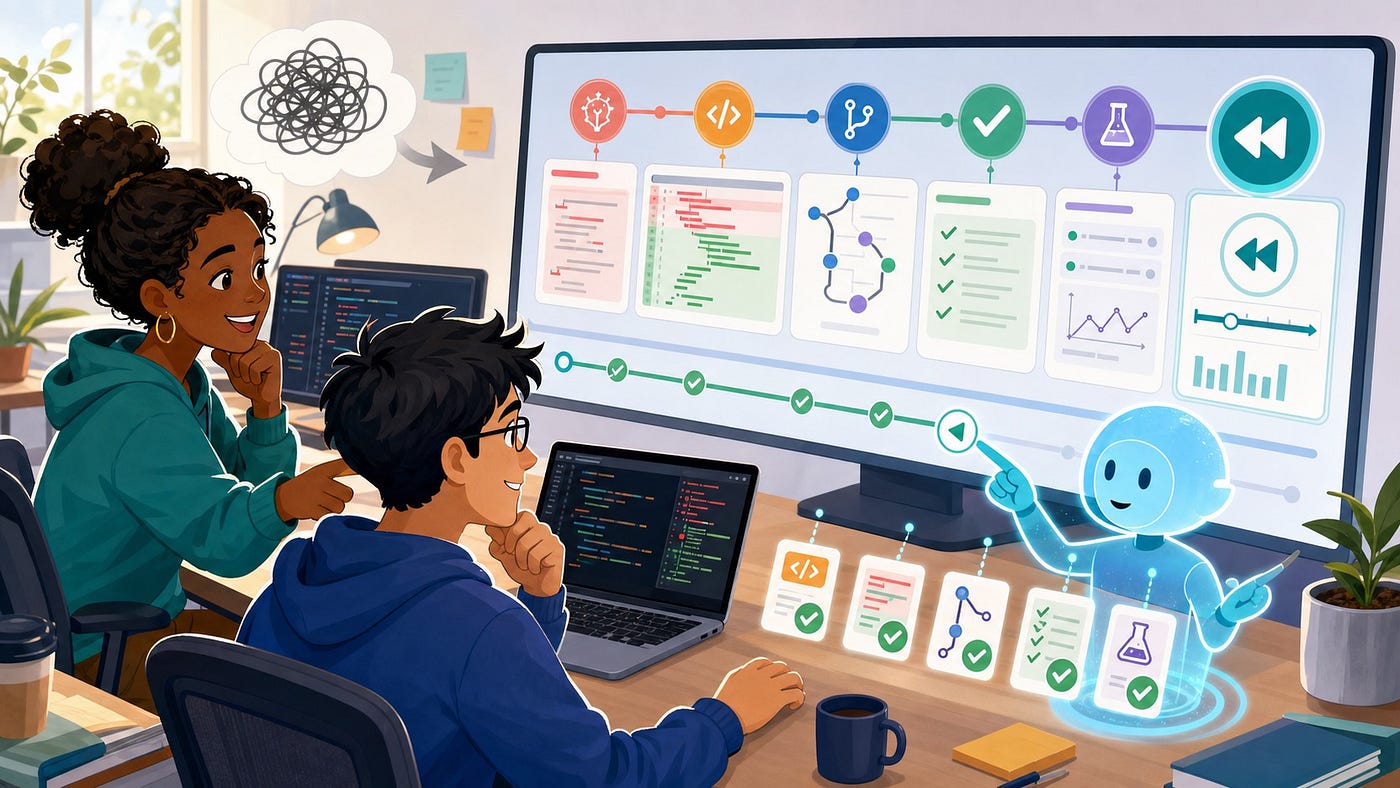
Every local-model coding workflow needs a verification gate. At minimum, use:
- Diff review before accepting changes
- Unit tests for touched modules
- Typecheck or build checks
- Lint and formatting checks
- A short human review for intent, not just syntax
A local model is a cost-control layer, not an auto-merge system.
How developers configure Claude Code for local models
The exact setup depends on the backend. The common pattern is to run a local model server, then point Claude Code toward that server with environment variables or settings. Several local backends now expose endpoints compatible with the Anthropic Messages API or can be used through a compatibility layer.
A typical setup has these moving parts:
- A local model runtime such as Ollama, LM Studio, llama.cpp, or a self-hosted inference server.
- A coding model that fits your hardware and supports the type of work you want.
- An endpoint URL for the local server.
- Placeholder authentication values if the local server requires non-empty keys.
- Model name mappings so Claude Code requests route to a model that exists locally.
For example, a developer might use environment variables to point the session at a local server:
export ANTHROPIC_BASE_URL="http://localhost:11434"
export ANTHROPIC_API_KEY="local"
export ANTHROPIC_AUTH_TOKEN="local"
export ANTHROPIC_DEFAULT_SONNET_MODEL="your-local-coding-model"
export ANTHROPIC_DEFAULT_HAIKU_MODEL="your-local-coding-model"
export ANTHROPIC_DEFAULT_OPUS_MODEL="your-local-coding-model"
Then the developer launches Claude Code from the project where they want that routing to apply.
For a more persistent setup, Claude Code settings can define environment variables in a settings file. A simplified example looks like this:
{
  "env": {
    "ANTHROPIC_BASE_URL": "http://localhost:11434",
    "ANTHROPIC_API_KEY": "local",
    "ANTHROPIC_AUTH_TOKEN": "local",
    "ANTHROPIC_DEFAULT_SONNET_MODEL": "your-local-coding-model",
    "ANTHROPIC_DEFAULT_HAIKU_MODEL": "your-local-coding-model",
    "ANTHROPIC_DEFAULT_OPUS_MODEL": "your-local-coding-model"
  }
}
Do not copy a configuration blindly. Model names, endpoint paths, and compatibility support vary by backend and version. Treat this as a pattern, then check the current docs for your runtime.
Choosing the right local model
A local coding model should be judged by workflow fit, not leaderboard vibes. Ask these questions:
- Can it follow edit instructions without rewriting unrelated files?
- Can it use enough context for your project size?
- Does it produce small, reviewable diffs?
- Does it handle your main language well?
- Can your machine run it at a usable speed?
- Does its license fit your personal or commercial use?
- Does it behave consistently in repeated test prompts?
Do not start with the largest model your machine can barely run. Slow agents cause a different productivity problem: developers stop reviewing carefully because every iteration feels painful. A smaller model that produces quick drafts can be more useful than a larger model that turns every refactor into a waiting room.
A practical evaluation prompt
Before using a local model on real work, test it on a throwaway branch with prompts like:
Explain the purpose of this module in five bullets.
Do not edit files.
Add unit tests for the pure helper functions in this file.
Only create or edit test files.
Run the relevant test command and summarize failures.Refactor this function for readability without changing behavior.
Keep the diff small.
Do not rename public exports.Look for behavior, not just answers. Does the model respect boundaries? Does it invent APIs? Does it touch unrelated files? Does it admit uncertainty? These are better signals than a polished explanation.
Security and privacy: what local models fix and what they do not
Running a local model can reduce exposure of source code to third-party APIs. That is useful for private repositories, regulated projects, client work, or teams with strict data policies.
But “local” does not automatically mean “secure.” You still need to think about:
- Secrets: The agent should not read environment files, private keys, tokens, or production credentials.
- Tool access: The agent should not run arbitrary network, deployment, or database commands without approval.
- Logs: Local servers, terminal output, and transcripts may still store sensitive snippets.
- Extensions and plugins: IDE integrations can introduce their own data paths.
- Model provenance: A downloaded model may have license, safety, or supply-chain concerns.
Think of local inference as one privacy control inside a larger development security workflow. It is valuable, but it is not a permission system, audit log, or code review replacement.
Cost optimization: where the savings actually come from
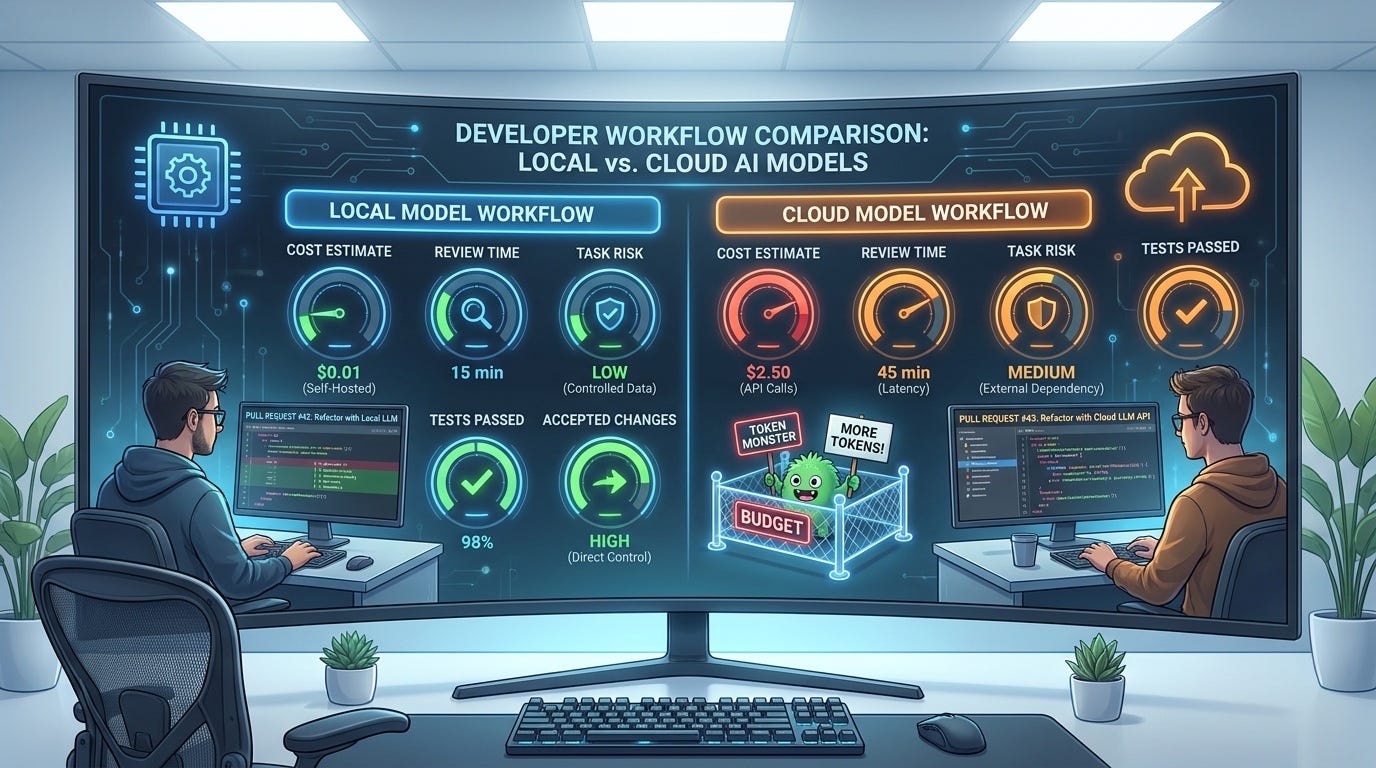
The cost benefit comes from moving high-volume, low-risk work away from metered cloud tokens. That includes repeated context reads, drafts, explanations, small test generation, and trial-and-error debugging.
However, local models are not free in the full sense. They use hardware, electricity, storage, setup time, and developer patience. The right question is not “is local free?” The better question is:
Which parts of my coding-agent workflow are too cheap to deserve a frontier model, but too repetitive to do by hand?
That is where local models shine.
Track cost by task, not by model
If you want the workflow to improve, track simple metrics:
- Task type
- Model used
- Session duration
- Files changed
- Tests run
- Human review time
- Accepted, revised, or rejected outcome
After a few weeks, patterns appear. Maybe local models are excellent for docs and weak for test generation. Maybe they are great for frontend cleanup but unreliable for backend authorization logic. Let evidence decide the routing policy.
Common mistakes in Claude Code local model workflows
Mistake 1: Treating local as a full replacement
Local models are a workflow layer, not a religion. If a hosted model solves a hard bug in fifteen minutes while a local model wanders for an hour, the hosted model was cheaper in real engineering cost.
Mistake 2: Using one model for every task
Different tasks need different strengths. Explanation, code generation, refactoring, test writing, and debugging are not the same skill. Keep your routing policy flexible.
Mistake 3: Skipping permissions because the model is local
A local agent can still delete files, run bad commands, or produce unsafe patches. Local inference reduces data sharing. It does not remove the need for guardrails.
Mistake 4: Measuring token savings but ignoring review cost
A cheap model that creates messy diffs can be expensive. Count human review time. Count rejected changes. Count debugging caused by bad edits.
Mistake 5: Forgetting team reproducibility
If one developer has a powerful GPU and another has a thin laptop, “just run it locally” is not a team strategy. Document supported runtimes, fallback hosted models, and which settings are personal versus shared.
A safe starter workflow for solo developers
If you are a solo developer or technical founder, start small:
- Create a sandbox branch in a non-critical repository.
- Install one local model runtime that your machine can run comfortably.
- Point Claude Code at the local endpoint for that terminal session only.
- Ask for explanations first, with no file edits.
- Move to small test or docs changes.
- Review every diff manually.
- Run tests before committing.
- Write down which tasks worked and which failed.
Do this for a week before changing your default setup. The goal is to build trust from observed behavior, not from a tutorial headline.
A safe team workflow for AI coding automation
For teams, the workflow needs more structure:
- Define approved local runtimes and model versions.
- Keep endpoint settings personal or managed, not accidentally committed.
- Use project-level permissions for safe commands and denied secrets.
- Require pull requests for agent-generated changes.
- Label PRs created with local-model assistance.
- Track acceptance rate and review time by task type.
- Reserve hosted models for high-risk or high-complexity work.
This makes local models part of engineering practice instead of a hidden personal hack.
Where this fits in the AI coding stack
The modern AI coding stack has more layers than “model plus prompt.” A real workflow includes:
- Harness: Claude Code or another coding agent runtime.
- Model: hosted, local, or self-hosted.
- Context: files, errors, docs, tests, issue descriptions, and project rules.
- Tools: shell commands, test runners, package managers, linters, browsers, and APIs.
- Permissions: what the agent can read, edit, and execute.
- Review: human approval, CI, code review, and release gates.
Local models only change one layer. The rest of the stack still matters. In fact, weaker models make the surrounding workflow more important because constraints and verification carry more of the safety burden.
Content gap: what most local model guides miss
Many guides explain how to connect a local backend. That is useful, but incomplete. The bigger implementation gap is workflow design:
- Which tasks should be local?
- Which tasks should stay on stronger hosted models?
- How do you measure whether the local model is saving time or creating review debt?
- How do you prevent local convenience from bypassing team security rules?
- How do you create a fallback path when the local model fails?
Those questions matter more than the exact model name. Models will change. The routing, constraint, and verification pattern will stay useful.
Practical checklist before using Claude Code with a local model
- Confirm your backend supports the API shape Claude Code expects.
- Use a throwaway branch for the first experiments.
- Start with read-only explanations before allowing edits.
- Use small prompts with clear file and command boundaries.
- Deny access to secrets and sensitive folders.
- Run tests and typechecks after edits.
- Compare accepted output against human review time.
- Keep hosted models available for complex tasks.
- Document your routing policy.
- Update the policy when model behavior changes.
Final take: local models make Claude Code more strategic
The best reason to use Claude Code with local models is not novelty. It is control. Developers can reserve expensive frontier reasoning for work that deserves it, while moving routine coding assistance closer to the machine, the repository, and the review loop.
This is where AI coding workflows are heading: not one model for everything, but a controlled stack where tasks move through the right model, the right permissions, and the right review gate.
Local models will not remove the need for judgment. They will reward developers who design their workflow carefully. The winners will not be the teams that automate the most. They will be the teams that know exactly what to automate locally, what to escalate, and what still needs a human with context.
FAQ
Can Claude Code run with local models?
Claude Code can be configured to use compatible local or self-hosted endpoints in some setups, usually through environment variables or settings that point requests to a local server. The exact support depends on your Claude Code version, backend, endpoint compatibility, and model mapping.
Is a local model as good as Claude’s hosted models for coding?
Usually not for complex reasoning, architecture, or high-risk debugging. Local models can be very useful for bounded tasks such as explanation, boilerplate, tests, docs, and simple refactors. A good workflow uses both local and hosted models based on task risk.
Does using a local model make coding work private?
It can reduce the amount of source code sent to remote model APIs, but privacy still depends on the full toolchain. Logs, IDE plugins, local servers, transcripts, and agent permissions still need review. Local inference is one privacy control, not a complete security system.
Which local backend should developers start with?
Many developers start with Ollama because it is simple to install and manage. LM Studio is helpful for a graphical model-management workflow. llama.cpp is useful for more technical users who want low-level control. The best choice depends on hardware, model support, and team comfort.
What tasks should stay on hosted frontier models?
Use stronger hosted models for security-sensitive changes, complex multi-file refactors, production incident debugging, database migrations, authentication logic, and ambiguous architecture decisions. If a mistake would be expensive, route the task to the strongest workflow and require human review.
How do I know if local models are actually saving money?
Track task type, model used, review time, accepted changes, rejected changes, tests run, and follow-up fixes. Token savings only matter if the output is good enough to reduce total engineering effort.
메타데이터
- post_id
- 712cd5b06079
- slug
- claude-code-local-model-workflow-how-developers-cut-cost-without-losing-control-712cd5b06079
- url
- https://medium.com/toward-next-ai/claude-code-local-model-workflow-how-developers-cut-cost-without-losing-control-712cd5b06079
- canonical_url
- https://medium.com/toward-next-ai/claude-code-local-model-workflow-how-developers-cut-cost-without-losing-control-712cd5b06079
- author_url
- https://medium.com/@towardnextai
- status
- ok
- fetched_at
- 2026-06-27 18:20:27