How to Add Stripe Subscription Billing to Next.js 15
Adding subscription billing is the moment a side project starts feeling like a real SaaS. But most tutorials stop at “redirect to Checkout”…
How to Add Stripe Subscription Billing to Next.js 15
Adding subscription billing is the moment a side project starts feeling like a real SaaS. But most tutorials stop at “redirect to Checkout” and skip the part that actually matters.
Webhooks. That’s what keeps your database in sync no matter what the user does after paying.
👉 Full guide: https://osamahabib.com/blog/stripe-subscription-billing-nextjs-15
What you’ll build
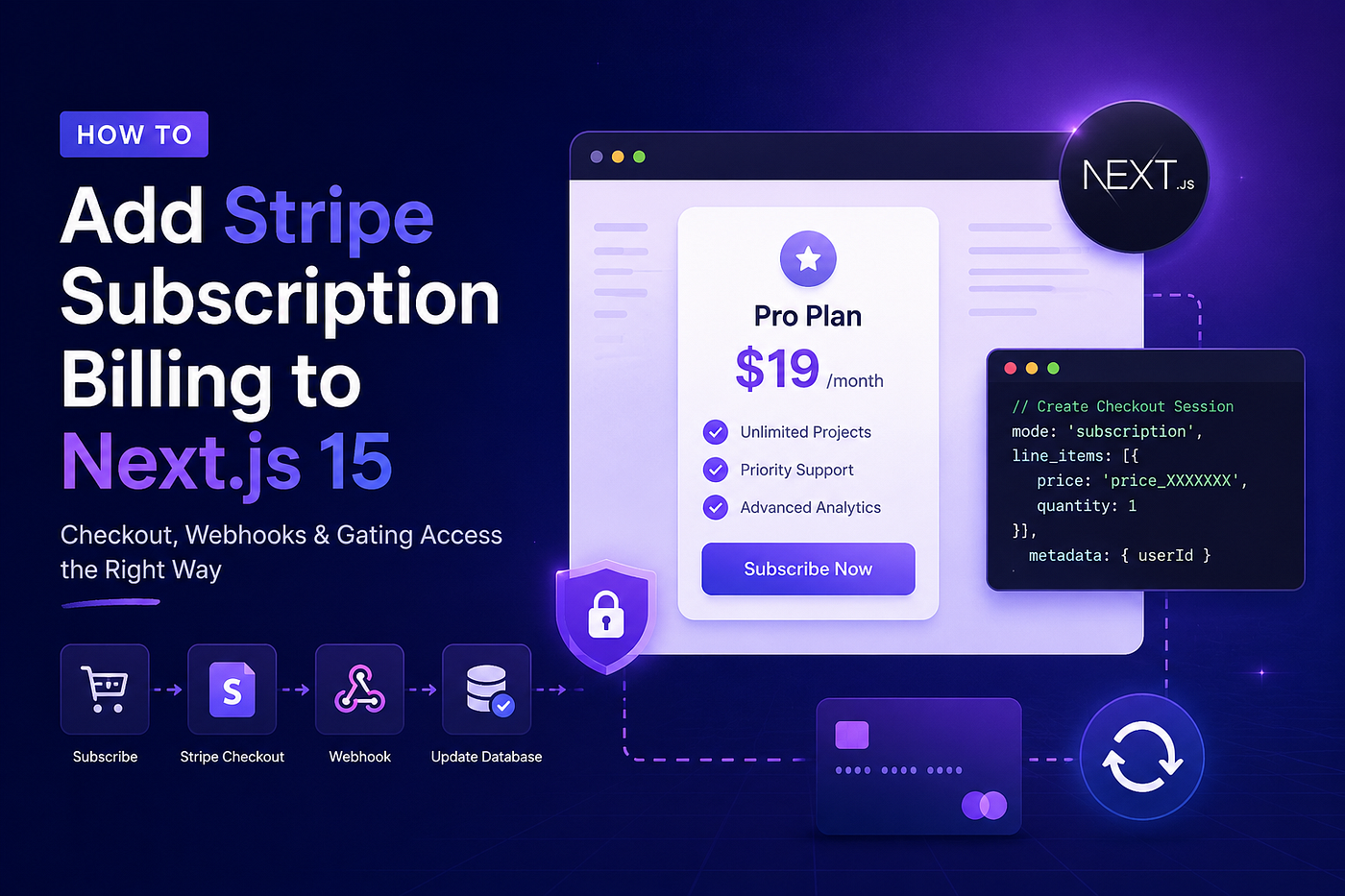
A complete subscription flow: user clicks Subscribe → Stripe Checkout → pays → your app reliably knows they’re a paying customer, even if they close the tab before the redirect.
The detail most tutorials miss
When creating a Checkout Session, always pass your user’s ID in metadata:
metadata: { userId }
Without this, your webhook fires successfully -but has no way to know which user in your database just paid.
Webhooks -two things developers get wrong
Reading body as JSON — you must use req.text() for raw body. Parsing as JSON breaks Stripe’s signature verification.
Skipping verification — always call
stripe.webhooks.constructEvent() with the raw body and signature header. Without it, anyone can send fake payment events to your endpoint.
Why webhooks over success_url?
A user can pay and immediately close the tab -they never reach your success redirect. Webhooks are server-to-server. They fire regardless of what the user does.
Always use webhooks as your source of truth. Never rely on the redirect to grant access.
Gating features
Once your DB has the user’s subscription status:
if (!user.isPro) redirect(“/pricing”);
Full loop: checkout → webhook updates DB → app checks DB → access granted or denied.
Complete guide with all 6 steps, Stripe CLI local testing, free trial setup, and common mistakes:
👉 https://osamahabib.com/blog/stripe-subscription-billing-nextjs-15
메타데이터
- post_id
- 7150ba4e13e4
- slug
- how-to-add-stripe-subscription-billing-to-next-js-15-7150ba4e13e4
- url
- https://medium.com/@osamacheema453/how-to-add-stripe-subscription-billing-to-next-js-15-7150ba4e13e4
- canonical_url
- https://medium.com/@osamacheema453/how-to-add-stripe-subscription-billing-to-next-js-15-7150ba4e13e4
- author_url
- https://medium.com/@osamacheema453
- status
- ok
- fetched_at
- 2026-06-20 20:29:01




