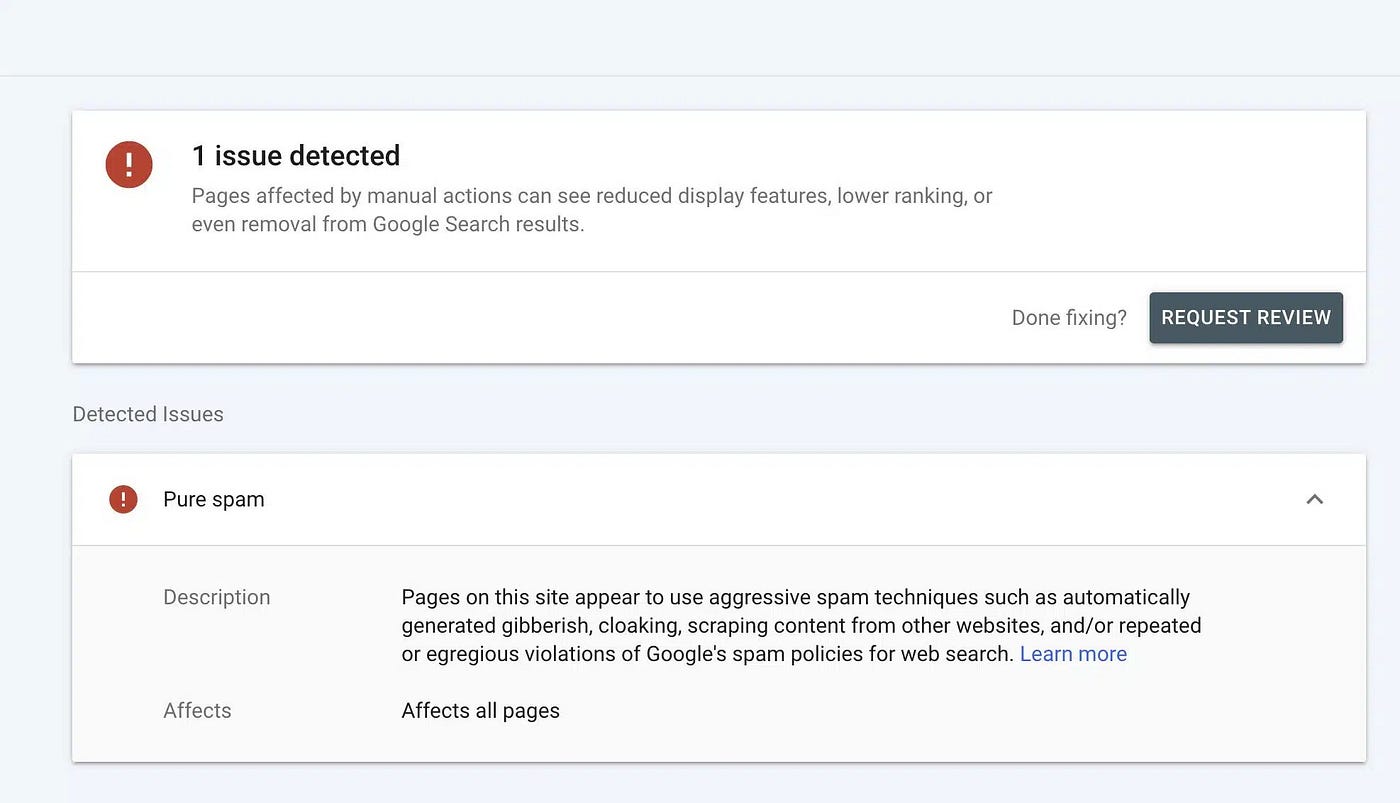
Let’s understand what Google indexing is.
I think many of us know about Google indexing and also know how important it is to index our content if we want it to be shown on Google…
Let’s understand what Google indexing is.
I think many of us know about Google indexing and also know how important it is to index our content if we want it to be shown on Google. But do you know “How to index a website or a particular webpage in Google?” If you don’t know, this is for you.
What is Google Indexing?
Google indexing is a process driven by Google bots to show us (the searchers) the exact and best related result to our query that we put in Google’s search bar. Google bots come to a landing page, crawl it, analyze it, and store it in a massive database, making the page eligible to appear in the search engine result page (SERP). If a page is not-indexed, it can not be found in search result pages, but still be accessible through manual input of URL in the web.
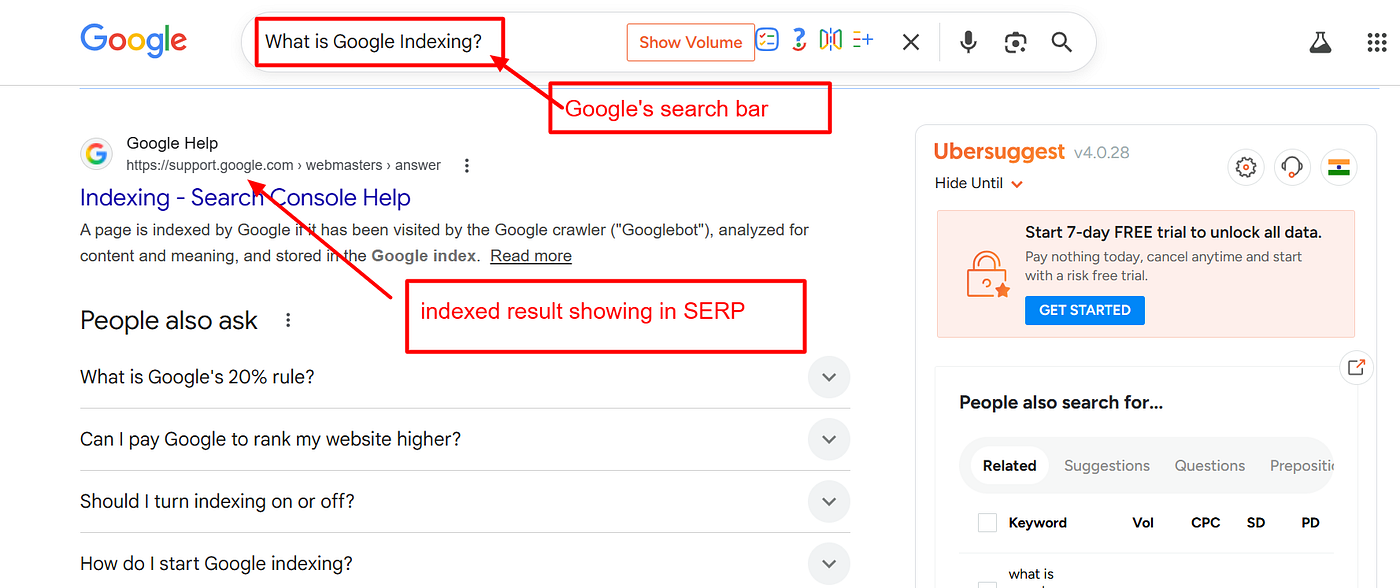
SERP showing indexing results for the query
How to index your website or webpage?
The easiest way to index your website or webpage is through Google Search Console. Many people still don’t know about this tool. Google Search Console (earlier known as Google Webmaster) is a Google tool that helps Google bots to read your website pages easily through submitting a sitemap in GSC and do easy analysis of all webpages and decide whether to index or not index.
Steps to do easy indexing through GSC (Google Search Console):
- Create your Google Search Console account by simply going to https://search.google.com/search-console/about
- Click on START NOW and connect it with your Gmail
- Create a property for your website using the Domain or URL prefix method (simpler).
- If you choose the URL prefix method, you just need to download the HTML file it provides and upload it on your website.
- And your Google Search Console account for our website is created.
- Now the account is created. Go to the sitemap section from the options given in the left side and submit your sitemap and you are done. Now you have to wait for a few days to Google bots let read your website and show indexing results.
- After a few days, you can go to “Pages” under indexing section and see the indexing results by Google.
This is the easiest and correct way to submit your website for indexing. If you think you need more help with website indexing or if Google is not indexing your website, you can reach out to any SEO person, or you can contact me. I provide SEO consultations. I will help you find the problem and will help you index your most important pages in Google.
메타데이터
- post_id
- 71d259115e6d
- slug
- lets-understand-what-google-indexing-is-71d259115e6d
- url
- https://medium.com/@devakpo777/lets-understand-what-google-indexing-is-71d259115e6d
- canonical_url
- https://medium.com/@devakpo777/lets-understand-what-google-indexing-is-71d259115e6d
- author_url
- https://medium.com/@devakpo777
- status
- ok
- fetched_at
- 2026-06-09 15:37:30