How to Use a Medium Kicker to Your Advantage
A simple way to make your articles look more professional — and feel slightly smug doing it
KISS-ASS KICKERS
How to Use a Medium Kicker to Your Advantage
A simple way to make your articles look more professional — and feel slightly smug doing it

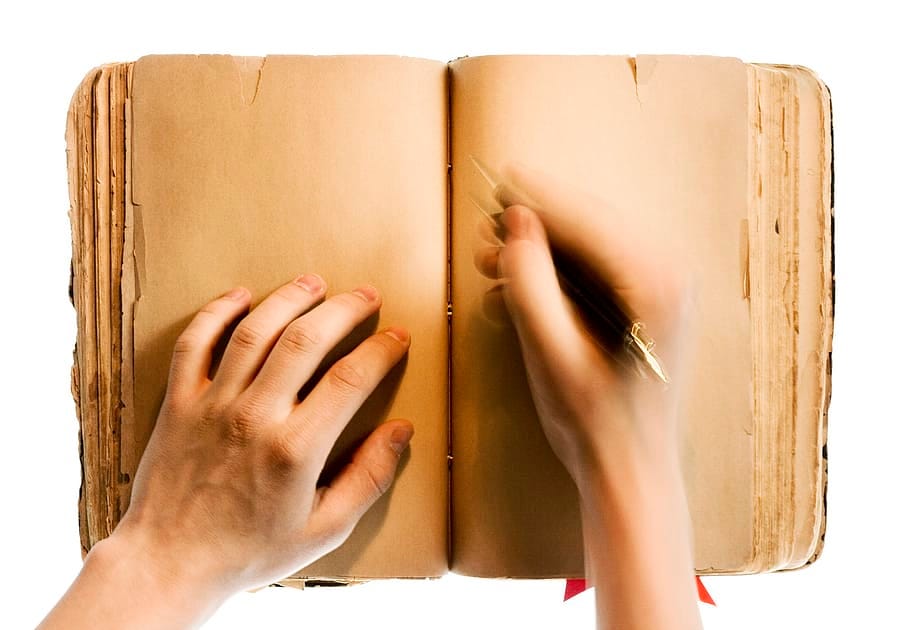
Pexels
Most people new to Medium think a kicker is either a football player, a donkey or an unexpected revelation.
Turns out, it is also a secret formatting tool — so secret, most writers don’t know it exists. It’s like discovering a £20 note in a jacket pocket you haven’t worn for ten years.
There is a certain point in writing an article when you look at your story title and think this could do with a little garnish. Your writing is solid, your insights are life-changing, but visually, your title is sitting there like a boiled potato — enter The Kicker.
The kicker is an underused feature on Medium that sits above your title and can draw attention to your article in the same way you would point at a treat on the ground for your dog.
Not all dogs get it, but the ones that do are ever so grateful.
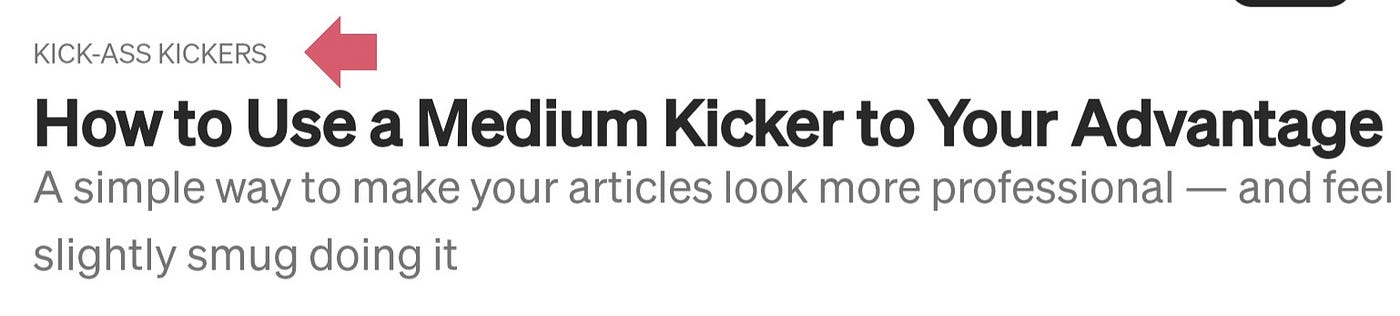
Author screenshot
In publishing, the kicker is an introductory word or phrase whose job is to complement your title and subtitle. It’s like a little cravat on a dandy. It would look out of place on a boiler suit, but if you’re wearing a cotton blazer, a crisp white shirt and tailored trousers (think Cary Grant), then a little flair doesn’t go amiss.
Medium lets you add a kicker, but they don’t make it obvious. This is the simplest way to add one — it’s like riding a bike after you get it.
- Start with your title and subtitle. Type them as normal.
- Click at the beginning of the title — right before that capital “H” in “How,” if you’re copying this article.
- Hit “Enter.” You’ll now have a blank line above the title.
- Type your kicker text on that line. Keep it short: Blogging Tips, Life Advice or Malky is a Gem.
- Highlight that kicker text, then click the small “t” icon (for small heading style) in the formatting bar.
Easy once you know how.
When to use a kicker
Is it imperative to use a kicker? No. Not unless the publication you are sending your article to demands it. However, there are occasions when a kicker enhances your chances of more reads.
Use a kicker when:
- You want to identify a series you are writing. (The Magic Art, for example, is one I use for my literary devices series.)
- You want to emulate professional magazines.
- You want to stand out from the crowd with a clever primer.
TOP TIP: When your kicker is part of a series, create a list in your profile and add a link to your kicker. This will take readers to your full catalogue of articles in that series.
Using a kicker appropriately can warm your audience to your writing. It says, ‘Trust me. This is worth your time.’ And it is rather satisfying when it works.
Malky McEwan
메타데이터
- post_id
- 722e47a57231
- slug
- how-to-use-a-medium-kicker-to-your-advantage-722e47a57231
- url
- https://medium.com/the-springboard/how-to-use-a-medium-kicker-to-your-advantage-722e47a57231
- canonical_url
- https://medium.com/the-springboard/how-to-use-a-medium-kicker-to-your-advantage-722e47a57231
- author_url
- https://medium.com/@malkymcewan
- status
- ok
- fetched_at
- 2026-07-18 15:36:22