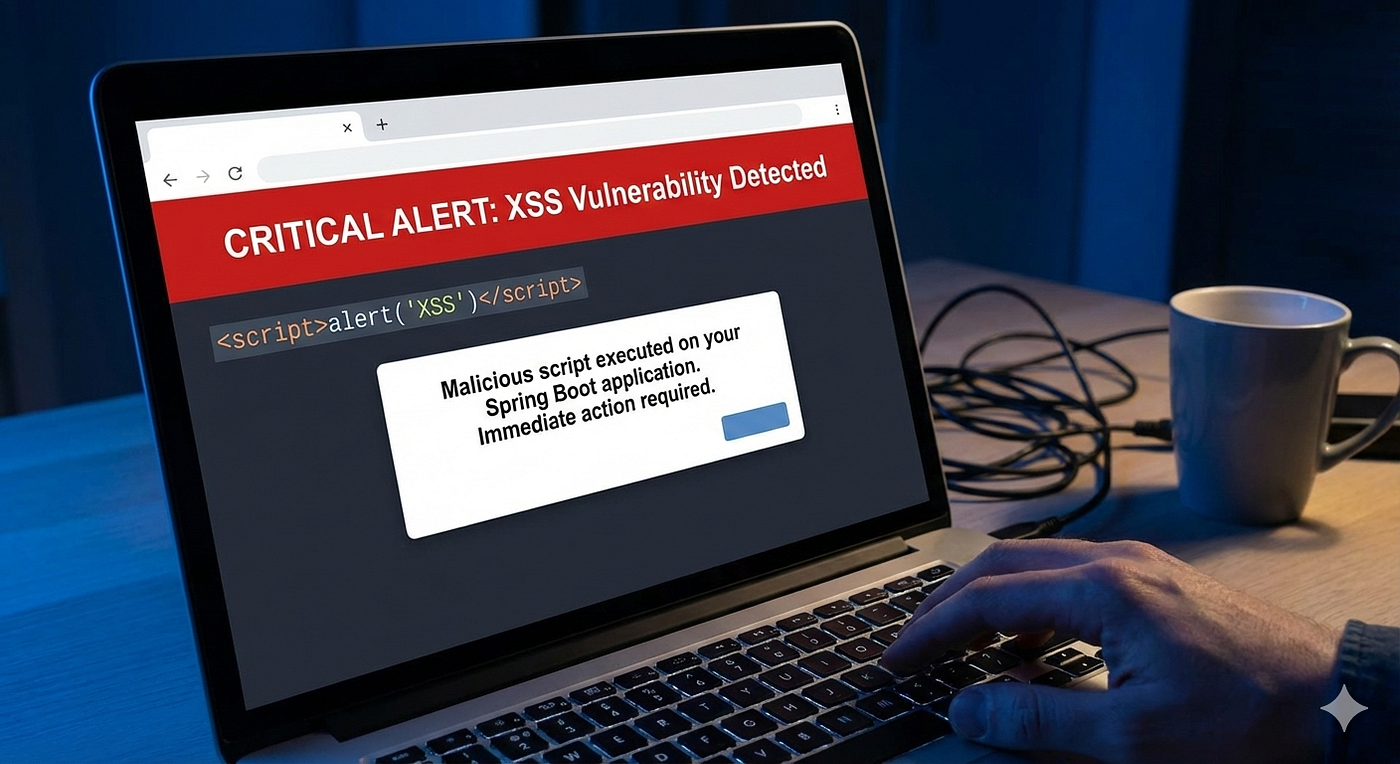
🛡️ Discovered an XSS Vulnerability in Your Spring Boot App?
Don’t Panic — Here’s How to Fix It in Minutes
🛡️ Discovered an XSS Vulnerability in Your Spring Boot App?
🛡️ Discovered an XSS Vulnerability in Your Spring Boot App?
Don’t Panic — Here’s How to Fix It in Minutes
Finding an XSS vulnerability feels scary.
But here’s the truth senior engineers know:
Most XSS issues in Spring Boot are easy to fix once you know where to look.
Let’s walk through it calmly, step by step.
🧠 First: What XSS Actually Is (In One Line)
Cross-Site Scripting (XSS) happens when:
Untrusted input is rendered as executable content in a browser.
Not all user input is dangerous. Only unescaped output in a browser context is.
🚨 The Most Common Spring Boot XSS Mistake
Rendering user input directly into HTML.
❌ Vulnerable example (Thymeleaf)
<p th:utext="${comment}"></p>If comment contains:
<script>alert('XSS')</script>You’ve just executed attacker code.
✅ Fix #1: Escape Output (90% of Fixes End Here)
✅ Safe Thymeleaf rendering
<p th:text="${comment}"></p>This escapes HTML by default.
Rule of thumb:
th:text→ safeth:utext→ dangerous unless you fully trust the content
🔍 XSS Isn’t Always in Templates
XSS often sneaks in via:
- REST APIs returning HTML
- Error messages
- Logs rendered in admin UIs
- JavaScript-injected data
Example:
@GetMapping("/search")
public String search(@RequestParam String q) {
    return "<p>Results for " + q + "</p>";
}
❌ This is XSS-prone.
✅ Fix #2: Never Build HTML in Controllers
@GetMapping("/search")
public Map<String, String> search(@RequestParam String q) {
    return Map.of("query", q);
}
Let the frontend render safely.
🔐 Fix #3: Enable Spring Security (It Helps More Than You Think)
Spring Security enables built-in XSS protections.
@Bean
public SecurityFilterChain security(HttpSecurity http) throws Exception {
    return http
        .headers(headers -> headers
            .contentSecurityPolicy(csp ->
                csp.policyDirectives("default-src 'self'")
            )
        )
        .build();
}
Why CSP matters:
- Blocks inline scripts
- Prevents script injection
- Stops many XSS attacks even if a bug slips through
🧪 Fix #4: Sanitize Only When You Must Allow HTML
Sometimes you need rich text (comments, blogs).
Use a sanitizer.
Example with OWASP Java HTML Sanitizer
PolicyFactory policy = Sanitizers.FORMATTING.and(Sanitizers.LINKS);String safeHtml = policy.sanitize(userInput);⚠️ Never “roll your own” sanitizer.
🧱 Fix #5: JSON APIs Are Safer — But Not Immune
Returning JSON is safer than HTML:
return Map.of("message", userInput);But XSS can still happen if:
- Frontend injects JSON into DOM unsafely
innerHTMLis used- Data is trusted blindly
Backend + frontend both matter.
🧠 Why This Isn’t a Big Deal (Really)
Most Spring Boot XSS issues:
- Are localized
- Don’t require redesigns
- Can be fixed in minutes
- Don’t mean your system is “insecure”
XSS is common because:
- Web apps deal with user input
- Humans forget one escaping rule
- Reviews focus on logic, not rendering
That’s normal.
🧠 Senior Engineer Mindset
When you find an XSS bug:
- Don’t panic
- Identify render point
- Escape by default
- Add CSP
- Move on
Security improves through calm repetition, not fear.
✨ Final Thought (This Reassures)
Finding an XSS vulnerability isn’t a failure.
Ignoring it is.
Spring Boot gives you all the tools you need — you just have to use the safe defaults on output, not input.
Fix it, learn from it, and ship safely.
💬 Medium Engagement Hook
What was the first security bug you remember fixing?
메타데이터
- post_id
- 7269efd940a7
- slug
- ️-discovered-an-xss-vulnerability-in-your-spring-boot-app-7269efd940a7
- url
- https://blog.stackademic.com/%EF%B8%8F-discovered-an-xss-vulnerability-in-your-spring-boot-app-7269efd940a7
- canonical_url
- https://blog.stackademic.com/%EF%B8%8F-discovered-an-xss-vulnerability-in-your-spring-boot-app-7269efd940a7
- author_url
- https://medium.com/@lakshitagangola123
- status
- ok
- fetched_at
- 2026-07-28 21:11:12