Publishing a Chrome extension is not only about writing code.
You need an icon, multiple screenshots, a small promo tile, a marquee promo image, and everything has to be in the correct size with a…
Publishing a Chrome extension is not only about writing code. Preparing the store assets can be surprisingly time-consuming.
You need an icon, multiple screenshots, a small promo tile, a marquee promo image, and everything has to be in the correct size with a clean layout. Switching between design tools just to resize, arrange, and export images can quickly become tedious.

Link:
https://chromewebstore.google.com/detail/extension-store-asset-pac/neohjdlhlehngniaiblacbnmjhhfebdg
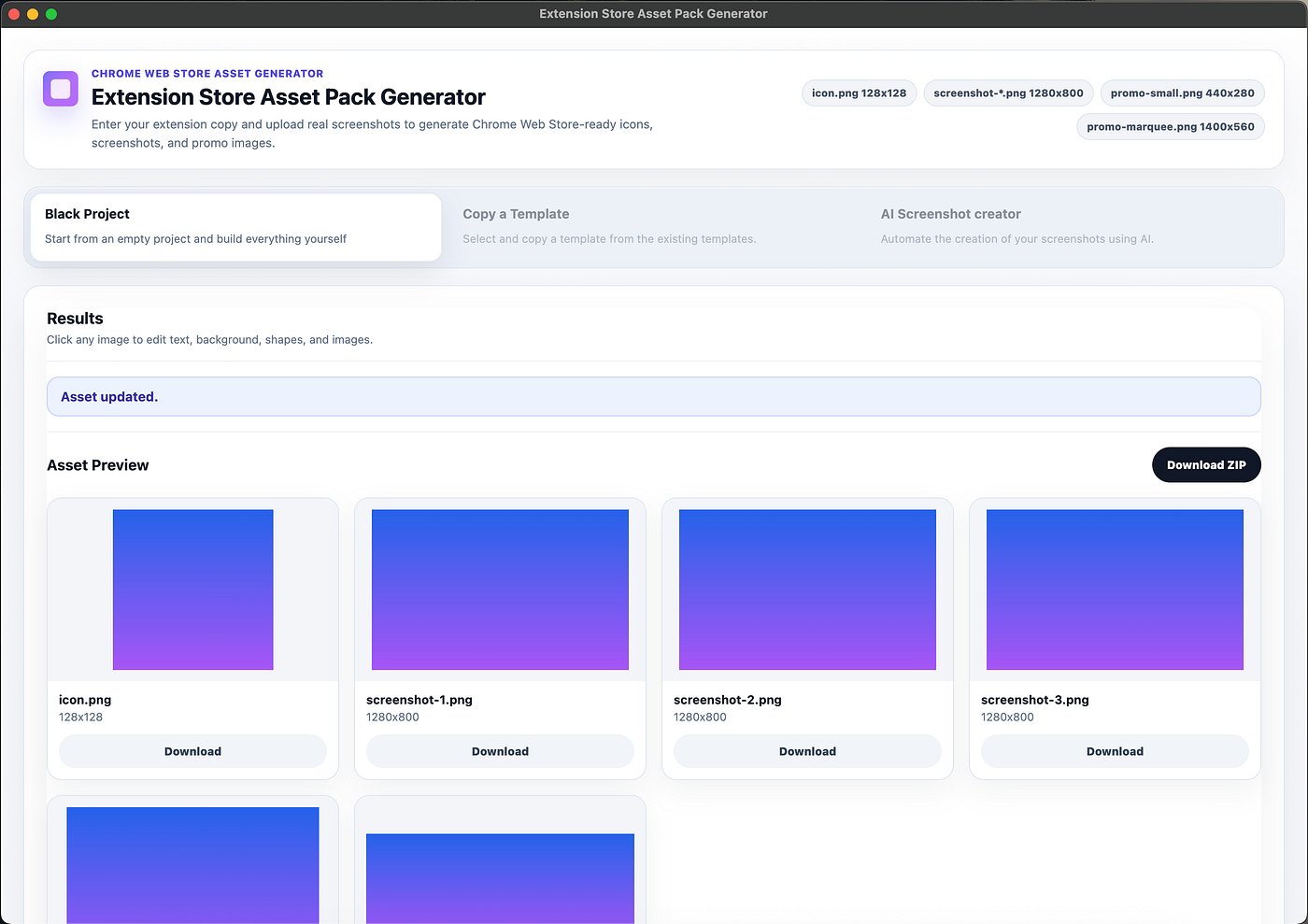
Extension Store Asset Pack Generator is a Chrome extension built to simplify that process.
It lets you create Chrome Web Store-ready assets directly in the browser. You can start from a blank canvas, add text, images, SVGs, rectangles, and arrows, customize backgrounds, colors, corner radius, and layouts, then export the final asset pack.
Current features include:
- Common Chrome Web Store asset sizes
- Visual image editor
- Text, image, SVG, rectangle, and arrow elements
- Solid, gradient, and transparent backgrounds
- Single image download and ZIP export
If you are an indie developer, extension creator, or small team publishing Chrome extensions, this tool can save you from repetitive design and export work, helping you prepare store assets faster.
메타데이터
- post_id
- 73319f377675
- slug
- publishing-a-chrome-extension-is-not-only-about-writing-code-73319f377675
- url
- https://medium.com/@569359120/publishing-a-chrome-extension-is-not-only-about-writing-code-73319f377675
- canonical_url
- https://medium.com/@569359120/publishing-a-chrome-extension-is-not-only-about-writing-code-73319f377675
- author_url
- https://medium.com/@569359120
- status
- ok
- fetched_at
- 2026-07-13 06:23:13