I’m Addicted to My Car Now. iOS 27 CarPlay Did This to Me.
I thought it was just a software update. I had no idea it was going to completely change how I feel about being in my car.
I’m Addicted to My Car Now. iOS 27 CarPlay Did This to Me.
I thought it was just a software update. I had no idea it was going to completely change how I feel about being in my car.
I’ll be honest with you.
I never really cared about CarPlay.
I’d plug in my phone, maybe play music, maybe use Maps. That was it.
CarPlay was just a bigger screen version of things I could already do. Nothing exciting. Nothing I’d talk about.
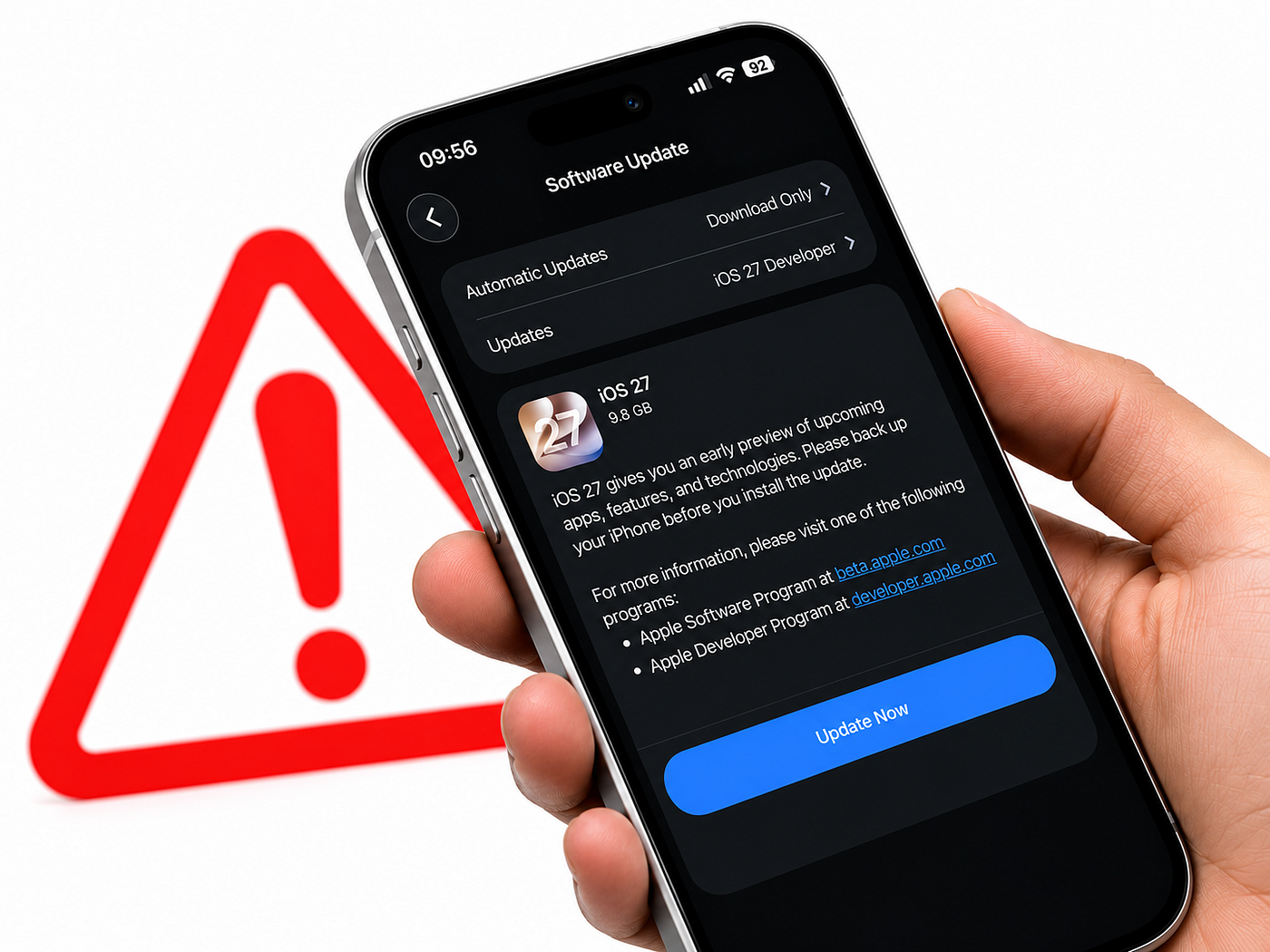
Then iOS 27 landed.
I spent one full day using every new CarPlay feature Apple built into it. Just to see.
By the end of that day, I was addicted. Genuinely, embarrassingly addicted. My car feels like a completely different machine now. And going back even for five minutes already feels wrong.
Here’s everything that changed.
The Moment It Hooked Me: Siri Actually Understands Me Now
This was the first thing I tested. And it’s the thing that got me.
The new Siri AI in CarPlay is not the old Siri. Not even close.
Old Siri: “Sorry, I didn’t get that.” New Siri: A full conversation. Back and forth. Like talking to someone who actually listens.
I was sitting in traffic and said, “Find me a coffee place nearby that’s not a Starbucks, has good reviews, and won’t take me off the highway.”
It just… found one. Gave me the route. Told me the rating. Done.
I didn’t tap anything. I didn’t repeat myself three times. I didn’t want to throw my phone out the window.
And the best part? If Siri and I have a conversation in the car, it syncs to the Siri app on my iPhone when I get out. So I can pick up exactly where we left off.
Like a real assistant with actual memory.
One morning in the car and I was already wondering how I drove without this.
The Feature I Didn’t Expect to Love: Video While Parked
Okay.
This one sounds unnecessary. Let me explain why it’s not.
I pick up my mom from work every day. I get there early. I sit in the parking lot for 15 to 20 minutes, killing time on my phone with a tiny screen.
With iOS 27 CarPlay, I connected my phone, opened a video app, and watched on the full car display while parked.
Full screen. Proper video. The same content I’d watch on my phone but on a screen I can actually see without squinting.
The safety part is smart too.
The second you shift into drive, video cuts off and switches to audio only. You can’t override it. The car decides, not you.
Which means you’re never tempted to keep watching while moving.
AirPlay works here too so if an app doesn’t have native CarPlay video support, I can still beam content from my iPhone straight to the car screen while parked.
I’ve spent years staring at my phone in parking lots. Those days are over.
The Small Thing That Felt Huge: The Music Mini-Player
This sounds like nothing.
It changed everything about how I listen in the car.
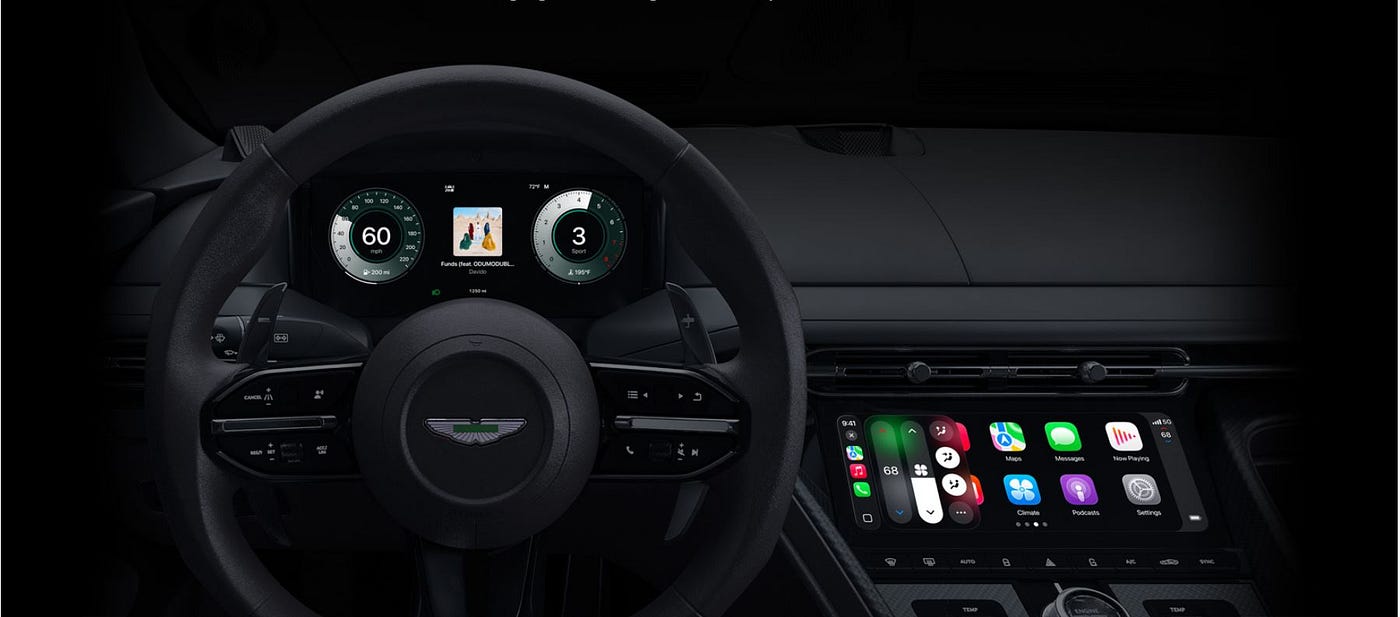
There’s now a persistent mini-player that sits in the top right corner of whatever screen I’m on. Artwork. Playback controls. Always there.
Before, if I was in Maps and wanted to skip a song, I had to tap back to the Now Playing screen, skip the track, then navigate back to Maps. Three or four taps while trying to drive.
Now? One tap on the corner. Skip. Done. Back to Maps without leaving the screen.
There’s also a progress bar now in the Now Playing view. I can jump to a specific moment in a podcast or audiobook without rewinding and guessing.
This alone is worth updating for if you listen to long-form content in the car.
The One That Made My Car Feel Smarter: EV Route Planning
I have an electric car. And range anxiety is real.
Before iOS 27, Apple Maps would give me directions. But it wouldn’t think about my battery.
I’d have to mentally calculate whether I needed a charging stop, find one, and add it myself.
Now, Maps can share my route data with my car and the car checks my route against my actual battery range. If it thinks I won’t make it, it suggests a charging stop automatically, built into the route.
No more second-guessing. No more pulling off the highway in a panic. The car thinks ahead so I don’t have to.
This is the feature I didn’t know I needed until it existed. Now it feels like the most obvious thing in the world.
The One I Use More Than I Expected: Natural Language Navigation
This one changed how I talk to my car.
In Apple Maps with iOS 27, I can ask for directions in plain human sentences and CarPlay understands them.
Things like:
“Take me home but avoid toll roads.” “Find a gas station on the way that’s not a detour.” “Get me to the airport avoiding highways.”
No special commands. No specific phrasing. Just say what you want and Maps figures it out.
I used to tap through multiple settings to avoid tolls or find a specific type of route. Now I just say it out loud while I’m already driving. The car handles the rest.
The Surface-Level Stuff That Still Matters
I won’t pretend I spent the whole day in deep features. Some of the smaller things caught me too.
The new iOS 27 wallpapers on CarPlay are beautiful wave-style designs, 14 color options.
My car’s screen has never looked this good just sitting idle. It sounds shallow but when you’re in your car every single day, aesthetics actually matter.
The Liquid Glass icons for Maps and Weather are cleaner and easier to read at a glance. Small thing. Real difference.
And wireless CarPlay is noticeably more reliable in iOS 27. The connection drops I’d been living with the ones where Maps would freeze for a second or music would stutter are mostly gone.
GPS accuracy and navigation heading also feel tighter, especially in areas where I used to drift off the correct lane on screen.
What You Need to Use All of This
Quick reality check before you get excited:
You need iOS 27 installed on your iPhone for any of this to work
Siri AI requires an iPhone 15 Pro or later (Apple Intelligence devices only)
Video apps require your car manufacturer to enable support and as of now, no automakers have announced this yet. So that feature is coming, but you may need to wait depending on your car
Some features depend on the apps you use updating their CarPlay integration
If you have an older iPhone, you’ll still get improvements — better wireless reliability, the mini-player, wallpapers, natural language Maps. But Siri AI is the big one that needs newer hardware.
Would I Go Back?
Not a chance.
I spent one full day with iOS 27 CarPlay and it completely rewired how I think about driving. Siri that actually converses. Video while parked. A music player that doesn’t make me take my eyes off the road. A car that thinks about my battery for me.
These aren’t gimmicks. They’re things that reduce friction in a part of life I do every single day.
If your car supports CarPlay and you haven’t updated to iOS 27 yet — this is the reason to do it. Not for the iPhone itself. For what happens when you plug it in.
Trust me. One day is all it takes.
Have you tried iOS 27 CarPlay yet? Which feature got you first? Drop it in the comments I want to know what hit different for you.
메타데이터
- post_id
- 745c4e962418
- slug
- im-addicted-to-my-car-now-ios-27-carplay-did-this-to-me-745c4e962418
- url
- https://medium.com/macoclock/im-addicted-to-my-car-now-ios-27-carplay-did-this-to-me-745c4e962418
- canonical_url
- https://medium.com/macoclock/im-addicted-to-my-car-now-ios-27-carplay-did-this-to-me-745c4e962418
- author_url
- https://medium.com/@appleinsides
- status
- ok
- fetched_at
- 2026-07-13 06:23:13