How Setapp workflows help writers and bloggers create original content
Are you a blogger or writer who deals with long-form content? Then you absolutely need to find the right writing apps for Mac! They can…
How Setapp workflows help writers and bloggers create original content
Photo by Sincerely Media on Unsplash
Are you a blogger or writer who deals with long-form content? Then you absolutely need to find the right writing apps for Mac! They can support your creativity and even make you a better writer.
**Setapp** offers a curated collection of impressive Mac software. We’ll suggest a few Mac tools for writers, which you can get under a single subscription. There’s a week trial version, too! You can test the service to see if it works for you, no strings attached!
The perfect workflow with writing and blogging software for Mac
If you want a peaceful writing routine, you need just a few writing apps for Mac:
- One seriously good app for drafting. **Ulysses** is perfect for that!
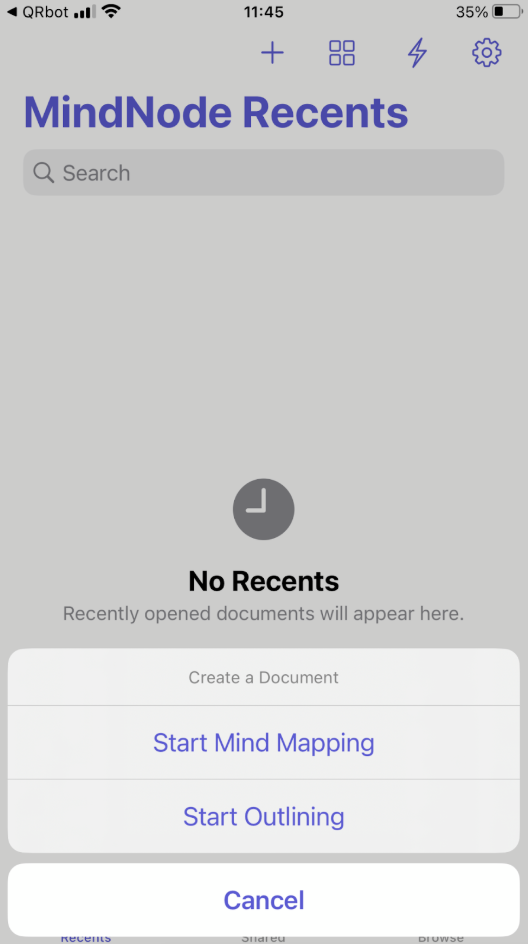
- An app for brainstorming and outlining. Setapp gives you MindNode **Classic** as part of the kit.
- A simple system for your notes. You’ll find several note-taking and outlining tools in Setapp, including **MarginNote and [NotePlan](https://setapp.com/apps/noteplan?utm_source=medium&utm_medium=referral&utm_campaign=how_setapp_workflows_help_writers_and_bloggers_create_original_content&utm_content=setapp)**.
All these tools work well with each other. They are coordinated, so they save you time.
Let’s get into the details!
Our Setapp selection: The best writing and blogging software for Mac in 2025
Setapp doesn’t feature random tools. All apps are carefully sourced to present the top of their class. When it comes to writing, Setapp features apps that cover all stages of the process.
Here’s our selection of the best ones:
Setapp tools for drafts, outlines, and idea organization
Freewriting is nice as a part of the creative process. But before the real writing starts, an outline is a must! Otherwise, you risk getting lost halfway through. These apps are great for those initial stages:
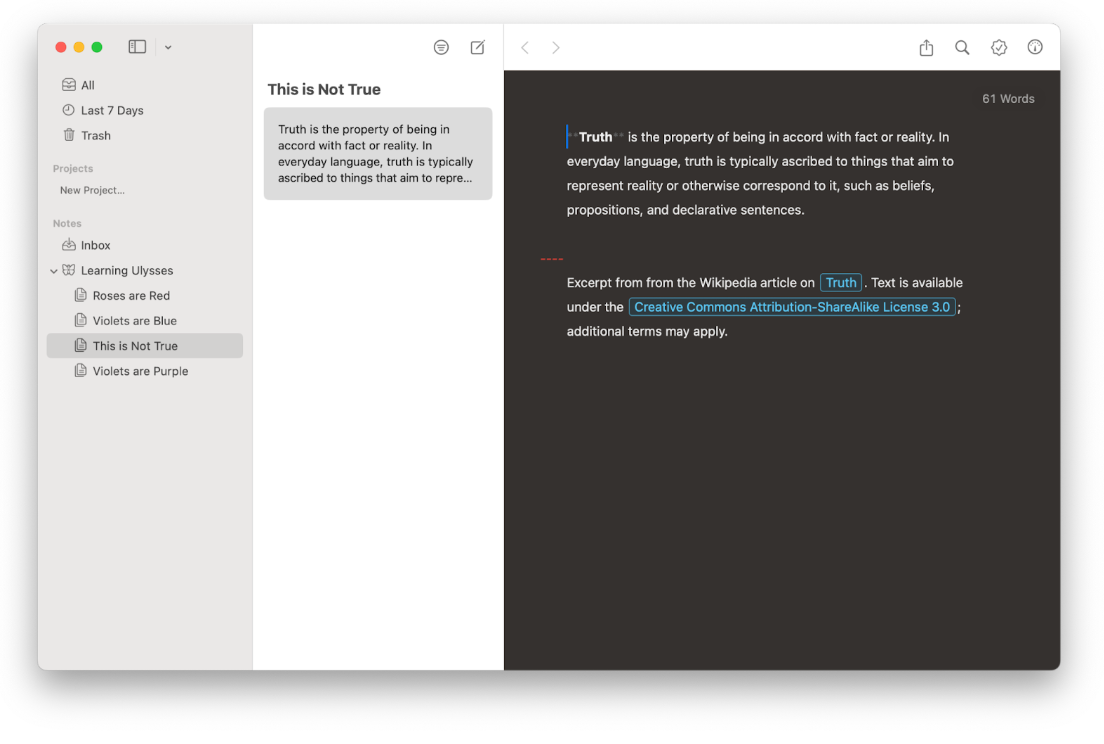
- **Ulysses** — It’s perfect for organizing long-form articles and eBooks. It keeps your drafts organized in a distraction-free setting.
- **Craft** is your digital whiteboard. You can use it for collecting ideas, links, and sketches that you’ll later organize into structured content.

- **MindNode Classic** is mind-blowing when writers get stuck. You can drag around ideas, make connections between topics, and just observe how the mess in your head evolves into an outline.

Apps for research and notes
You know it well: the best ideas hit you when you’re least prepared for them. Saving them quickly is everything. Try these apps from the Setapp kit:
- **NotePlan** — It quickly captures your to-do lists, thoughts, research notes, and everything else you’re willing to note down. What sets it apart from standard note-taking apps? It unifies your notes, calendar, and tasks. So you can easily turn ideas into tasks and assign them time blocks.

- **MarginNote** — The perfect app to use for heavy research. You can annotate web content, so you’ll never lose the context of a highlight again.

- **TaskPaper** — A minimalistic tool to outline your tasks or research. If you want more customization, you can play with the fonts and colors. But you’ll definitely enjoy it in its distraction-free default, too.

Formatting tools and markdown editors for Mac
Enjoy the markdown concept? Try these tools to polish your text:
- **Marked** — Before publishing an article, run it through this app for a quick polish. It will catch missing links, awkward phrasing, and other oopses.
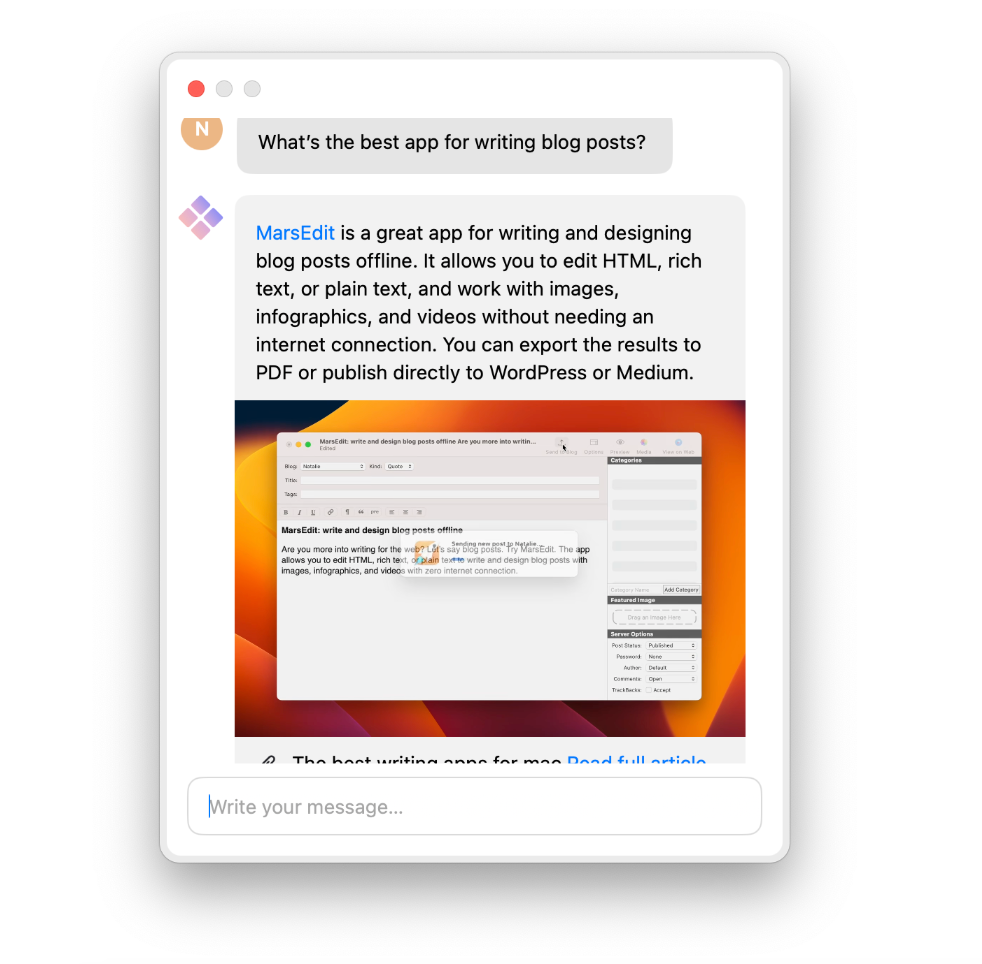
- **MarsEdit** — With this app, you can see exactly how your blog post would look once published. It lets you use MultiMarkdown, Markdown, or line break conversions. You can add your preferred preview filters, too!

Tools for polishing up
Even the best writers can struggle through the final stages. It’s important to clean up your text, but we’ll give you a twist: your Mac needs a cleanup, too!
- **TextSoap** — It cleans your text from flaws like inconsistent capitalization, extra spaces, and tiny formatting errors you didn’t notice.

- **Paste** — Hands down, it’s the best app for organizing references. It keeps track of the things you copy, so you can go back anytime to reference your sources.

- **CleanMyMac** — This one is for your computer. It clears out junk you didn’t know existed. It will free up some memory and improve your Mac’s performance.

Tools for screenshots, publication, and promotion
Once your content is ready, it’s time for the next step: publication. Let’s see how Setapp tools will support you through this stage.
- **CleanShot X** — It’s the most advanced screenshot tool at the moment. You can instantly annotate your screenshots, and you can also use it for recording short videos or GIFs from your screen. It’s great for social media posts and YouTube tutorials.

- **Squash** — A must-have app to make your visuals lighter. All you need is drag and drop. Your images will be lightweight, but still sharp.

- **Downie** — If you need to download media that you’ll include in your content, use this app! It works for images and videos, which you can directly download from sites.

- **Yoink** — This app gives you a shelf, where you can drag and drop images, screenshots, and all sorts of files. Keep them there until you’re ready to publish!

All writers benefit from Setapp
In the Setapp bundle, you’ll discover powerful tools to support all stages of your writing process. Everything comes in one affordable subscription. If you’re having doubts, go ahead and explore 250+ tools with the 7-day free trial. That’s the best way to see if this subscription model works for you.
메타데이터
- post_id
- 74b6a7d4bde3
- slug
- how-setapp-help-writers-and-bloggers-create-original-content-74b6a7d4bde3
- url
- https://medium.com/@setappian/how-setapp-help-writers-and-bloggers-create-original-content-74b6a7d4bde3
- canonical_url
- https://medium.com/@setappian/how-setapp-help-writers-and-bloggers-create-original-content-74b6a7d4bde3
- author_url
- https://medium.com/@setappian
- status
- ok
- fetched_at
- 2026-07-17 09:45:56