How to make a Raspberry Pi camera module?
To make a Raspberry Pi camera module, you can either:
How to make a Raspberry Pi camera module?
To make a Raspberry Pi camera module, you can either:
- Use an official Pi Camera Module (plug-and-play via CSI interface), or
- Build your own camera module system using a third-party sensor (like OV5647 or OV7670) and connect it to the Pi via CSI or USB or GPIO (for very basic cameras).
Option 1: Use the Official Raspberry Pi Camera Module
What You Need:
- Raspberry Pi board (Pi 4, 3, Zero, etc.)
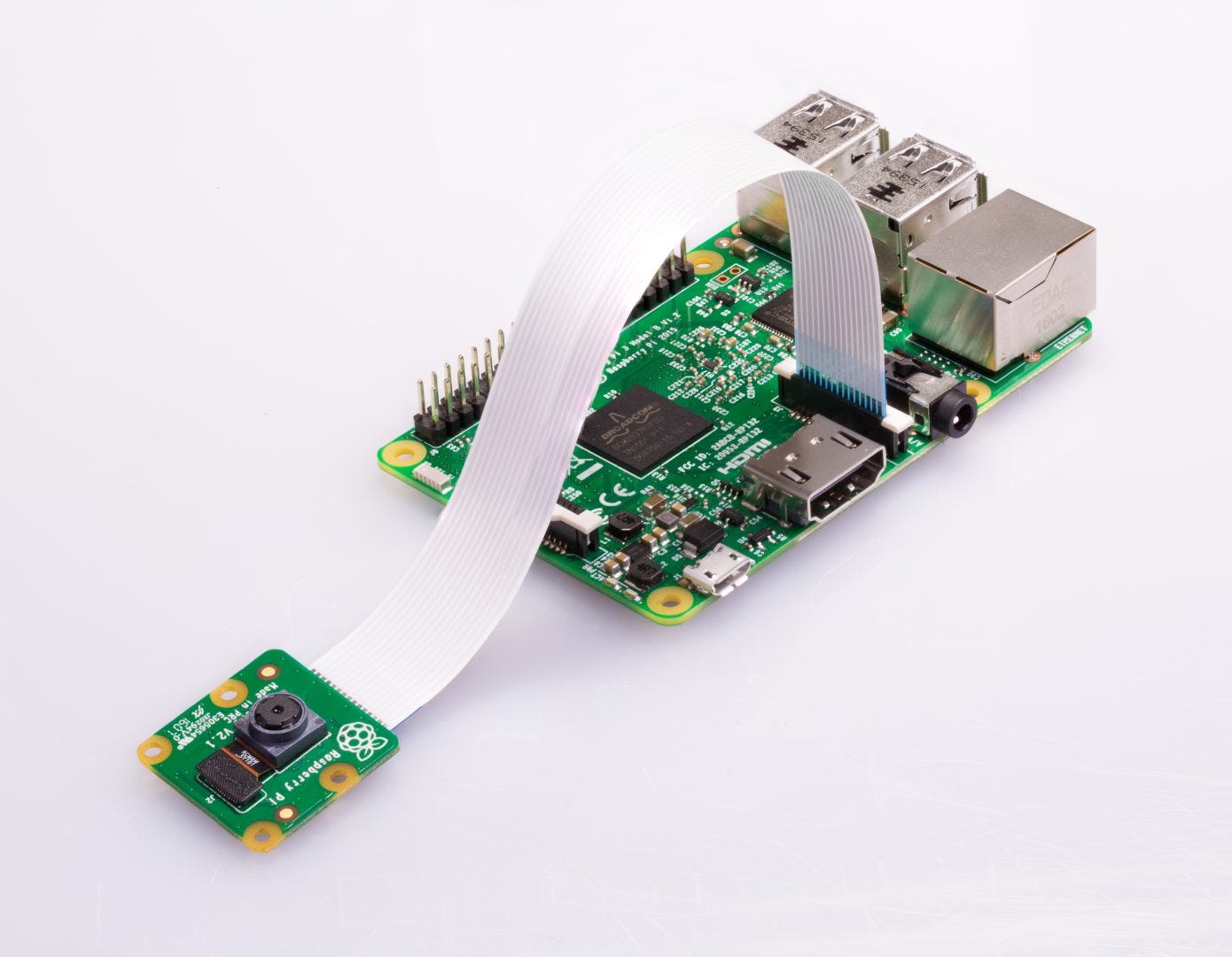
- Official Raspberry Pi Camera Module (e.g., v2, HQ)
- Camera ribbon cable
- Pi OS (latest recommended version)
How to Set It Up:
- Connect the camera to the CSI port on the Pi (next to the HDMI port)
- Open a terminal:
bash

sudo raspi-config- Go to Interface Options > Camera → Enable it.
- Reboot:
bash

sudo reboot- Test the camera:
bash

libcamera-still -o test.jpg
or with preview:
bash

libcamera-hello
Option 2: Build a DIY Camera Module (with sensor)
If you want to build your own camera module (e.g., for learning or cost-saving), you can use image sensors like:
- OV7670 (low-res, parallel interface, no FIFO)
- OV2640 / OV5647 (better, some have serial interface or built-in JPEG encoding)
Example: OV7670 + Raspberry Pi (GPIO)
What you need:
- OV7670 camera module
- Raspberry Pi GPIO access
- Level shifters (3.3V safe)
- Wires, breadboard
Challenges:
- OV7670 is a parallel output sensor
- Needs real-time pixel data capture via GPIO (slow and complex)
- You’ll need to write or use a custom driver (in C)
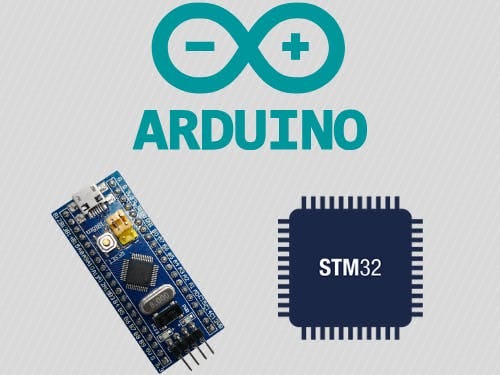
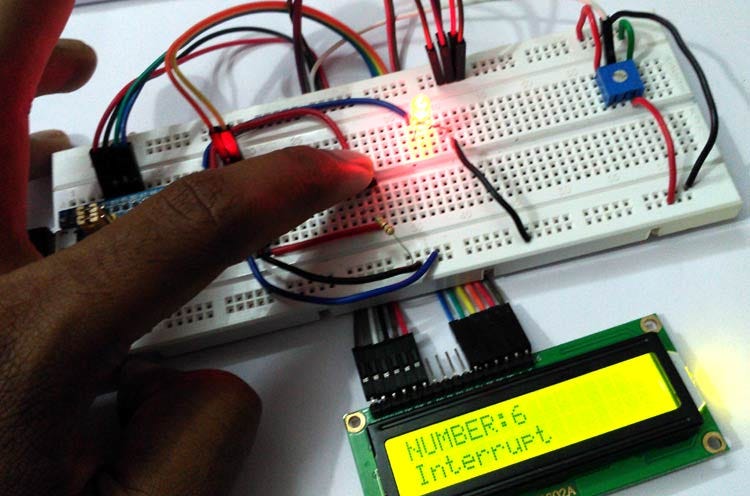
Most people use an Arduino or STM32 to interface with OV7670 and then stream data over serial/USB to the Pi.
Alternative: Use USB Cameras (Easy)
You can also plug a USB webcam into the Raspberry Pi:
bash

sudo apt install fswebcam
fswebcam image.jpg
Works well and easy to set up with OpenCV:
python

import cv2
cap = cv2.VideoCapture(0)
ret, frame = cap.read()
cv2.imwrite("snapshot.jpg", frame)
cap.release()
Want to Go Deeper?
If you’re serious about making your own module:
- Get an image sensor breakout (e.g. from Arducam)
- Use I2C to configure the sensor registers
- Use MIPI CSI or SPI or parallel to transmit image data
- Handle the data using a driver or direct GPIO DMA
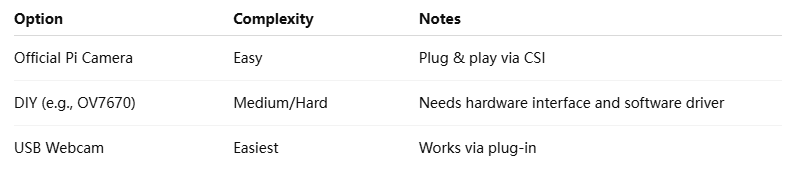
Summary
메타데이터
- post_id
- 74cd577b9ffa
- slug
- how-to-make-a-raspberry-pi-camera-module-74cd577b9ffa
- url
- https://medium.com/@pqshedy33/how-to-make-a-raspberry-pi-camera-module-74cd577b9ffa
- canonical_url
- https://medium.com/@pqshedy33/how-to-make-a-raspberry-pi-camera-module-74cd577b9ffa
- author_url
- https://medium.com/@pqshedy33
- status
- ok
- fetched_at
- 2026-06-25 16:53:31