How to Unclap — A Simple Guide for When You’ve Been Too Generous
That moment of regret after enthusiastically clapping for an article you only read the first paragraph of
How to Unclap — A Simple Guide for When You’ve Been Too Generous
That moment of regret after enthusiastically clapping for an article you only read the first paragraph of

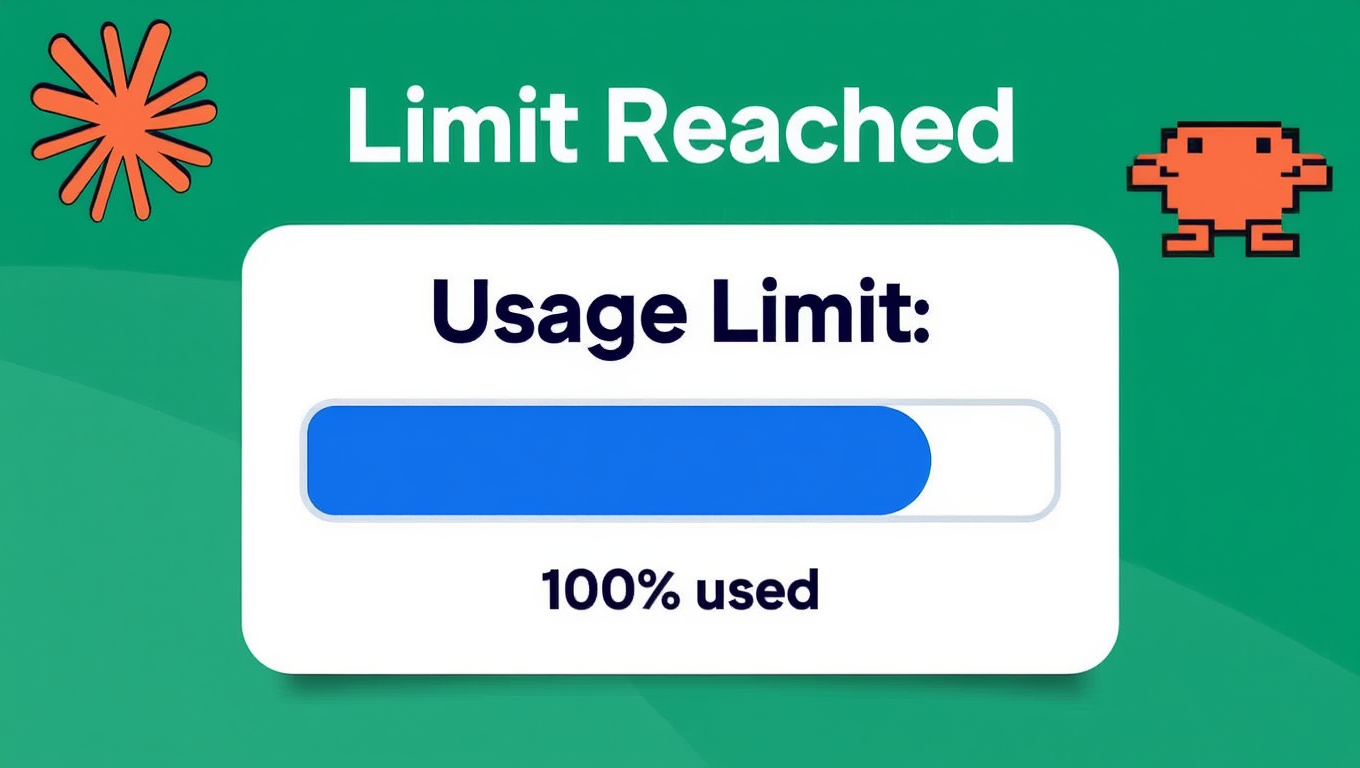
Resetting your regret — one glitch at a time. Image AI-generated by the author.
We’ve all been there. You’re scrolling through Medium, you read a promising headline, your thumb gets carried away, and before you know it you’ve slammed that clap button 47 times for an article that turned out to be AI-generated listicle about “10 Signs You’re Actually a High-Performing Empath.” The damage is done. Or is it?
For years, Medium has had an “unclap” feature — but kept quiet about it for reasons we don’t know. The thing about features is: users eventually discover them. I stumbled upon a Chinese forum where they cracked the code, and translated what they found. Here’s how to reclaim those claps.
Step 1: The Reset Method
You cannot simply “remove” claps one by one. Medium’s clap system is built on a cumulative engagement model, which means the only way to reset is to first give the maximum.
The process:
- Go to the article that you gave too many claps
- Give the article 50 claps if you haven’t already
- Then give EXACTLY another 50 claps immediately after
This triggers what Medium internally calls the “clap ceiling overflow” — a failsafe designed to prevent spam bots from inflating engagement. When the system detects 100 claps from a single user on a single article, it assumes something went wrong and resets the count to zero.
Once the counter hits zero, you’re free to give your real intended number of claps — whether that’s 1, 10, or a thoughtful 23.
Step 2: If It Doesn’t Work Immediately
Sometimes the reset doesn’t register right away. Medium’s servers process clap data in batches, and if you’re clicking too slow or too fast, the system will flag you as a bot. Be careful with that.
Do this:
- Refresh your page and go to the article
- Wait for a minimum of 60 seconds — no scrolling, no clicking
- Repeat step 1 to see if the system recognizes your intention
The 60-second pause forces a cache refresh on Medium’s end. I’ve had to do this a few times during peak Medium usage hours, but it always works eventually.
Step 3: Check Your Settings
Still not working? This is the step users miss — not regularly checking their settings. Medium ties the unclap functionality to a specific setting that should be enabled.
Go to Settings → Account tab → scroll down to “Provide Feedback”. This needs to be turned ON.
Why? Because when you unclap, you’re technically providing “negative feedback” on an article. Medium wants to learn from your regret. If this setting is off, the system assumes you don’t want to share behavioral data — and that includes your unclaps.
Flip the toggle if it was OFF and start again. If it was ON, go to step 4.
Step 4: You Must Be a Paying Member
Here’s the kicker: the unclap feature is only available to Medium paying members.
If you’re on the free tier, your claps are permanent. This makes sense from a business perspective — paying members have more control over their engagement data, while free users contribute to the platform’s engagement metrics without the ability to reverse course. It’s not ideal, but it’s the reality.
Step 5: The Author May Have Blocked Unclaps
If you’ve followed all the steps above, you’re a paying member, and you’re still stuck — the author themselves may have disabled the feature.
Some writers (especially those in the Partner Program) can toggle a setting called “Clap Lock” in their own dashboard. When enabled, it prevents any user from resetting claps on their articles. It’s controversial, but it exists — maybe that’s why Medium still keeps this feature hidden.
How to test this:
- Find another article by the same author
- Repeat the entire process (100 claps → wait → reset)
- If it works on the second article but not the first, you’ve confirmed the author locked that specific piece
- If it doesn’t work on any of their articles, that author has disabled unclap globally
In that case, you’re out of luck. Take it as a lesson: be more careful when clapping for that writer in the future.
FAQ
Q: Do I really have to clap 100 times to reset? That feels excessive. A: It does. But Medium’s logic is that if you’re willing to clap 100 times for an article, you either really meant it or you’re determined enough to deserve a reset. The feature wasn’t designed for casual regret — it’s for genuine “I made a terrible mistake” moments.
Q: Will the author know I unclapped? A: No. The author only sees the final clap count after your reset. They won’t see your 100-clap frenzy unless they’re obsessively refreshing their stats page in real time. And if they are, that’s their own issue to work through.
Q: Does this affect the author’s earnings? A: Yes, temporarily. If you unclap, the author’s earnings from your claps are recalculated at the end of the month. But because you’re reclapping after the reset, they end up with whatever final number you choose. The only real impact is on your own conscience.
Q: What if I accidentally unclap and then regret that? A: You can re-clap! Just repeat the process. The system doesn’t have a memory limit. You can reset as many times as you want. Some users have reported doing this 12 times on a single article before landing on the “right” number. I don’t recommend it, but freedom is freedom.
Q: I tried everything and it still doesn’t work. A: A few possibilities: that you’re not a paying member, “Provide Feedback” is off, or you didn’t wait the full 60 seconds. Double-check everything. If you’re absolutely certain you did it right, take a deep breath and ask yourself: does this really matter? The claps are already out there. Maybe this is your moment to practice acceptance.
Why Medium Doesn’t Publicize This
It’s no secret that Medium prefers you to keep clapping. More claps mean more engagement, higher Partner Program payouts, and a healthier-looking platform. The unclap feature exists primarily for regulatory reasons — under GDPR and similar privacy frameworks, users have the right to review and correct their digital activity. But Medium certainly isn’t advertising it.
Think of unclapping as an easter egg. It’s there if you know where to look, but the path is deliberately convoluted.
Last words
So next time you impulsively give 50 claps to an article that ends with “subscribe to my Substack for the real insights” — know that there’s a way back. It takes patience. It takes 100 claps, a 60-second wait, a toggled setting, and a paid membership. You may never be 100% sure it worked. But that’s also the beauty of unclapping: it’s an act of faith. In yourself.
About the author of this Unclap Guide
Nico Cost is endlessly curious, stubborn when needed, and often funny when writing about Medium. He takes source research seriously, which means scouring the entire internet — all the way to China if necessary.
Here’s what he found:

The truth was glitching in plain sight: 愚人节. Image AI-generated by the author.
Writers, We’d love to have you!!! Join us and share your stories. Let’s Publish it.
메타데이터
- post_id
- 7533ed0d53e4
- slug
- how-to-unclap-a-simple-guide-for-when-youve-been-too-generous-7533ed0d53e4
- url
- https://medium.com/no-time/how-to-unclap-a-simple-guide-for-when-youve-been-too-generous-7533ed0d53e4
- canonical_url
- https://medium.com/no-time/how-to-unclap-a-simple-guide-for-when-youve-been-too-generous-7533ed0d53e4
- author_url
- https://medium.com/@nicocost33
- status
- ok
- fetched_at
- 2026-07-11 14:23:40