Moving My Mailbox From Skiff to Zoho
It hasn’t even been an year that I moved my mailbox from Gandi to Skiff because Gandi suddenly decided email hosting should cost ~INR…
Moving My Mailbox From Skiff to Zoho
Photo by Davide Baraldi on Unsplash
It hasn’t even been an year that I moved my mailbox from Gandi to Skiff because Gandi suddenly decided email hosting should cost ~INR 4,000.0/year, but no, universe wasn’t satisfied with that, apparently Notion bought Skiff and shut it down. My mails were homeless again and my hunt began, again!
From my previous hunt, I knew that custom domains + free + privacy focused was a scarce combination in today’s internet. After a lot of search, I had two options:
First impressions, Zoho was big, screaming corporate, clunky and had more offerings than I needed. But it was also reliably used by many companies out there and it gave me 5GB of storage with one free custom domain and a dedicated mobile app.
On the other hand, Uninbox was this new kid on the block with all the right features — dedicated product for my requirement, great UI, APIs, webhooks availability, Open source and an option to self host if required. They were even giving away their paid features for free for any migrating skiff users.
Why did I chose Zoho?
Two reasons really.
First, Zoho has been doing it for longer, and it showed. Zoho specifies the limitations of their product like 5GB space per user, or 25mb email attachment limit, while Uninbox is too busy showing off its many features but misses on a few important ones, like dedicated mobile app or calendar. We cannot even use it with other email clients because it is “built on very different technologies and there’s simply no way to make them compatible”.
Second, Uninbox is very new to the scene. They might end up building a way better product than Zoho mail, but they also might end up in a funding crunch or getting acquired and shut down like Skiff.
I want a reliable, stable, free, custom domain email hosting. Period.
The on-boarding flow on Zoho is pretty solid, so I’d only log Gandi side of things. Here’s how you can migrate to Zoho mail —
Remove Skiff Config
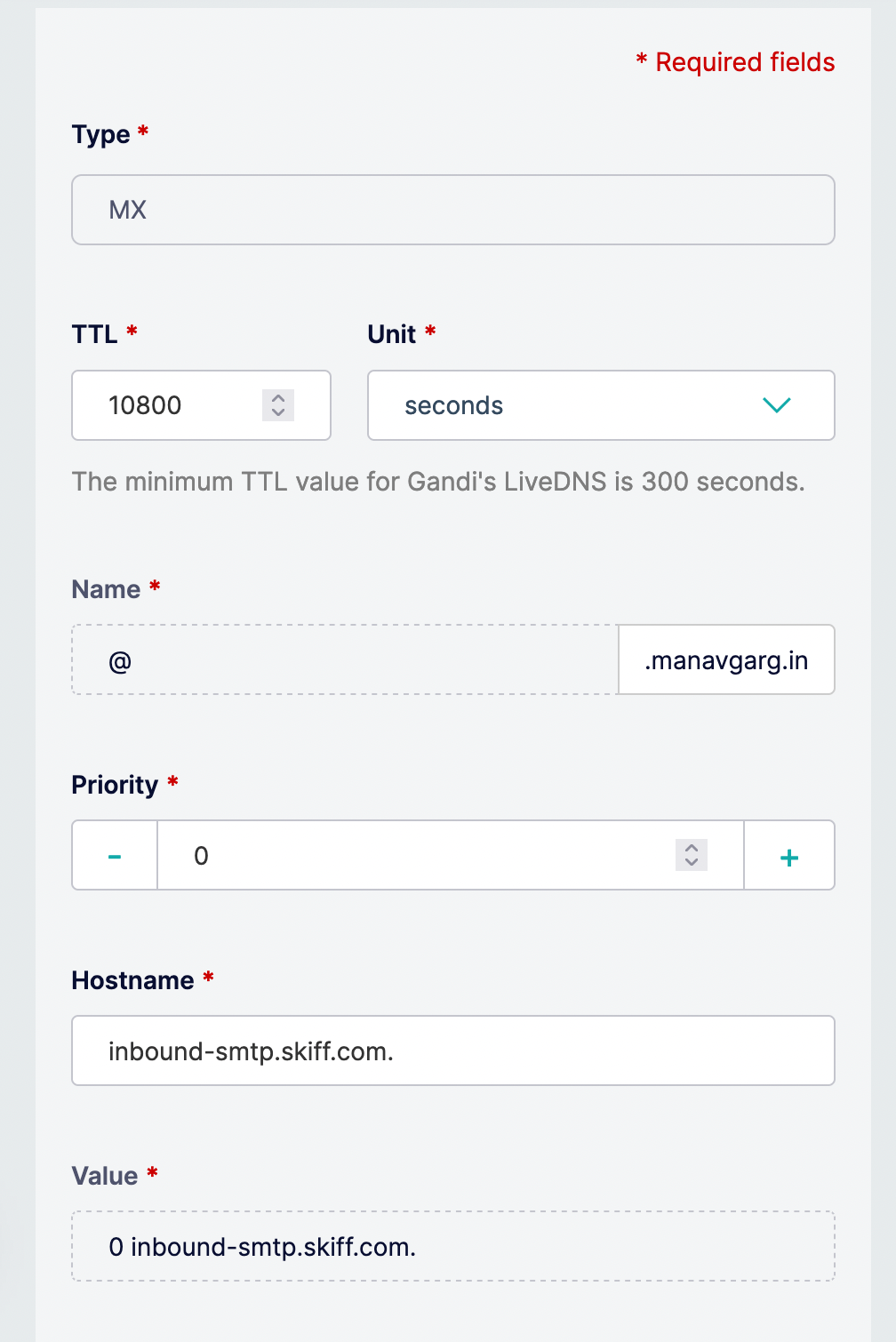
Remove all config related to Skiff, it’d be MX records, TXT records, SPF and DKIM records. Basically everywhere you see skiff in the values.
Add MX Records
Zoho gives you 3 MX records to add with varied priority — 10, 20, & 50.
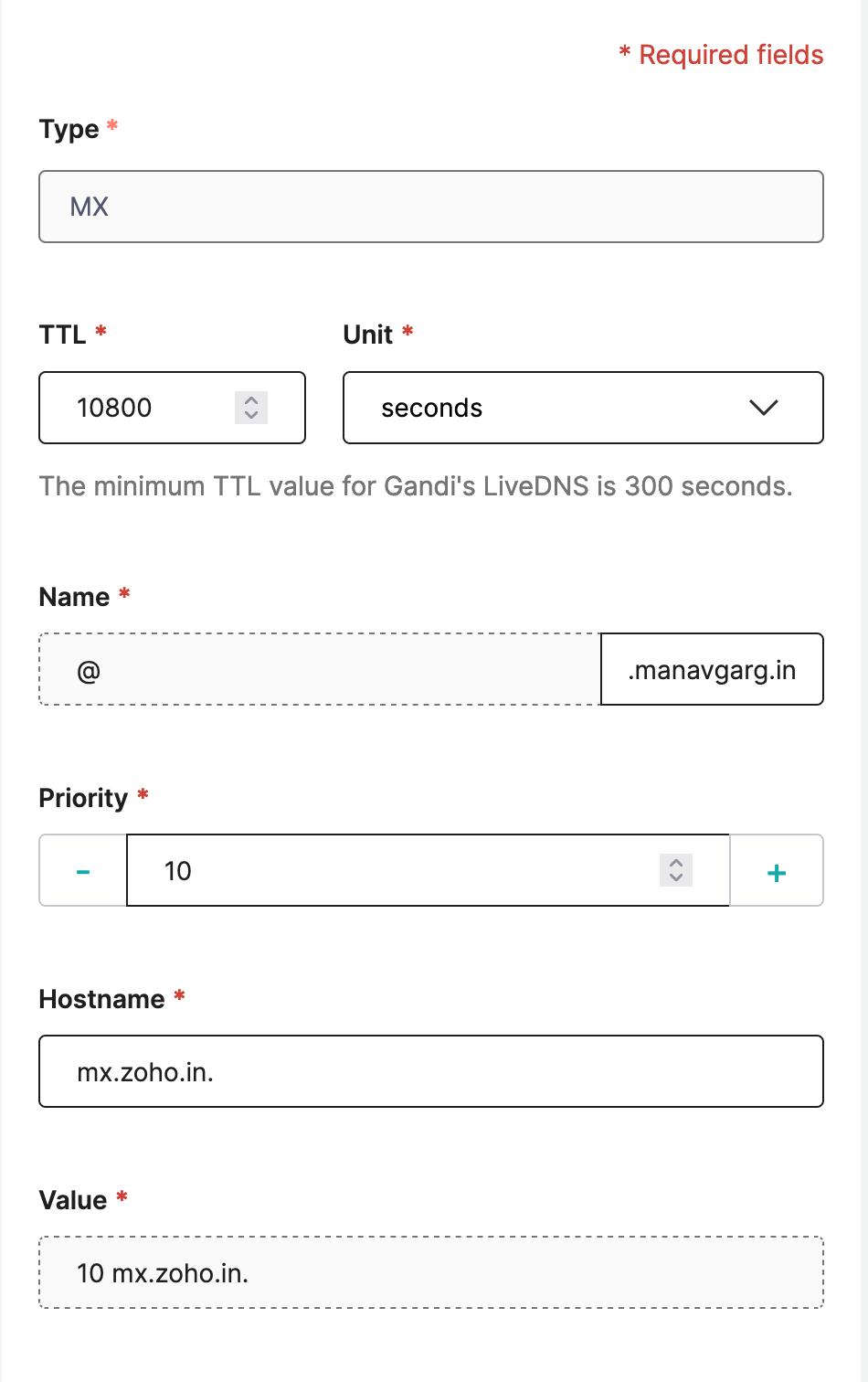
It’s easy to just copy and paste the values from Zoho panel. You need to change replace 10 with the given priority. Hostname would change too (notice the .at the end)— mx.zoho.in., mx2.zoho.in., mx3.zoho.in.
Add SPF Record

Add DKIM Record

This takes the longest to get confirmed, around 1 hour. Everything else just gets confirmed either instantly or within 10 mins of adding to the Gandi account.
Add DMARC Signature

Done, you’re all set, you should be able to access your emails after that.
How Do I Transfer My Emails?
Skiff only allows you to export in .mobx format, but Zoho imports only in .eml format. So what we essentially have to do is find a safe way to convert mbox -> eml. Although you can find many utilities online which can do it for you but since we’re dealing with emails, privacy and safety of information is a requirement.
I plan to write a separate post on the topic later.
메타데이터
- post_id
- 757b9a2b57d7
- slug
- moving-my-mailbox-from-skiff-to-zoho-757b9a2b57d7
- url
- https://medium.com/@sigmapie8/moving-my-mailbox-from-skiff-to-zoho-757b9a2b57d7
- canonical_url
- https://medium.com/@sigmapie8/moving-my-mailbox-from-skiff-to-zoho-757b9a2b57d7
- author_url
- https://medium.com/@sigmapie8
- status
- ok
- fetched_at
- 2026-07-23 04:21:18