Edge Detection Online: Canny, Sobel, Laplacian, Scharr, and Prewitt Explained
How to choose the right edge detector for clean contours, gradients, document boundaries, line detection, and computer vision prototyping.
Edge Detection Online: Canny, Sobel, Laplacian, Scharr, and Prewitt Explained
How to choose the right edge detector for clean contours, gradients, document boundaries, line detection, and computer vision prototyping.
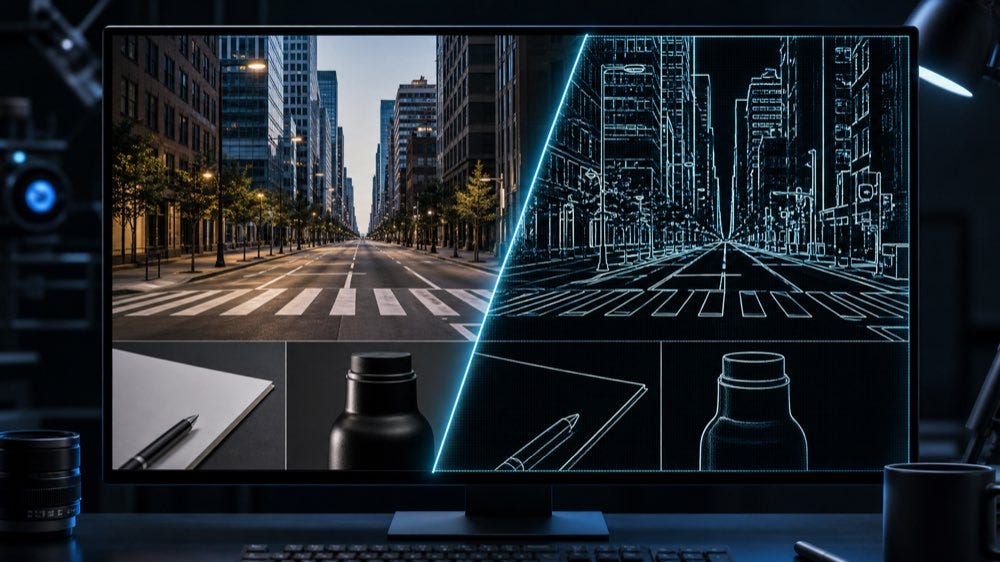
Edge detection turns visual structure into something a computer vision pipeline can measure.
Edge detection is one of those computer vision steps that looks simple from the outside and becomes surprisingly important once you start building real workflows.

A paragraph-level visual for canny pipeline: smooth, gradient, hysteresis.
At a glance, an edge map is just a black-and-white image. In practice, it is often the bridge between raw pixels and structured understanding: document corners, product outlines, lane markings, object boundaries, high-frequency texture, geometric lines, and the first hints of shape.
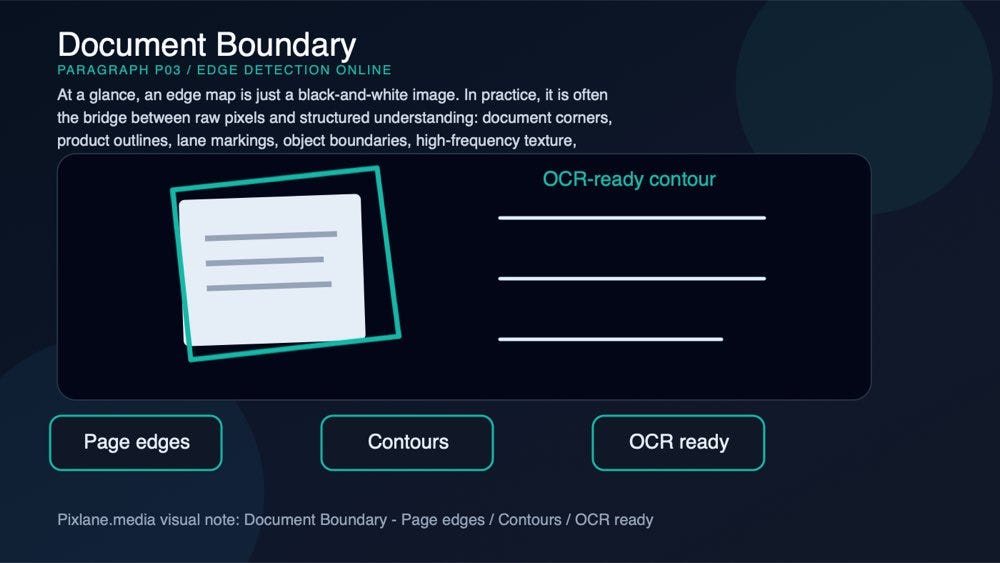
A paragraph-level visual for document boundary: page edges, contours, ocr ready.
That is why Pixlane includes a free browser-based Edge Detection Online tool with five classic algorithms: Canny, Sobel, Laplacian, Scharr, and Prewitt.
A paragraph-level visual connecting the concept to Pixlane’s browser-based Edge Detection Online workflow.
The tool accepts JPG, PNG, and WebP images, runs locally in the browser, and lets you export the result as PNG or JPG. No upload is required, which matters when the image is a private document, internal product photo, medical scan, research sample, or client asset.
A paragraph-level visual connecting the concept to Pixlane’s browser-based Edge Detection Online workflow.
This article explains what each algorithm does, how the formulas and kernels differ, how to tune the settings, and when to use each method.
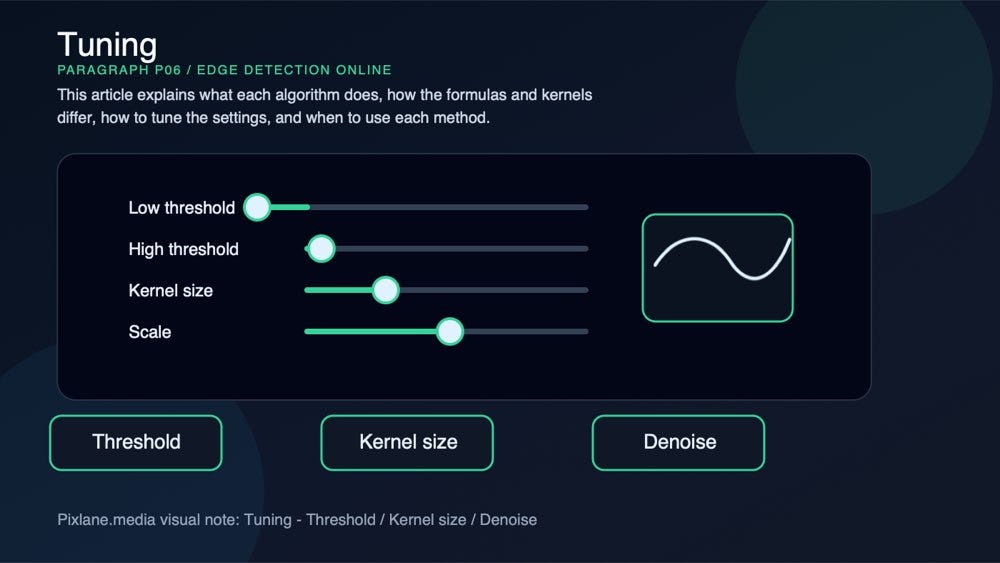
A paragraph-level visual for tuning: threshold, kernel size, denoise.
What edge detection is actually measuring
Most edge detectors look for sharp changes in image intensity.
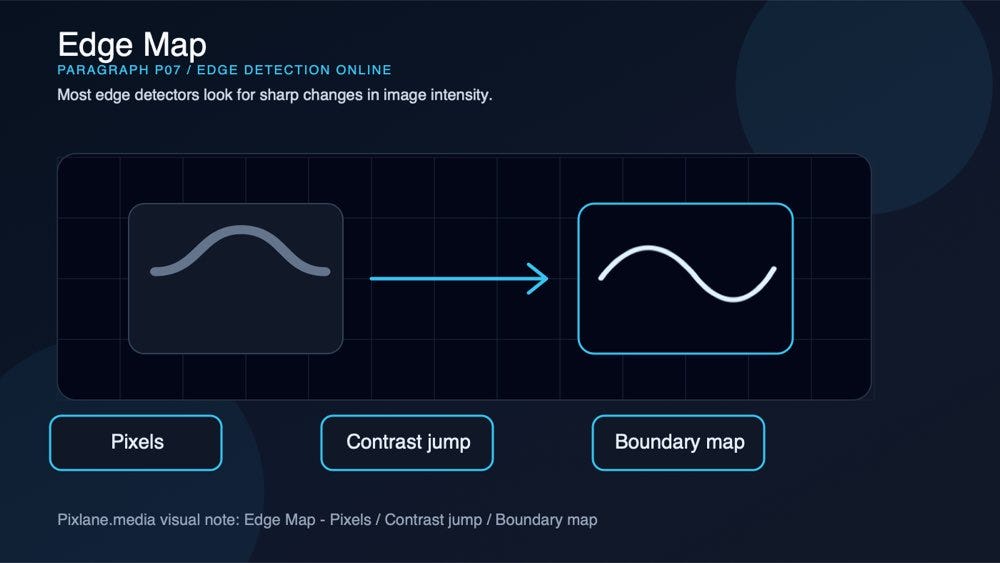
A paragraph-level visual for edge map: pixels, contrast jump, boundary map.
If one side of a pixel neighborhood is dark and the other side is bright, there is probably a boundary: the edge of a page, the side of a building, a lane marking, the rim of a metal part, or the contour of a face.
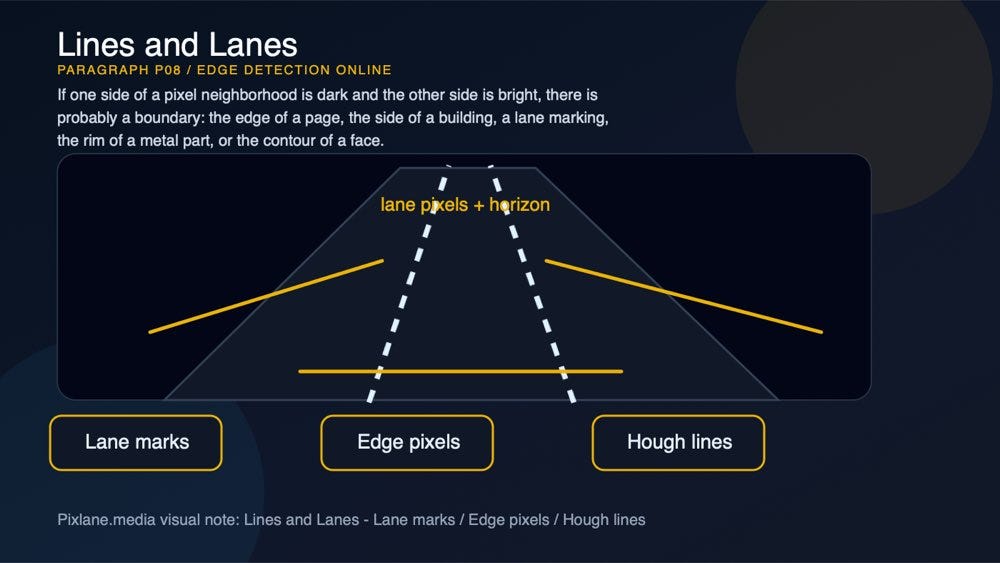
A paragraph-level visual for lines and lanes: lane marks, edge pixels, hough lines.
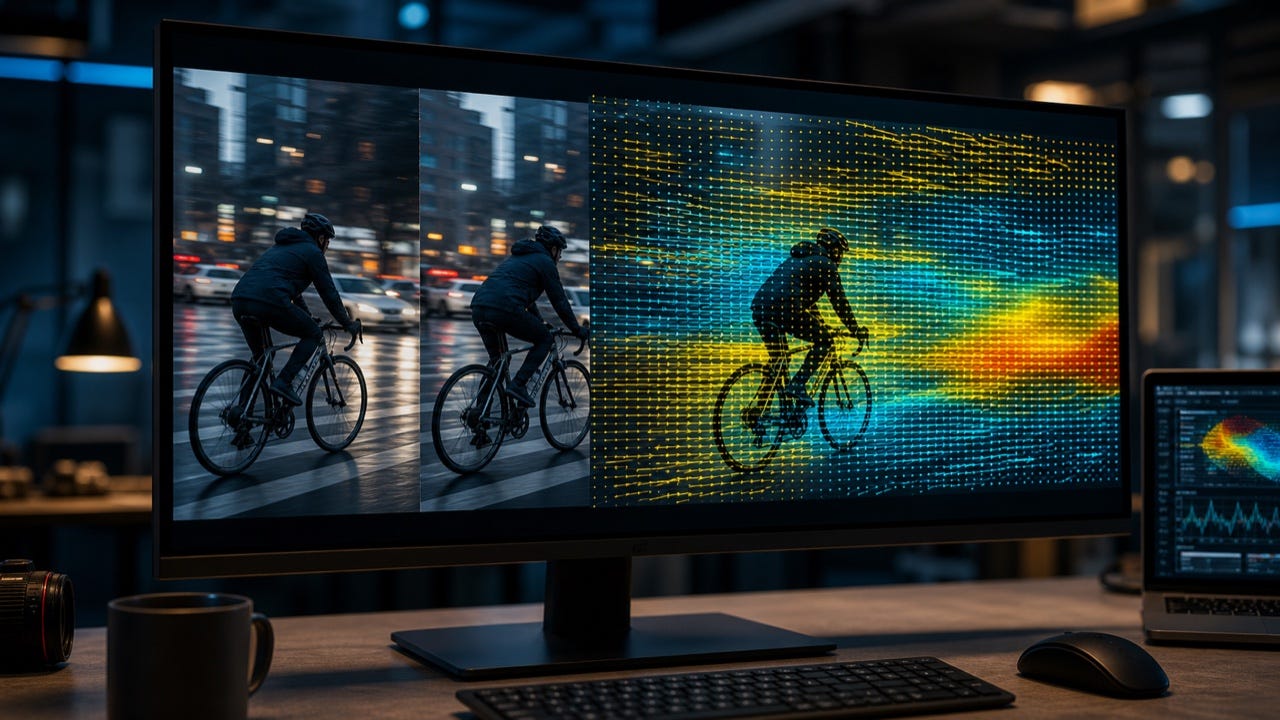
In a typical pipeline, the image is first converted to grayscale. Then a small convolution kernel moves across the image and estimates how quickly brightness changes across the X and Y directions. That change is called the gradient.

A paragraph-level visual for the gradient math behind edge detection: kernels, convolution, magnitude, and direction.
The compact formulation is:
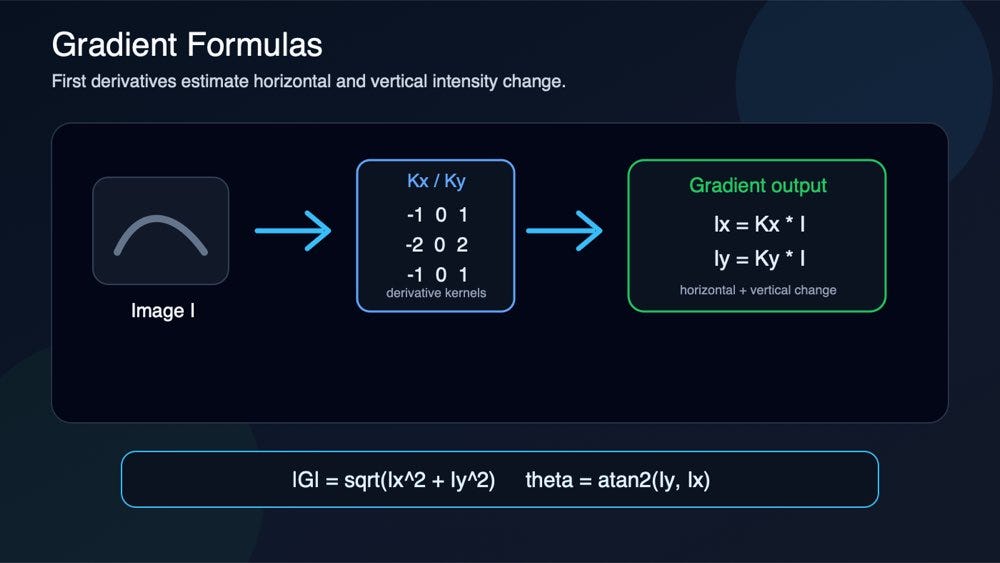
First-derivative edge detection estimates horizontal and vertical intensity change, then combines those responses into gradient magnitude and direction.
Ix = Kx * IIy = Ky * Imagnitude = sqrt(Ix^2 + Iy^2)direction = atan2(Iy, Ix)
I is the grayscale image, Kx and Ky are derivative kernels, and * is convolution. Strong gradient magnitude usually means a visible boundary. Weak magnitude may be texture, lighting variation, noise, or subtle detail.
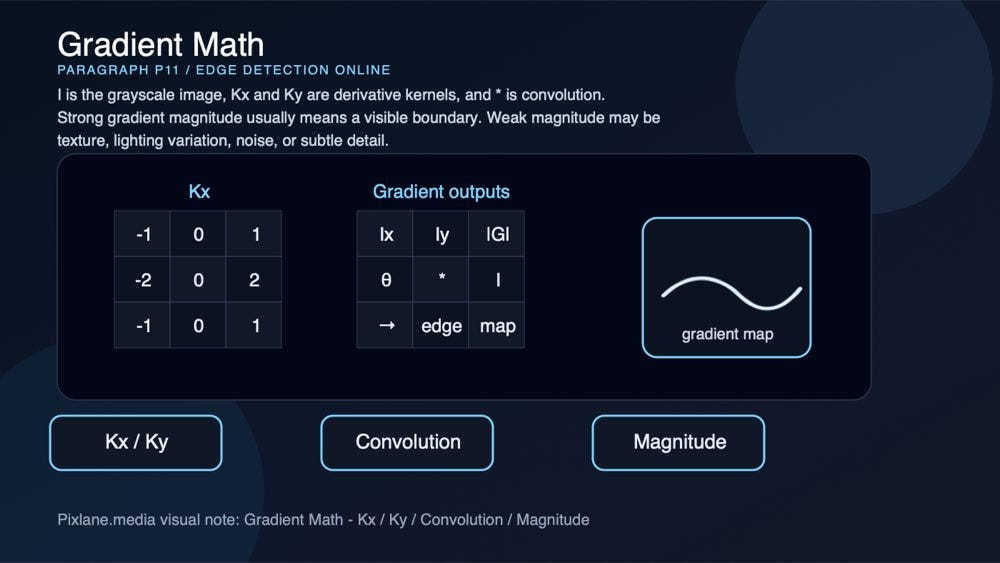
A paragraph-level visual for the gradient math behind edge detection: kernels, convolution, magnitude, and direction.
The challenge is not finding every change. The challenge is finding the changes that matter.
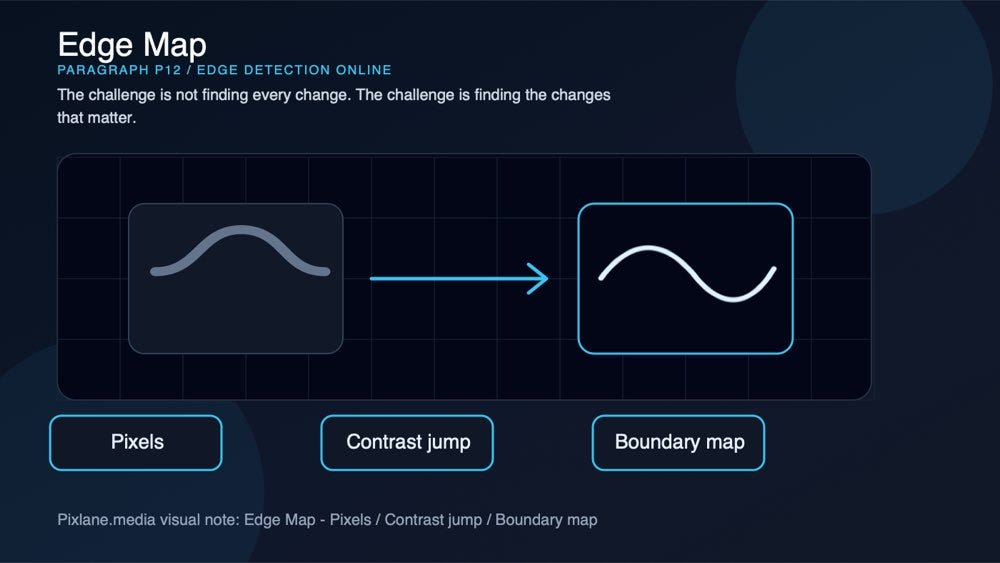
A paragraph-level visual for edge map: pixels, contrast jump, boundary map.
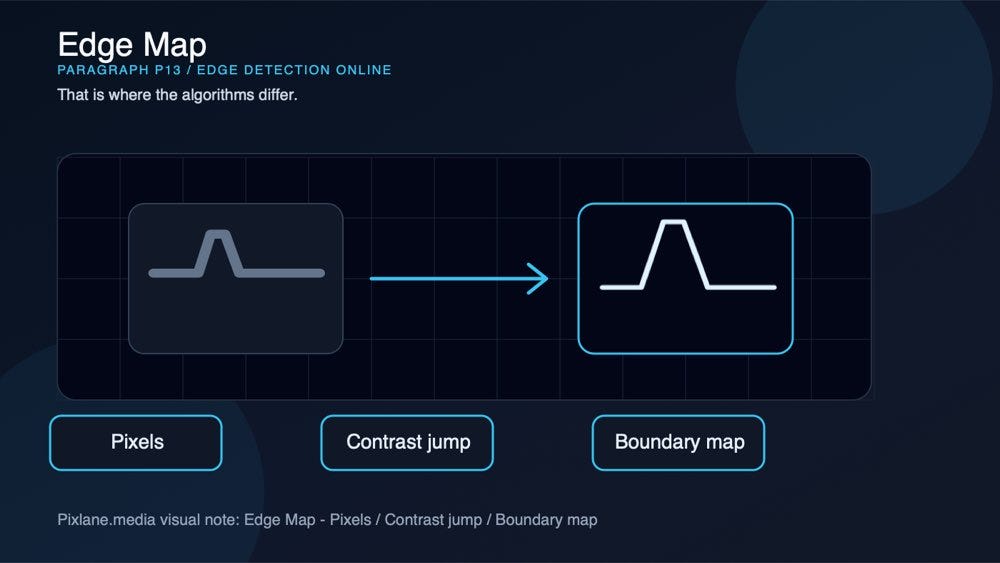
That is where the algorithms differ.
A paragraph-level visual for edge map: pixels, contrast jump, boundary map.
Kernel cheat sheet: Sobel, Prewitt, Scharr, and Laplacian
Here are the common 3x3 kernels behind the most familiar operators:
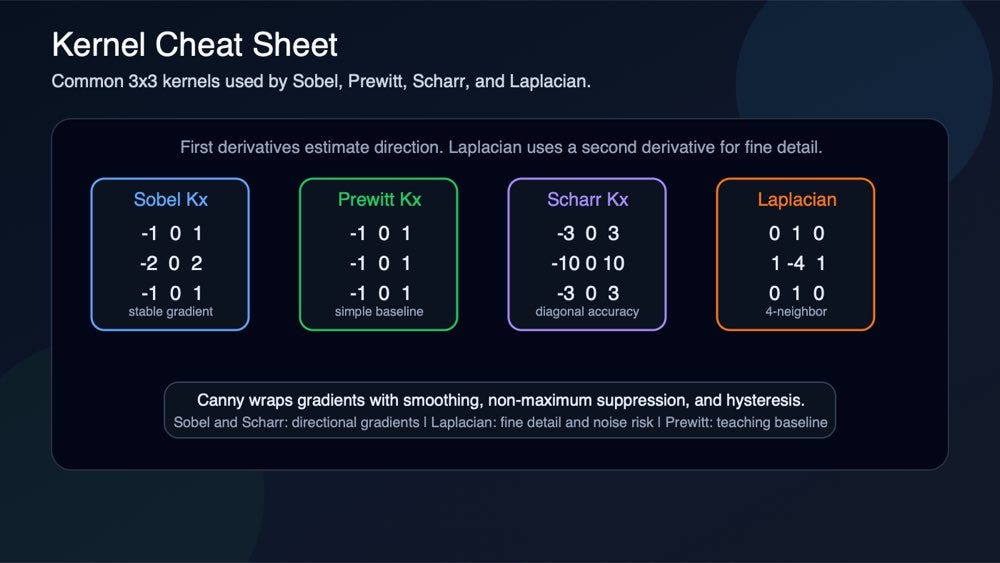
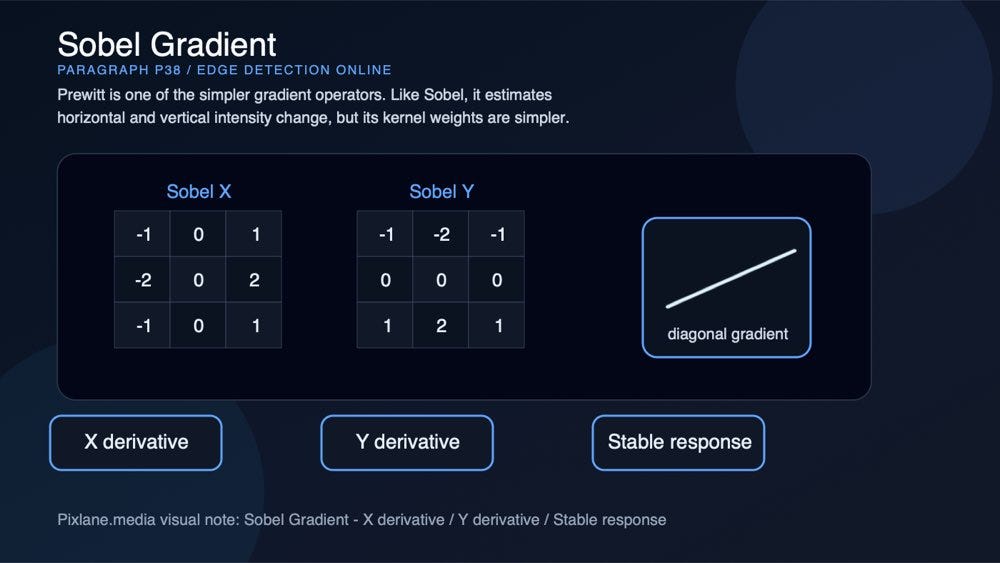
Sobel, Prewitt, and Scharr estimate first derivatives. Laplacian estimates a second derivative and reacts strongly to fine detail and noise.
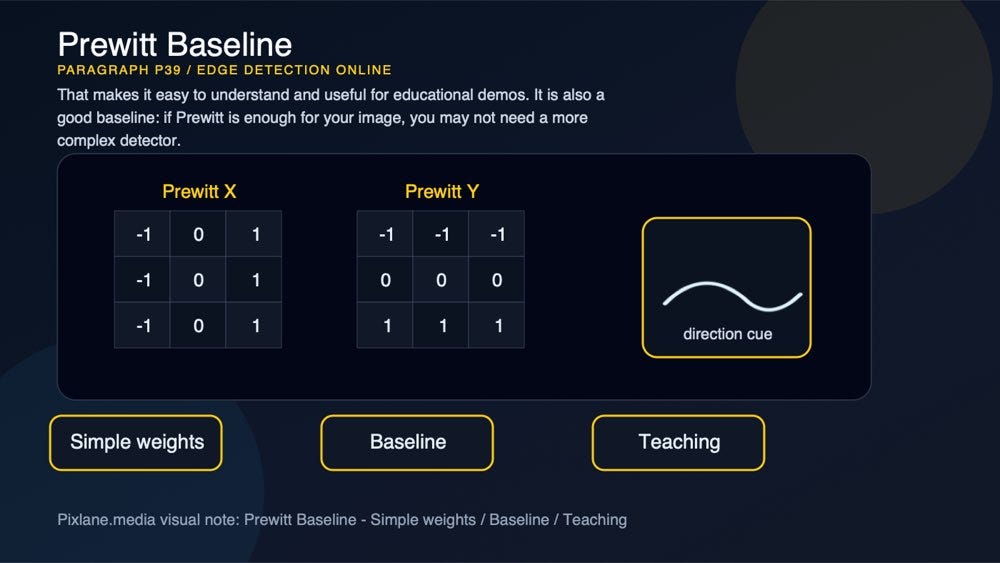
MethodX kernelY kernel or paired kernelNotesSobel[-1 0 1; -2 0 2; -1 0 1][-1 -2 -1; 0 0 0; 1 2 1]First derivative with light smoothing.Prewitt[-1 0 1; -1 0 1; -1 0 1][-1 -1 -1; 0 0 0; 1 1 1]Simple first-derivative baseline.Scharr[-3 0 3; -10 0 10; -3 0 3][-3 -10 -3; 0 0 0; 3 10 3]Better rotational behavior in a 3x3 kernel.Laplacian 4-neighbor[0 1 0; 1 -4 1; 0 1 0]Single second-derivative kernelSensitive to high-frequency detail.Laplacian 8-neighbor[1 1 1; 1 -8 1; 1 1 1]Single second-derivative kernelStronger response, often noisier.
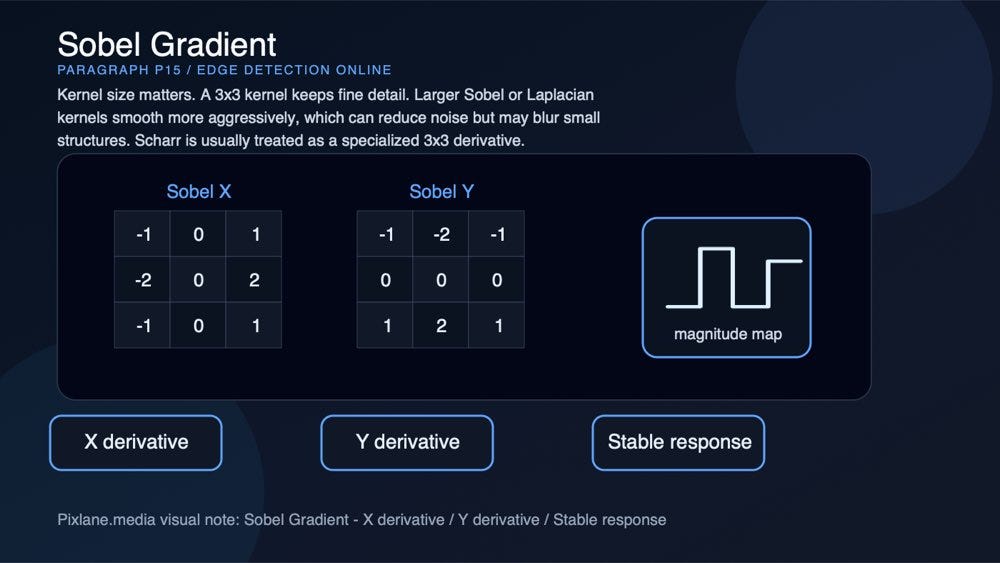
Kernel size matters. A 3x3 kernel keeps fine detail. Larger Sobel or Laplacian kernels smooth more aggressively, which can reduce noise but may blur small structures. Scharr is usually treated as a specialized 3x3 derivative.
A paragraph-level visual for sobel gradient: x derivative, y derivative, stable response.
Canny: clean, connected contours
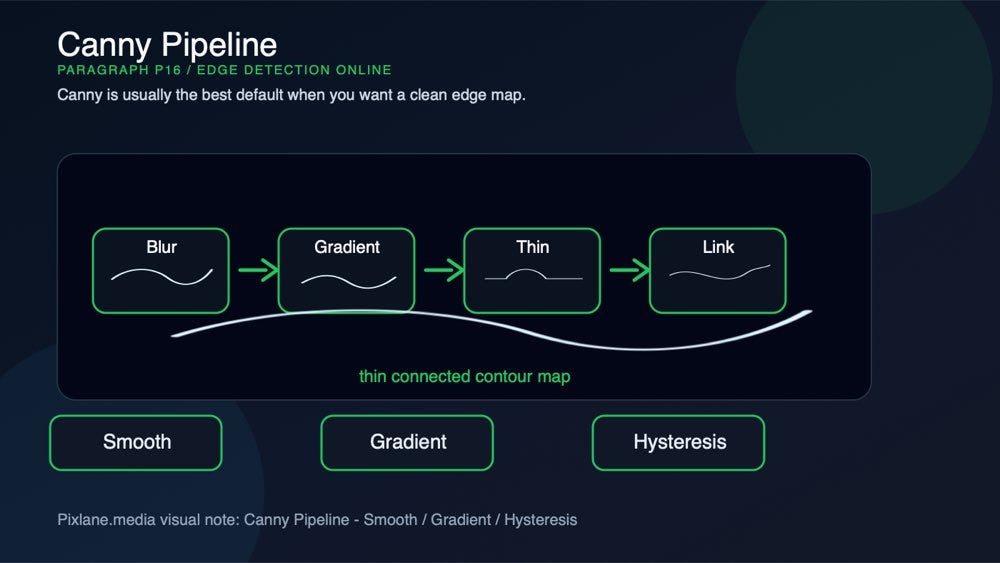
Canny is usually the best default when you want a clean edge map.
A paragraph-level visual for canny pipeline: smooth, gradient, hysteresis.
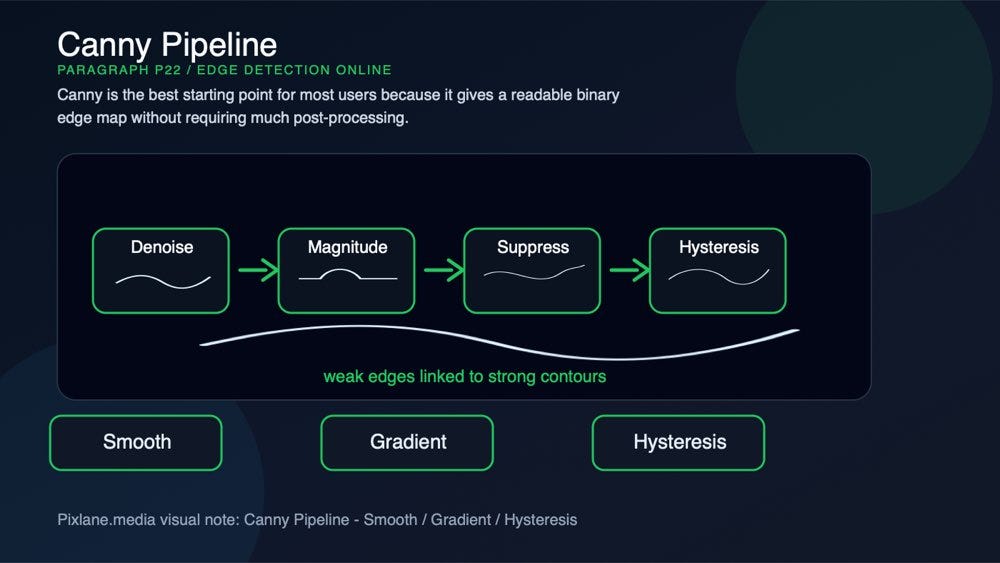
It is not just one filter. It is a multi-stage pipeline:

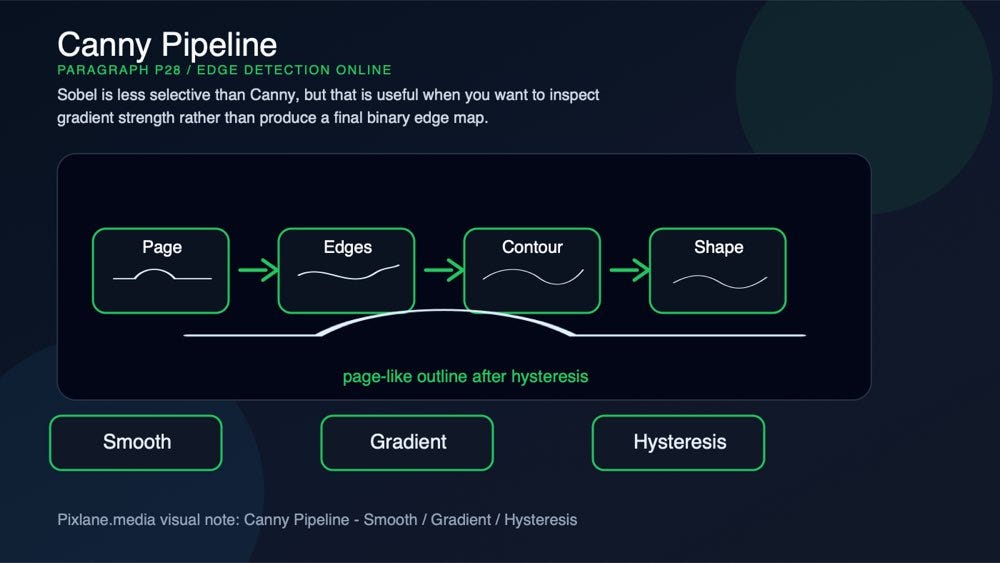
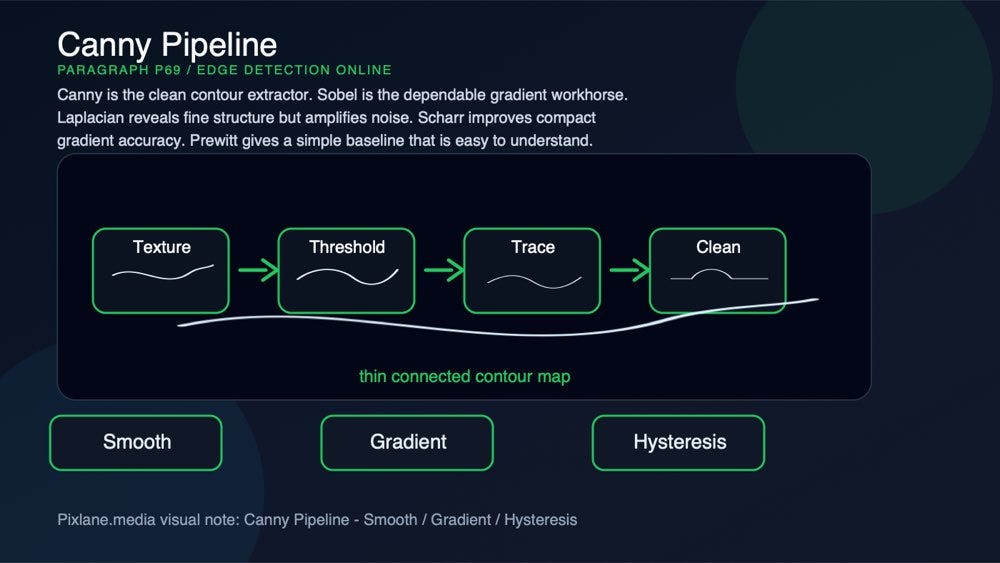
Canny combines smoothing, gradient detection, non-maximum suppression, and hysteresis thresholding to produce thin connected contours.
- Smooth the image to reduce noise.
- Compute gradients, usually using Sobel derivatives.
- Thin the response with non-maximum suppression.
- Keep strong edges and connect weaker edges only if they are attached to strong ones.
That last step is called hysteresis thresholding. It is the reason Canny often produces more coherent contours than simple gradient operators.
A paragraph-level visual for tuning: threshold, kernel size, denoise.
In Pixlane’s Edge Detection Online tool, Canny exposes:
A paragraph-level visual connecting the concept to Pixlane’s browser-based Edge Detection Online workflow.
- Low threshold
- High threshold
- L2 gradient toggle
- Kernel size
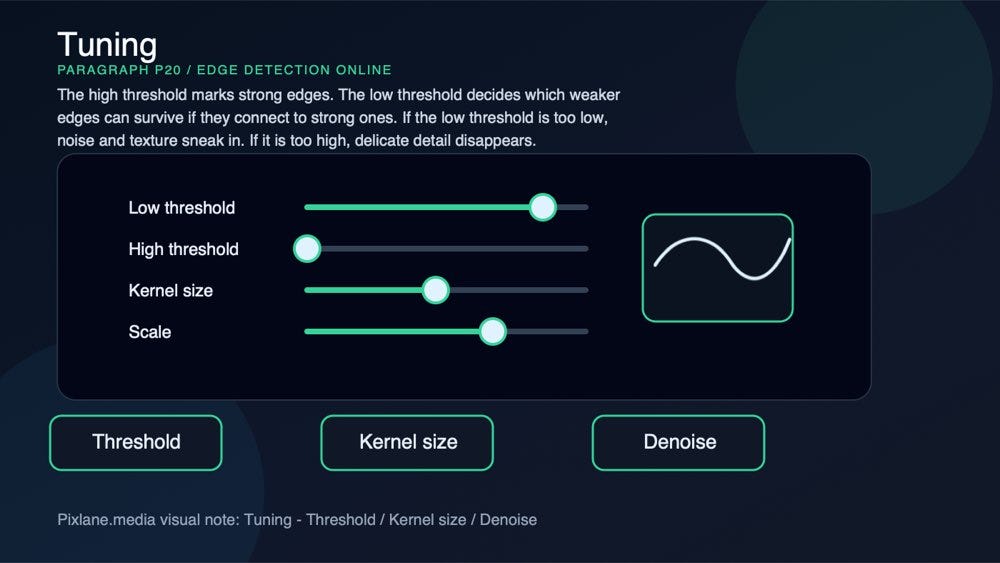
The high threshold marks strong edges. The low threshold decides which weaker edges can survive if they connect to strong ones. If the low threshold is too low, noise and texture sneak in. If it is too high, delicate detail disappears.
A paragraph-level visual for tuning: threshold, kernel size, denoise.
Use Canny when you need clean object outlines, page boundary detection, preprocessing for Contour Detection, input for Hough Transform, thin line art from photos, or shape analysis where connected edges matter.
A paragraph-level visual connecting the concept to Pixlane’s browser-based Edge Detection Online workflow.
Canny is the best starting point for most users because it gives a readable binary edge map without requiring much post-processing.
A paragraph-level visual for canny pipeline: smooth, gradient, hysteresis.
Sobel: directional gradients with useful smoothing
Sobel is a first-derivative operator. It estimates how brightness changes horizontally and vertically.

A paragraph-level visual for sobel gradient: x derivative, y derivative, stable response.
The standard Sobel kernels emphasize the center row or column, which gives Sobel a small amount of smoothing compared with simpler operators. That makes it more stable than Prewitt in many real images.
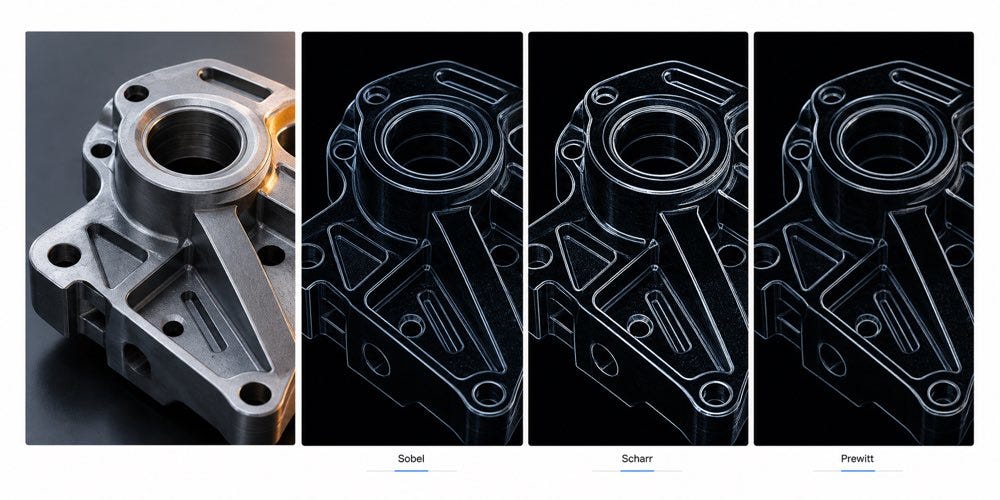
Sobel gives a balanced directional gradient, Scharr sharpens diagonal and compact-detail response, and Prewitt gives a simpler baseline.
Pixlane lets you control:
A paragraph-level visual connecting the concept to Pixlane’s browser-based Edge Detection Online workflow.
- X derivative order
- Y derivative order
- Kernel size
- Scale
- Delta
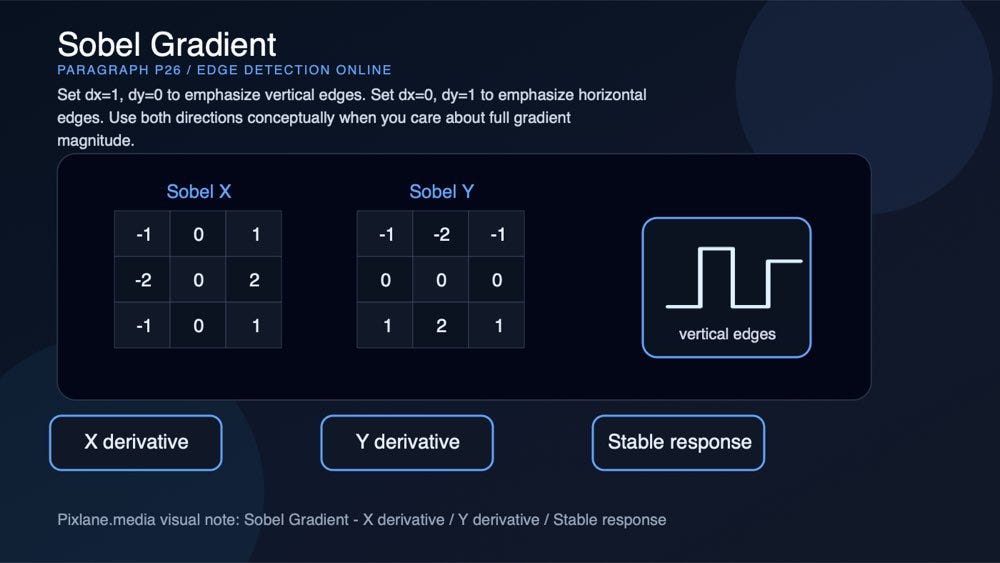
Set dx=1, dy=0 to emphasize vertical edges. Set dx=0, dy=1 to emphasize horizontal edges. Use both directions conceptually when you care about full gradient magnitude.
A paragraph-level visual for sobel gradient: x derivative, y derivative, stable response.
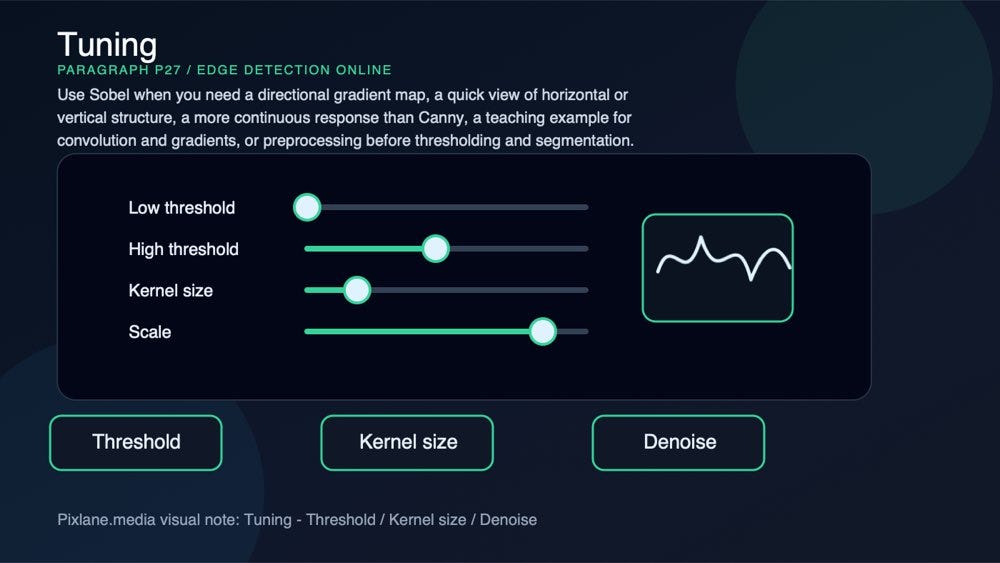
Use Sobel when you need a directional gradient map, a quick view of horizontal or vertical structure, a more continuous response than Canny, a teaching example for convolution and gradients, or preprocessing before thresholding and segmentation.
A paragraph-level visual for tuning: threshold, kernel size, denoise.
Sobel is less selective than Canny, but that is useful when you want to inspect gradient strength rather than produce a final binary edge map.
A paragraph-level visual for canny pipeline: smooth, gradient, hysteresis.
Laplacian: second-derivative structure
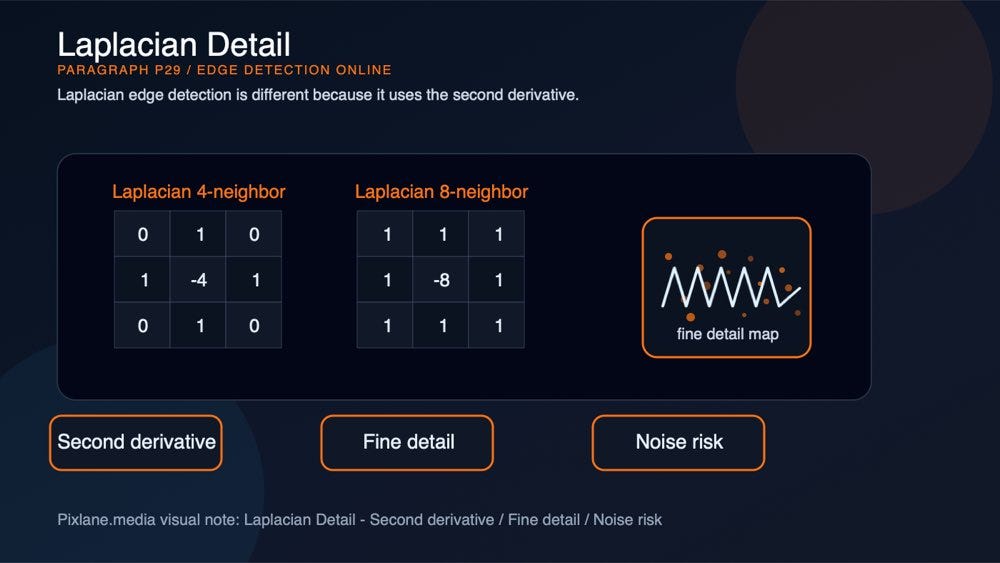
Laplacian edge detection is different because it uses the second derivative.
A paragraph-level visual for laplacian detail: second derivative, fine detail, noise risk.
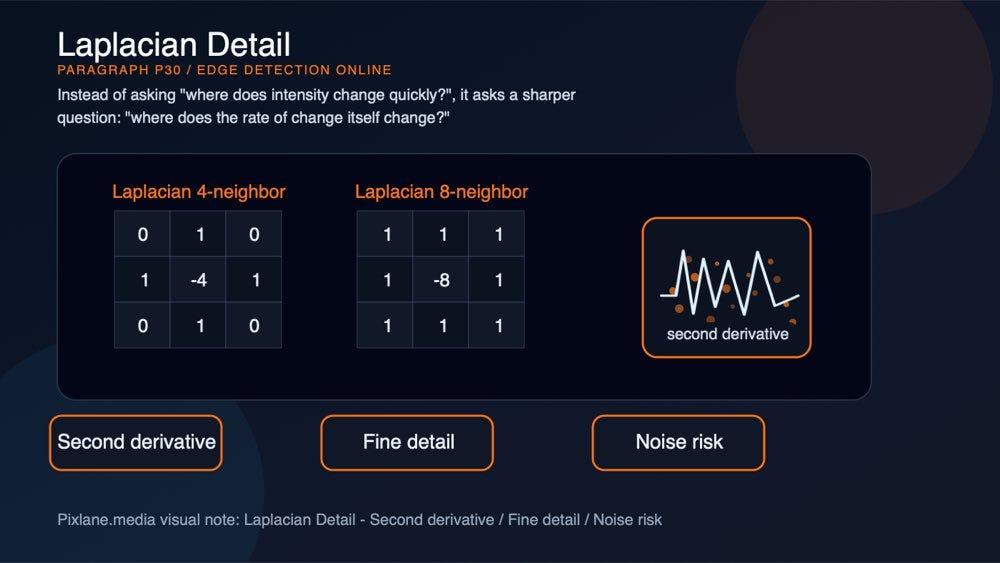
Instead of asking “where does intensity change quickly?”, it asks a sharper question: “where does the rate of change itself change?”
A paragraph-level visual for laplacian detail: second derivative, fine detail, noise risk.
This makes Laplacian responsive to fine structure and high-frequency detail. It can reveal texture, tiny ridges, hairline marks, and narrow transitions. The tradeoff is noise sensitivity. Since noise is also high-frequency, Laplacian can amplify it heavily.
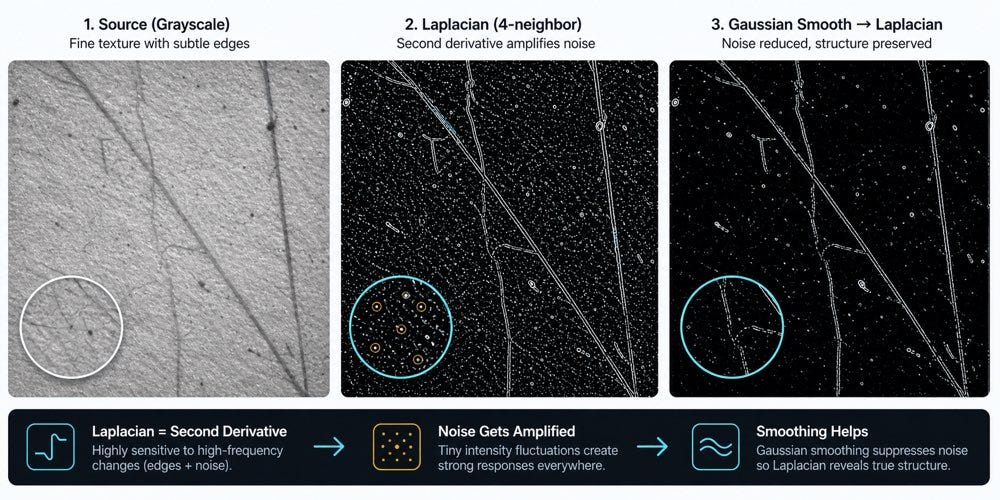
Laplacian responds strongly to high-frequency changes. Smoothing before applying it often reveals structure while suppressing speckled noise.
Use Laplacian when you need fine structural emphasis, texture-sensitive edge response, a high-frequency diagnostic view, or a quick way to reveal subtle detail.

A paragraph-level visual for laplacian detail: second derivative, fine detail, noise risk.
Avoid using Laplacian blindly on noisy photos. Smooth or denoise first with Blur and Sharpen or a general Filter Image workflow if the result looks too speckled.

A paragraph-level visual connecting the concept to Pixlane’s browser-based Edge Detection Online workflow.
Scharr: a sharper 3x3 derivative
Scharr is closely related to Sobel, but its coefficients are tuned for better rotational symmetry in a compact 3x3 kernel.
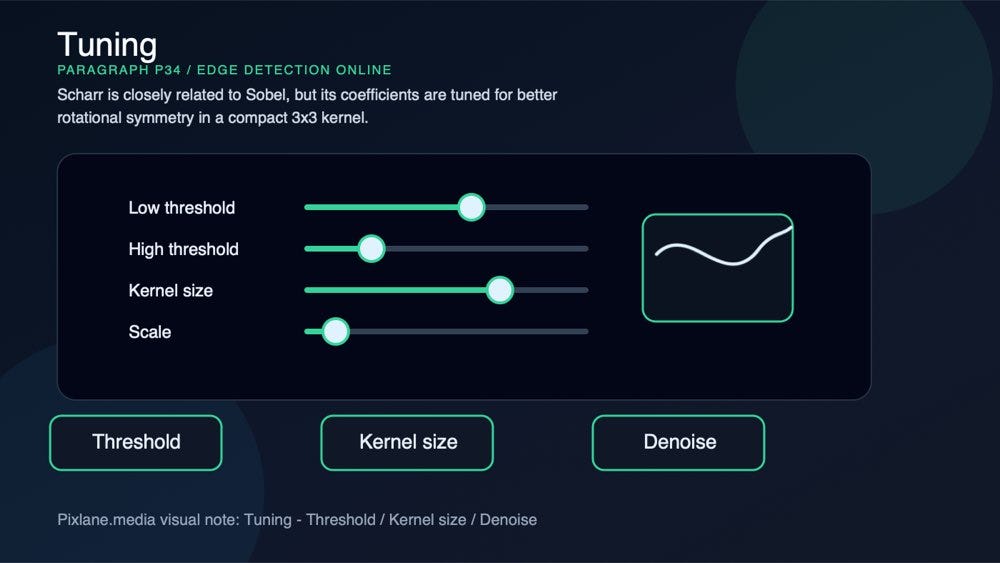
A paragraph-level visual for tuning: threshold, kernel size, denoise.
That sounds abstract, but the practical effect is simple: Scharr can produce more accurate gradient direction, especially around diagonal and fine-detail edges, while still using a small kernel.
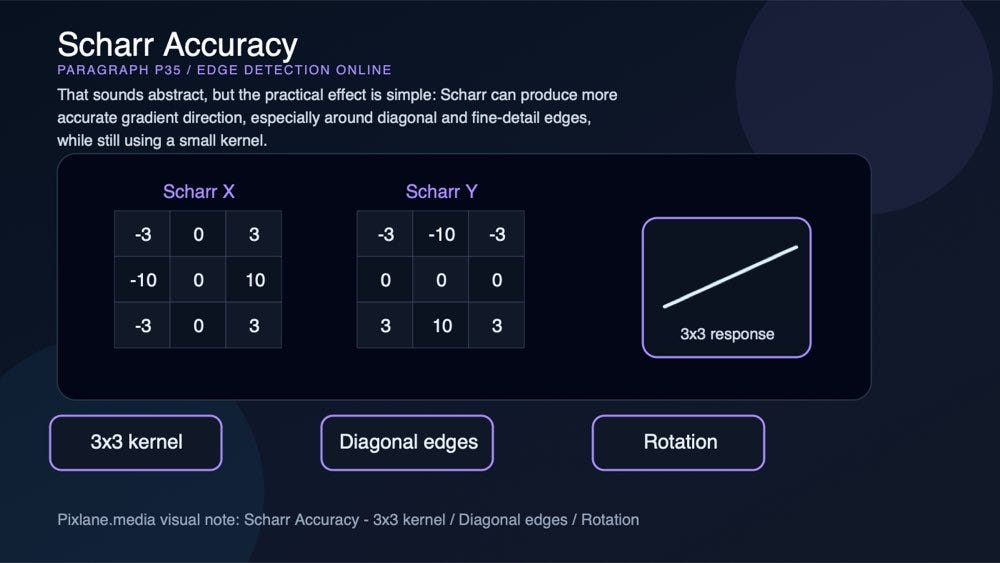
A paragraph-level visual for scharr accuracy: 3x3 kernel, diagonal edges, rotation.
Use Scharr when you need a compact derivative operator, better diagonal response than standard Sobel, fine gradient detail without increasing kernel size, or a clearer edge response on small structures.

A paragraph-level visual for sobel gradient: x derivative, y derivative, stable response.
Scharr is often a strong choice when Sobel feels slightly uneven on diagonal lines or tiny geometric details.
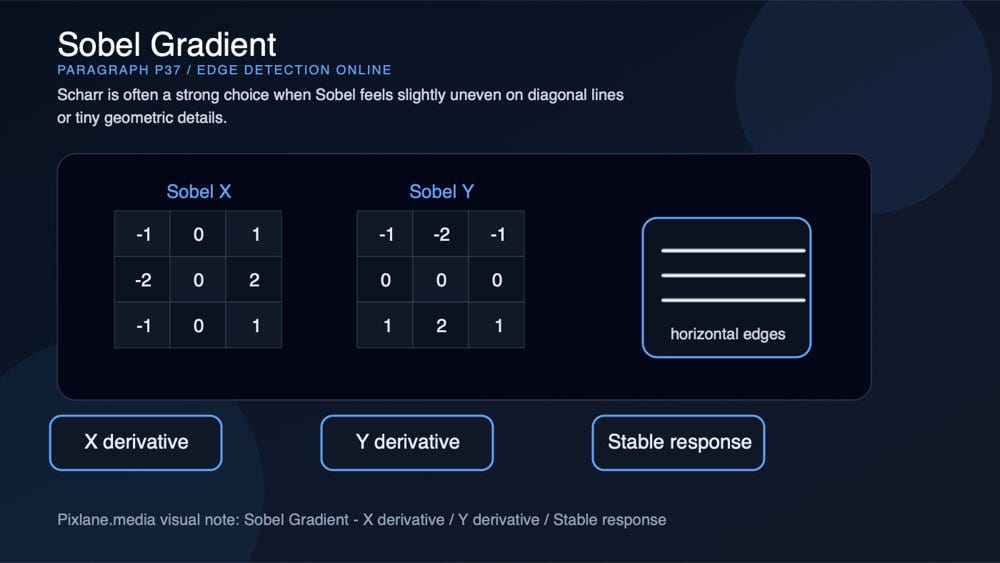
A paragraph-level visual for sobel gradient: x derivative, y derivative, stable response.
Prewitt: simple, educational, and lightweight
Prewitt is one of the simpler gradient operators. Like Sobel, it estimates horizontal and vertical intensity change, but its kernel weights are simpler.
A paragraph-level visual for sobel gradient: x derivative, y derivative, stable response.
That makes it easy to understand and useful for educational demos. It is also a good baseline: if Prewitt is enough for your image, you may not need a more complex detector.
A paragraph-level visual for prewitt baseline: simple weights, baseline, teaching.
The downside is that Prewitt is usually less noise-resistant than Sobel and less clean than Canny.

A paragraph-level visual for canny pipeline: smooth, gradient, hysteresis.
Use Prewitt when you need a simple gradient baseline, educational comparison, fast structural inspection, or lightweight directional edge response.

A paragraph-level visual for prewitt baseline: simple weights, baseline, teaching.
It is not usually the final choice for production-style edge maps, but it is valuable because it shows what simple first-derivative detection looks like.

Different edge detectors emphasize different kinds of structure. Canny prefers clean connected contours; Laplacian reacts strongly to high-frequency detail; Sobel, Scharr, and Prewitt expose directional gradients.
Quick comparison: which edge detector should you choose?
AlgorithmBest forStrengthTradeoffCommon tuningCannyClean contours, shape extraction, page boundariesThin connected edges with hysteresisNeeds threshold tuningLow/high threshold, aperture, L2 gradientSobelDirectional gradients, teaching, general edge responseStable first-derivative outputLess clean than Cannydx, dy, kernel size, scale, deltaLaplacianFine detail and high-frequency structureStrong response to tiny changesVery noise-sensitiveKernel size, pre-blur, output scaleScharrSmall-kernel gradient accuracyBetter diagonal and rotational behavior than SobelLess common in beginner workflowsDirection, scale, deltaPrewittSimple gradient baselineEasy to understand and compareLess robust to noiseDirection and post-thresholding
If you are not sure where to start, use Canny first. If you need to understand gradient direction, compare Sobel and Scharr. If you want to reveal fine texture, try Laplacian after smoothing. If you are teaching or debugging basic convolution behavior, Prewitt is useful.
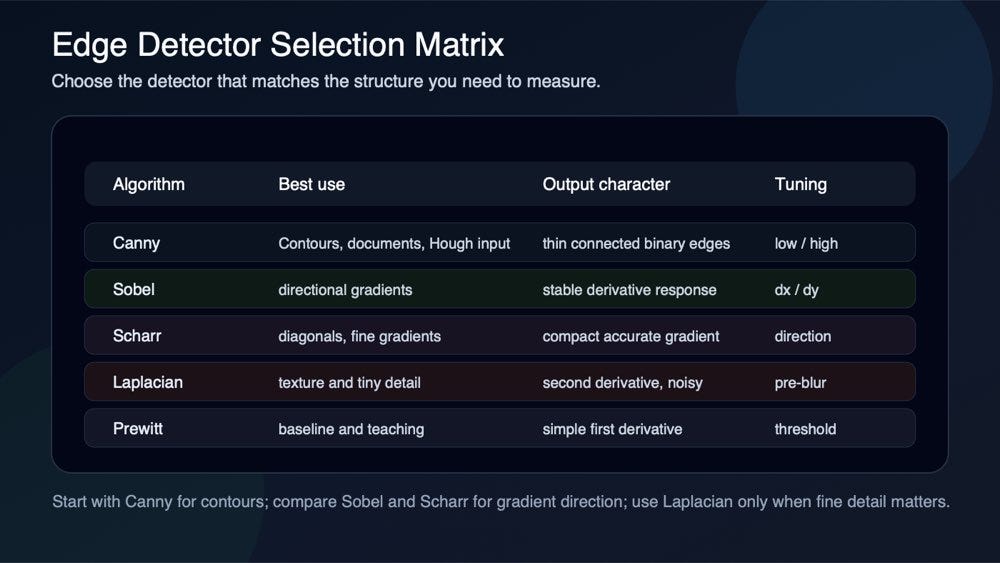
Canny is usually the safest default for clean contours, while Sobel, Scharr, Laplacian, and Prewitt answer different diagnostic questions.
Try it on Pixlane: Edge Detection Online
You can test these algorithms directly in the browser with Pixlane’s Edge Detection Online tool. If you want to explore the wider toolset, start from pixlane.media and open the image-processing and developer tools categories.
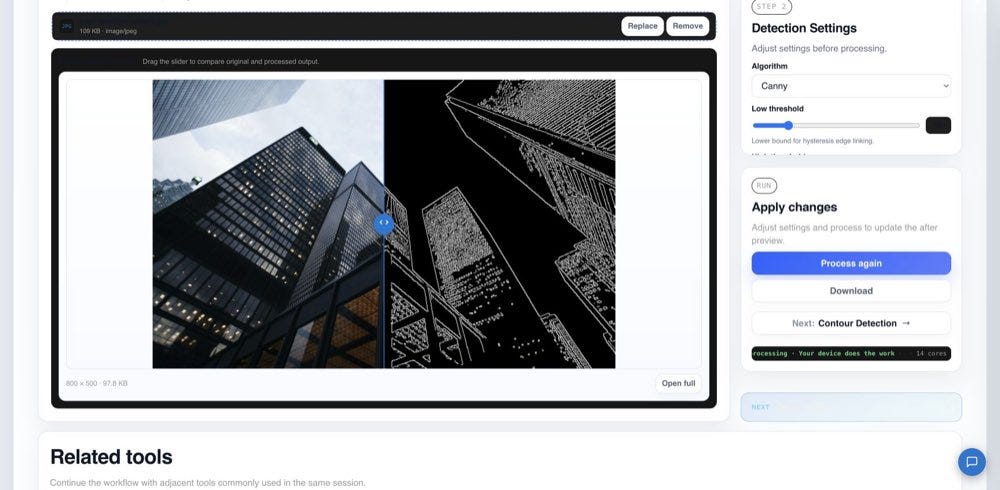
The Pixlane Edge Detection tool lets you compare Canny, Sobel, Laplacian, Scharr, and Prewitt on the same image and export the result.
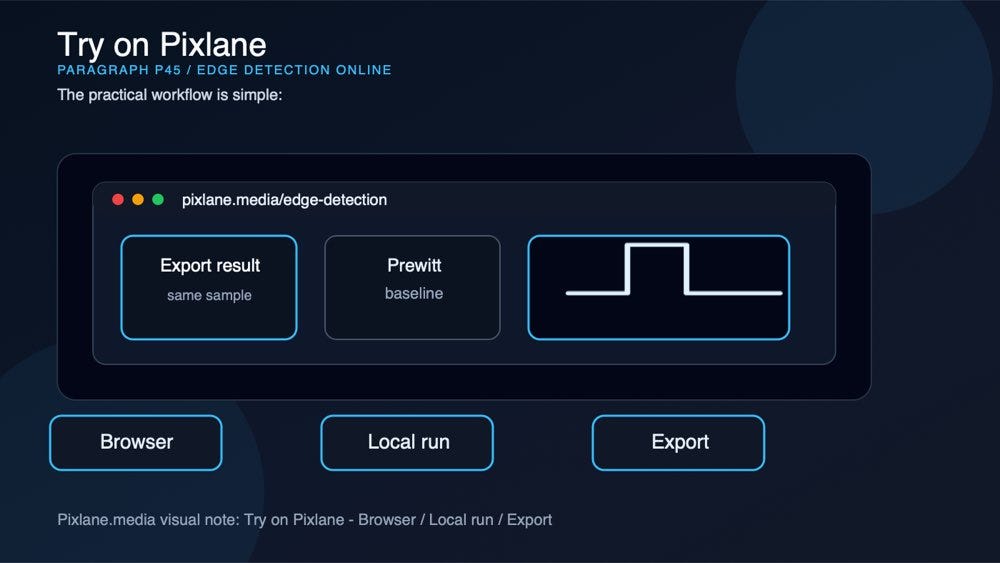
The practical workflow is simple:
A paragraph-level visual connecting the concept to Pixlane’s browser-based Edge Detection Online workflow.
- Open pixlane.media/edge-detection.
- Drop in a JPG, PNG, or WebP image.
- Select Canny, Sobel, Laplacian, Scharr, or Prewitt.
- Tune thresholds, derivative direction, kernel size, scale, or delta depending on the algorithm.
- Export the result as PNG or JPG.
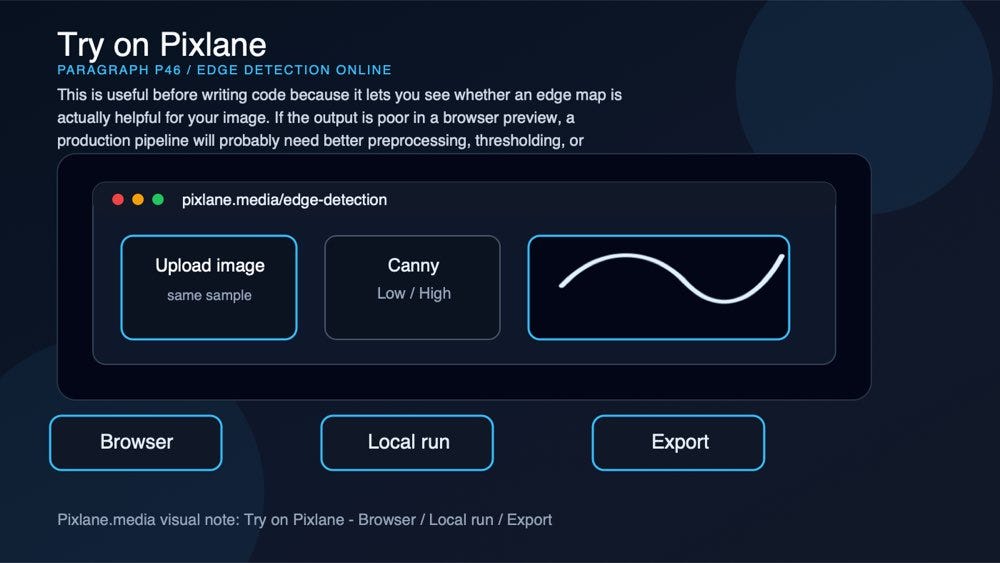
This is useful before writing code because it lets you see whether an edge map is actually helpful for your image. If the output is poor in a browser preview, a production pipeline will probably need better preprocessing, thresholding, or post-processing too.
A paragraph-level visual connecting the concept to Pixlane’s browser-based Edge Detection Online workflow.
Practical workflow examples
1. Document boundary detection
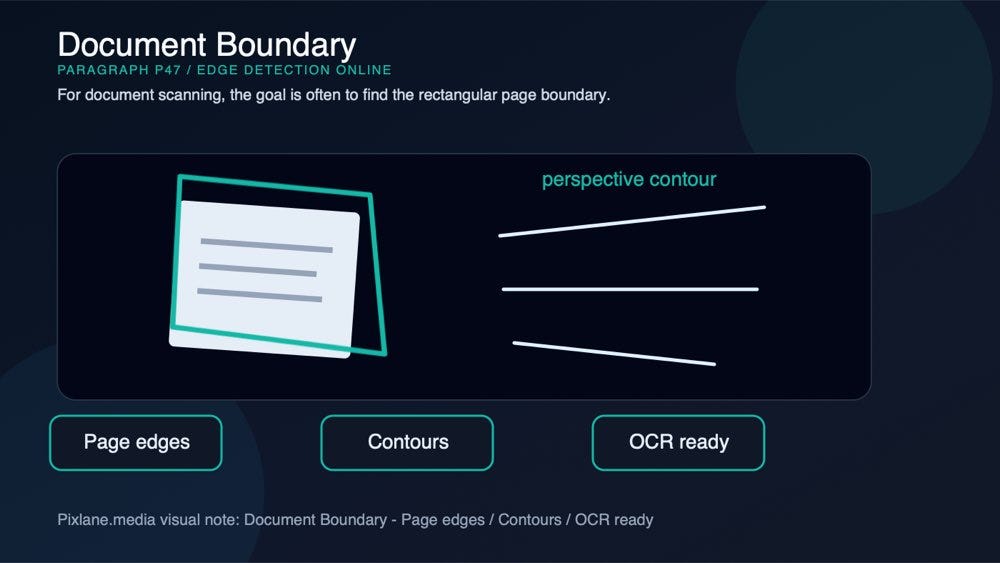
For document scanning, the goal is often to find the rectangular page boundary.
A paragraph-level visual for document boundary: page edges, contours, ocr ready.
A common pipeline looks like this:

A paragraph-level visual for document boundary: page edges, contours, ocr ready.
- Convert the image to grayscale.
- Run Canny edge detection.
- Use contour detection to find the largest page-like contour.
- Apply perspective correction.
- Clean the result for OCR or export.
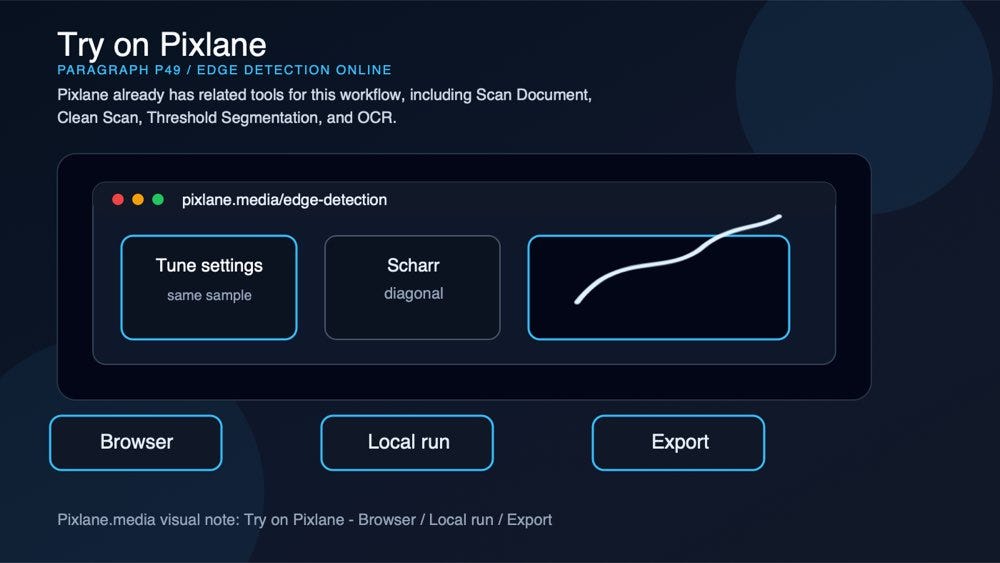
Pixlane already has related tools for this workflow, including Scan Document, Clean Scan, Threshold Segmentation, and OCR.
A paragraph-level visual connecting the concept to Pixlane’s browser-based Edge Detection Online workflow.
2. Lane and line detection
Lane detection and geometry analysis often begin with edge extraction.
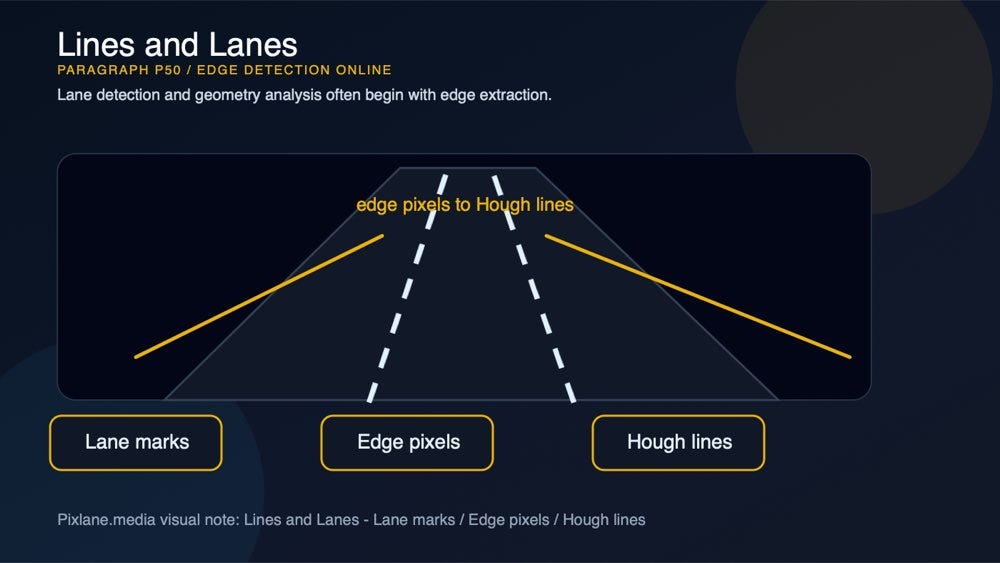
A paragraph-level visual for lines and lanes: lane marks, edge pixels, hough lines.
Canny can isolate lane markings, road boundaries, and strong horizon geometry. A line detector or Hough transform can then convert those pixels into parametric lines.
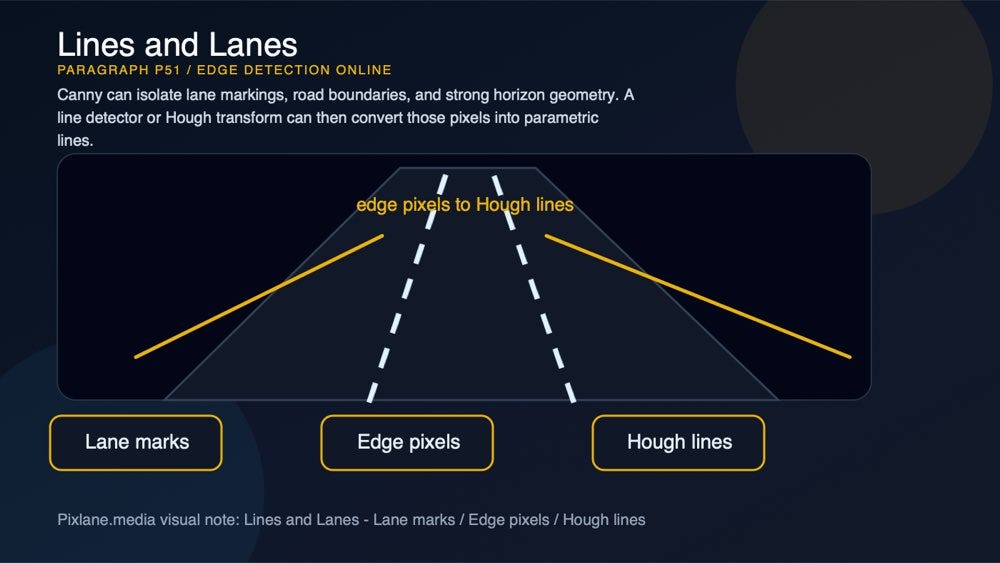
A paragraph-level visual for lines and lanes: lane marks, edge pixels, hough lines.
This is why edge detection pairs naturally with Hough Transform. The edge map finds candidate pixels; Hough Transform asks whether those pixels align into lines or circles.
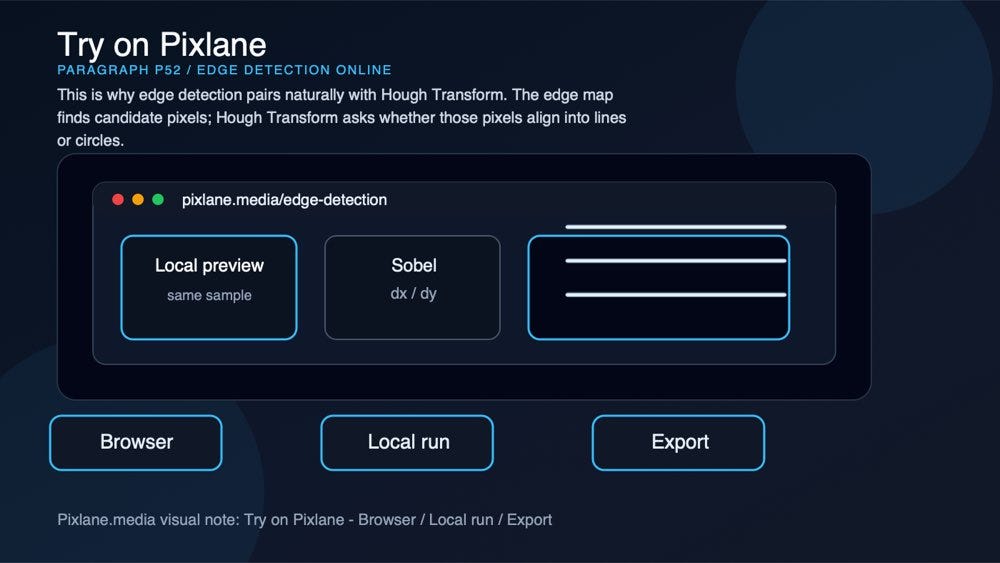
A paragraph-level visual connecting the concept to Pixlane’s browser-based Edge Detection Online workflow.
3. Industrial inspection
For manufactured parts, edge maps can reveal shape, holes, defects, alignment, and missing geometry.
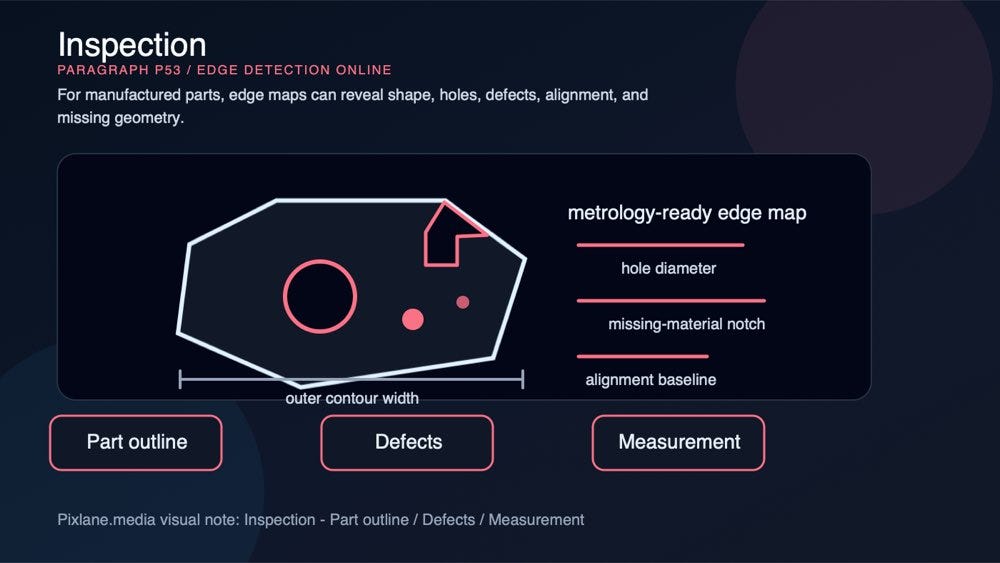
A paragraph-level visual for industrial inspection: part outline, hole geometry, missing material, alignment, and measurement cues.
Different algorithms expose different failure modes:
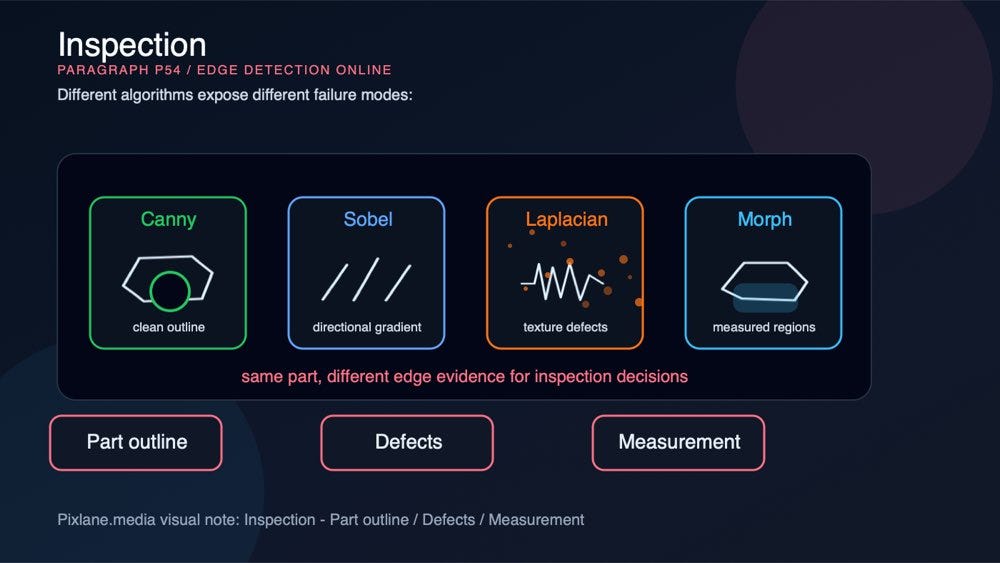
A paragraph-level visual comparing inspection failure modes across Canny outlines, directional gradients, Laplacian texture response, and morphology cleanup.
- Canny is useful for clean outlines.
- Sobel and Scharr help inspect directional gradients.
- Laplacian can reveal surface texture and tiny defects, but may need denoising.
- Morphological cleanup can simplify the result before measuring regions.
After edge detection, you can continue with Morphological Operations, Contour Detection, or Feature Detection.

A paragraph-level visual connecting the concept to Pixlane’s browser-based Edge Detection Online workflow.
4. Creative line art
Edge maps are also useful outside classical computer vision.

A paragraph-level visual for line art: sketch, contours, texture.
You can turn photos into sketch-like line art, create coloring-page style outlines, isolate architectural structure, or make technical illustrations from ordinary images.
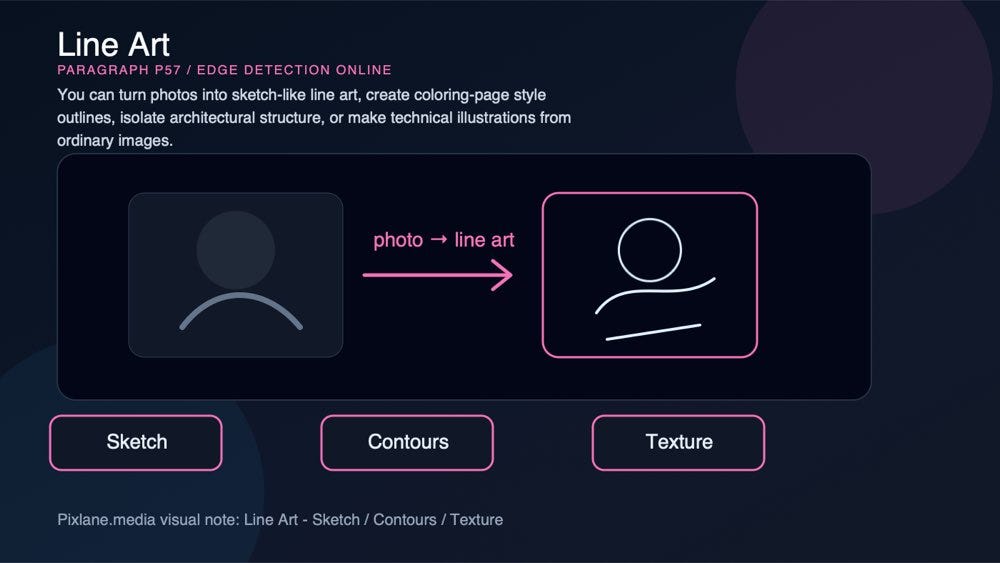
A paragraph-level visual for line art: sketch, contours, texture.
For this use case, Canny gives the cleanest line drawing. Laplacian gives a more textured sketch. Sobel and Scharr can create gradient-heavy, etched-looking results.
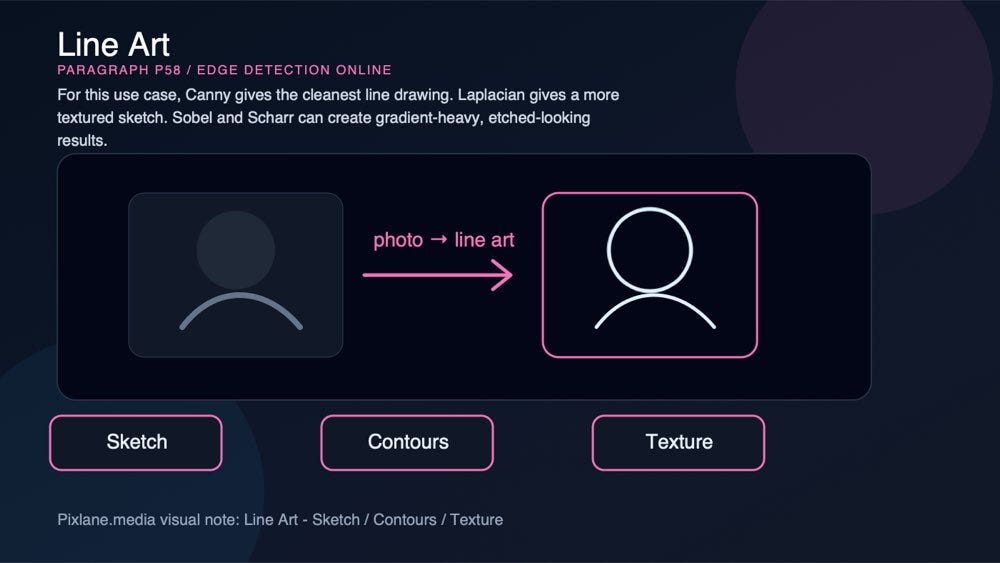
A paragraph-level visual for line art: sketch, contours, texture.
How to tune the settings
Start with the question you want the edge map to answer.
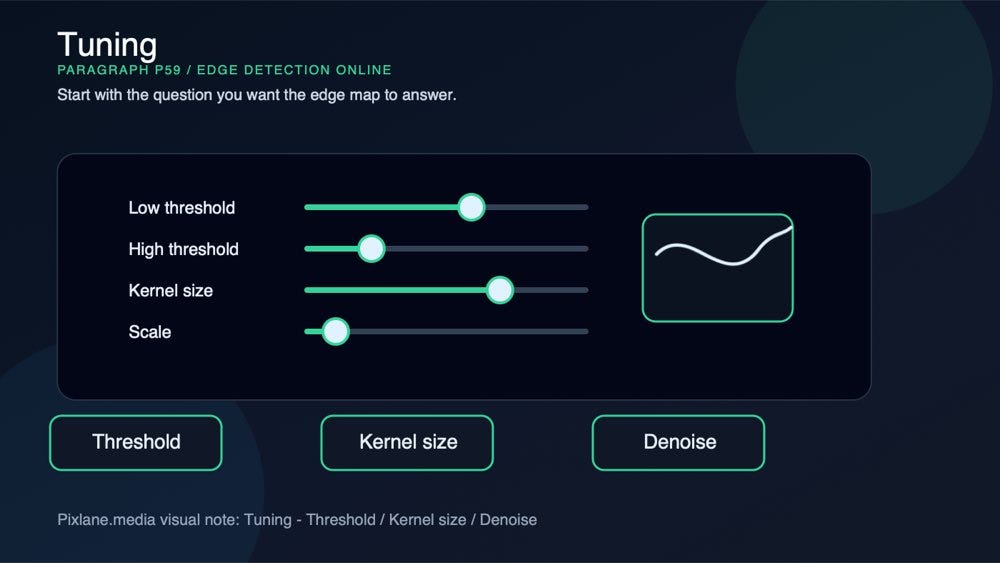
A paragraph-level visual for tuning: threshold, kernel size, denoise.
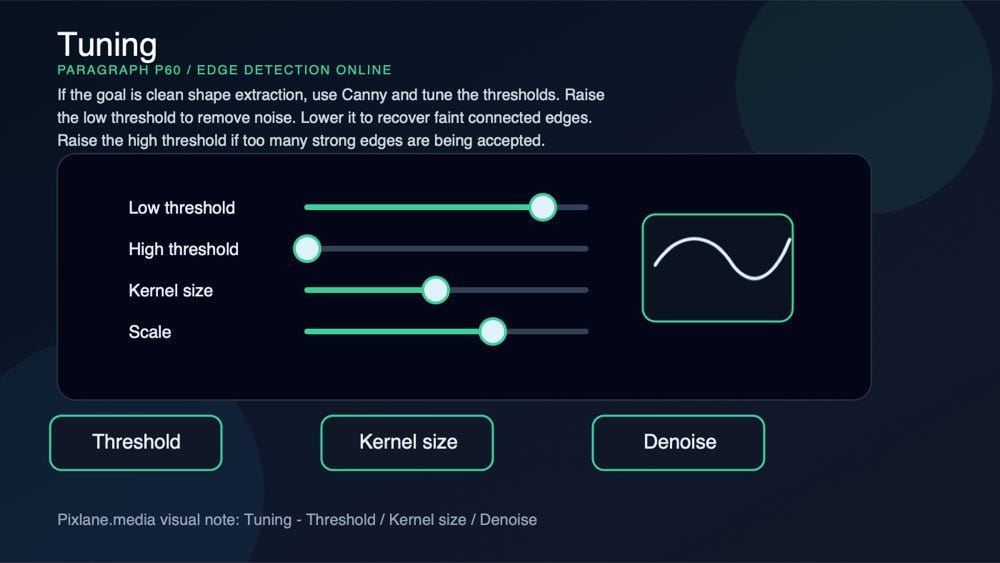
If the goal is clean shape extraction, use Canny and tune the thresholds. Raise the low threshold to remove noise. Lower it to recover faint connected edges. Raise the high threshold if too many strong edges are being accepted.
A paragraph-level visual for tuning: threshold, kernel size, denoise.
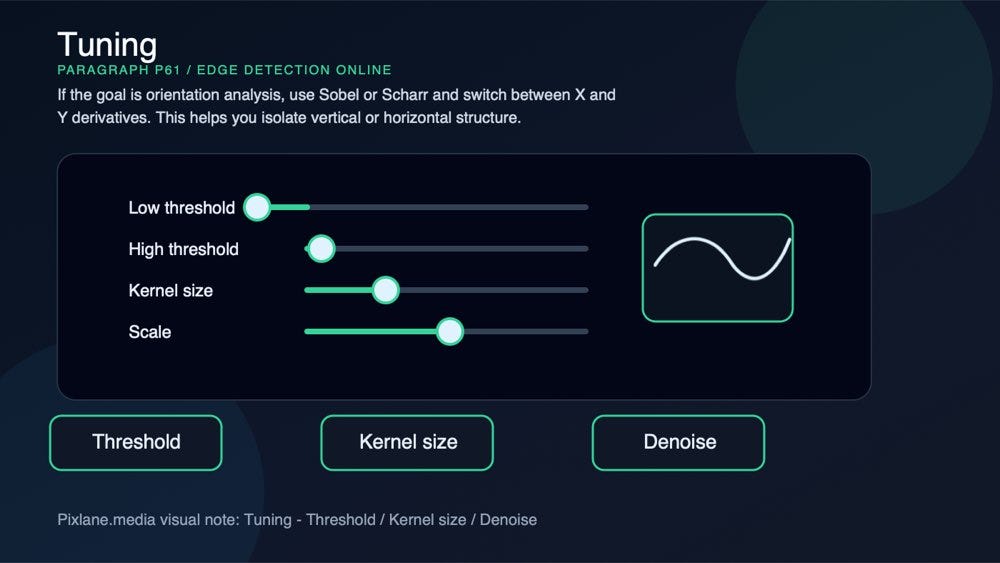
If the goal is orientation analysis, use Sobel or Scharr and switch between X and Y derivatives. This helps you isolate vertical or horizontal structure.
A paragraph-level visual for tuning: threshold, kernel size, denoise.
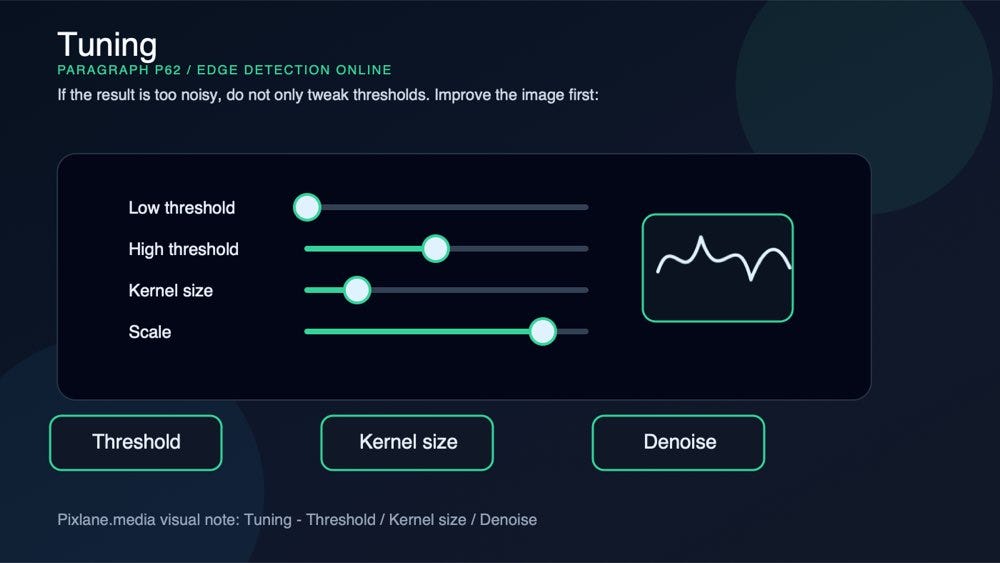
If the result is too noisy, do not only tweak thresholds. Improve the image first:
A paragraph-level visual for tuning: threshold, kernel size, denoise.
- Convert to Grayscale Image for tonal inspection.
- Use blur or denoise before sensitive detectors.
- Increase contrast when the edge signal is weak.
- Use thresholding or morphology after the edge map if you need clean binary regions.
Kernel size also matters. A 3x3 kernel keeps fine detail. Larger kernels smooth more aggressively, which can reduce noise but blur small features.

A paragraph-level visual for tuning: threshold, kernel size, denoise.
Why browser-based edge detection is useful
You can run all of this in Python and OpenCV, and for production systems you probably will. But browser-based testing is useful because it shortens the loop.
A paragraph-level visual connecting the concept to Pixlane’s browser-based Edge Detection Online workflow.
You can upload an image, compare algorithms, tune thresholds, export a result, and decide whether a pipeline is worth coding. No notebook setup. No package installation. No server upload.
A paragraph-level visual connecting the concept to Pixlane’s browser-based Edge Detection Online workflow.
Pixlane’s Dev Tools are built for that kind of fast inspection: classical computer vision, image processing, segmentation, gradients, morphology, histograms, and geometry tools that run locally in the browser.
A paragraph-level visual connecting the concept to Pixlane’s browser-based Edge Detection Online workflow.
For privacy-sensitive work, that local execution is not a nice-to-have. It is the point. A document scan, client product photo, internal manufacturing image, or research sample should not need to leave your machine just to test an edge detector.

A paragraph-level visual connecting the concept to Pixlane’s browser-based Edge Detection Online workflow.
Final takeaway
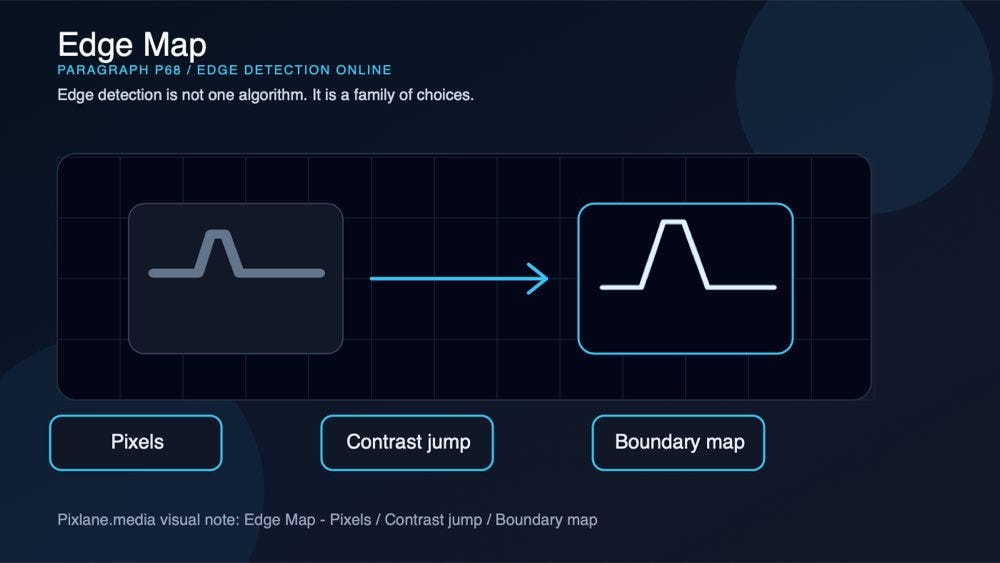
Edge detection is not one algorithm. It is a family of choices.
A paragraph-level visual for edge map: pixels, contrast jump, boundary map.
Canny is the clean contour extractor. Sobel is the dependable gradient workhorse. Laplacian reveals fine structure but amplifies noise. Scharr improves compact gradient accuracy. Prewitt gives a simple baseline that is easy to understand.
A paragraph-level visual for canny pipeline: smooth, gradient, hysteresis.
If you want to compare them quickly, try the free Edge Detection Online tool on Pixlane. Start with Canny, then switch through Sobel, Laplacian, Scharr, and Prewitt on the same image. The differences become obvious once you see them side by side.
A paragraph-level visual connecting the concept to Pixlane’s browser-based Edge Detection Online workflow.
Related tools worth testing next:

A paragraph-level visual for edge map: pixels, contrast jump, boundary map.
- Pixlane for browser-based image, document, and developer tools
- Contour Detection for object outlines and region tracing
- Hough Transform for lines, circles, lanes, and geometry
- Threshold Segmentation for binary masks
- Morphological Operations for mask cleanup
- Thinning and Skeletonization for one-pixel-wide centerlines
- Gabor Filter for texture and orientation response
메타데이터
- post_id
- 76f1f9425b18
- slug
- edge-detection-online-canny-sobel-laplacian-scharr-and-prewitt-explained-76f1f9425b18
- url
- https://medium.com/@pixlanemedia/edge-detection-online-canny-sobel-laplacian-scharr-and-prewitt-explained-76f1f9425b18
- canonical_url
- https://medium.com/@pixlanemedia/edge-detection-online-canny-sobel-laplacian-scharr-and-prewitt-explained-76f1f9425b18
- author_url
- https://medium.com/@pixlanemedia
- status
- ok
- fetched_at
- 2026-07-10 05:19:05