AI Agent Skill Security: The SaaS Builder’s Guide to Safer Plugin Workflows
Agent skills, plugins, and MCP tools make AI SaaS products far more useful. They also create a new supply chain where a harmless-looking…
AI Agent Skill Security: The SaaS Builder’s Guide to Safer Plugin Workflows

AI Agent Skill Security
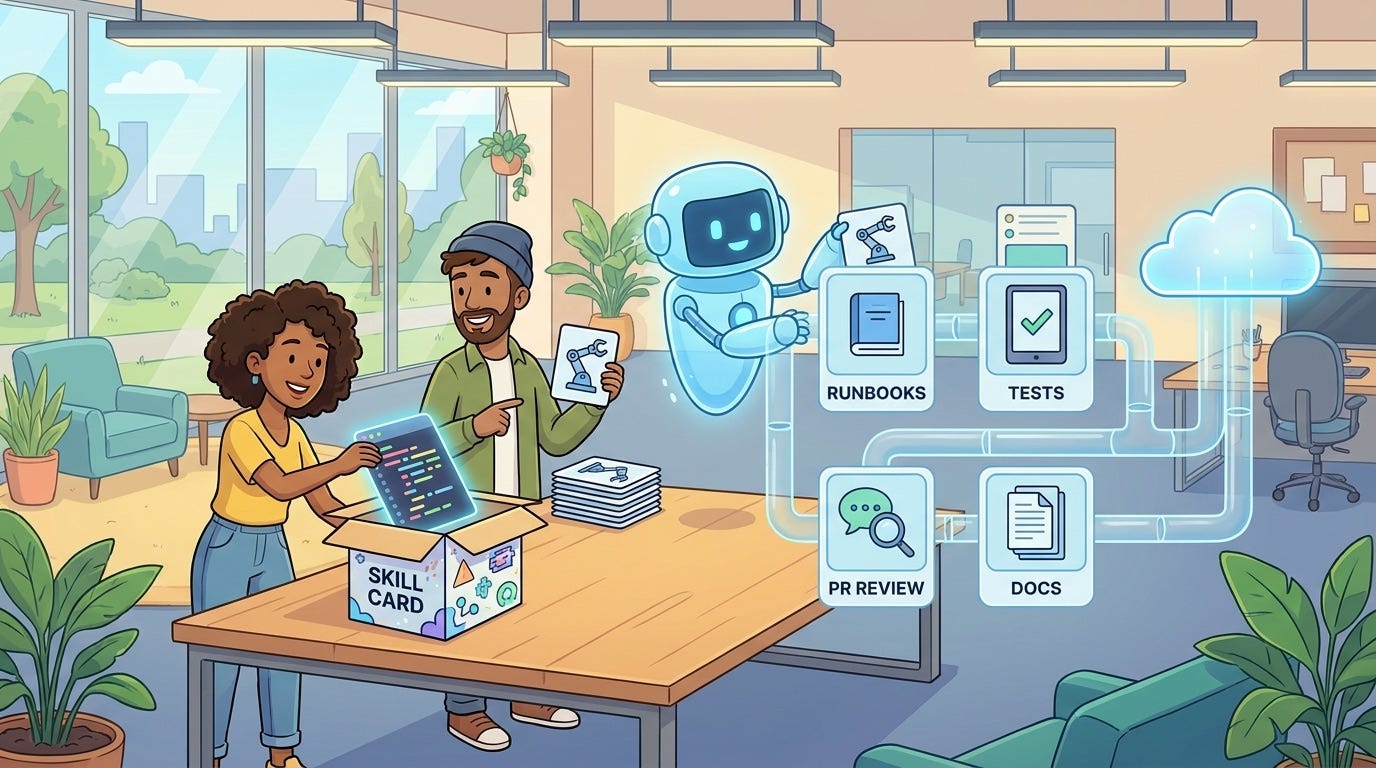
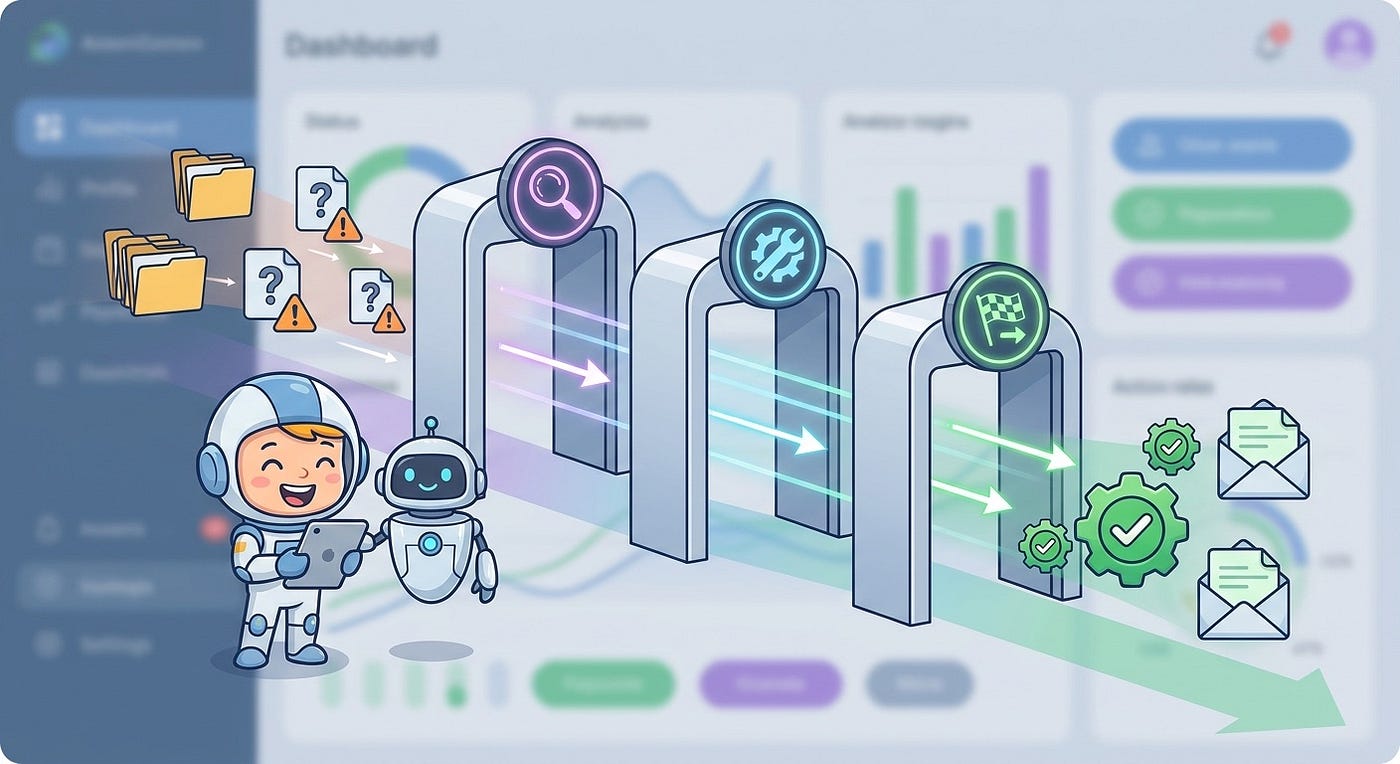
Agent skills, plugins, and MCP tools make AI SaaS products far more useful. They also create a new supply chain where a harmless-looking instruction file can become the path to customer data, tool misuse, or irreversible actions.
An AI agent does not need malware in the old sense to become dangerous. It may only need a trusted-looking skill, a neat README, a remote setup link, and permission to act.
That is the uncomfortable lesson emerging from the current agent ecosystem. Builders are connecting agents to codebases, email, CRMs, browsers, payment flows, analytics data, file systems, postal mail, and internal APIs. The value is obvious: AI systems can stop being chat boxes and start completing real workflows. But the attack surface has changed too. A plugin is no longer just software you install. It is a set of instructions your agent may obey.
For AI SaaS builders, this creates a practical question: how do you let agents use external skills without turning every plugin into a silent trust decision?
This guide breaks down a safer approach to AI agent skill security. The goal is not to scare teams away from plugins, MCP servers, agent skills, or workflow extensions. The goal is to treat them like production dependencies with permissions, provenance, tests, runtime boundaries, monitoring, and clear human approval.
Core idea: Do not ask “is this skill safe?” as a one-time review question. Ask “what can this skill influence, what can it call, what can it change later, and how will we notice if its behavior drifts?”
Why agent skills are a different kind of software dependency
Traditional SaaS dependencies usually run in a known environment. A package has code. A library has imports. A container has an image. You can scan it, pin it, test it, and watch what it does at runtime.
Agent skills are stranger. They may include code, but they also include natural-language instructions, tool descriptions, examples, prompt fragments, remote documentation, workflow recipes, and permission assumptions. The model reads those instructions and may convert them into action. That means the security boundary is partly technical and partly behavioral.
A skill can shape how the agent thinks about a task. It can tell the agent what sources to trust. It can instruct the agent to download setup steps. It can nudge the agent toward a domain that looks official but is not. It can ask the agent to send data to a tool, open a browser, call an API, or create a checkout link. Static scanning helps, but it does not capture every downstream instruction path.
The practical risk model: skills can change four things
A useful starting point is to stop treating plugins as one risk bucket. Most agent skill failures come from one of four influence paths.
1. They change what the agent believes
A skill may tell the agent which documentation, examples, or “official” URLs to trust. If the source is wrong, stale, or hostile, the agent can act on bad evidence while sounding confident. This is especially risky for coding agents, compliance workflows, data analysis, and customer-facing answers.
2. They change what the agent can access
Skills often unlock files, repositories, tools, APIs, browsers, SaaS accounts, and databases. That access may be read-only, write-capable, tenant-scoped, or dangerously broad. The skill description rarely tells the whole story. The runtime permission does.
3. They change what the agent can cause
Some actions are reversible: draft a message, summarize a ticket, generate a report. Others are not: send mail, purchase something, delete records, update billing, notify customers, merge code, or change account settings. The skill’s real risk is the worst action it can trigger, not the nicest demo it can show.
4. They can change after review
A skill may look safe during review but rely on remote resources that can change later. A domain can redirect. A setup script can be edited. A hosted MCP server can alter tool behavior. A model prompt can be updated. A marketplace listing can gain reputation before the payload changes. This is why one-time approval is weaker than continuous verification.
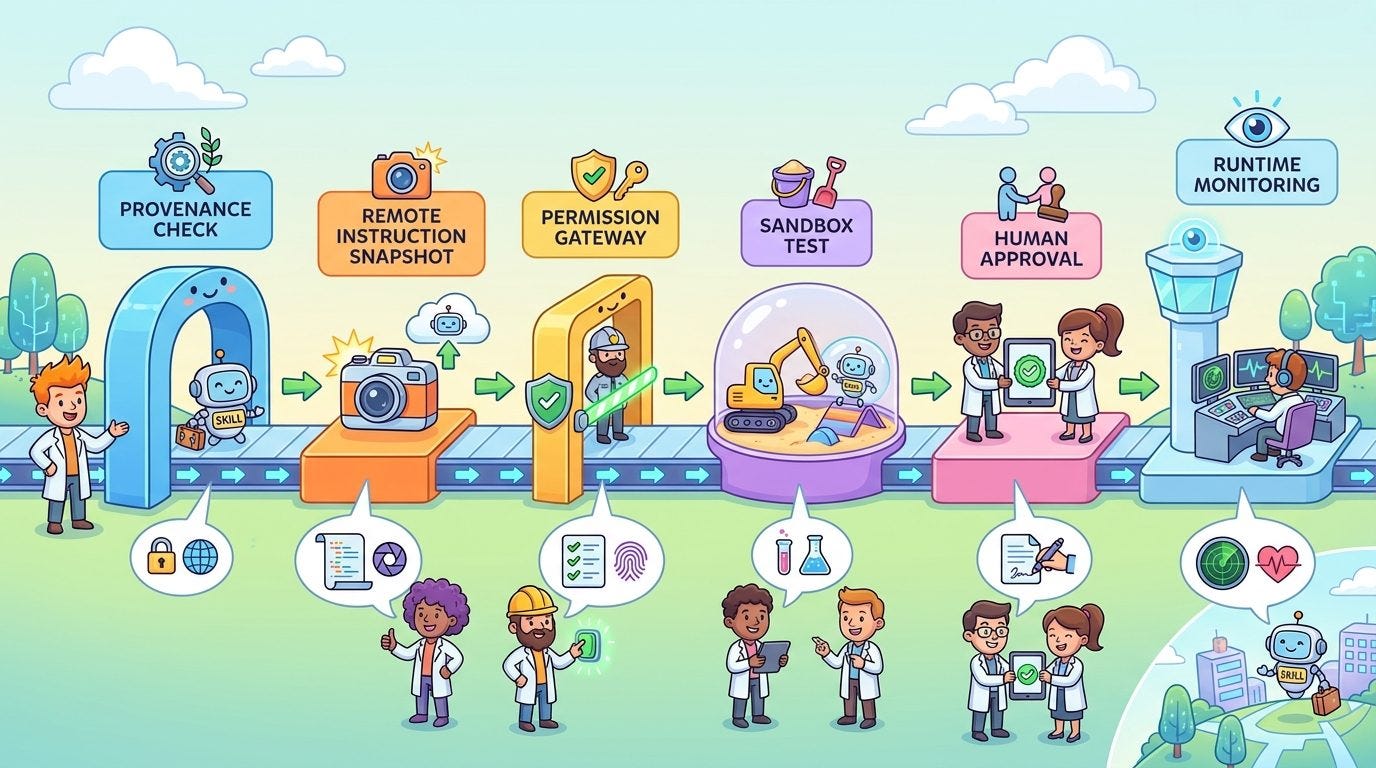
A safer AI agent skill security workflow
The best workflow is simple enough for a solo SaaS founder but strong enough to grow with a team. You do not need a huge security department to start. You need a repeatable path that turns “install this cool skill” into a controlled decision.
Step 1: Create a skill intake record
Before a skill touches production, create a small intake record. This can live in a YAML file, database row, internal admin page, or pull request checklist.
Capture the basics:
- Skill name, source, maintainer, repository, package, or MCP server URL
- Business purpose and the workflow it supports
- Required tools, API scopes, files, domains, and environment variables
- Whether it reads, writes, spends money, sends messages, changes data, or triggers external side effects
- Who approved it and when it must be reviewed again
This sounds boring. It is also the line between a controlled agent platform and a pile of mystery plugins nobody remembers installing.
Step 2: Classify the action risk
Every skill should land in a risk tier. The tier should be based on what the agent can do through the skill, not how friendly the skill appears.
- Tier 0: Context only. Reads public docs or local read-only reference files.
- Tier 1: Private read. Reads private customer, repository, or business data but cannot change it.
- Tier 2: Draft write. Creates drafts, plans, previews, or proposed changes that need human approval.
- Tier 3: Controlled write. Can update low-risk records through scoped APIs with audit logs and rollback.
- Tier 4: External or irreversible action. Sends messages, spends money, posts publicly, touches billing, ships code, deletes data, or triggers physical-world actions.
Most teams make mistakes by treating Tier 2 and Tier 4 as the same because both feel like “agent automation.” They are not the same. A draft email is a suggestion. A sent email is an event. A checkout link is a pause point. A direct purchase is an outcome.
Step 3: Pin the skill and its remote references
If a skill comes from a repository, pin a commit. If it comes from a package, pin a version. If it calls a hosted MCP server, record the server identity and expected tool schema. If it references remote setup docs, snapshot or hash the critical instructions where practical.
For AI SaaS products, this matters because the agent’s behavior may depend on text that is not in your repository. A remote page can become part of the agent’s effective instruction chain. Treat important remote instructions like dependencies, not casual links.
skill_id: customer-letter-agent
source: https://example.com/mcp/customer-letter
risk_tier: 4
allowed_domains:
  - api.example-mail-provider.com
required_human_approval:
  - send_physical_mail
  - charge_payment_method
pinned_tool_schema_hash: sha256:...
review_after_days: 30
owner: operations
Step 4: Separate install-time trust from run-time permission
Approving a skill for installation should not automatically approve every action it can perform. Installation says, “this skill may exist in our environment.” Runtime policy says, “this specific user, tenant, workflow, and task may use this specific tool with these limits right now.”
That separation protects you when a skill is useful in one workflow but dangerous in another. A postal-mail MCP tool may be fine for generating a quote and checkout link. It may not be fine for sending letters directly from a saved payment method. A repo memory tool may be fine with read-only symbol lookup. It may not be fine with uploading proprietary code snippets to a remote service.

Design the permission gateway, not just the prompt
Prompts are useful for guidance, but they are weak as the only control layer. The permission gateway should sit between the agent and the tool. It should make deterministic decisions before actions happen.
A simple gateway checks:
- Which tenant owns this request?
- Which user initiated it?
- Which skill is requesting the tool call?
- Which action is being attempted?
- What data will leave the system?
- Is the action reversible?
- Does this action need approval?
- Has the skill schema or remote reference changed since approval?
Here is a compact policy example:
const policy = {
  skillId: "customer-letter-agent",
  tool: "mail.create_checkout_link",
  allowWhen: {
    tenantPlan: ["pro", "business"],
    userRole: ["owner", "admin"],
    maxAttachmentMb: 10,
    piiRedaction: "required"
  },
  requireApprovalFor: [
    "mail.send_direct",
    "payment.charge_saved_method"
  ],
  denyWhen: {
    destinationCountryBlocked: true,
    schemaHashChanged: true,
    userSessionUnverified: true
  }
};
This does not need to be fancy. The point is to make the tool boundary explicit. The model can request an action. The gateway decides whether the action is allowed.
Review the skill like a supply-chain dependency
A good review process does not need to be heavy. It should be consistent. For each skill, ask these questions before production use:
- Provenance: Who maintains it? Is the source clear? Is there a history of updates, issues, or security notes?
- Instruction surface: What natural-language instructions will the agent read? Do they include hidden assumptions, remote URLs, or broad tool requests?
- Remote dependencies: Does it rely on hosted docs, setup scripts, model prompts, or servers that can change after approval?
- Data exposure: What customer, tenant, code, analytics, or operational data can pass through the skill?
- Action scope: Can it write, send, spend, delete, publish, merge, or call external APIs?
- Failure behavior: What happens when the tool times out, returns partial data, gets rate limited, or gives a confusing response?
- Observability: Can you log the prompt, tool call, input summary, output summary, policy decision, and final user-visible result?
Important: Do not store secrets in instruction files, skill descriptions, examples, or screenshots. Agents are excellent at reading context. That includes context you forgot was sensitive.
Use sandboxing for skill evaluation
Before a skill can run in production, test it in a sandbox that resembles real workflows without giving it real blast radius. For coding agents, use a test repository or a cloned branch with fake secrets. For data agents, use synthetic tenant data. For browser agents, use a staging account. For customer communication agents, use draft-only mode.
The sandbox should answer practical questions:
- Does the skill request more access than expected?
- Does it call unapproved domains?
- Does it include private data in tool inputs unnecessarily?
- Does it keep working when a tool returns an error?
- Does it create clear evidence for a human reviewer?
- Does it behave differently after remote documentation changes?
Sandboxing is also about product quality. A skill that needs ten tool calls for a simple task may be too expensive. A skill that cannot explain its evidence may be too risky for customer-facing workflows.
Build an approval packet for high-risk actions
Human approval is only useful when the human can understand what they are approving. Do not show a vague message like “Agent wants to continue.” Show an approval packet.
A good approval packet includes:
- The skill requesting the action
- The exact tool and action type
- The user and tenant context
- The data sources used
- A plain-language summary of the action
- The irreversible parts, if any
- Estimated cost or external impact
- Preview of the customer-facing message, file, order, or update
- Rollback option, if one exists
For example, if an agent prepares a customer refund workflow, the approval packet should show the customer, amount, reason, policy match, evidence, and whether clicking approve will actually issue the refund. If an agent prepares a physical letter, the packet should show recipient, address, content preview, attachment list, price, and whether the next step only creates a checkout link or sends the mail.
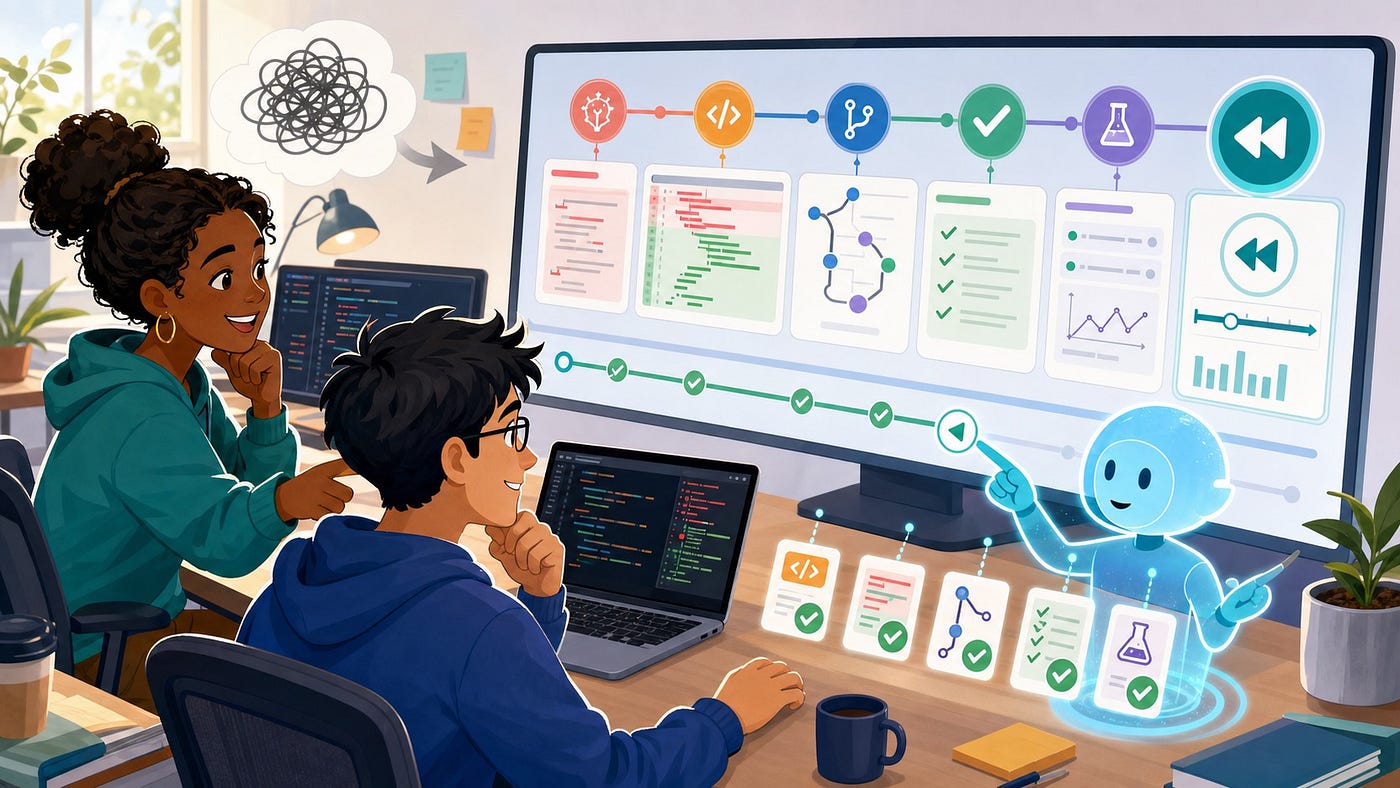
Monitor skill behavior after approval
A skill that was safe last month may not be safe today. That does not mean the maintainer is malicious. APIs change. Models change. docs change. MCP server schemas change. Your own product permissions change. The only sane answer is runtime monitoring.
Track these metrics:
- Tool-call volume by skill: sudden spikes can signal misuse or broken loops.
- Denied policy decisions: useful for catching skills that request unexpected actions.
- Approval rate: low approval may mean the skill creates weak or risky outputs.
- Cost per successful workflow: skills that burn tokens without outcomes should be redesigned.
- Schema drift: detect when a tool definition or remote instruction changes.
- Data egress summary: know what categories of data leave your system.
- Incident replay links: preserve enough trace data to debug failures without exposing unnecessary customer data.
For small teams, start with logs and a weekly review. For larger teams, connect skill events to your normal observability stack. The key is to make agent skill behavior visible before a customer reports the problem.
Common mistakes AI SaaS builders should avoid
Mistake 1: Trusting marketplace reputation too much
Stars, upvotes, installs, and positive comments are weak security signals. They can show interest, but they do not prove that the skill is safe for your tenant data, customer workflows, or compliance needs.
Mistake 2: Scanning files but ignoring remote instructions
Static scanning is helpful, but it may miss behavior that comes from remote docs, redirects, setup pages, or hosted prompts. If the agent will read it and act on it, it belongs in your review model.
Mistake 3: Giving the agent an admin key
Agents should not inherit broad service-account powers just because wiring narrow scopes is inconvenient. Use least-privilege tokens, tenant-scoped credentials, short-lived sessions, and action-level policy checks.
Mistake 4: Treating all tool calls as equal
Reading a public page is not the same as sending a customer email. Generating a draft is not the same as publishing. Creating a checkout link is not the same as charging a card. Your system should reflect those differences.
Mistake 5: Skipping deletion and revocation paths
Every approved skill needs a fast off switch. You should be able to disable the skill, revoke its credentials, block its domains, remove it from agent context, and inspect its recent actions without a deploy.
A lightweight implementation plan for solo builders
If you are a solo SaaS founder or small team, do not wait for the perfect platform. Start with a practical minimum.
- Create a
skills-registry.yamlfile with source, owner, risk tier, permissions, and review date. - Route all tool calls through one permission function instead of letting agents call tools directly.
- Require human approval for external sends, billing actions, production data writes, and public posts.
- Log skill ID, tool name, tenant ID, policy decision, and output summary for every run.
- Pin versions and review any skill that relies on remote setup pages or hosted MCP servers.
- Test skills against fake tenant data before giving them real data.
- Add a one-click disable switch in your admin area or environment config.
This is enough to prevent many painful mistakes. Later, you can add schema hashes, automated drift checks, security scanners, domain allowlists, OpenTelemetry spans, and replayable incident traces.
How this fits into the broader AI SaaS architecture
AI agent skill security is not isolated. It connects to the rest of a production AI SaaS system.
- Evaluation harness: test whether skills complete tasks correctly before release.
- Tool permissions: enforce least privilege at runtime.
- Sandbox architecture: contain untrusted or high-risk skill execution.
- Trace replay: debug what happened after a bad agent run.
- Structured outputs: validate tool inputs and outputs before action.
- Job queues: control retries, idempotency, and long-running workflows.
- ROI metrics: measure whether the skill creates useful work, not just activity.
The pattern is the same: useful agents need boring infrastructure. The magic is in the experience. The trust is in the controls.
Final checklist before you enable a new agent skill
- Have we recorded the skill source, owner, version, and purpose?
- Have we classified the highest-risk action it can trigger?
- Have we reviewed remote instructions and setup links?
- Have we pinned versions or captured expected tool schemas?
- Have we tested it with fake or staging data?
- Do runtime policies enforce tenant, user, tool, and action limits?
- Do high-risk actions require clear approval packets?
- Can we disable the skill quickly?
- Can we see logs, denied calls, approvals, cost, and data exposure?
- Do we know when the skill must be reviewed again?
The safest AI SaaS teams will not be the teams that ban every plugin. They will be the teams that make every plugin prove what it is, limit what it can do, and leave evidence every time it acts.
FAQ
What is AI agent skill security?
AI agent skill security is the practice of reviewing, controlling, testing, and monitoring the skills, plugins, MCP tools, and workflow extensions that AI agents use. It focuses on instruction safety, permissions, data exposure, tool actions, provenance, runtime policy, and auditability.
How is an agent skill different from a normal software plugin?
A normal plugin usually exposes code or UI behavior. An agent skill can also expose natural-language instructions that shape how a model reasons and acts. Those instructions may reference remote docs, tools, APIs, and examples, so the security review must include both code and context.
Should SaaS builders allow third-party MCP tools?
Yes, when there is a clear business need and strong controls. Third-party MCP tools should be reviewed for provenance, permissions, remote dependencies, tool schema, data exposure, approval requirements, logging, and revocation. They should not receive broad production access by default.
What actions should always require human approval?
Human approval should be required for irreversible or high-impact actions such as sending customer messages, posting publicly, charging payment methods, issuing refunds, deleting records, modifying billing, merging production code, changing account settings, or triggering physical-world actions.
Can static scanners detect malicious agent skills?
Static scanners help, but they are not enough. Agent skills can depend on remote documentation, redirects, hosted prompts, or server-side behavior that changes after review. Combine scanning with version pinning, remote reference checks, sandbox testing, runtime policy, and behavior monitoring.
What is the easiest first step for a small AI SaaS team?
Create a simple skill registry and route tool calls through one permission gateway. Record each skill’s source, purpose, risk tier, allowed tools, approval requirements, and review date. Then log every skill-driven tool call with the policy decision and outcome.
메타데이터
- post_id
- 772d1c693267
- slug
- ai-agent-skill-security-the-saas-builders-guide-to-safer-plugin-workflows-772d1c693267
- url
- https://medium.com/toward-next-ai/ai-agent-skill-security-the-saas-builders-guide-to-safer-plugin-workflows-772d1c693267
- canonical_url
- https://medium.com/toward-next-ai/ai-agent-skill-security-the-saas-builders-guide-to-safer-plugin-workflows-772d1c693267
- author_url
- https://medium.com/@towardnextai
- status
- ok
- fetched_at
- 2026-07-11 12:46:10