How Does Zomato Show the Driver’s Live Location Without Refreshing the Page?
When you order food on Zomato, one thing feels almost magical.
How Does Zomato Show the Driver’s Live Location Without Refreshing the Page?
When you order food on Zomato, one thing feels almost magical.
You place the order, open the app, and suddenly you can see your delivery driver moving live on the map.
The bike turns left. Stops at a signal. Gets closer to your home.
And the best part? You never refresh the page. So how does this actually work?
Let’s understand it in a very simple way.
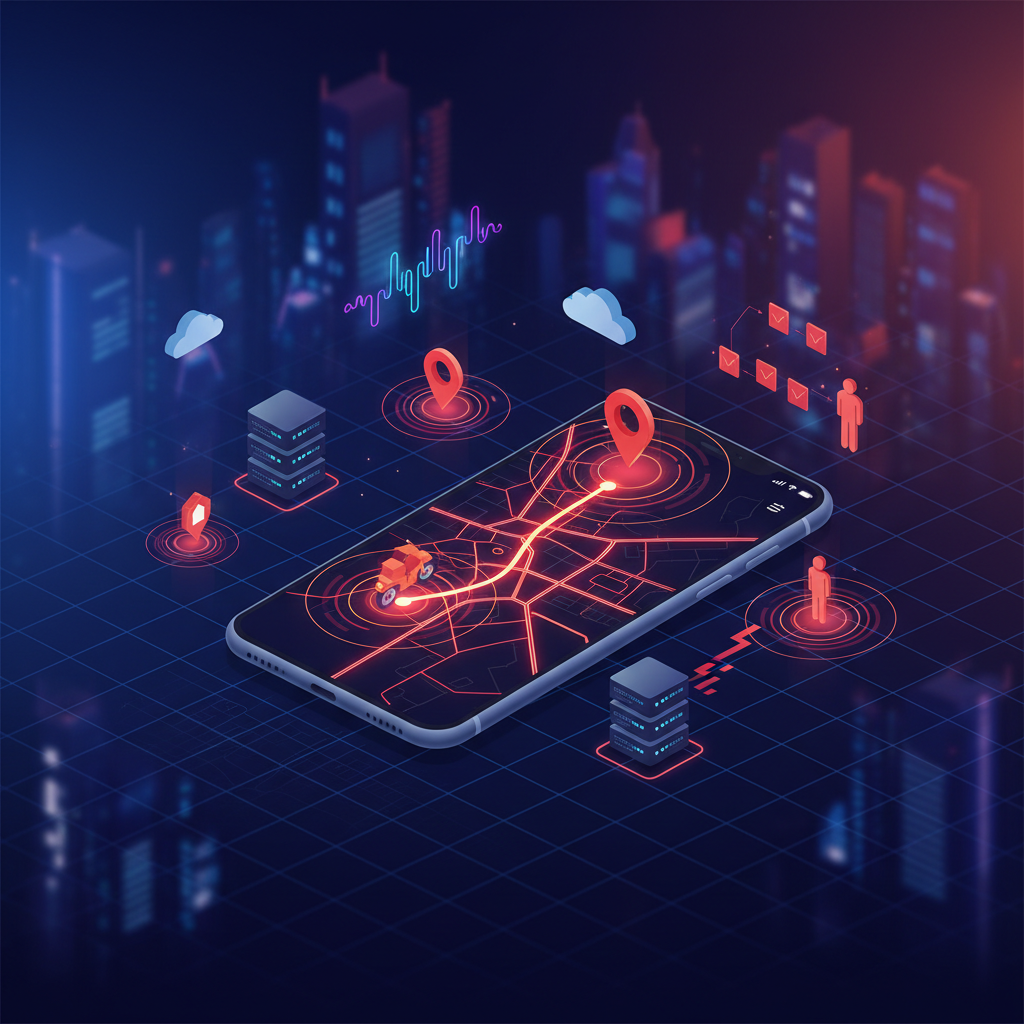
Behind every live delivery update is a real-time system powered by GPS, WebSockets, and backend event streaming.
The Old Way: Refresh Again and Again
Many years ago, websites worked in a simple way.
You opened a page. The page loaded data once. If something changed, you had to refresh the page to see new data.
For example:
- New messages? Refresh.
- New score? Refresh.
- Driver moved? Refresh.
This method was slow and annoying. Apps like Zomato needed something much faster.
The Main Idea: Real-Time Communication
Zomato uses something called real-time communication. This means:
The server and app stay connected continuously.
Instead of asking again and again: “Did the driver move?” “Did the driver move now?” “Did the driver move now?”
The server directly sends updates instantly. This creates a smooth live experience.
Step 1: Driver’s Phone Sends GPS Location
The delivery driver uses the Zomato delivery app. That app keeps checking the phone’s GPS location. Every few seconds, the app sends:
- Latitude
- Longitude
- Speed
- Direction
to Zomato’s backend server. Something like this:
{
  "driverId": "D123",
  "lat": 21.7645,
  "lng": 72.1519
}
This happens continuously while the order is active.
Step 2: Backend Receives Live Updates
Now the backend server receives these location updates.
Usually this is handled using technologies like:
- Node.js
- Socket.IO
- Redis
- WebSockets
The backend stores the latest driver position in memory or database. But the important part is this: The backend does not wait for users to refresh. Instead, it pushes updates immediately.
Step 3: WebSockets Keep the Connection Alive
This is the most important part. Zomato likely uses WebSockets. WebSockets create a permanent connection between:
- User app
- Zomato server
Normally in websites:
Request → Response → Connection ClosedBut in WebSockets:
Connection Opens → Stays AliveBecause the connection stays open, the server can instantly send new driver locations. No refresh needed.
Think of It Like a Phone Call
Normal websites are like sending letters.
You send a request. You wait for a response.
WebSockets are like a phone call. Both sides stay connected all the time. So updates move instantly.
Step 4: User’s App Updates the Map Live
When the server sends the new coordinates, the customer app receives them instantly. Then the app:
- Moves the driver icon
- Updates the route
- Changes ETA
- Refreshes map position smoothly
All this happens in milliseconds. That is why the movement looks live.
Why It Feels So Smooth
Apps like Zomato also use many smart tricks:
1. Location Interpolation
If the internet is slow, the app predicts small movements between updates. This makes animation smooth.
2. Small Data Packets
Only tiny location data is sent. Not the whole page. This saves bandwidth and battery.
3. Event-Based Architecture
Instead of constant checking, the app listens for events like:
driver_location_updatedWhen the event comes, the UI updates instantly.
Technologies Commonly Used
A system like this is usually built using:
PurposeTechnologyReal-time connectionWebSocketsBackendNode.jsReal-time librarySocket.IOFast cacheRedisMapsGoogle Maps APIMobile GPSAndroid/iPhone location services
Simple Flow of the Entire System
Driver App
    ↓
GPS Location
    ↓
Backend Server
    ↓
WebSocket Event
    ↓
Customer App
    ↓
Map Updates Live
Very simple idea. But built at a huge scale.
The Hard Part Is Scale
Showing one driver live is easy. But companies like Zomato handle:
- Millions of users
- Thousands of drivers
- Continuous GPS updates
- Real-time tracking
all at the same time. That is the real engineering challenge. This is why systems like these use:
- Load balancers
- Distributed servers
- Redis pub/sub
- Event queues
- Location streaming systems
to keep everything fast.
Final Thoughts
The live driver tracking you see in Zomato is mostly powered by:
- GPS
- WebSockets
- Real-time backend systems
- Event-driven architecture
The magic is not in refreshing the page. The magic is in keeping the connection alive and continuously sending tiny updates in real time. And honestly, once you understand it, you start noticing the same system everywhere:
- Uber ride tracking
- Swiggy delivery tracking
- Live chats
- Online multiplayer games
- Stock market apps
Real-time systems are now everywhere around us.
메타데이터
- post_id
- 799bcaf2b8d0
- slug
- how-does-zomato-show-the-drivers-live-location-without-refreshing-the-page-799bcaf2b8d0
- url
- https://medium.com/@kalp.note/how-does-zomato-show-the-drivers-live-location-without-refreshing-the-page-799bcaf2b8d0
- canonical_url
- https://medium.com/@kalp.note/how-does-zomato-show-the-drivers-live-location-without-refreshing-the-page-799bcaf2b8d0
- author_url
- https://medium.com/@kalp.note
- status
- ok
- fetched_at
- 2026-06-09 15:37:30


