Understanding Common HTTP Status Codes: From 200 to 504 Explained
When browsing the internet, most of us have likely encountered an error message like “404 Not Found” or “504 Gateway Timeout.” These…
Understanding Common HTTP Status Codes: From 200 to 504 Explained
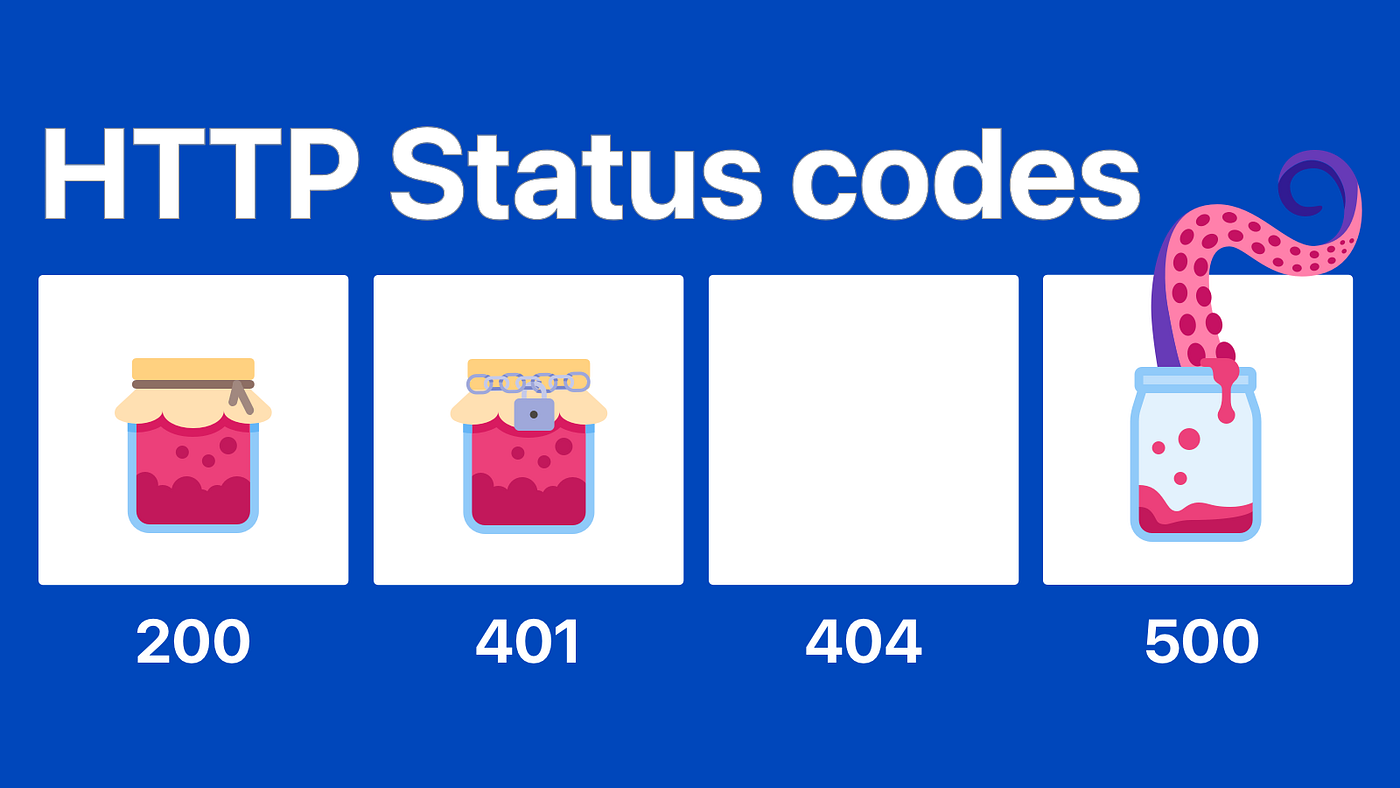
When browsing the internet, most of us have likely encountered an error message like “404 Not Found” or “504 Gateway Timeout.” These messages are HTTP status codes, a set of standardized codes used to communicate the outcome of requests between a client (usually a browser) and a server. In this article, we’ll look at some of the most common HTTP status codes, what they mean, and how they impact our experience online.
What is an HTTP Status Code?
When you visit a website, your browser sends a request to the web server hosting that site. The server processes this request and responds with an HTTP status code that indicates whether the request was successful, if there was an error, or if additional actions are needed. These codes are divided into five categories based on their first digit:
- 1xx: Informational — The request was received, and processing is continuing.
- 2xx: Success — The request was successfully received, understood, and accepted.
- 3xx: Redirection — Additional actions are needed to complete the request.
- 4xx: Client Error — The request contains bad syntax or cannot be fulfilled.
- 5xx: Server Error — The server failed to fulfill a valid request.
Let’s dive into some of the most common HTTP status codes from each category.
1xx: Informational Codes
100 Continue
This code indicates that the initial part of a client’s request was received successfully, and the client should continue with the request. These codes are relatively uncommon, as they’re used in specific scenarios, such as when a large payload is being sent in chunks.
2xx: Success Codes
1. 200 OK
This is the most common HTTP status code, meaning everything is working as expected. When you load a web page successfully, the server returns a 200 OK response, signifying the content is available, and the browser displays it as intended.
2. 201 Created
This code is often used for API calls and indicates that a new resource was successfully created, like a new user profile on a website. This status code tells the client that their request was successful and a new item was added to the database.
3xx: Redirection Codes
1. 301 Moved Permanently
A 301 status code indicates that the resource requested has been permanently moved to a new URL. This is commonly used for redirects, such as when a website’s URL has changed, but the old URL is still in use.
2. 302 Found (or Temporary Redirect)
Similar to 301, but the redirection is temporary. This code tells the client that the resource is temporarily located at a different URL, and it may return to the original URL in the future.
4xx: Client Error Codes
1. 400 Bad Request
A 400 error occurs when the server cannot process the request due to client-side issues, such as malformed syntax. This can happen when there’s an error in the URL or the data sent in a form isn’t properly formatted.
2. 401 Unauthorized
This code means the client must authenticate itself to access the requested resource. A 401 error usually appears when you try to access a restricted page without being logged in or when there’s an issue with credentials.
3. 403 Forbidden
A 403 error occurs when the server understands the request but refuses to authorize it. Unlike 401, this code implies that authorization will not help; the client does not have permission to access the resource, regardless of their credentials.
4. 404 Not Found
Perhaps the most well-known HTTP status code, a 404 error means the server cannot find the requested resource. This is usually due to an incorrect URL or a page that has been removed from the website. Many websites customize their 404 error page with helpful links or a search bar.
5xx: Server Error Codes
1. 500 Internal Server Error
A 500 error is a generic server error. It means that something went wrong on the server side, but the server cannot provide specific details about the problem. This can be due to issues like server overload, misconfigured settings, or bugs in the application code.
2. 502 Bad Gateway
This error occurs when a server acting as a gateway or proxy receives an invalid response from an upstream server. For instance, if Server A relies on Server B to complete a request and Server B returns an invalid response, Server A may return a 502 error to the client.
3. 503 Service Unavailable
A 503 error is returned when the server is temporarily unable to handle the request, often due to maintenance or overloading. Unlike the 500 error, which is often due to unexpected server issues, 503 is typically a temporary state, and the server may recover shortly.
4. 504 Gateway Timeout
A 504 error is similar to 502 but specifically indicates that one server did not receive a timely response from another server it depends on. This can occur if the upstream server is overloaded or down.
Common Causes and Fixes for HTTP Errors
- Client-Side Errors (4xx): Often due to incorrect URLs or invalid data. Double-check the URL and make sure the data being submitted is correct.
- Server-Side Errors (5xx): Can be caused by high traffic, misconfigured settings, or errors in the server code. Server administrators can investigate logs to identify and fix these issues.
- Redirect Errors (3xx): If you encounter a redirection loop, clearing your browser cache can help, as it may contain outdated redirect information.
HTTP status codes are a powerful way for servers to communicate the outcome of requests to clients. By understanding these codes, you can better troubleshoot browsing issues, identify problems on your website, and even optimize your applications. The next time you encounter a 404 Not Found or 504 Gateway Timeout error, you’ll have a better idea of what’s going on behind the scenes.
메타데이터
- post_id
- 7a2a2fa1e749
- slug
- understanding-common-http-status-codes-from-200-to-504-explained-7a2a2fa1e749
- url
- https://medium.com/@thavinduwrites/understanding-common-http-status-codes-from-200-to-504-explained-7a2a2fa1e749
- canonical_url
- https://medium.com/@thavinduwrites/understanding-common-http-status-codes-from-200-to-504-explained-7a2a2fa1e749
- author_url
- https://medium.com/@thavinduwrites
- status
- ok
- fetched_at
- 2026-06-10 08:17:25