The Smart Developer’s Way to Use ChatGPT, Copilot, and Cursor for Coding
ChatGPT, Copilot, Cursor, and coding agents can speed up development — but only if you stop treating them like magic and start treating…
The Smart Developer’s Way to Use ChatGPT, Copilot, and Cursor for Coding
ChatGPT, Copilot, Cursor, and coding agents can speed up development — but only if you stop treating them like magic and start treating them like junior teammates.
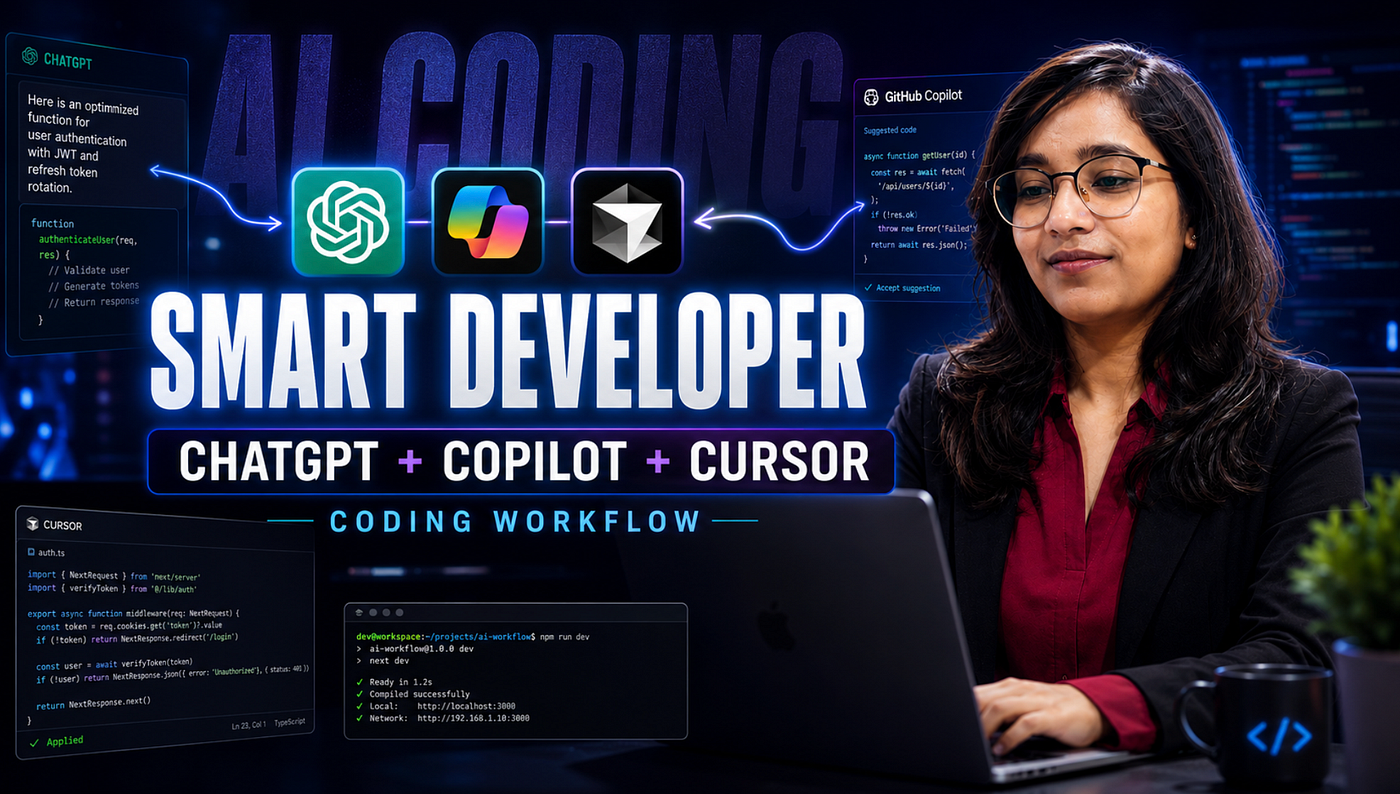
Image Thumbnail: The Smart Developer’s Way to Use ChatGPT, Copilot, and Cursor for Coding
You should learn AI coding tools for one simple reason: the way developers write software is changing.
Not because ChatGPT can generate a React component.
That part is easy.
The real reason is that AI tools are slowly becoming part of the developer workflow: writing boilerplate, reviewing pull requests, explaining legacy code, generating tests, refactoring APIs, and sometimes even creating full features from a task description.
But there’s a catch.
The better the AI gets, the more dangerous it becomes for developers who don’t understand the code underneath.
I learned this the uncomfortable way.
At first, I used AI like a shortcut. “Build this API.” “Fix this bug.” “Write this component.” It felt fast. Then I started reviewing the output properly.
That’s when I noticed something strange.
The code looked correct before it actually was correct.
The Problem: AI Makes Bad Code Look Professional
The biggest issue with AI coding tools is not that they write bad code.
Sometimes they write very decent code.
The issue is that they write code with confidence.
A beginner sees clean formatting, good variable names, and a working happy path. So they assume the solution is production-ready.
But production bugs usually hide in boring places:
- missing validation
- incorrect auth checks
- race conditions
- bad error handling
- untested edge cases
- slow database queries
- security assumptions
Here’s a small example.
Suppose you ask an AI tool to create a login API.
It may generate something like this:
app.post("/login", async (req, res) => {
  const user = await User.findOne({ email: req.body.email });
  if (!user || user.password !== req.body.password) {
    return res.status(401).json({ message: "Invalid credentials" });
  }
  res.json({ message: "Login successful", user });
});
At first glance, this looks fine.
It accepts input. Finds the user. Checks the password. Sends a response.
But in a real app, this is not enough.
The password should not be stored or compared as plain text. The API should validate input. The response should not return the full user object. Error messages should not leak too much. Rate limiting may be needed. JWT handling should be separate.
This is where AI becomes useful only if the developer knows what to question.
The Better Way: Use AI as a Reviewer, Not Just a Generator
Instead of asking:
Create a login API in Node.js.Ask:
Create a secure Express login API using bcrypt and JWT.
Add input validation.
Do not return password fields.
Explain security assumptions and possible edge cases.
Now the output has a better chance of being useful.
But still, don’t stop there.
A stronger version would be:
Review this login API like a senior backend developer.
Find security issues, missing edge cases, and production risks.
Give me a corrected version with comments.
This small prompt change matters.
You are not asking AI to simply “write code.”
You are asking it to think against the code.
Real Example: Turning AI Output Into Safer Code
A better login route may look like this:
import bcrypt from "bcrypt";
import jwt from "jsonwebtoken";
app.post("/login", async (req, res) => {
  const { email, password } = req.body;
  if (!email || !password) {
    return res.status(400).json({ message: "Email and password are required" });
  }
  const user = await User.findOne({ email }).select("+password");
  if (!user) {
    return res.status(401).json({ message: "Invalid credentials" });
  }
  const isMatch = await bcrypt.compare(password, user.password);
  if (!isMatch) {
    return res.status(401).json({ message: "Invalid credentials" });
  }
  const token = jwt.sign(
    { userId: user._id, role: user.role },
    process.env.JWT_SECRET,
    { expiresIn: "15m" }
  );
  res.json({
    message: "Login successful",
    token,
    user: {
      id: user._id,
      email: user.email,
      role: user.role
    }
  });
})
This version is not perfect, but it is much closer to real-world code.
Why?
Because it handles the basics:
- validates required fields
- avoids plain-text password comparison
- avoids returning sensitive fields
- keeps token payload limited
- uses the same error message for wrong email and wrong password
A common mistake is asking AI for “best code” and assuming best means complete.
Best depends on context.
Is this an internal tool? A public SaaS app? A banking system? A student project? AI cannot guess your risk level unless you tell it.
Where AI Coding Tools Actually Help
After building a few projects with AI tools, I stopped using them for blind generation and started using them for specific tasks.
That changed everything.
The best results come when the task is narrow.
Bad request:
Build my full project.Better request:
I have an Express API with MongoDB.
Suggest a folder structure for auth, user profile, and admin routes.
Keep it simple for a small production app.
Specific input creates specific output.
Vague input creates confident guessing.
The Myth: AI Removes the Need to Learn Fundamentals
This is the biggest trap.
AI can help you move faster, but it cannot replace your ability to reason.
If you don’t understand arrays, APIs, promises, authentication, database indexes, caching, or system design, AI-generated code will feel like progress until something breaks.
And something will break.
In practice, fundamentals become more important with AI, not less.
Because now your job shifts from typing every line to making decisions:
- Is this approach scalable?
- Is this query efficient?
- Is this auth flow safe?
- Is this abstraction needed?
- Is this test meaningful?
- What happens when the input is wrong?
That is developer thinking.
AI can suggest. You decide.
Common Mistakes Developers Make With AI Coding Tools
1. Accepting code without running it
AI-generated code should be treated like a pull request from someone new to the project.
Read it. Run it. Test it.
2. Asking huge questions
Large tasks create vague answers.
Break work into smaller pieces:
- design the API
- write the route
- add validation
- add tests
- review for security
- refactor
3. Ignoring project context
AI performs better when you provide constraints.
Mention your stack, folder structure, database, coding style, and what already exists.
4. Using AI instead of debugging
This one is subtle.
Don’t paste an error and blindly apply the fix. Ask why the error happened. Ask for two possible causes. Ask how to confirm each one.
That’s how you still grow.
The Tradeoff Nobody Talks About
AI tools reduce typing time.
But they increase review responsibility.
Earlier, if you wrote the code yourself, you at least knew your thought process. With AI-generated code, you must reverse-engineer the reasoning.
That takes skill.
For small projects, AI can feel like a superpower. For large codebases, the cost of a wrong abstraction can stay hidden for weeks.
So no, AI coding tools are not always the right choice.
Avoid them when:
- you don’t understand the generated code
- the task involves sensitive security logic
- the system has strict compliance requirements
- you are learning a core concept for the first time
- the output cannot be tested properly
Use them when:
- the problem is clear
- the constraints are known
- you can review the result
- tests can verify behavior
- speed matters, but correctness still matters more
Reflection: What Changed for Me
My biggest shift was this: I stopped measuring AI tools by how much code they generated.
I started measuring them by how much thinking they saved without removing my understanding.
That difference matters.
When I first used ChatGPT for coding, I wanted final answers. Now I use it more like a thinking partner. I ask it to challenge my approach, suggest edge cases, explain tradeoffs, and write tests I may have missed.
The surprising realization?
AI did not make fundamentals less useful.
It made weak fundamentals more visible.
When you know what good code looks like, AI speeds you up. When you don’t, it can quietly multiply your mistakes.
Final Takeaways
AI coding tools are worth learning, but not as shortcuts.
Use them as:
- a draft generator
- a debugging assistant
- a code reviewer
- a test case partner
- a refactoring helper
But keep ownership of the important parts: architecture, security, performance, and product logic.
The practical next step is simple.
Pick one small feature from your current project. Ask AI to build the first version. Then ask it to review the same code for bugs, security issues, and edge cases.
Compare both outputs.
That exercise will teach you more than reading ten generic AI productivity posts.
AI will not replace developers who can think clearly.
But it may replace the habit of writing code without understanding why it works.
From Dev Simplified
- 👏 Enjoyed the article? Don’t forget to leave a clap.
- 💬 Have thoughts or questions? Share them in the comments.
- ✍️ Want to write for Dev Simplified? Drop a personal note on any Dev Simplified story with your draft link.
메타데이터
- post_id
- 7a34ba98c865
- slug
- the-smart-developers-way-to-use-chatgpt-copilot-and-cursor-for-coding-7a34ba98c865
- url
- https://medium.com/dev-simplified/the-smart-developers-way-to-use-chatgpt-copilot-and-cursor-for-coding-7a34ba98c865
- canonical_url
- https://medium.com/dev-simplified/the-smart-developers-way-to-use-chatgpt-copilot-and-cursor-for-coding-7a34ba98c865
- author_url
- https://medium.com/@techbynehagupta
- status
- ok
- fetched_at
- 2026-07-09 13:13:48