Don’t Touch These iOS 27 Features. They Will Frustrate You.
Not every iOS 27 feature is a winner. Here’s the ones I’d happily delete forever.
Don’t Touch These iOS 27 Features. They Will Frustrate You.
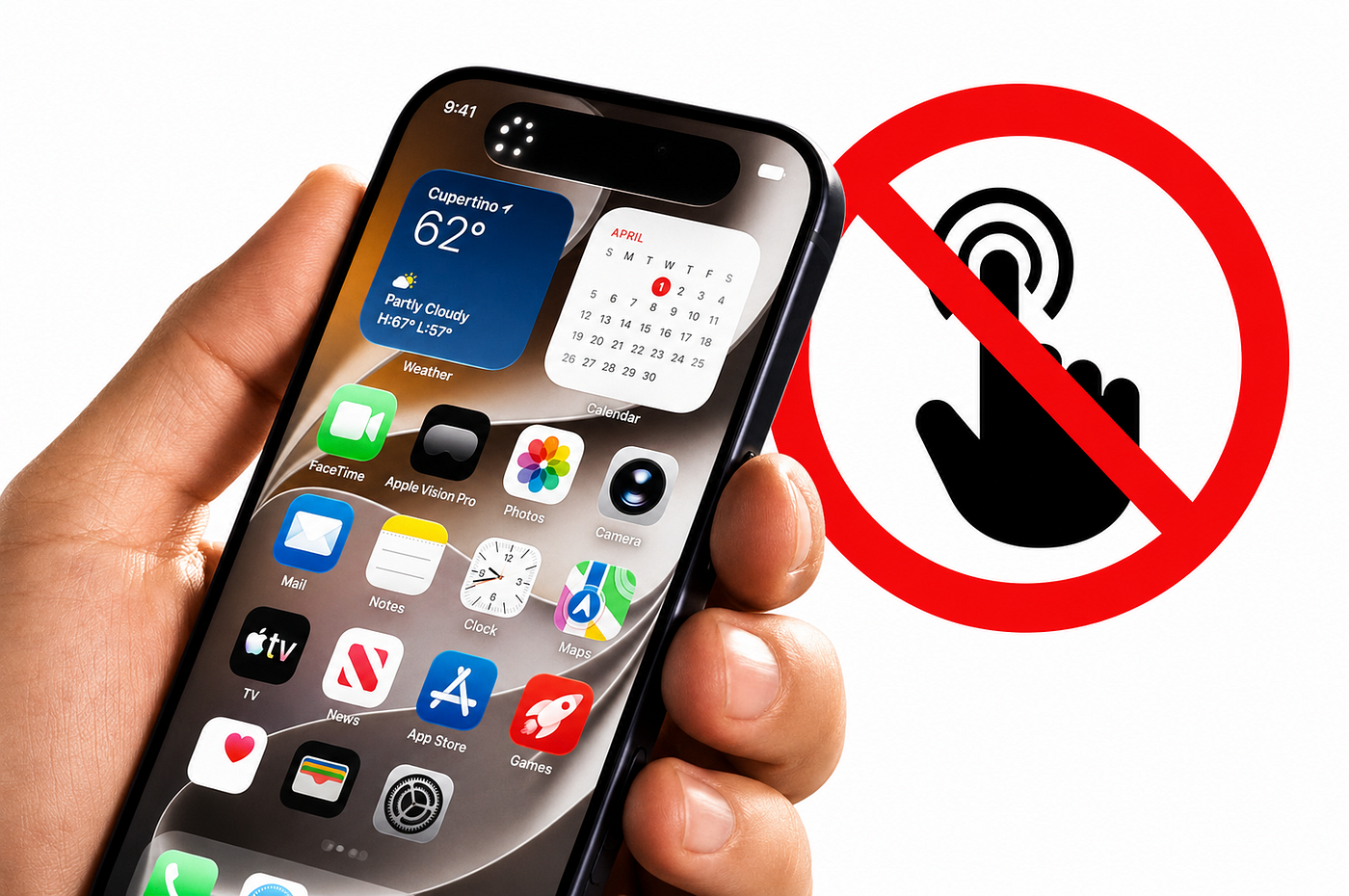
image created by author
Not every iOS 27 feature is a winner. Here’s the ones I’d happily delete forever.
I write about Apple constantly, I’m saving up for the iPhone 18 Pro, and I genuinely believe iOS 27 is one of the better updates Apple has shipped in years.
But that doesn’t mean everything in it is good.
Some of these new features are genuinely bad. Not “needs a few tweaks” bad.
Like actually annoying, pointless, or just poorly thought through bad.
Here are the iOS 27 features I genuinely can’t stand.
1. Liquid Glass Who Actually Asked for This?
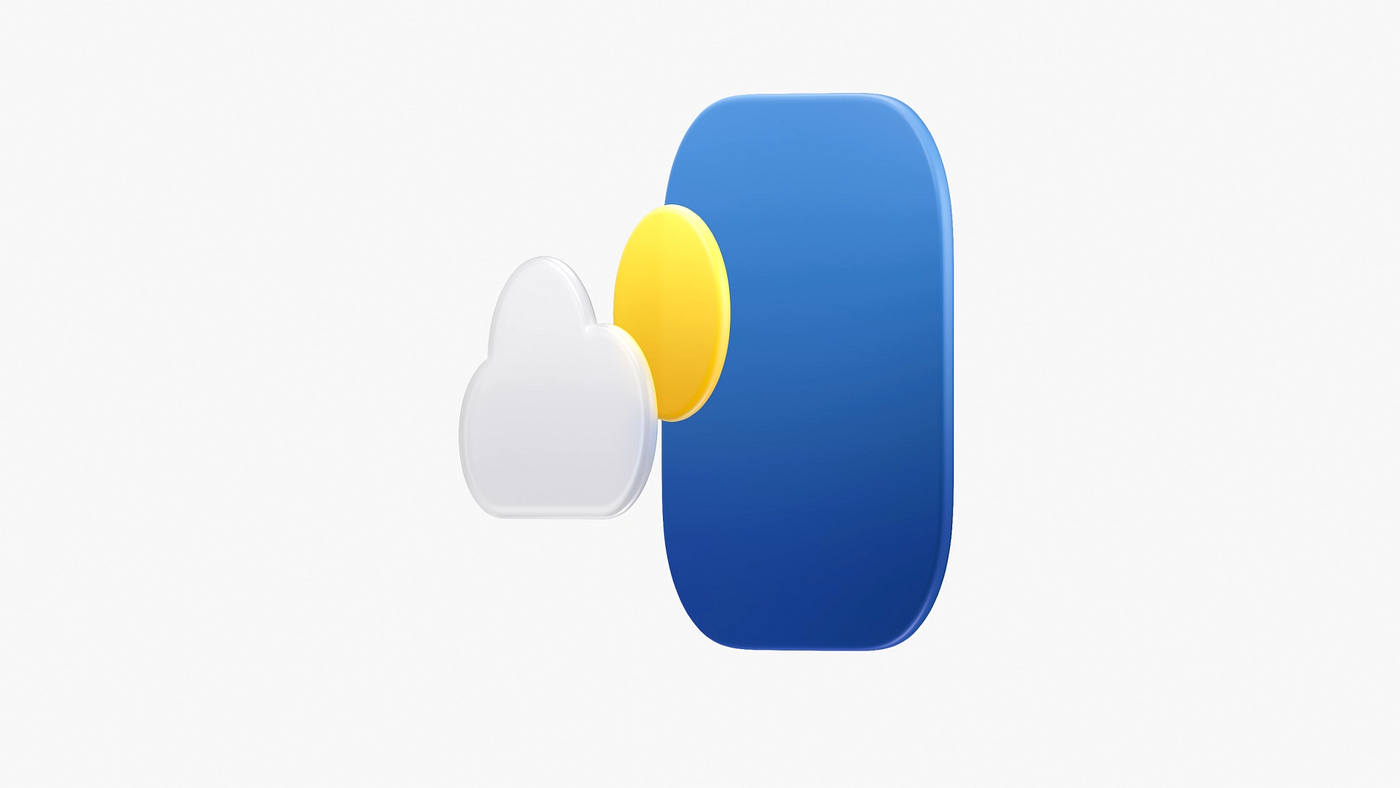
image from apple.com
I’ll start with the big one because this is the one that affects literally everything you look at.
Liquid Glass is Apple’s new design language and it is everywhere.
Every menu, every button, every interface element has this translucent glass effect with shadows and blur underneath it.
Apple clearly thinks it looks premium and futuristic.
It looks distracting.
Genuinely hard to read in certain lighting conditions.
Sometimes you’re trying to quickly tap something and you can’t immediately tell where the button actually is because it’s blending into whatever is behind it.
The old design wasn’t perfect but it was clear.
You could tell what was a button and what wasn’t.
Liquid Glass in certain situations just makes everything look like it’s melting into itself.
And the worst part?
Apple has already confirmed it’s not going anywhere.
They’re doing a “slight revision” in macOS 27 Golden Gate but the core look is staying.
So we’re all just learning to live with it apparently.
2. The New Siri Interface Keeps Triggering When I Don’t Want It To
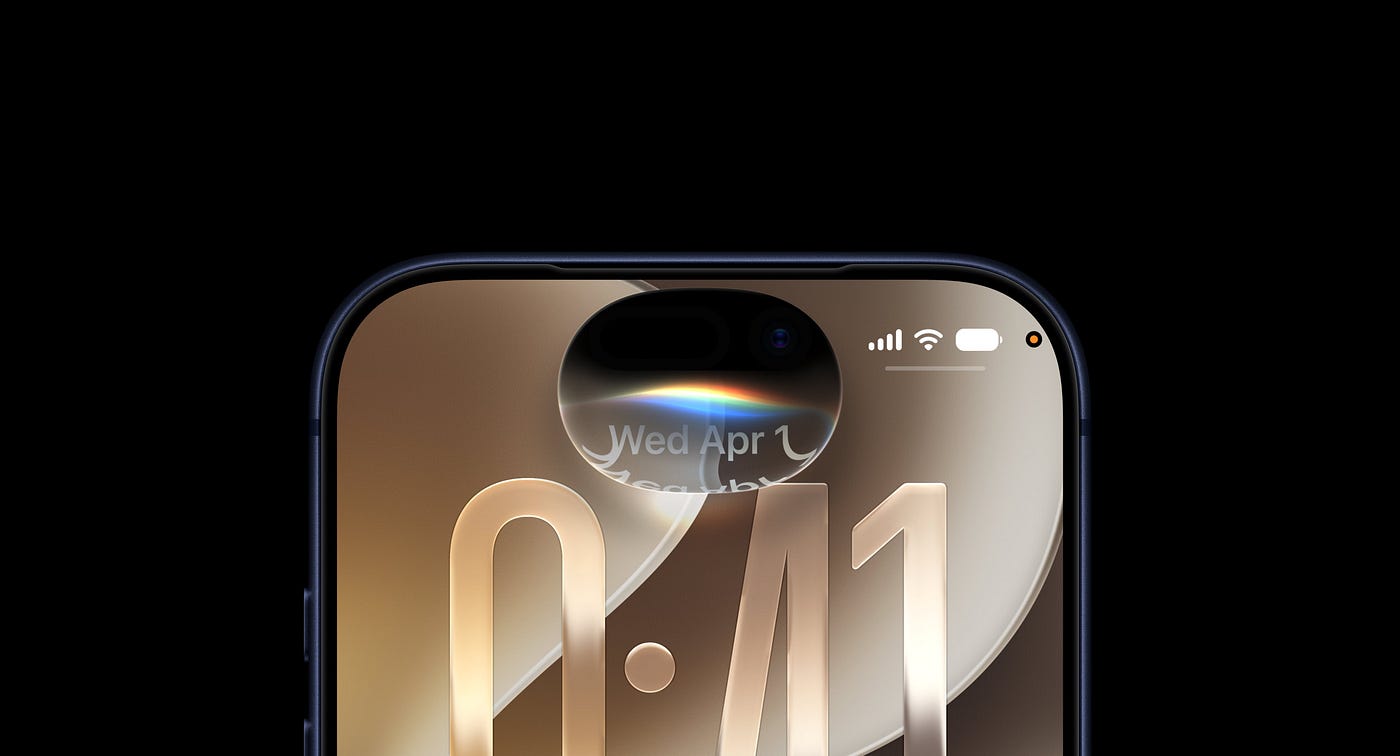
imager from apple.com
The new Siri lives in the Dynamic Island now.
Swipe down from the middle of the screen and it opens up.
In theory that sounds convenient and quick.
In practice I keep accidentally triggering it constantly.
I’m scrolling through something, my thumb drifts slightly toward the middle of the screen, and suddenly Siri is open when I have absolutely no intention of talking to it.
Then I have to dismiss it, figure out where I was, and start again.
The old Siri required an intentional action.
Either hold the side button or say Hey Siri.
You had to mean to open it.
The new gesture feels way too easy to trigger accidentally, and after weeks with the beta it’s still happening to me multiple times a day.
I actually like what the new Siri can do.
I just wish opening it was a little less accidental.
3. Safari’s Automatic Tab Grouping Groups the Wrong Things Together
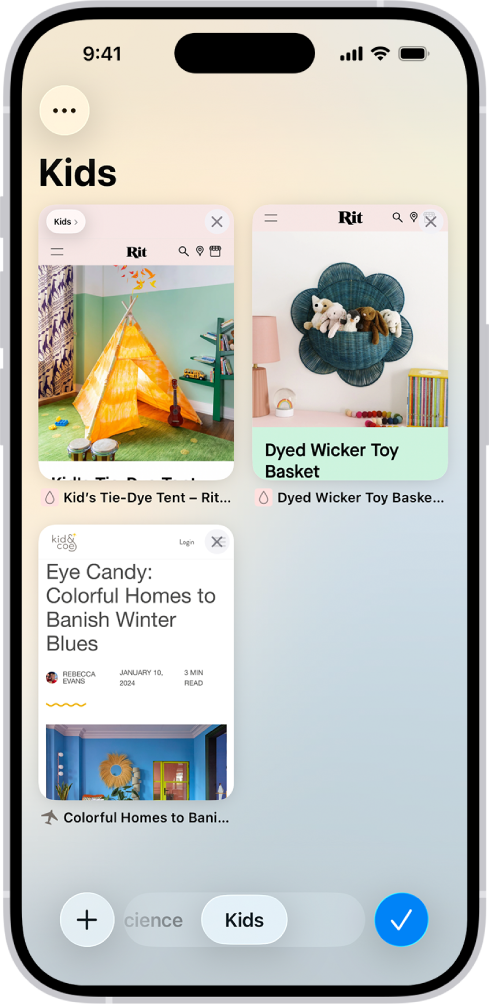
image from apple support.com
This one had so much potential.
The idea of Safari automatically sorting your open tabs into topic groups is genuinely good. In theory.
In practice it groups things together in ways that make absolutely no sense.
I’ll have five tabs open for researching something specific and Safari will split them across two different groups because it decided some of them belonged to a different topic.
Or it’ll lump completely unrelated tabs together because they happened to share one keyword somewhere on the page.
The end result is that instead of my tabs being in one chaotic but familiar mess, they’re now in an organised but wrong mess.
Which is somehow more frustrating because it creates a false sense of order.
If I have to manually fix the groupings every time Safari does this automatically, what exactly is the automation saving me?
4. Pull to Refresh on Mac Nobody Needed This
Mac users have refreshed pages by pressing Command-R for decades. It works.
Everyone knows it.
There is zero problem with this system.
iOS 27 adds pull to refresh on Mac where you swipe down on the trackpad to refresh Safari, Mail, Podcasts, and other apps.
It’s trying to bring an iPhone gesture to the Mac and it just feels out of place.
I keep accidentally triggering this one too.
I’ll be scrolling up through a long page and if I scroll a little too aggressively at the top, the page just refreshes and I lose my place.
That’s not a feature.
That’s an interruption.
Yes I know Apple is probably doing this to lay groundwork for the rumored MacBook Ultra touchscreen.
But right now, on a regular MacBook, it just feels like an iPhone feature that got dropped onto the Mac without thinking through whether Mac users actually needed it.
5. Landscape Mode in More Apps Still Don’t Need It
Apple brought landscape mode to a bunch more apps in iOS 27.
Apple Music, Health, Reminders, Home, Shortcuts, Weather, Voice Memos all of them now rotate when you turn your phone sideways.
I’ve never once thought
“I really wish I could use the Reminders app in landscape mode.”
Not once.
In three years of using an iPhone I have never felt the need to rotate my phone sideways to check my to do list.
The landscape mode in Music and Podcasts is particularly pointless right now because it only works in the audio player, not the full app.
So you rotate your phone and get a slightly wider version of the playback controls.
That’s the whole feature.
Again like pull to refresh I understand why Apple is doing this.
The foldable iPhone Ultra is coming and landscape friendly apps will make more sense on a device with a wider unfolded screen.
Okay But Here’s the Thing
Despite everything I just said, I’m still using iOS 27 beta every day.
Because the genuinely good stuff the new Siri AI, Visual Intelligence, the Photos upgrades, the Find My improvements that stuff is actually really good.
Apple just also shipped some features alongside it that range from mildly annoying to genuinely puzzling in terms of who they were designed for.
And that’s fine.
Not every feature is going to land for every person.
메타데이터
- post_id
- 7c265e6d0b62
- slug
- dont-touch-these-ios-27-features-they-will-frustrate-you-7c265e6d0b62
- url
- https://medium.com/apple-insides/dont-touch-these-ios-27-features-they-will-frustrate-you-7c265e6d0b62
- canonical_url
- https://medium.com/apple-insides/dont-touch-these-ios-27-features-they-will-frustrate-you-7c265e6d0b62
- author_url
- https://medium.com/@appleinsides
- status
- ok
- fetched_at
- 2026-07-08 22:45:43