HelpWire vs Chrome Remote Desktop
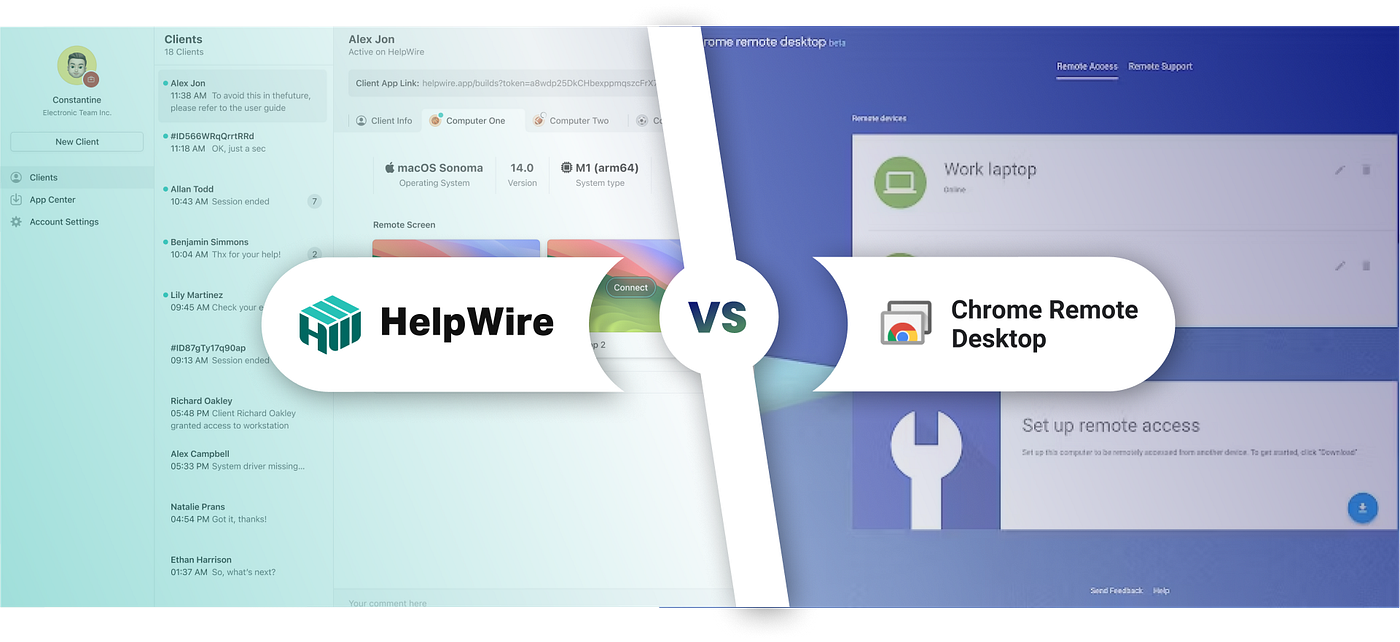
This article delves into two popular options — HelpWire and Chrome Remote Desktop — to help you determine which tool best meets your needs.
HelpWire vs Chrome Remote Desktop
HelpWire vs Chrome Remote Desktop: Which Remote Access Tool Suits You Best?
In our increasingly connected world, remote access tools have become indispensable. Whether you’re troubleshooting a device from afar, collaborating with a team member, or accessing files on your home computer while traveling, the right remote desktop solution can make your life significantly easier.
This article delves into two popular options — HelpWire and Chrome Remote Desktop — to help you determine which tool best meets your needs.
HelpWire

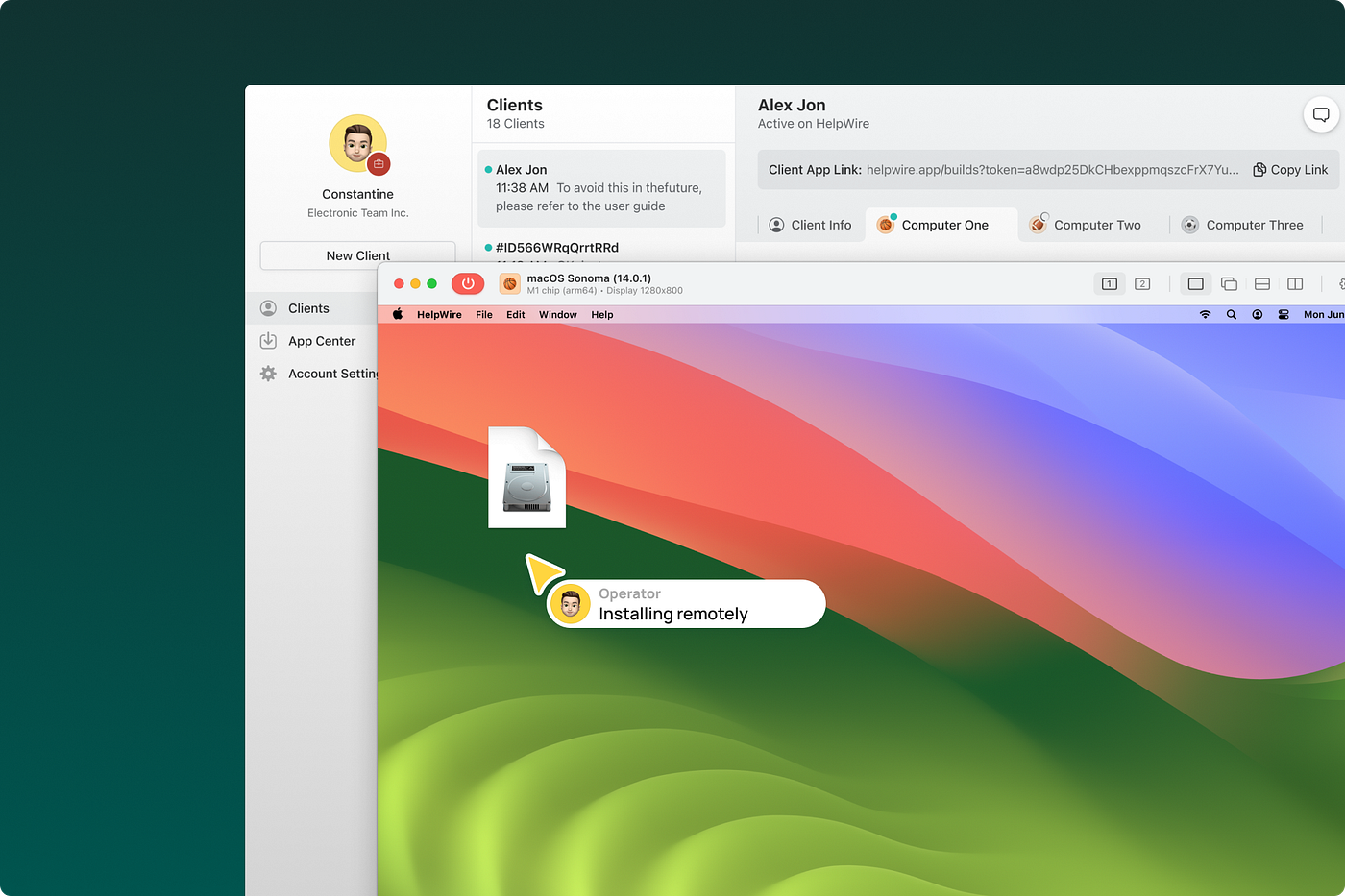
HelpWire is a remote access solution tailored for businesses and IT professionals who need to provide reliable, efficient remote support. It allows users to connect to remote computers and perform essential troubleshooting tasks, making it an excellent alternative to Chrome Remote Desktop for professional support needs.
HelpWire is ideal for:
👨🏻💻 IT Support Teams: For managing and troubleshooting remote devices and desktops.
🏢 Businesses: For organizations that require reliable remote access for device and desktop management.
🎧 Tech Support Providers: For companies that offer remote assistance to clients who may need troubleshooting on their devices.
🌟 Features
- **Remote Desktop Control**: Enables full control over remote desktops, allowing support staff to perform necessary tasks remotely.
- **Session Chat**: Provides real-time communication within sessions to facilitate clear and effective support.
- **Multi-User Management**: Streamlines team collaboration, allowing multiple support agents to manage sessions and monitor connections.
- **User Management Tools**: Helps teams organize and manage support staff, control permissions, and track session activity.
✔️ Pros
- Comprehensive Support Features: Includes advanced support functions like in-session chat and team management.
- High Security: Uses robust data encryption for secure remote access.
- Optimized for Support Teams: Designed specifically for remote support teams and tech assistance providers, offering tools for efficient workflows.
❓ Cons
- Feature Learning Curve: Some features may take time for new users to learn.
- Internet-Dependent: A stable internet connection is required for smooth operation.
💲 Price
HelpWire is available for free, providing advanced remote support capabilities without any additional costs.
Chrome Remote Desktop

Chrome Remote Desktop is a straightforward, browser-based remote access tool from Google that allows users to access their computers remotely via the Chrome browser or ChromeOS devices. It provides a basic remote control, making it suitable for personal or light business use.
Chrome Remote Desktop is ideal for:
👨🏻💼 Personal Users: Those looking to access their own devices remotely without extensive setup.
🏢 Small Businesses: For organizations needing occasional remote access for employees or support.
🙋🏻♂️ Casual Users: Users who prefer a simple, no-frills remote access tool.
🌟 Features
- Screen Sharing: Offers basic screen sharing for remote access and control.
- Remote Support: Lets users control a remote computer, allowing for simple support or troubleshooting.
- Multi-Platform Compatibility: Works across Windows, macOS, Linux, iOS, and Android.
- Quick Setup: Operates directly through the Chrome browser without a complicated installation process.
✔️ Pros
- Free and Simple: Easy to use and completely free, making it accessible to anyone.
- Basic Remote Access for Individuals: Ideal for personal use or straightforward access needs.
- Cross-Platform Compatibility: Works across various operating systems and devices.
❓ Cons
- Limited Features: Lacks more advanced features such as chat, remote printing, or user management.
- Requires Chrome Browser: Limited to use within the Chrome environment.
- Basic Security: Security features may not be sufficient for businesses with high data protection requirements.
💲 Price
Chrome Remote Desktop is entirely free, providing basic remote access tools without any associated costs.
Comparison Table
The comparison table below offers a quick overview of the core differences between HelpWire and Chrome Remote Desktop, helping you evaluate which tool better suits your needs.

With a clear understanding of HelpWire and Chrome Remote Desktop, you can now choose the solution that best fits your requirements. HelpWire offers feature-rich support functions tailored for IT teams, while Chrome Remote Desktop is an easy-to-use option for personal access and light support needs.
메타데이터
- post_id
- 7d7369aff35c
- slug
- helpwire-vs-chrome-remote-desktop-7d7369aff35c
- url
- https://medium.com/@HelpWire/helpwire-vs-chrome-remote-desktop-7d7369aff35c
- canonical_url
- https://medium.com/@HelpWire/helpwire-vs-chrome-remote-desktop-7d7369aff35c
- author_url
- https://medium.com/@HelpWire
- status
- ok
- fetched_at
- 2026-07-13 06:23:13