How to Mix Any Paint Color From a Photo
One of the biggest challenges for artists is matching colors from a reference photograph. A sunset sky, a portrait skin tone, or a distant…
How to Mix Any Paint Color From a Photo
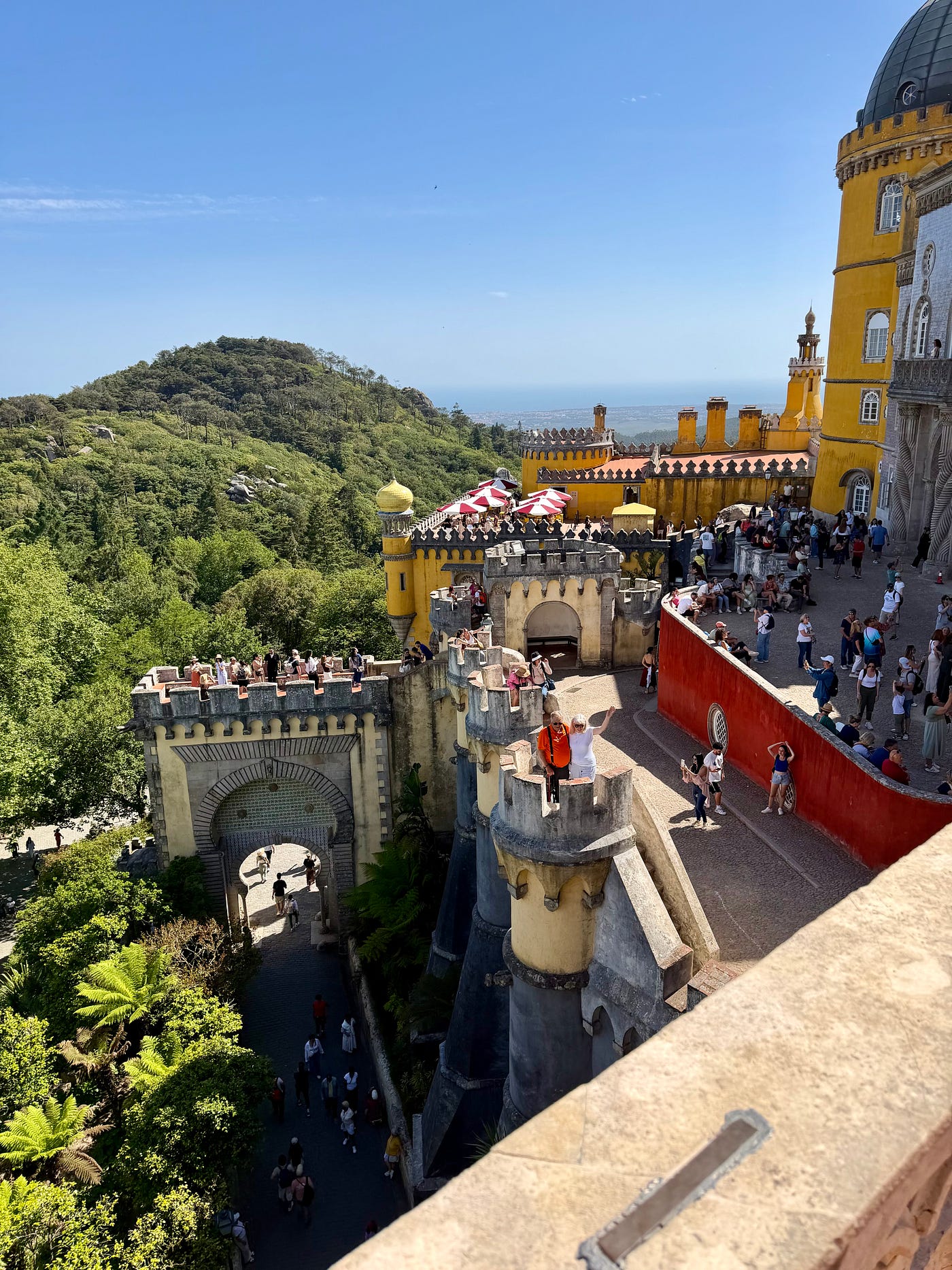
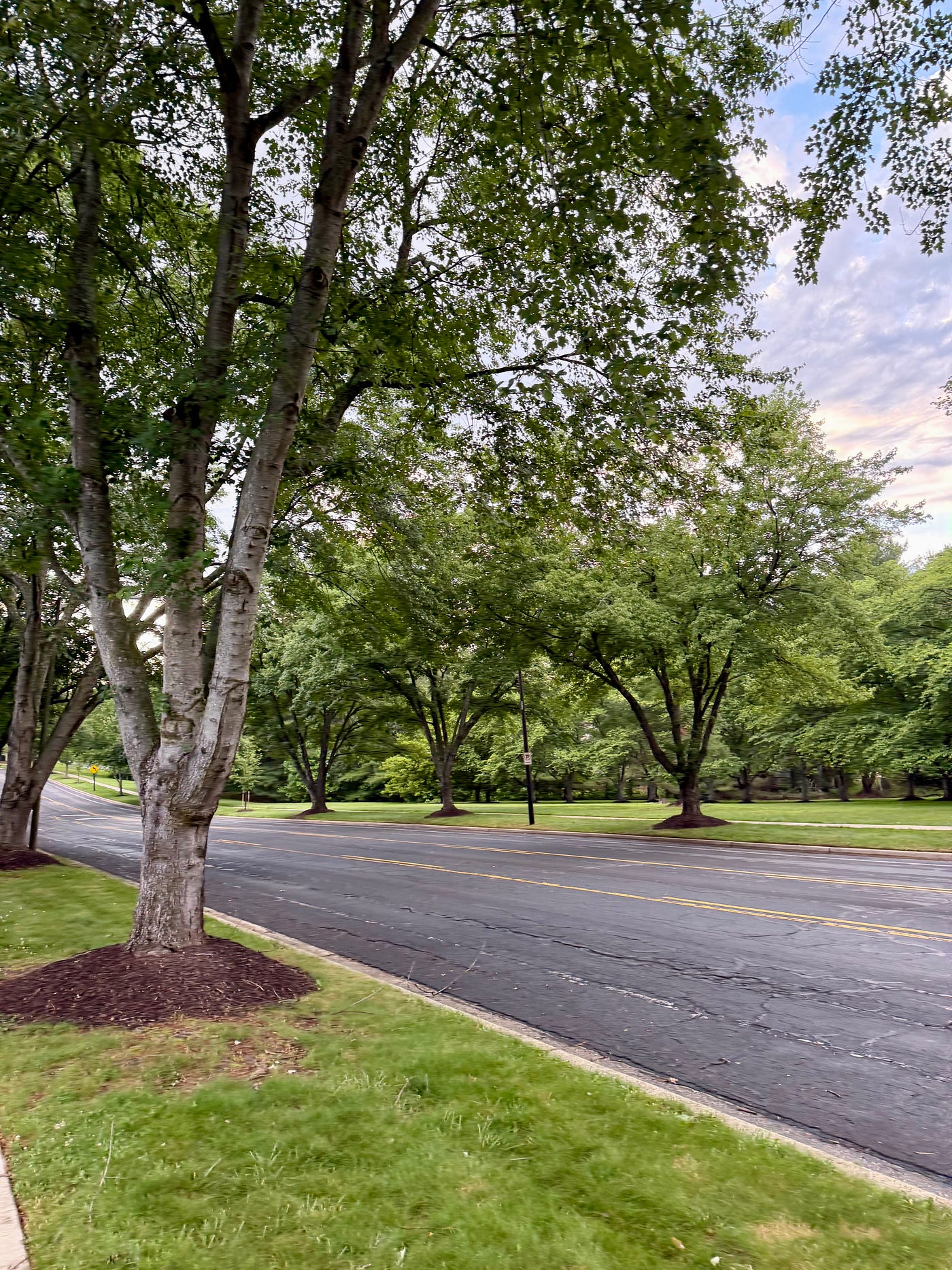
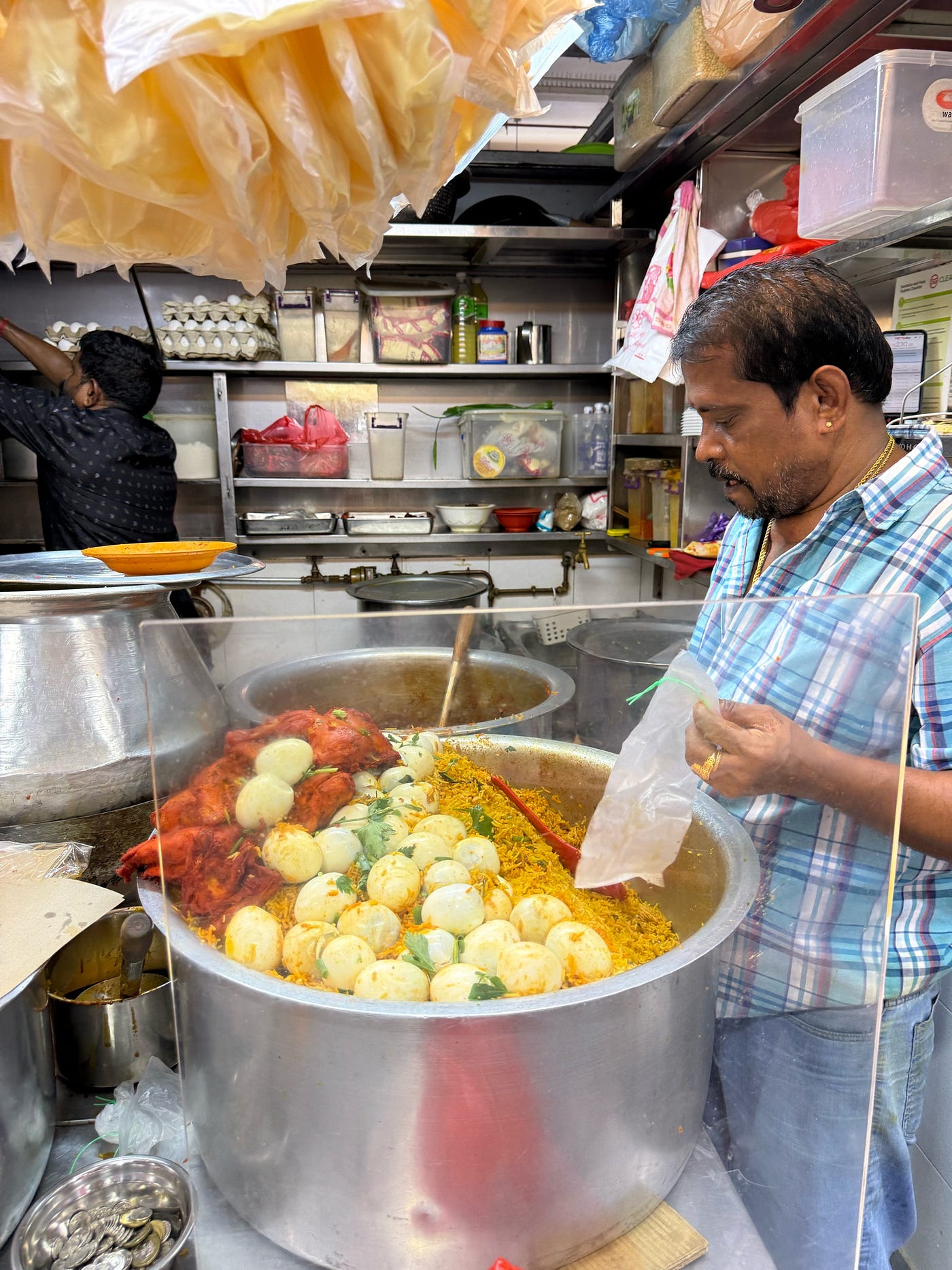
One of the biggest challenges for artists is matching colors from a reference photograph. A sunset sky, a portrait skin tone, or a distant mountain often contains subtle color variations that are difficult to recreate accurately with paint.
Many artists use trial and error, mixing several paints repeatedly until they get close to the desired color. This process wastes paint, consumes time, and can be frustrating for beginners.
A faster approach is to analyze the color directly from the photograph and determine the paint mixture before touching the palette.
Why use digital color analysis?
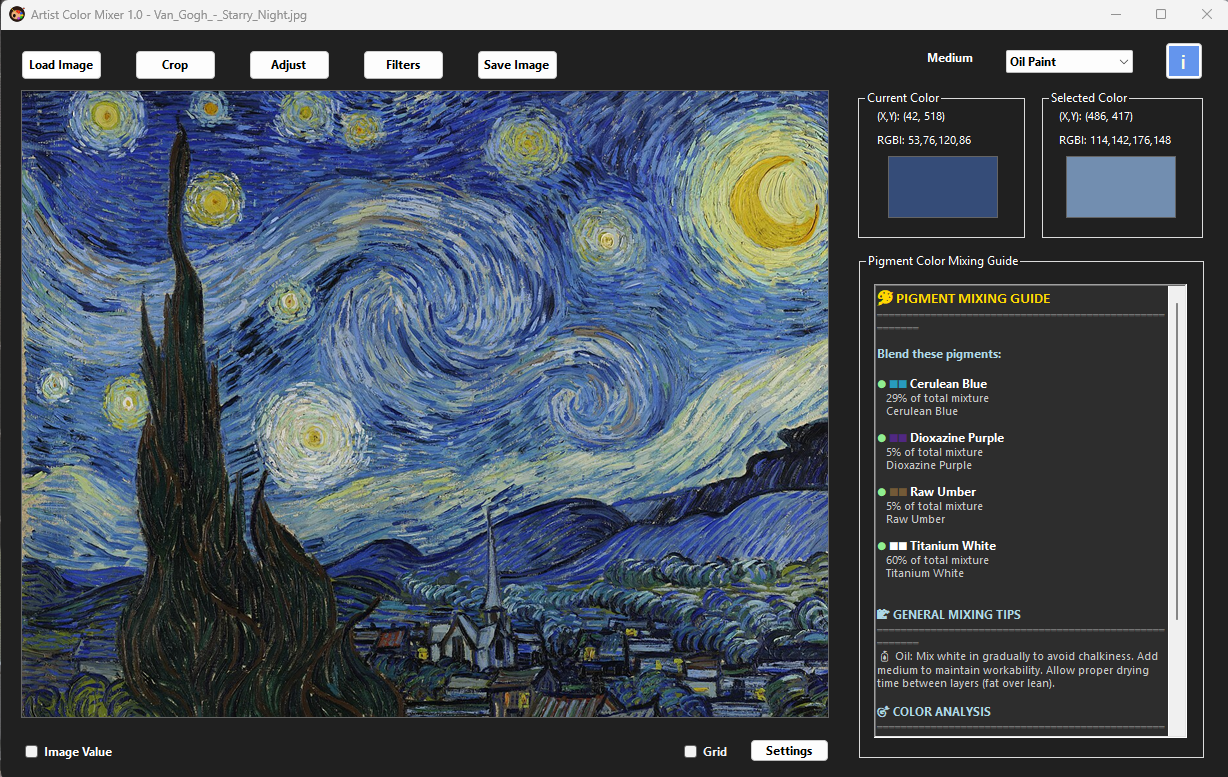
Human eyes and screens perceive color differently than paint pigments, but by extracting the exact RGB or HEX value of any pixel in your reference image, you get a precise target. **Artist Color Mixer** bridges the gap between digital color data and physical paint formulas — tailored to your specific medium (oil, acrylic, gouache, or watercolor).

- Open any reference photograph — JPG, PNG, or even direct from camera roll.
- Click on a color in the image — instant color picker to select together with real time color display at the mouse position.
- Analyze the color value — see RGB, CMYK, HSL, and LAB representation.
- Generate a paint mixing recipe — suggests ratios of your known paint brands or generic pigments.
- Experiment with color variations — adjust hue, saturation, or value and see how the mixture adapts.
This approach helps artists spend more time painting and less time guessing. Imagine capturing a vibrant crimson from a rose petal or the exact shadow tone from a studio photograph — Artist Color Mixer turns that digital sample into a step-by-step mixing guide.
Whether you work in oils, acrylics, gouache, or watercolor, understanding the relationship between the target color and the required paint mixture can dramatically improve color accuracy. The software even accounts for pigment transparency, undertones, and mixing medium effects, making it an indispensable tool for studio and plein air artists alike.
More details about Artist Color Mixer can be found at https://www.ablesw.com/artist-color-mixer.html
메타데이터
- post_id
- 7dfc5b74be2f
- slug
- how-to-mix-any-paint-color-from-a-photo-7dfc5b74be2f
- url
- https://medium.com/@ytedwu/how-to-mix-any-paint-color-from-a-photo-7dfc5b74be2f
- canonical_url
- https://medium.com/@ytedwu/how-to-mix-any-paint-color-from-a-photo-7dfc5b74be2f
- author_url
- https://medium.com/@ytedwu
- status
- ok
- fetched_at
- 2026-06-29 22:44:20