Visual FoxPro to Modern Database Migration: Step-by-Step Guide
Visual FoxPro (VFP) served as a reliable rapid application development and database management platform for decades. Many businesses across…
Visual FoxPro to Modern Database Migration: Step-by-Step Guide
Visual FoxPro (VFP) served as a reliable rapid application development and database management platform for decades. Many businesses across the United States — particularly in manufacturing, retail, and enterprise resource planning — built core systems on VFP. However, Microsoft officially ended support for Visual FoxPro in 2015, leaving organizations exposed to security vulnerabilities, compatibility gaps, and mounting technical debt. If your business is still running on VFP, now is the time to plan a structured migration to a modern database platform.
This guide walks you through every stage of a [Visual FoxPro](https://www.desss.com/visual-foxpro-consulting-advisory-company.html) database migration — from assessment to go-live — so you can move confidently without disrupting business operations.
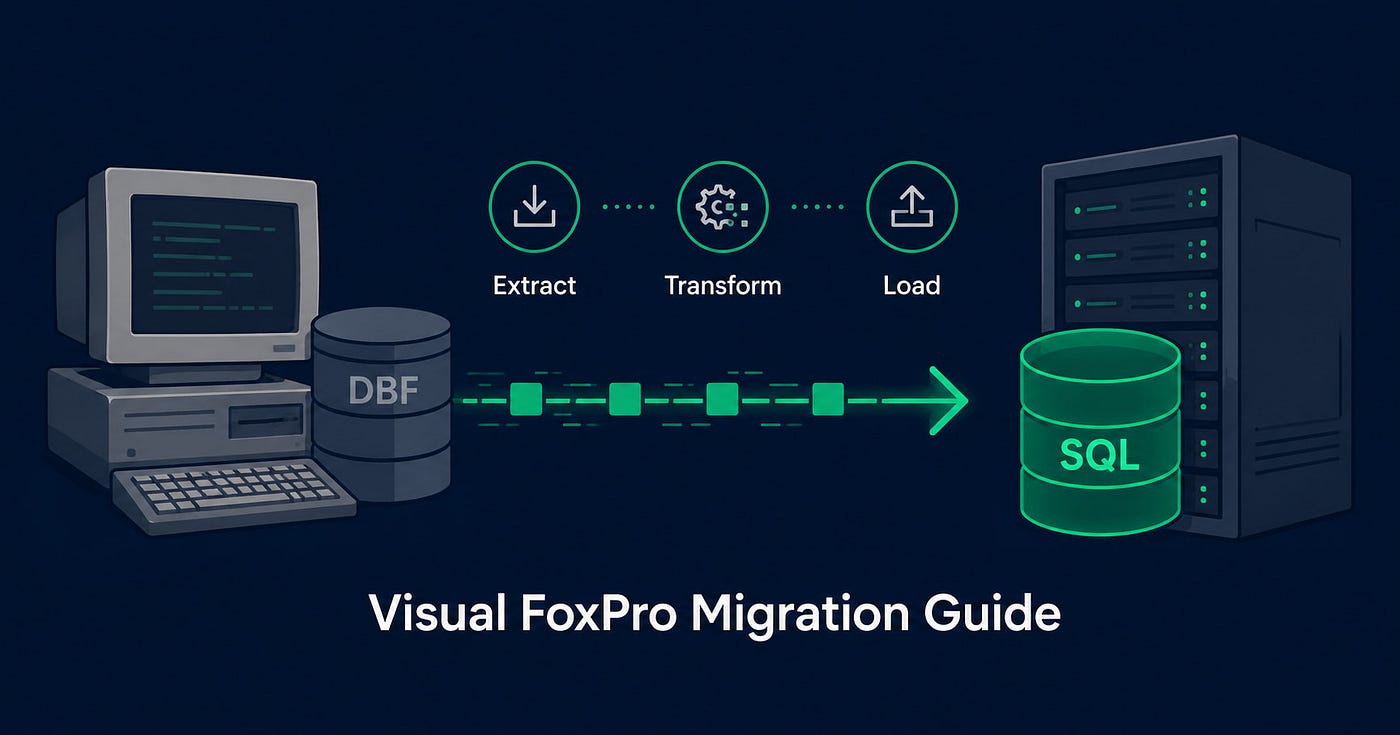
Learn how to migrate from Visual FoxPro to SQL Server, MySQL or PostgreSQL. Step-by-step guide with tools, tips and expert support.
**Why Visual FoxPro Migration Is No Longer Optional**
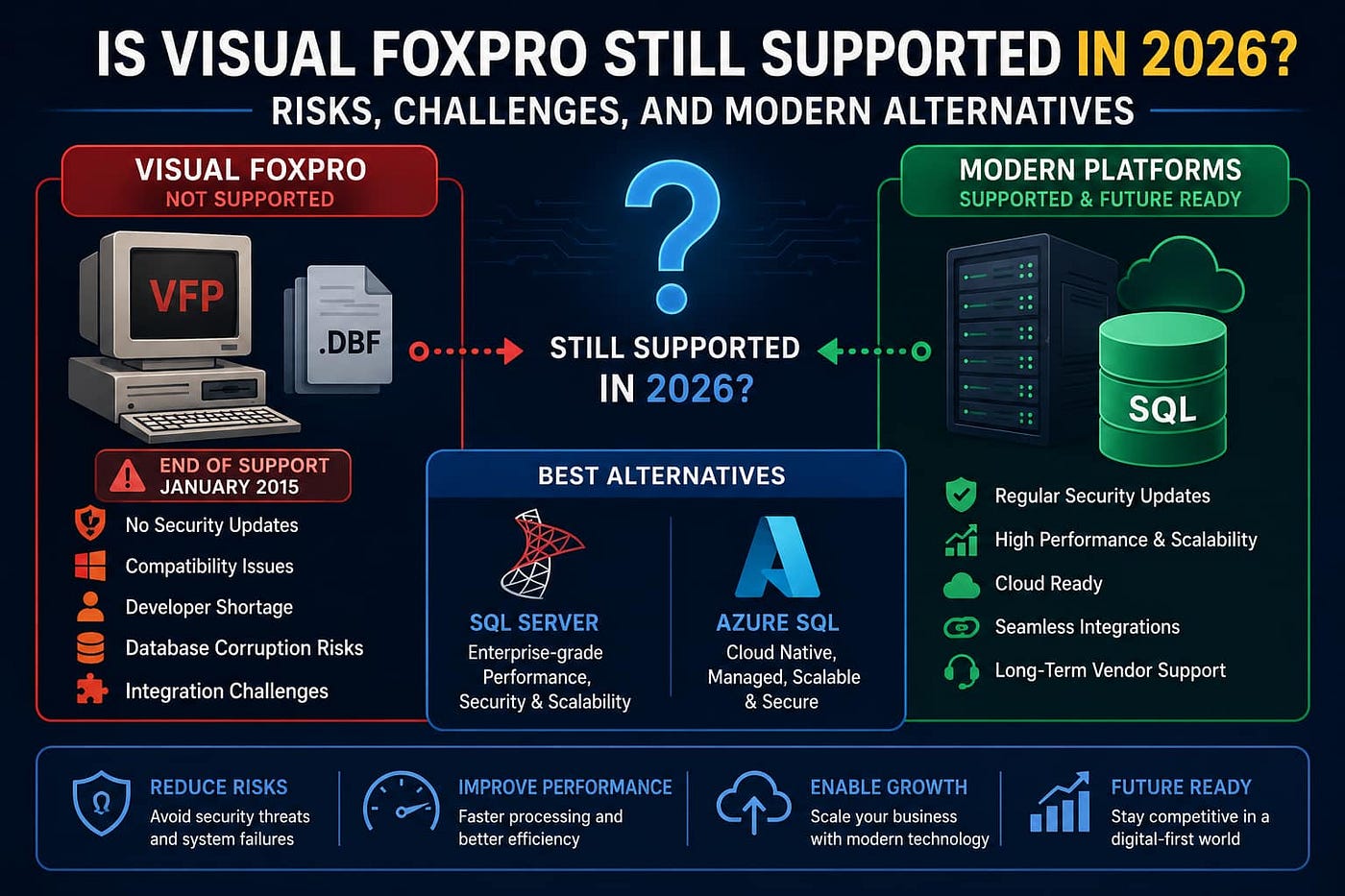
Microsoft ended mainstream support for Visual FoxPro 9.0 in 2010 and extended support in 2015. That means no security patches, no Windows 11 compatibility updates, and no official fix for emerging vulnerabilities. Running legacy VFP applications in a modern business environment introduces real risk — data loss, compliance gaps, and growing incompatibility with modern hardware and operating systems.
Beyond security, modern databases like SQL Server, PostgreSQL, and MySQL offer superior performance, multi-user concurrency, cloud deployment options, and integration with today's reporting and analytics tools.
**Step 1: Conduct a Full Application and Database Audit**
Before writing a single line of migration code, audit everything your VFP system contains. This includes all .DBF table files, .DBC database containers, .PRG program files, reports, forms, and stored procedures. Document the relationships between tables, the business logic embedded in VFP code, and every data type in use. Understanding the full scope prevents surprises mid-migration.
**Key audit outputs:**
- Complete table inventory with row counts and column types
- List of all indexes and relationships
- Identification of VFP-specific data types (Currency, General, Memo) that need mapping
- Documentation of all business rules embedded in VFP code
**Step 2: Choose Your Target Database Platform**
The right target platform depends on your application architecture, team skills, and future scalability needs. The most common migration targets for VFP systems are:
Microsoft SQL Server: Ideal for businesses already in the Microsoft ecosystem. Strong VFP-to-SQL tooling is available, and many VFP applications were designed to upsize to SQL Server using VFP's built-in Upsizing Wizard. Best for mid-to-large enterprise applications.
PostgreSQL: An open-source option suitable for businesses wanting to eliminate licensing costs. Excellent standards compliance and JSON support make it a strong choice for modern API-driven applications.
MySQL: A widely supported open-source database, particularly well-suited for web application backends. Good choice if the migrated application will be accessed via a web interface.
SQLite: Appropriate for lightweight, single-user or small team applications where enterprise scale is not required.
**Step 3: Map VFP Data Types to Target Schema**
Visual FoxPro uses several data types that do not have direct equivalents in modern databases. This mapping stage is critical for data integrity.
**Common mappings:**
- VFP Character → VARCHAR or NVARCHAR
- VFP Numeric / Float → DECIMAL or FLOAT
- VFP Date / DateTime → DATE or DATETIME
- VFP Logical → BIT or BOOLEAN
- VFP Memo → TEXT or NVARCHAR(MAX)
- VFP General (OLE objects) → VARBINARY or file system storage
- VFP Currency → DECIMAL(19,4)
Memo fields and General fields require special handling. Memo data should be reviewed for encoding issues before migration, and OLE objects typically need to be extracted and stored separately.
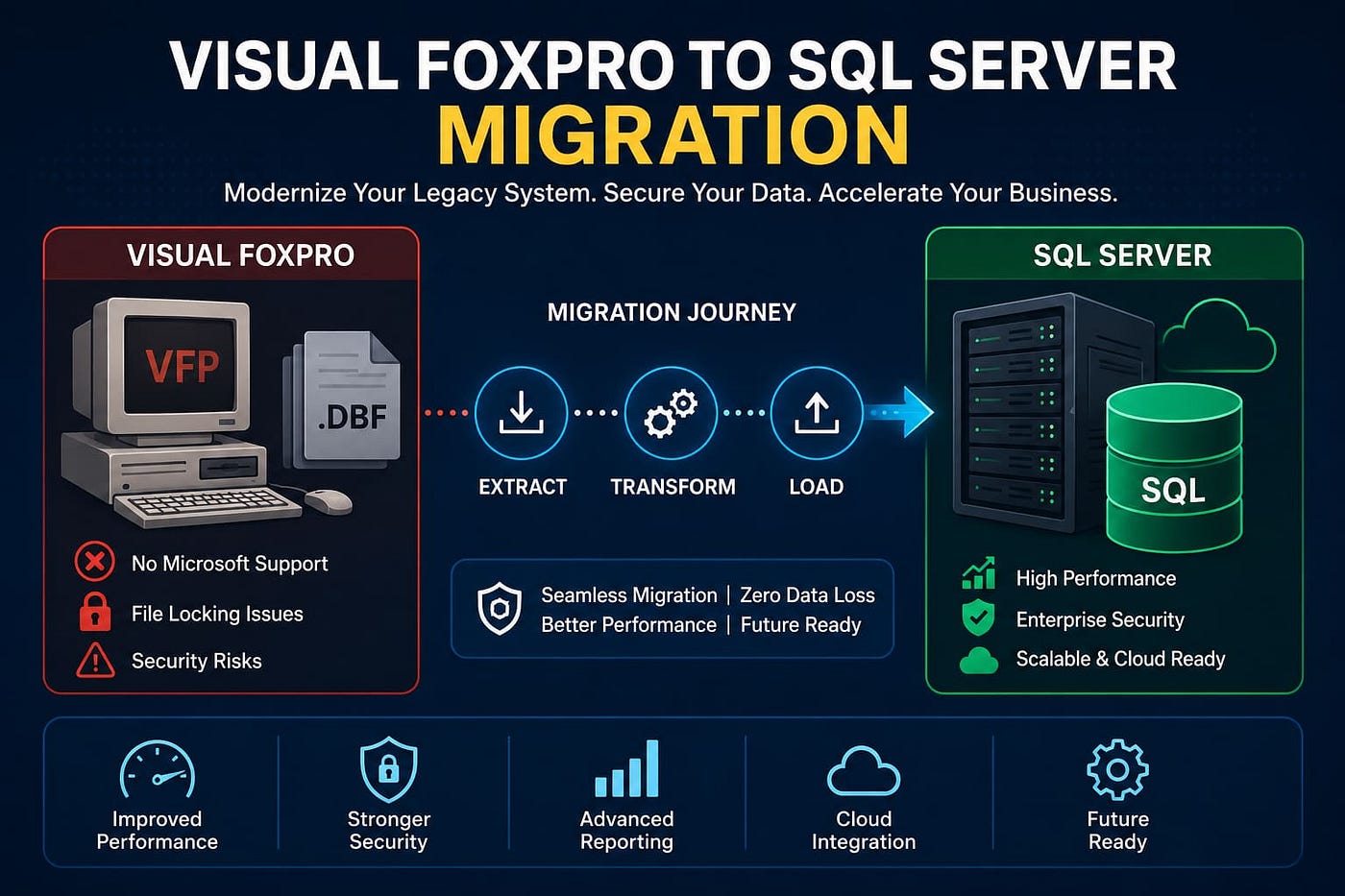
**Step 4: Extract and Transform the Data**
**Export VFP data using one of these methods:**
Using VFP's COPY TO command: Export each .DBF table to CSV or XML format directly from VFP. This is the most straightforward extraction method when VFP is still operational.
Using ODBC drivers: Visual FoxPro ODBC drivers allow external tools to read .DBF files directly, enabling bulk extraction without opening VFP.
Using third-party ETL tools: Tools like SQL Server Integration Services (SSIS), DBF Viewer Plus, and various open-source converters can automate the extraction and transformation process for large databases.
After extraction, run data validation checks — row counts, null checks, referential integrity verification — before loading into the target database.
**Step 5: Migrate Application Logic and Queries**
VFP's Xbase query language differs significantly from standard SQL. All VFP SELECT, UPDATE, DELETE, and INSERT logic must be rewritten in standard ANSI SQL or the target platform's dialect. Business rules embedded in .PRG files, form code, or report scripts need to be identified and either rewritten as stored procedures, application-layer code, or both.
**Pay special attention to:**
- VFP SEEK and LOCATE commands (replaced by indexed SQL queries)
- VFP Rushmore optimization (handled automatically by modern query optimizers)
- VFP transaction handling (map to BEGIN TRANSACTION / COMMIT in SQL)
**Step 6: Test Thoroughly Before Go-Live**
Run parallel operations — keep the VFP system live while validating the migrated database. Compare outputs for key reports, transactions, and queries. Involve end users in user acceptance testing to catch edge cases that technical testing may miss.
Create a rollback plan before cutover so that if critical issues emerge post-migration, you can revert without permanent data loss.
**Step 7: Go Live and Decommission VFP**
After successful testing, schedule the cutover during a low-traffic period. Archive the original VFP files and databases in read-only storage for compliance purposes. Monitor the new system closely for the first 30 days, tracking performance metrics and error logs.
**Frequently Asked Questions**
How long does a Visual FoxPro migration typically take?
Timeline depends on database size and application complexity. Small VFP databases with fewer than 20 tables typically migrate in 4 to 8 weeks. Large, complex systems with hundreds of tables and embedded business logic may require 3 to 6 months.
Can VFP data be migrated to SQL Server without data loss?
Yes, with proper planning. The main risks are Memo field encoding issues and General (OLE) field handling. A structured extraction, transformation, and validation process eliminates virtually all data loss risk.
Is Visual FoxPro still supported by Microsoft?
No. Microsoft ended all support for Visual FoxPro 9.0 in January 2015. No security patches or updates are being released.
What is the best replacement for Visual FoxPro?
For enterprise applications, Microsoft SQL Server with a .NET or web-based front end is the most common replacement. PostgreSQL is a strong open-source alternative. The right choice depends on your existing infrastructure and team capabilities.
Do I need to rewrite my entire VFP application during migration?
Not necessarily. The database layer must be migrated, but the application front end can sometimes be modernized in phases. Some organizations run a SQL Server back end while temporarily retaining VFP as the front end during transition.
**Conclusion**
[Visual FoxPro database migration](https://www.desss.com/visual-foxpro-consulting-advisory-company.html) is a strategic investment in your business's future security, performance, and scalability. The process is well-understood, and with proper planning and the right technical partner, disruption can be minimized significantly.
메타데이터
- post_id
- 7fbe09ef4b59
- slug
- visual-foxpro-to-modern-database-migration-step-by-step-guide-7fbe09ef4b59
- url
- https://medium.com/@digitalseo196/visual-foxpro-to-modern-database-migration-step-by-step-guide-7fbe09ef4b59
- canonical_url
- https://medium.com/@digitalseo196/visual-foxpro-to-modern-database-migration-step-by-step-guide-7fbe09ef4b59
- author_url
- https://medium.com/@digitalseo196
- status
- ok
- fetched_at
- 2026-07-08 22:18:54