How to Improve CAPTCHA Solve Rates in GSA SER: Use Redundancy, Not Guesswork
A practical guide to building a layered CAPTCHA solving chain for GSA Search Engine Ranker — because relying on one solver is the mistake…
How to Improve CAPTCHA Solve Rates in GSA SER: Use Redundancy, Not Guesswork
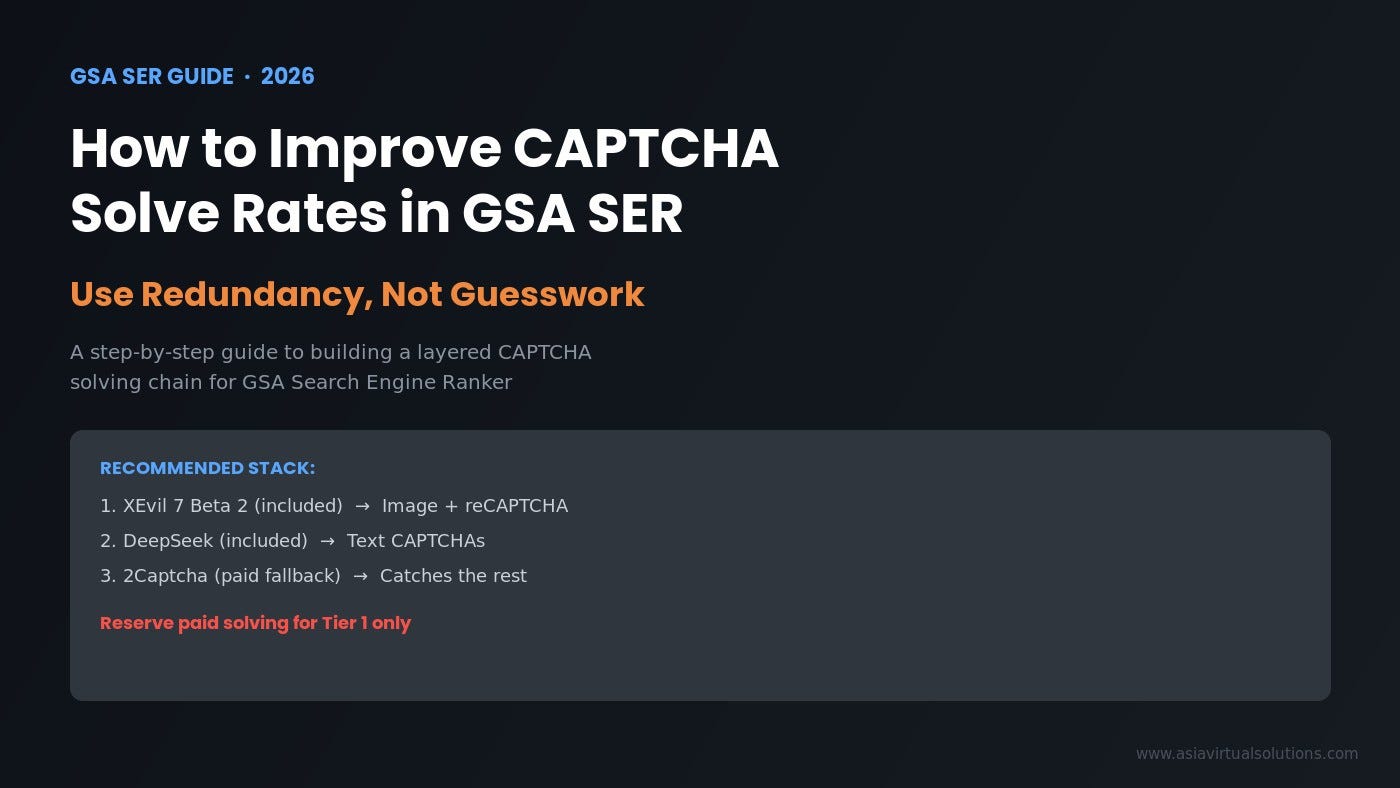
A practical guide to building a layered CAPTCHA solving chain for GSA Search Engine Ranker — because relying on one solver is the mistake most users keep making.
If you run a GSA Search Engine Ranker VPS, you’ve probably had moments where you look at your projects, see unsolved CAPTCHAs piling up, and ask: “Why is this not solving faster? Why is this not solving everything?”
That frustration is understandable — but it’s usually based on a wrong assumption.
CAPTCHA solving in 2026 is not a one-tool game. Google keeps adjusting reCAPTCHA. hCaptcha keeps evolving. No solver stays perfect forever. And the moment you start expecting one tool to handle every type of CAPTCHA, at full speed, with 100% accuracy, you’re setting yourself up for disappointment.
The smarter approach? Build redundancy into your solving workflow.
What’s Actually Included in a Modern GSA SER VPS Stack
If you’re using an all-inclusive GSA SER VPS package (like the one we offer at Asia Virtual Solutions), you typically have access to:
- Basic image CAPTCHA solving
- reCAPTCHA v2 solving
- reCAPTCHA v3 solving
- hCaptcha support (evolving — more on this below)
- DeepSeek for text CAPTCHA solving
For the core visual and Google-style solving, we currently use XEvil 7 Beta 2.
That matters because the current performance depends on the state of XEvil 7 Beta 2, which is still actively developing:
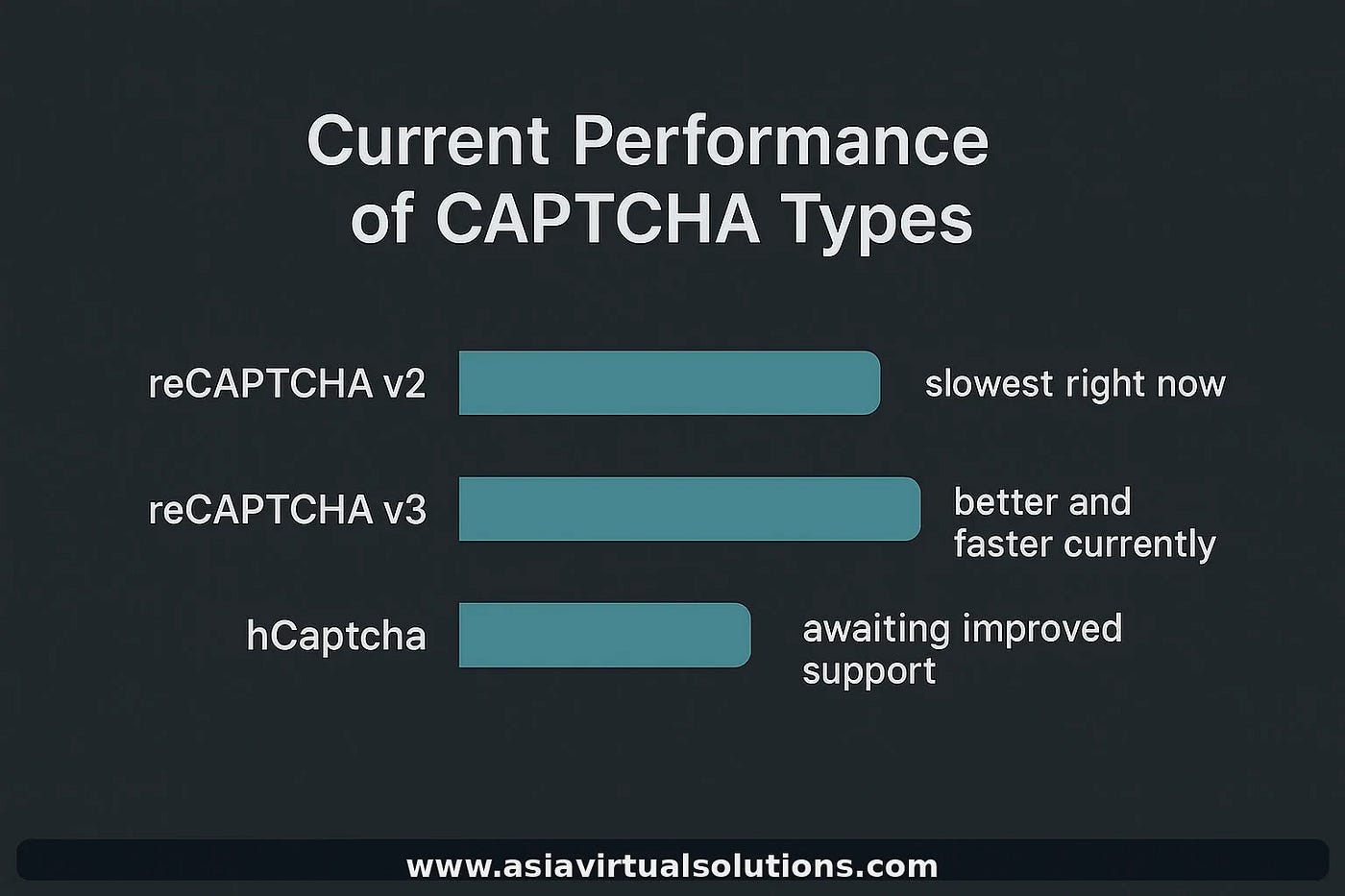
- reCAPTCHA v2 is currently taking the longest in XEvil
- reCAPTCHA v3 solving is noticeably faster and more reliable
- hCaptcha hasn’t been fully updated in Beta 2 — improvements are expected in Beta 3
- XEvil developers have indicated the hCaptcha module may become a paid add-on in future versions
So the honest assessment: XEvil 7 Beta 2 is useful and still valuable, but it is not a complete answer for every CAPTCHA type.
Current practical performance: reCAPTCHA v2 vs v3 vs hCaptcha
Why One Solver Will Never Be Enough
This is where most users go wrong. They see one type of CAPTCHA fail, or they notice solving slows down for a particular challenge, and they immediately assume the entire setup is broken.
In reality, different CAPTCHA types behave very differently:
CAPTCHA Type | Current Situation
Image CAPTCHAs — Still workable with included solvers
reCAPTCHA v2 — Often the slowest and most demanding
reCAPTCHA v3 — Currently faster and more reliable
hCaptcha — Waiting for stronger support in the next XEvil update
Text CAPTCHAs — Handled separately through DeepSeek
If you expect one tool to solve every CAPTCHA quickly, cheaply, and perfectly, you’re going to be disappointed.
The better expectation: use a layered system where each tool does what it does best, and you only pay extra where it gives you a real advantage.
Redundancy is the smarter approach for modern CAPTCHA solving
The Recommended CAPTCHA Solving Chain
Instead of asking “which solver is the best?”, the better question is: how do I build a stronger solving chain?
Here’s the logic we recommend:
- Use the included CAPTCHA-solving stack first — it handles the majority of challenges at no extra cost
- Let XEvil 7 Beta 2 handle what it can handle best — image CAPTCHAs, reCAPTCHA v3, and basic visual challenges
- Let DeepSeek handle text CAPTCHAs — it’s specialized for this
- Add 2Captcha as a final fallback — only for the CAPTCHAs that still fail after the included stack
- Use the paid fallback only where the extra cost is justified — which, for most users, means Tier 1 only
The Recommended Flow:
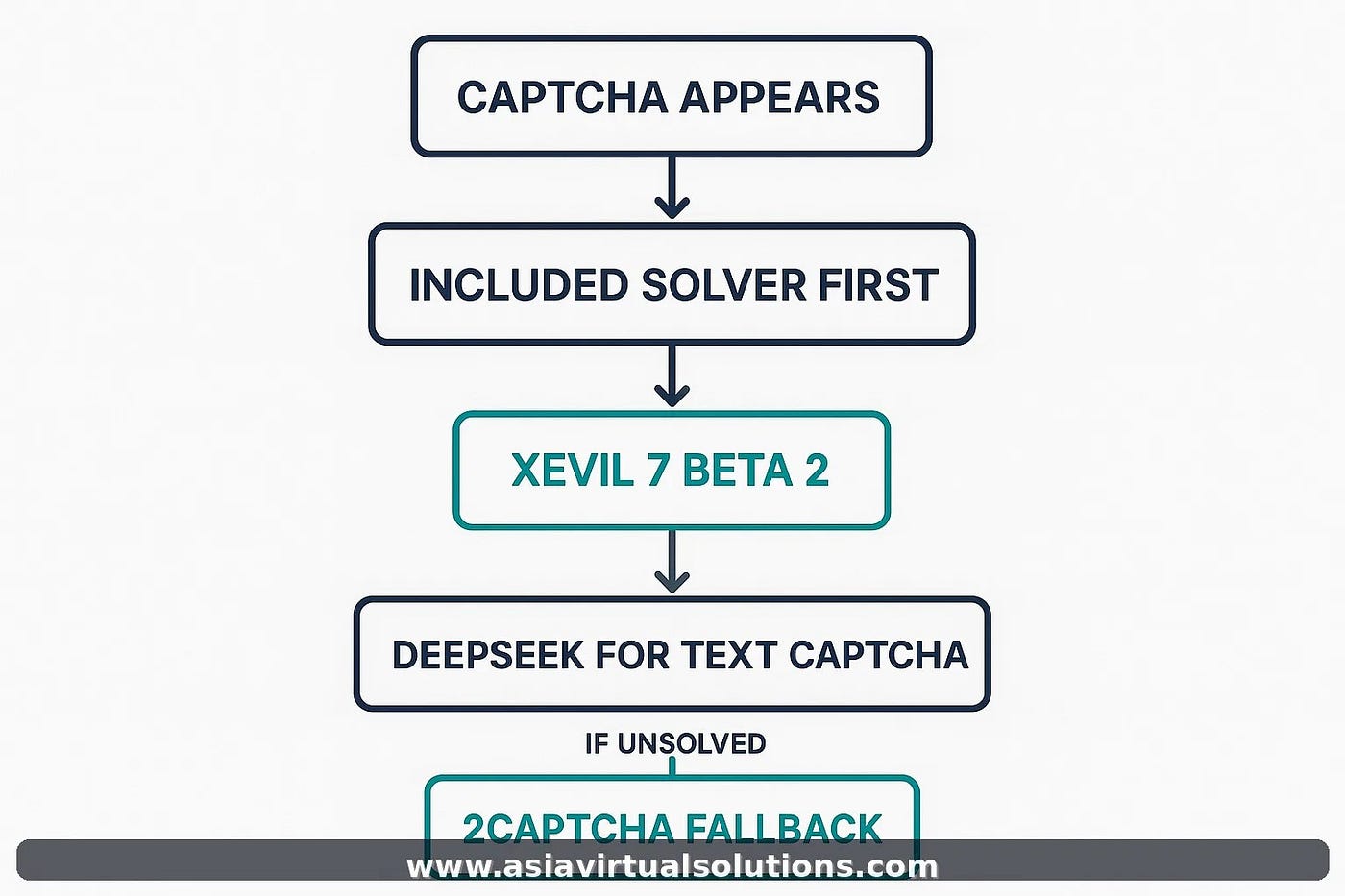
XEvil first → DeepSeek for text CAPTCHAs → 2Captcha only as a fallback → paid solving mainly on Tier 1
The critical point: 2Captcha should not replace your included stack. It should work as a backup layer. Your included services do most of the work. Your paid external solver is only used when necessary. Your solving rate improves without sending every single CAPTCHA to a paid service.
Recommended CAPTCHA redundancy flow for GSA SER users
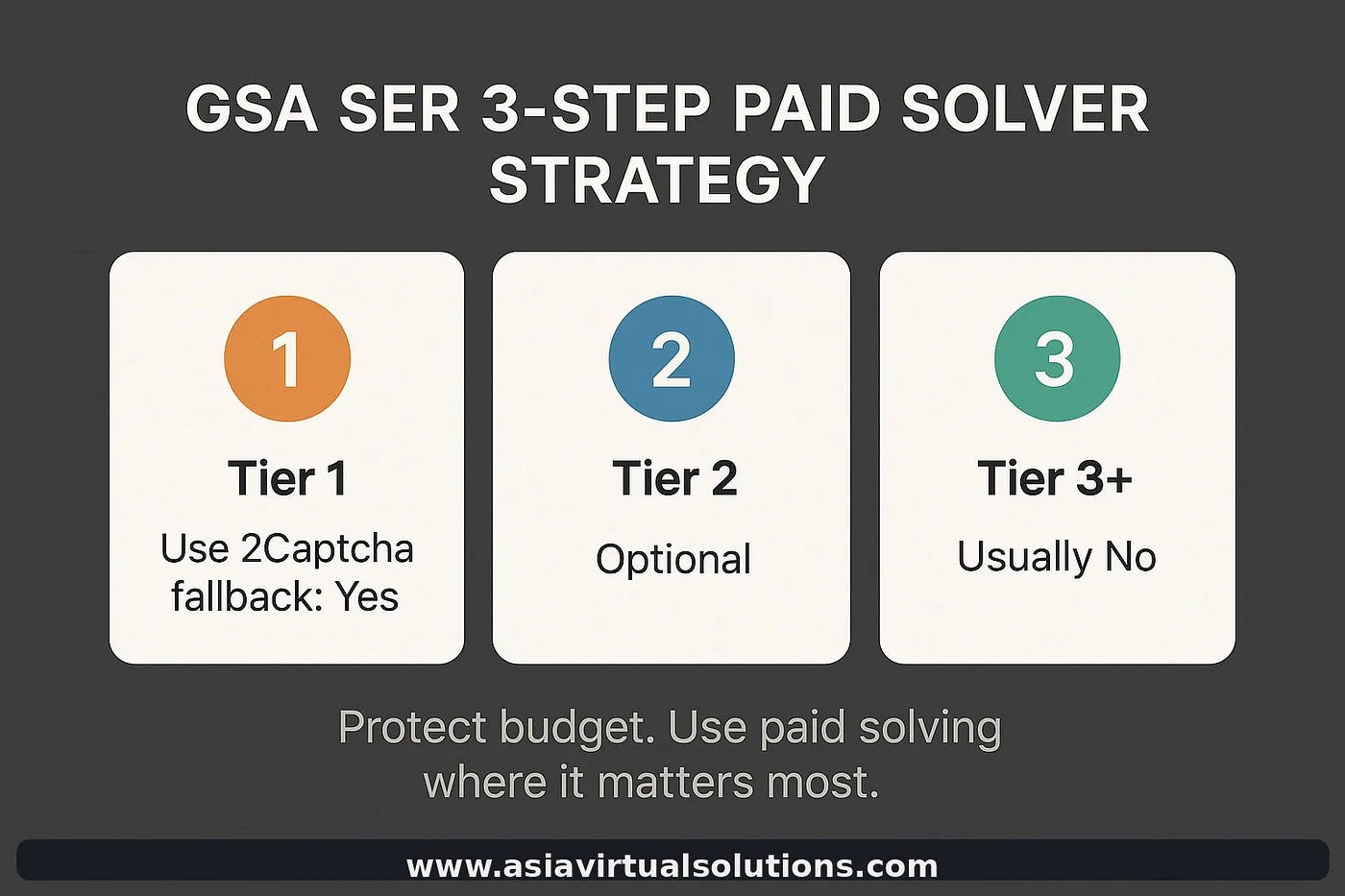
Why Paid Solving Should Focus on Tier 1
If you’re using a paid CAPTCHA service like 2Captcha, the biggest mistake is using it too widely. Send every CAPTCHA from every tier to a paid service, and your costs climb fast — with very little return on the lower tiers.
For most users, the better strategy is simple: use 2Captcha mainly on Tier 1.
Why?
- Verification quality matters more on Tier 1
- Successful submission matters more in Tier 1
- Accuracy matters more on Tier 1
- Losing a good target matters more in Tier 1
For lower tiers, your included stack should continue doing the heavy lifting. The links matter less individually, the targets are more plentiful, and the cost-per-solve doesn’t justify paid services.
Use paid CAPTCHA fallback mainly on Tier 1
The Complete Suggested Setup
For most GSA SER VPS users, here’s what we recommend:
- ✅ Included image CAPTCHA solving first
- ✅ XEvil 7 Beta 2 for supported CAPTCHA types
- ✅ DeepSeek for text CAPTCHAs
- ✅ 2Captcha as fallback only
- ✅ 2Captcha is reserved mainly for Tier 1
This gives you:
- Better redundancy across all CAPTCHA types
- Better overall solve coverage
- More control over cost
- Less frustration when one solver struggles
- A more realistic and scalable setup
Mistakes to Avoid
Most GSA SER users don’t fail because their tools are bad. They fail because of how they use them:
- Expecting one solver to handle everything perfectly — it won’t happen
- Sending every CAPTCHA straight to a paid provider — it’s expensive and unnecessary
- Using paid solving on lower tiers without a clear return wastes budget
- Judging the whole setup based on one difficult CAPTCHA type — reCAPTCHA v2 is hard for everyone
- Not checking solver order and fallback routing inside GSA SER — small config mistakes can tank your rates
Full Guide With Screenshots, Video, and Settings
This article covers the strategy, but if you want the complete breakdown — with screenshots of every GSA SER setting, the CAPTCHA flow diagram, a video walkthrough, and exact project-level configurations — I’ve published the full guide on our site:
👉 **How to Improve CAPTCHA Solve Rates in GSA SER: Use Redundancy, Not Guesswork**
Includes: full CAPTCHA flow chart · XEvil 7 Beta 2 performance breakdown · screenshot walkthrough of GSA SER settings · Tier 1 vs lower tier config · video walkthrough · FAQ
Final Thought
Stop thinking about CAPTCHA solving as a one-tool problem.
The better mindset is this: use what’s included first, understand where the current version performs well, understand where the limitations are, build redundancy into your setup, and only pay for external solving where it gives you a real return on Tier 1.
That’s the practical way to improve solve rates. No guesswork required.
Michael Swart is the founder of Asia Virtual Solutions, a digital marketing and SEO automation company based in Bangkok, Thailand. AVS provides all-inclusive GSA SER VPS hosting, premium SEO tools, and link-building resources.
메타데이터
- post_id
- 7fd3f1bcbf41
- slug
- how-to-improve-captcha-solve-rates-in-gsa-ser-use-redundancy-not-guesswork-7fd3f1bcbf41
- url
- https://medium.com/@asiavirtualsolution/how-to-improve-captcha-solve-rates-in-gsa-ser-use-redundancy-not-guesswork-7fd3f1bcbf41
- canonical_url
- https://medium.com/@asiavirtualsolution/how-to-improve-captcha-solve-rates-in-gsa-ser-use-redundancy-not-guesswork-7fd3f1bcbf41
- author_url
- https://medium.com/@asiavirtualsolution
- status
- ok
- fetched_at
- 2026-06-17 16:37:43