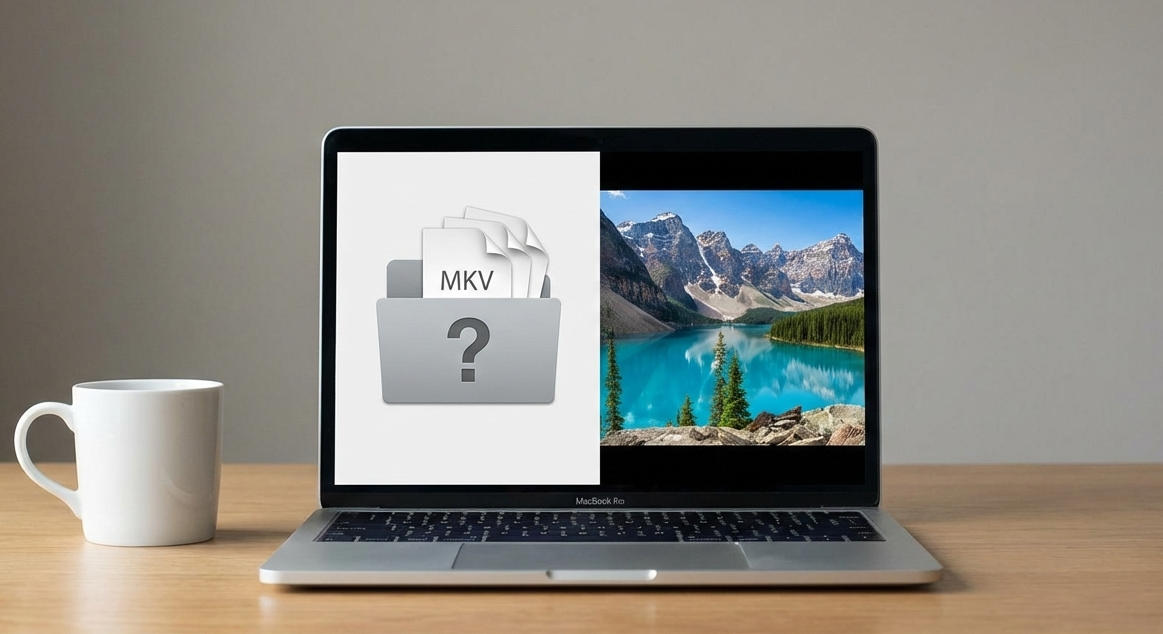
Best Video Player for macOS (2025–2026)
Compare the best video players for macOS in 2025–2026. See which Mac video player offers the best quality, performance, and battery life.
Best Video Player for macOS (2025–2026)
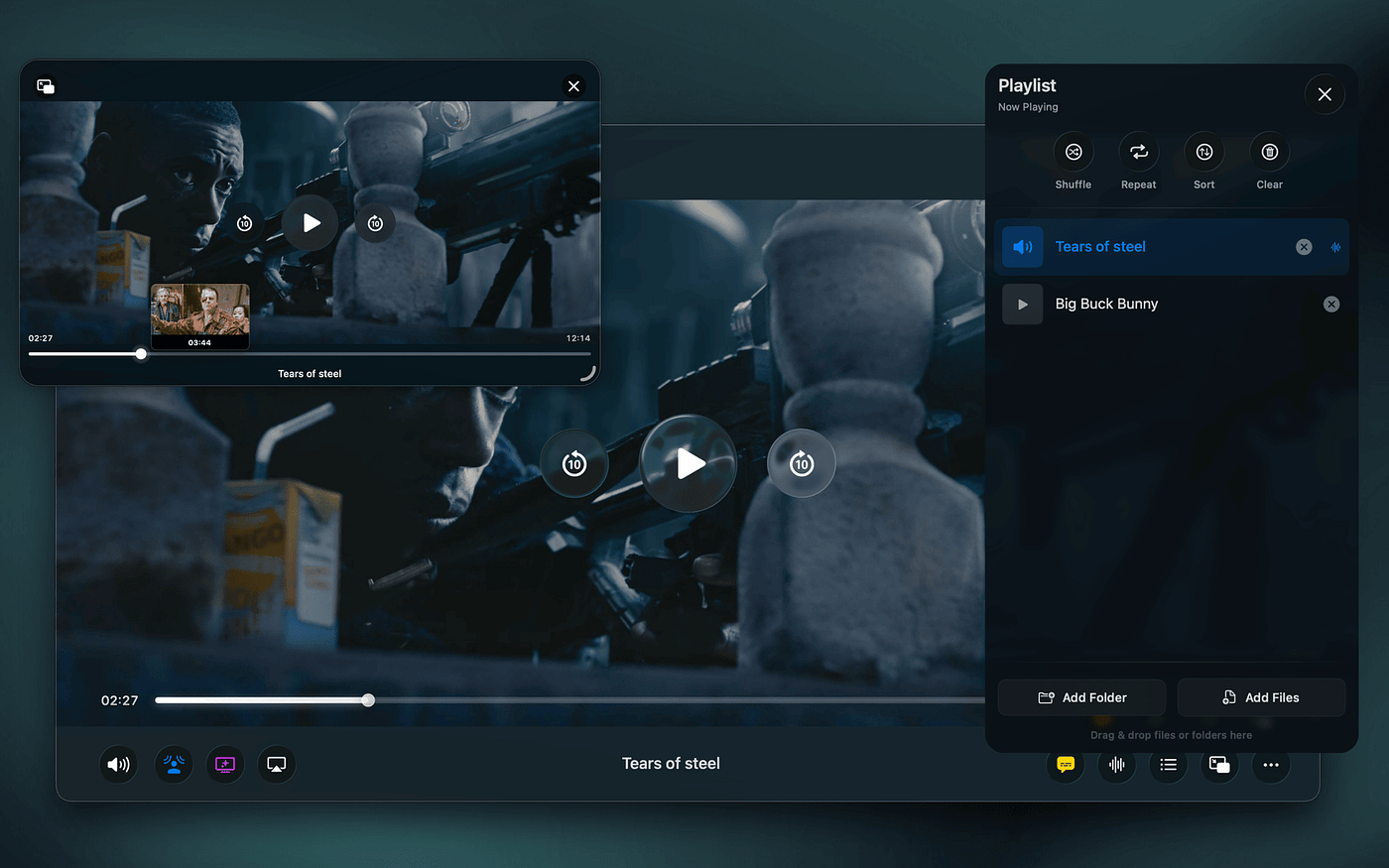
On modern macOS, video playback is no longer just about opening a file. With apple Silicon, advanced display pipelines, and strict power efficiency mean the architecture of a video player has a direct impact on image quality, audio, and battery life..
This guide looks at the best video players for macOS in 2025–2026, focusing on performance, visual quality, audio, and how native each app truly feels on modern macOS.
What Makes a Great macOS Video Player Today
Before comparing apps, it’s worth setting the criteria that actually matter on modern Macs:
- Native macOS integration (UI, display pipeline, audio engine)
- Apple Silicon efficiency (low CPU usage, good battery life)
- Accurate HDR and color rendering
- Support for modern formats (MKV, HEVC, HDR, subtitles)
- Polished user experience that feels at home on macOS
1. Vidi — Best Native macOS Video Player
Best for: Users who care about visual quality, audio, and a truly native macOS experience
Vidi is built from the ground up specifically for macOS and Apple Silicon. Instead of relying on cross-platform playback layers, it uses Apple’s native display and audio pipelines, with FFmpeg handling decoding.
This approach allows Vidi to deliver:
- Accurate HDR and color on Mac displays
- Lower CPU usage and better battery life
- High-quality audio powered by Apple’s audio engine
- A modern UI designed around macOS 26’s Liquid Glass aesthetic
Vidi also includes thoughtful features like advanced Picture-in-Picture, Spatial Audio on any headphones, smart resume, subtitle search, and clean filename handling.
If you want a player that feels like it belongs on macOS in 2025 and beyond, Vidi sets the bar.
2. IINA — Best Free Open-Source Player
Best for: Power users who want customization and open-source software
IINA is one of the most popular Mac video players and is built on top of mpv. It supports nearly every format you throw at it and offers deep customization options.
However, because it relies on a cross-platform playback engine, it doesn’t fully take advantage of Apple’s native display and audio systems. HDR handling and power efficiency can vary depending on content.
Still, for a free and capable player, IINA remains a strong option.
3. VLC — Best for Compatibility
Best for: Playing almost anything, anywhere
VLC is famous for its universal compatibility. If a file exists, VLC can probably play it.
On macOS, however, VLC feels dated. The UI isn’t particularly Mac-like, and it doesn’t integrate deeply with Apple Silicon features or modern display pipelines. Battery usage and HDR accuracy can also be inconsistent.
VLC is reliable, but it hasn’t evolved much for modern macOS.
4. Elmedia Player — Best for Streaming & Casting
Best for: Users who frequently cast or stream video
Elmedia Player offers a polished interface and strong casting support. It’s a good middle ground between power and usability.
That said, it still relies on non-native playback layers, which limits how much it can benefit from Apple’s display and audio frameworks.
Which Video Player Should You Choose?
- Choose Vidi if you want the most native, modern macOS experience with excellent visuals and audio
- Choose IINA if you want a free, open-source player with deep customization
- Choose VLC if compatibility is your only concern
- Choose Elmedia Player if casting is a priority
Final Thoughts
As macOS continues to evolve, video players built specifically for Apple’s hardware and frameworks have a clear advantage. In 2025–2026, efficiency, image accuracy, and native integration matter more than ever.
If you spend a lot of time watching movies or shows on your Mac, choosing a player designed for modern macOS can make a noticeable difference.
Vidi is available now for macOS. The core player is free, with Pro features and a 14-day trial. You can get it on the **App Store or check out the Website**
메타데이터
- post_id
- 7fe3ef8f8d02
- slug
- best-video-player-for-macos-2025-2026-7fe3ef8f8d02
- url
- https://medium.com/@cliffordaustin670/best-video-player-for-macos-2025-2026-7fe3ef8f8d02
- canonical_url
- https://medium.com/@cliffordaustin670/best-video-player-for-macos-2025-2026-7fe3ef8f8d02
- author_url
- https://medium.com/@cliffordaustin670
- status
- ok
- fetched_at
- 2026-06-14 11:28:49