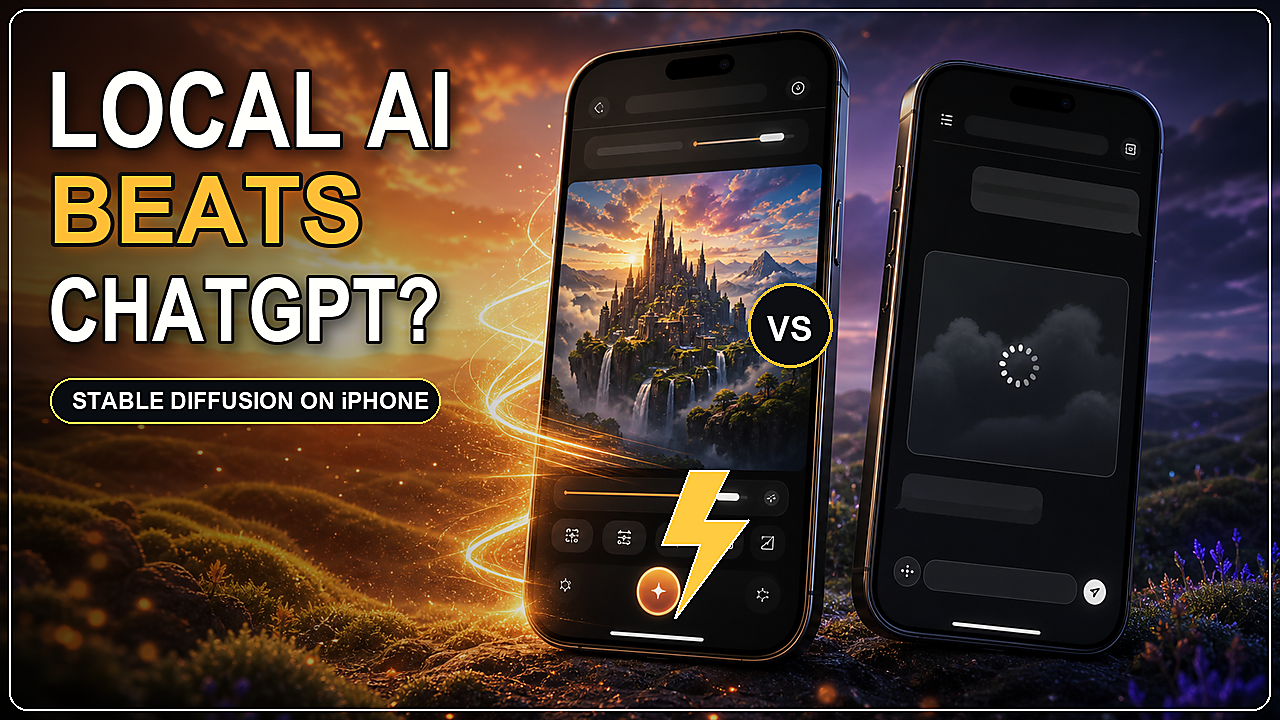
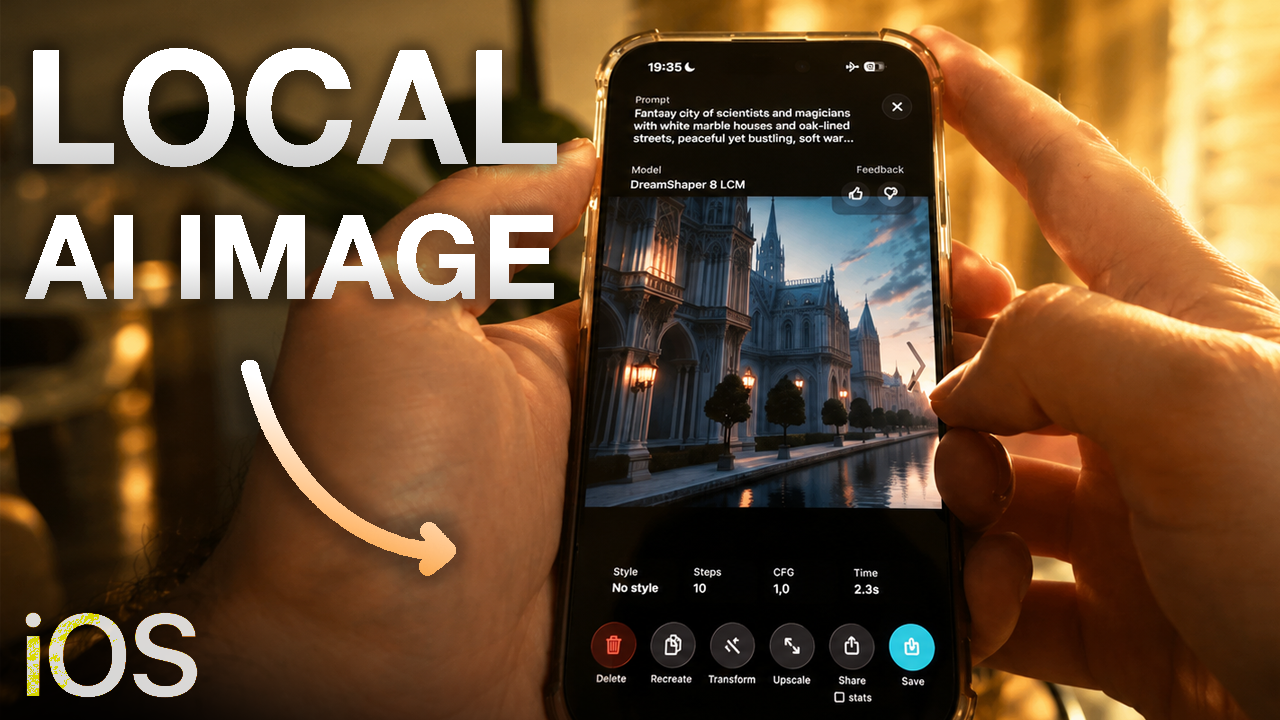
Create AI Product Renders Locally on iPhone With PhoneDiffusion
The new Product Render workflow lets you generate product-style images, customize the steps, upscale the result and remove the background…
Create AI Product Renders Locally on iPhone With PhoneDiffusion
The new Product Render workflow lets you generate product-style images, customize the steps, upscale the result and remove the background directly on your iPhone
[embed]
Product Render is now part of PhoneDiffusion
This update is about making local AI image generation more useful for practical creative work. Not just one prompt, one output and then another app for cleanup.
With the Product Render workflow, you can start with a text prompt, generate a product-style visual, control the steps in the workflow, upscale the final image and remove the background without leaving your iPhone.
For creators, indie founders, designers and anyone testing product concepts, that matters. A good product visual usually needs more than the first image that comes out of a model. It needs iteration, cleanup and an export that is actually useful.
Download PhoneDiffusion on the App Store

PhoneDiffusion introduces Product Render, a local AI workflow for product-style images on iPhone
Why Product Render Exists
Most AI image generators are built around a simple loop:
- Write a prompt.
- Generate an image.
- Download the result.
- Fix it somewhere else.
That can work for quick experiments, but product-style images usually need a tighter workflow.
You may want a clean object, a centered composition, sharper edges, better lighting, a larger final image or a transparent background. If every step requires another cloud tool, another upload and another export, the creative loop slows down fast.
PhoneDiffusion is moving in a different direction.
The goal is to make the iPhone feel like a private local AI image studio: prompt, generate, edit, upscale, remove the background, save and keep iterating from one place.
Product Render is one step toward that.
What the Workflow Does
Product Render is designed for prompts where the object matters.
Instead of starting from a completely generic style, the workflow is tuned around product-style output: clean lighting, centered composition, sharper edges and fewer messy background distractions.
In the app, you can write the product prompt, choose the workflow and run the generation locally on your device after the needed model packs are installed.
That makes it useful for:
- product concept art
- landing page visuals
- app icon and brand object ideas
- ecommerce mockups
- thumbnail objects
- pitch deck visuals
- creative direction references
- social media assets
It is not meant to replace a professional product photo shoot. It is meant to make the early creative loop faster: generate the idea, see if the visual direction works and keep improving it.

Start with a product prompt and run the Product Render workflow in PhoneDiffusion
Custom Steps Make the Workflow More Useful
The important part is not only the first generation.
The useful part is the chain:
- Generate a product-style image.
- Inspect the result.
- Adjust the prompt or settings.
- Upscale when the image is worth keeping.
- Remove the background when you need a cleaner asset.
That is why PhoneDiffusion is becoming more workflow-based.
Text-to-image is still the starting point. But once a result exists, you should be able to keep working with it. The app should help move from rough idea to finished-enough asset instead of forcing you to rebuild the same process in several separate tools.

Custom steps help turn a first generation into a cleaner final image
Still Built Around Local Generation
The core idea behind PhoneDiffusion has not changed.
After the app and model packs are installed, image generation runs locally on your iPhone. Your prompt does not need to be sent to a cloud image renderer just to create the result.
That local workflow means:
- no cloud render queue for local generation
- no required account to start creating
- no per-image credit counter for local generation
- prompts and generated images can stay on your device
- iteration feels closer to sketching than submitting jobs
This is especially useful for product ideas. Early concepts can be messy, private or not ready to share. Local generation gives you more room to explore before anything needs to leave your device.

Product Render continues PhoneDiffusion’s focus on local AI image generation
Upscale and Remove the Background
Product-style images often need two practical finishing steps: more resolution and a cleaner background.
That is why the demo ends with an upscaled image and removed background.
Upscaling helps when the first image has the right idea but needs more usable detail. Background removal helps when you want to place the object into another design, thumbnail, landing page section or social post.
The point is continuity.
You should be able to generate the product concept, improve it and prepare it for another use without turning a simple idea into a file-management project.

Product Render can lead into upscaling and background removal for a cleaner final asset
Who This Is For
Product Render is for people who want to move quickly from idea to visual.
It is useful if you are:
- testing product concepts before designing the final asset
- making quick visuals for a landing page or pitch deck
- exploring thumbnail objects or social creative
- building ecommerce-style references
- creating private mockups you do not want to upload to a cloud image tool
- experimenting with Stable Diffusion on iPhone without a desktop setup
The workflow is intentionally practical. It gives you a starting direction, then lets you keep working with the image inside PhoneDiffusion.
Watch the Product Render Launch Video
Paste the final YouTube URL on its own line here once the upload is finished so Medium renders it as an embedded video:
[embed]
The video shows the Product Render workflow, custom steps, local generation, upscaling, background removal and the final download card.

Download PhoneDiffusion on iOS to try local AI product rendering on iPhone
Try Product Render in PhoneDiffusion
PhoneDiffusion started with a simple question: can local AI image generation on iPhone feel useful, private and fast enough for real creative work?
Product Render pushes that idea further.
It is not only about generating one image. It is about keeping the whole creative loop close: prompt, generate, refine, upscale, remove the background and save the result.
If you want to try AI product renders on iPhone, start here:
메타데이터
- post_id
- 7ff6997b03cb
- slug
- create-ai-product-renders-locally-on-iphone-with-phonediffusion-7ff6997b03cb
- url
- https://medium.com/@rokbozi/create-ai-product-renders-locally-on-iphone-with-phonediffusion-7ff6997b03cb
- canonical_url
- https://medium.com/@rokbozi/create-ai-product-renders-locally-on-iphone-with-phonediffusion-7ff6997b03cb
- author_url
- https://medium.com/@rokbozi
- status
- ok
- fetched_at
- 2026-07-08 09:22:44