Configuring Isolated Keystore for TDE in Oracle 19c Container Database.
With continuation of our previous blog on united keystore (Click Here),Now we are exploring about isolated keystore used in a container…
Configuring Isolated Keystore for TDE in Oracle 19c Container Database.
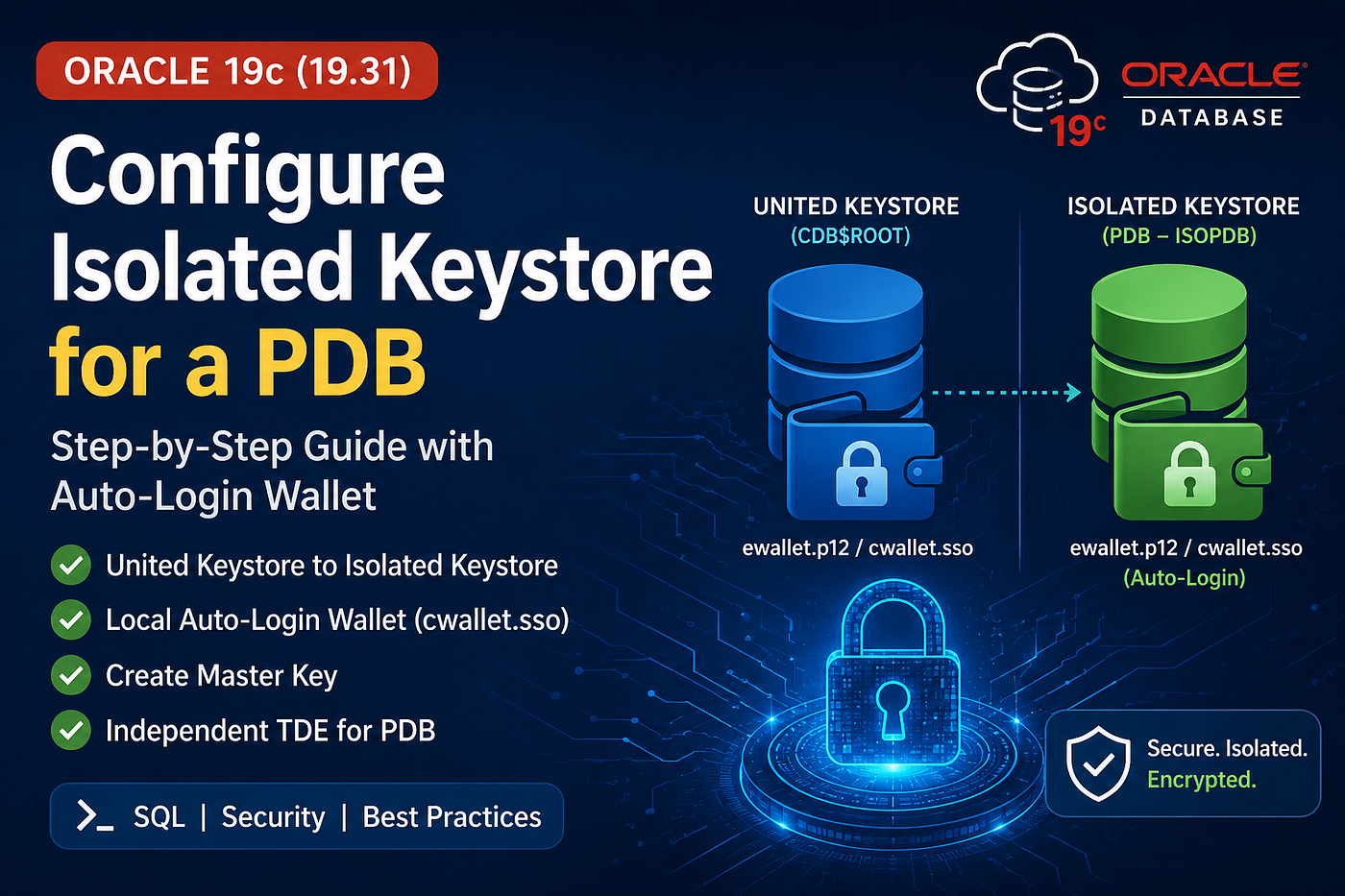
AI Generated Image
With continuation of our previous blog on united keystore (Click Here),Now we are exploring about isolated keystore used in a container database.
What is United vs Isolated Keystore?
United Keystore:
A single keystore (wallet) will be created in CDB$ROOT and it will be shared across all pluggable databases to store their master keys.
Isolated Keystore:
Keystore (wallet) will be created inside the Pluggable database and master key will be stored inside of it. There will be no need of Container Keystore to store the master key.
Keystore Architechture:
CDB$ROOT
│
├── PDB1  --> United Keystore
│
└── PDB2  --> Convert to Isolated Keystore
                │
                ├── ewallet.p12
                └── cwallet.sso (Auto Login)
Note: Make sure $ORACLE_HOME version should be greater than 19.14.
High Level Steps:
- Set the parameter for Tde_Configuration.
- Create a Isolated keystore inside the target pdb.
- Open the keystore.
- Convert the keystore to Auto-Login.
- Force create Master Key for that PDB.
- Keystore Verification.
Configuration:
Step 1: Verify the current keystore mode,
In PDB (where TDE should enabled, say ISOPDB):
SELECT STATUS,
       WALLET_TYPE,
       KEYSTORE_MODE
FROM V$ENCRYPTION_WALLET;
The above image shows there is no master key and the keystore type is united, we have to convert the united keystore to isolated keystore.
Step 2: Verify the current status of tde_configuration in PDB(ISOPDB),
SHOW PARAMETER tde_configurationIf the above parameter returns no value, change the value to
ALTER SYSTEM SET TDE_CONFIGURATION='KEYSTORE_CONFIGURATION=FILE'
SCOPE=BOTH;
Step 3: Create a Isolated Keystore while connected to PDB (ISOPDB),
Note: Do not specify the wallet path in the command, oracle will automatically create PDB GUID as a directory and wallet will be created inside of it.
ADMINISTER KEY MANAGEMENT
CREATE KEYSTORE
IDENTIFIED BY "Welcome#12345";


Step 4: Make the Isolated keystore auto-login,
Even though we converted the auto-login united keystore to isolated it shows auto-login but we need to execute the below command to create it as an ISOLATED AUTO LOGIN wallet.
ADMINISTER KEY MANAGEMENT
CREATE LOCAL AUTO_LOGIN KEYSTORE
FROM KEYSTORE
IDENTIFIED BY "Welcome#12345";
This command will create .sso file

Step 4: Create PDB Master Key,
IN PDB,
ADMINISTER KEY MANAGEMENT
SET KEY
IDENTIFIED BY "Welcome#12345"
WITH BACKUP;
Incase, if it says
ORA-28417: password-based keystore is not openCreating a master key always requires the password-based keystore to be open, even if the auto-login wallet is already open
Open the Keystore by,
ADMINISTER KEY MANAGEMENT
SET KEYSTORE OPEN
FORCE KEYSTORE
IDENTIFIED BY "Welcome#12345";
Now, Force create the master key.
ADMINISTER KEY MANAGEMENT
SET KEY
FORCE KEYSTORE
IDENTIFIED BY "Welcome#12345"
WITH BACKUP;

Now, Isolated Keystore has been created!
Validate:
Perform a bounce and check auto-login is working!

Isolated autologin keystore is working as expected.
Tablespace Encryption:
- To Encrypt a existing Tablespace,
ALTER TABLESPACE USERS ENCRYPTION ONLINE ENCRYPT;
- Verify the Tablespace Encryption,
SELECT TABLESPACE_NAME,
       ENCRYPTED
FROM DBA_TABLESPACES;
메타데이터
- post_id
- 810adb8570c5
- slug
- configuring-isolated-keystore-for-tde-in-oracle-19c-container-database-810adb8570c5
- url
- https://medium.com/@vsivakumar275/configuring-isolated-keystore-for-tde-in-oracle-19c-container-database-810adb8570c5
- canonical_url
- https://medium.com/@vsivakumar275/configuring-isolated-keystore-for-tde-in-oracle-19c-container-database-810adb8570c5
- author_url
- https://medium.com/@vsivakumar275
- status
- ok
- fetched_at
- 2026-07-26 22:52:32