Getting Started With Ralph Inside Claude Code
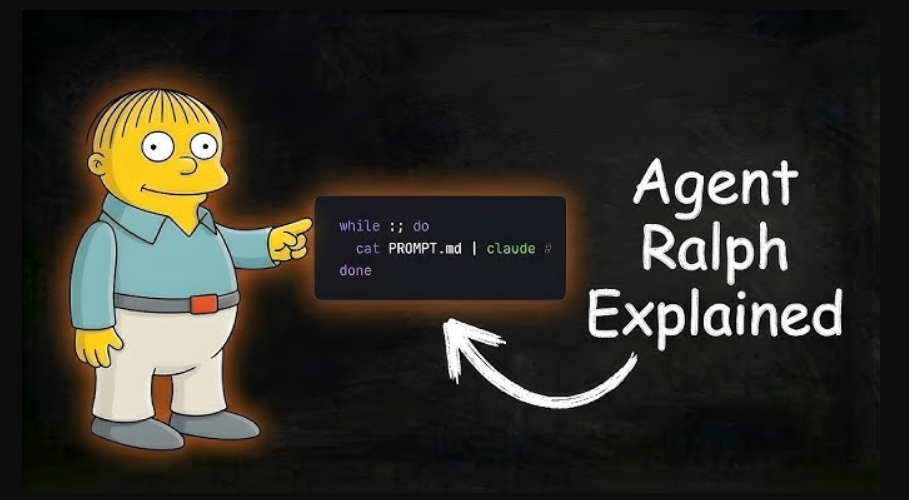
Agentic coding sounds futuristic until you realise it’s mostly just a loop.
Getting Started With Ralph Inside Claude Code
Agentic coding sounds futuristic until you realise it’s mostly just a loop.
Ralph is one such loop: simple, repeatable, and surprisingly powerful. At its core, Ralph reads a task list, completes a small task, commits it, and repeats. When integrated with Claude Code, this becomes a steady, auditable stream of progress rather than a black-box AI sprint.
This article walks you through setting up Ralph with a loop workflow, culminating in a fully AFK (away-from-keyboard) setup.
1. Install Claude Code
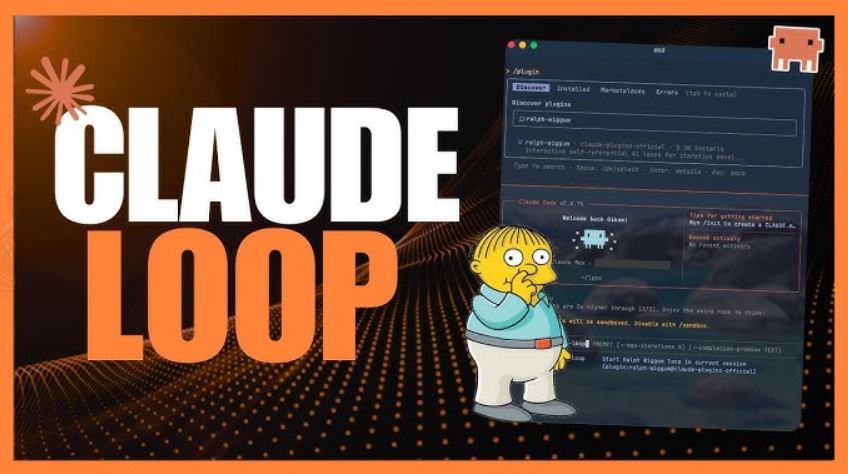
Claude Code is Anthropic’s CLI for agentic coding. It lets Claude read your repo, run commands, edit files, and commit changes, all from the terminal.
Install it using the native binary:
curl -fsSL https://claude.ai/install.sh | bashIf you see command not found: claude after installation, add the install location to your PATH:
echo 'export PATH="$HOME/.local/bin:$PATH"' >> ~/.bashrc
source ~/.bashrc
Alternatively, you can install via npm:
npm i -g @anthropic-ai/claude-codeOnce installed, run:
claudeYou’ll be prompted to authenticate with your Anthropic account. After that, the CLI is ready to use.
2. Install Docker Desktop
While you can run Claude Code directly on your machine, using Docker gives you something much safer: a sandbox.
The sandbox allows the AI to:
- Run commands
- Install packages
- Modify files
…without touching anything outside your workspace.
Install Docker Desktop 4.50+, then run:
docker sandbox run claudeOn first run, you’ll authenticate again. Credentials are stored securely inside a Docker volume.
Why sandboxes matter
Sandboxes give you:
- The same working directory inside and outside the container
- Auto-injected Git config (your commits stay properly attributed)
- One persistent sandbox per workspace
Think of it as a seatbelt for agentic coding.
3. Create Your Plan File (PRD)
Ralph doesn’t “think” in the abstract. It needs a task source.
That task source is a PRD (Product Requirements Document). It defines:
- What “done” looks like
- What tasks exist
- What order should they be tackled in
You can write this manually, but Claude can help.
Run:
claudeThen press Shift + Tab to enter plan mode. Iterate until the plan is clear and actionable.
When you’re happy, tell Claude to save it as:
PRD.mdNext, create an empty progress file:
touch progress.txtHow Ralph uses these files
- PRD.md: defines the destination
- progress.txt: records what’s already been done
On every run, Claude:
- Reads both files
- Finds the next unchecked task
- Implements it
- Updates progress
The format of the PRD isn't important, whether it's markdown, JSON, or prose, as long as the tasks can be clearly extracted.
4. Create a Loop Script (ralph-once.sh)
Before letting Ralph run unattended, start slow.
This first script runs one task per invocation, so you can observe behavior, review commits, and build intuition.
Create ralph-once.sh:
#!/bin/bash

claude --permission-mode acceptEdits "@PRD.md @progress.txt \
1. Read the PRD and progress file. \
2. Find the next incomplete task and implement it. \
3. Commit your changes. \
4. Update progress.txt with what you did. \
ONLY DO ONE TASK AT A TIME."
Why this works
| Element                         | Purpose                              |
| ------------------------------- | ------------------------------------ |
| `--permission-mode acceptEdits` | Prevents stalls waiting for approval |
| `@PRD.md`                       | Gives Claude the task list           |
| `@progress.txt`                 | Maintains state across runs          |
| `ONLY DO ONE TASK`              | Forces small, reviewable commits     |
Make it executable:
chmod +x ralph-once.shRun it:
./ralph-once.shWatch closely. Inspect the diff. Read the commit message. Then run it again.
This phase is about trust calibration.
5. Go AFK With afk-ralph.sh
Once you’re comfortable, you can wrap Ralph in a loop.
Create afk-ralph.sh:
#!/bin/bash
set -e

if [ -z "$1" ]; then
  echo "Usage: $0 <iterations>"
  exit 1
fi
for ((i=1; i<=$1; i++)); do
  result=$(docker sandbox run claude --permission-mode acceptEdits -p "@PRD.md @progress.txt \
  1. Find the highest-priority task and implement it. \
  2. Run your tests and type checks. \
  3. Update the PRD with what was done. \
  4. Append your progress to progress.txt. \
  5. Commit your changes. \
  ONLY WORK ON A SINGLE TASK. \
  If the PRD is complete, output <promise>COMPLETE</promise>.")
  echo "$result"
  if [[ "$result" == *"<promise>COMPLETE</promise>"* ]]; then
    echo "PRD complete after $i iterations."
    exit 0
  fi
done
Run it like this:
./afk-ralph.sh 20Then walk away.
Come back to commits.
What’s happening here
| Element                       | Purpose                        |
| ----------------------------- | ------------------------------ |
| `set -e`                      | Stops on any error             |
| `$1`                          | Caps iterations (cost control) |
| `-p`                          | Print mode (non-interactive)   |
| `<promise>COMPLETE</promise>` | Completion signal              |
The loop exits cleanly once the PRD is finished.
6. Make Ralph Your Own
Ralph is intentionally boring — and that’s its superpower.
Because it’s “just a loop,” you can swap almost any part.
Change the task source
Instead of PRD.md, pull tasks from:
- GitHub Issues
- Linear
- Jira
- A database
- Even a spreadsheet
Change the output
Instead of committing to main:
- Create a new branch per iteration
- Open pull requests automatically
- Label and triage issues
Run specialized loops
| Loop Type     | What It Does                              |
| ------------- | ----------------------------------------- |
| Test Coverage | Writes tests until coverage hits a target |
| Linting       | Fixes lint errors incrementally           |
| Duplication   | Refactors repeated code                   |
| Entropy       | Cleans up code smells                     |
If the task fits:
“Look at the repo → improve something → commit”
…it can be Ralph-ified.
Closing Thoughts
Ralph isn’t about replacing developers. It’s about turning intention into motion with minimal friction.
You define the destination. The loop handles the grind. You stay in control.
In the next article, “11 Tips for AI Coding with Ralph”, we’ll go deeper into:
- Task sizing
- Feedback loops
- Failure modes
- When not to let the agent run
Until then — start small, watch closely, and let the loop earn your trust.
메타데이터
- post_id
- 82b29370f410
- slug
- getting-started-with-ralph-inside-claude-code-82b29370f410
- url
- https://medium.com/coding-nexus/getting-started-with-ralph-inside-claude-code-82b29370f410
- canonical_url
- https://medium.com/coding-nexus/getting-started-with-ralph-inside-claude-code-82b29370f410
- author_url
- https://medium.com/@CodePulse
- status
- ok
- fetched_at
- 2026-07-13 06:23:13