The DNA of Android: Why Your Apps Inherit Their Life from Zygote
How a “Mother Process” and Copy-on-Write magic allow Android apps to start in milliseconds while saving hundreds of megabytes of RAM.
The DNA of Android: Why Your Apps Inherit Their Life from Zygote
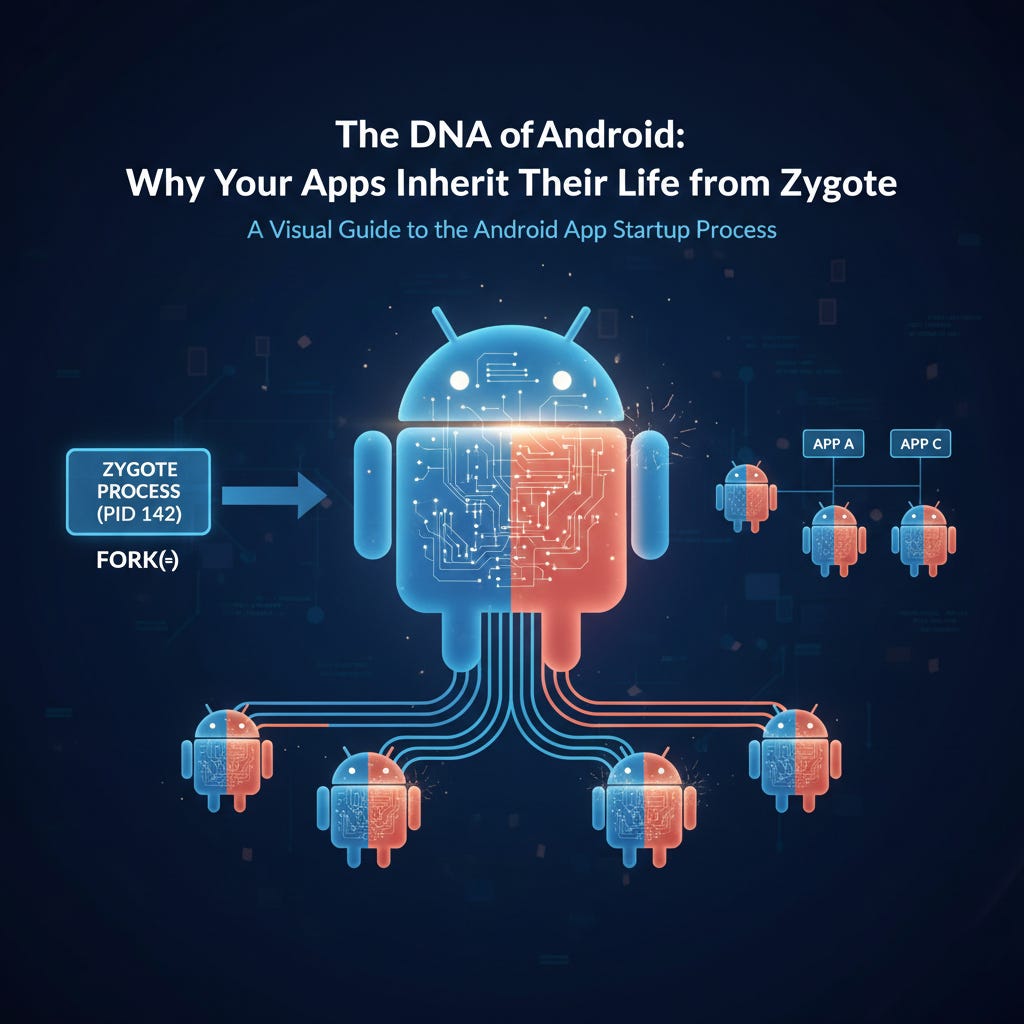
The DNA of Android: Why Your Apps Inherit Their Life from Zygote
Not a Medium Member? “Read For Free”
TL;DR: Android apps don’t start from scratch. They are forked from a pre-warmed template process called Zygote (often referred to as the “Mother Process”). By preloading 3,000+ framework classes and sharing memory using Copy-on-Write (CoW), Zygote allows apps to launch in milliseconds while conserving system-wide RAM and battery.
1. The Startup Bottleneck: Why we can’t start from zero
In a world without Zygote, launching an app would require a massive “Cold Start” penalty every single time:
- ART Setup: Initializing the Android Runtime state (heap, GC, and native environment) and mapping the boot image.
- Framework Infrastructure: Setting up base system resources, themes, and core asset providers.
- Class Loading: Loading thousands of core classes (
Activity,View,Context) into the VM.
Doing this for every app is an immense waste of CPU and battery. Instead, Android performs this heavy lifting once during boot and freezes that state in Zygote.
The Mental Model
init (The Root)
 └── Zygote (ART + 3000 Framework Classes Preloaded)
      ├── System Server (Manages the OS)
      ├── Launcher (Your Home Screen)
      ├── WhatsApp (A Child Process)
      └── Spotify (A Child Process)
2. The Anatomy of the Zygote Process
Zygote is the “Mother Process.” During boot, it preloads the essential “DNA” that every app will eventually need.
- Preloaded Classes: Thousands of classes curated via boot profiling. You can find this “Shared DNA” list on modern devices at
/apex/com.android.art/etc/preloaded-classes. - Initializes ART: It maps the boot image, ensuring the runtime is “warm” and ready for execution.
- Socket Safety: Zygote listens on a Unix Domain Socket rather than Binder.
🛠️ Senior Note: Why a Unix Domain Socket instead of Binder?
Zygote must remain in a strictly fork-safe state before creating new application processes. Standard Binder IPC relies on thread pools and complex kernel-managed Binder state that is not designed to be inherited across a process fork. Attempting to use Binder would introduce two major hazards:
User-Space Hazard: Classic multi-threaded fork deadlocks caused by duplicating a process while background threads hold locks.
Kernel-Space Hazard: Inconsistencies between inherited Binder state — including transaction bookkeeping, thread associations, and object references — and the child process’s newly created execution context.
A Unix Domain Socket avoids both problems elegantly. It allows Zygote to receive process creation commands while remaining in a controlled, fork-safe state, and it behaves as a lightweight file descriptor that the newly created child process can immediately close before continuing into
RuntimeInitandActivityThread.main(). By avoiding Binder during process creation, Android sidesteps both thread-safety concerns and Binder state inheritance complexities.
3. The Decision Flow: Who triggers the birth?
Zygote doesn’t act on its own. It is the “worker,” while the System Server is the “manager.”
The Path from Tap to Process:
User Tap on Icon
    │
    ▼
Launcher Sends Intent
    │
    ▼
ActivityTaskManagerService (System Server)
    │
    ▼
Process.start() → Sends Command via Zygote Socket
    │
    ▼
Zygote.fork() → Creates New App Process
4. The Magic of Copy-on-Write (CoW)
When Zygote receives the command, it forks itself. Initially, the new app process and Zygote share the exact same physical RAM pages. Because most pages are already mapped and shared, the kernel avoids page faults and disk IO, making process creation nearly instantaneous.
Memory is only copied if your app tries to write to a specific page — such as triggering a class initialization (<clinit>), allocating JNI globals, or modifying a static variable.
5. Why This Matters to Developers
Understanding Zygote isn’t just academic; it dictates how you should architect your app for performance:
💡 Performance Tip: Avoid initializing heavy libraries in
Application.onCreate(). Delay initialization until first use to preserve Copy-on-Write efficiency. Every page you "write" to during startup becomes private memory, increasing your app's RAM footprint and slowing down the system.
- Shared Inheritance: Use the framework classes whenever possible. They are already “paid for” in terms of memory because they are shared with Zygote.
- Native Allocations: Native memory (via JNI) is never shared. Early native allocations contribute significantly to a process’s unique memory cost.
6. Deep Dive: The ZygoteInit Socket Loop
/**
 * Simplified logic representing the ZygoteInit flow in AOSP.
 */
fun runZygoteSelectLoop() {
    // Socket is created by 'init' and inherited via ANDROID_SOCKET_zygote
    val zygoteServer = ZygoteServer()

    while (true) {
        val connection = zygoteServer.acceptCommand()
        val args = readArgumentList(connection)

        // The Critical Fork: Creates an identical, single-threaded clone
        val pid = Zygote.forkAndSpecialize(args.uid, args.gid, ...)

        if (pid == 0) {
            // I am the CHILD (The New App process)
            connection.close()
            handleChildProc(args) // Transitions to ActivityThread.main()
            return
        }
        connection.close()
    }
}
7. Evolution: USAP (Unspecialized App Processes)
Since Android 10, the system maintains a USAP Pool. These are processes Zygote has already forked in the background. When an app needs to start, the latency is minimized because the fork has already happened. The specialization process still follows the standard ZygoteInit.childZygoteInit() → RuntimeInit.applicationInit() path, but the "costly" fork is moved off the user's critical path.
🙋♂️ Frequently Asked Questions (FAQs)
What happens if Zygote crashes?
The init process will restart Zygote immediately, triggering a soft reboot of the framework layer. You'll see the boot animation again, though the Linux kernel itself remains running.
Can I see my “Shared” inheritance?
Open the Android Studio Memory Profiler and look for the “Shared” column. On a typical app, you’ll see 100MB+ of memory that is shared with the system.
💬Join the Discussion
- Actionable Audit: Check your profiler today. How much of your footprint is “Private” vs. “Shared”?
- The Performance Contract: How do you balance “Ready-to-use” features vs. preserving shared memory pages?
Summary
Zygote is Android’s way of “cheating” time. By doing the framework heavy-lifting once at boot and using Linux forking magic, it ensures that your apps start fast and play nice with the limited resources of a mobile device. Understanding Zygote is understanding the fundamental contract between your app and the OS.
📱 Go Beyond Using Jetpack Compose
If you’re building on Android, understanding what happens under the hood separates developers who use Compose from those who master it. I highly recommend “Mastering Jetpack Compose Internals”. It’s a deep, architecture-first walkthrough of the composition tree, the slot table, snapshot state, and the runtime that powers modern Android UI — capped off with a full case study building a real app called Mosaic.
- E-book: Available on Google Play
- Kindle Edition: Available on Amazon
- Also available in Paperback & Hardcover
메타데이터
- post_id
- 831bdde97a52
- slug
- the-dna-of-android-why-your-apps-inherit-their-life-from-zygote-831bdde97a52
- url
- https://medium.com/@sivavishnu0705/the-dna-of-android-why-your-apps-inherit-their-life-from-zygote-831bdde97a52
- canonical_url
- https://medium.com/@sivavishnu0705/the-dna-of-android-why-your-apps-inherit-their-life-from-zygote-831bdde97a52
- author_url
- https://medium.com/@sivavishnu0705
- status
- ok
- fetched_at
- 2026-07-26 14:51:09






