Data Cleaning Fundamentals: Fixing Data Types and Formatting Issues
A Practical Guide to Converting Data into Analysis-Ready Formats
Data Cleaning Fundamentals: Fixing Data Types and Formatting Issues
A Practical Guide to Converting Data into Analysis-Ready Formats

Imagine you’re working with a sales dataset and encounter the following values:
Order ID     Revenue
1001         $1,250
1002         $950
1003         $2,100
At first glance, the Revenue column appears numeric. However, because the values contain dollar signs and commas, pandas may interpret the column as text.
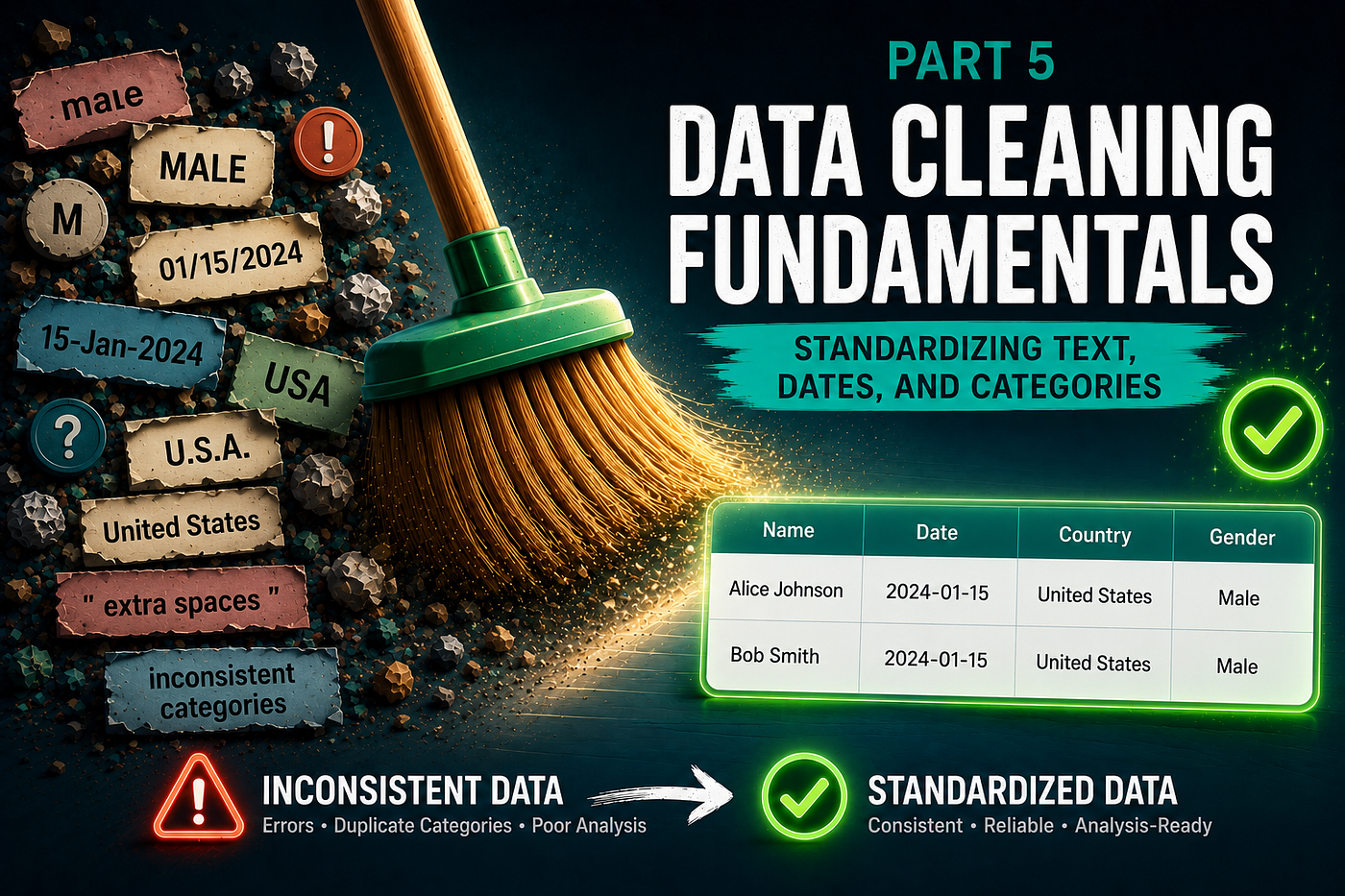
Similarly, dates are often stored as strings:
2024-01-15
15-Jan-2024
01/15/2024
Or numerical values may be stored as text:
"25"
"30"
"45"
While these values look correct, they can prevent calculations, aggregations, and visualizations from working properly.
In this article, we’ll learn how to identify and correct data type issues so that data can be analyzed accurately and efficiently.
Why Data Types Matter
Every column in a dataset has a data type.
Common data types include:
Type        Example
Integer     25
Float       25.5
String      "Toronto"
Datetime    2024–01–15
Boolean     True
Data types determine what operations can be performed on a column.
For example:
df["sales"].mean()works only if the column is numeric.
If the column is stored as text:
"$100"
"$200"
"$300"
the calculation will fail.
Understanding Common Data Type Problems
Numbers Stored as Text
Example:
100
250
500
Although these values appear numeric, they may actually be stored as strings.
Currency Symbols
Example:
$100
$250
$500
Currency symbols prevent direct numerical calculations.
Commas in Numbers
Example:
1,000
2,500
10,000
These values often require cleaning before conversion.
Dates Stored as Strings
Example:
2024-01-15
15-Jan-2024
01/15/2024
String dates cannot be used effectively for time-series analysis.
Boolean Values Stored as Text
Example:
Yes
No
TRUE
FALSE
These values may need standardization before analysis.
Inspecting Data Types
The first step is to inspect the dataset.
df.dtypesExample output:
customer_id      int64
name            object
revenue         object
order_date      object
Notice that revenue and order_date are stored as object rather than numeric or datetime types.
Getting a Quick Overview
df.info()Example output:
<class 'pandas.core.frame.DataFrame'>
RangeIndex: 1000 entries
Data columns (total 4 columns):
This provides:
- Data types
- Missing values
- Memory usage
Converting Text to Numeric Values
Suppose we have:
df["age"]Output:
25
30
40
Stored as strings.
Convert to numeric:
df["age"] = pd.to_numeric(df["age"])Verify:
df["age"].dtypeOutput:
int64Handling Conversion Errors
Sometimes invalid values exist:
25
30
Unknown
40
Use:
df["age"] = pd.to_numeric(
    df["age"],
    errors="coerce"
)
Result:
25
30
NaN
40
Invalid values become missing values.
Removing Currency Symbols
Example:
$1,250
$950
$2,100
Remove symbols and commas:
df["revenue"] = (
    df["revenue"]
    .str.replace("$", "", regex=False)
    .str.replace(",", "", regex=False)
)
Convert:
df["revenue"] = pd.to_numeric(
    df["revenue"]
)
Result:
1250
950
2100
Converting Dates
Suppose we have:
2024-01-15
15-Jan-2024
01/15/2024
Convert:
df["order_date"] = pd.to_datetime(
    df["order_date"]
)
Now pandas recognizes the column as datetime.
Why Datetime Matters
Once converted, we can extract useful information:
df["order_date"].dt.yeardf["order_date"].dt.monthdf["order_date"].dt.day_name()These operations are impossible with plain text dates.
Converting Boolean Values
Suppose:
Yes
No
Yes
No
Create mapping:
mapping = {
    "Yes": True,
    "No": False
}
Apply:
df["active"] = (
    df["active"]
    .map(mapping)
)
Result:
True
False
True
False
Visualizing the Impact
Consider monthly sales analysis.
Before conversion:
df.groupby("order_date")["revenue"].sum()May fail because revenue is text.
After conversion:
monthly_sales = (
    df.groupby(
        df["order_date"].dt.month
    )["revenue"]
    .sum()
)
Now meaningful analysis becomes possible.
Practical Workflow
When receiving a new dataset:
Step 1
Inspect data types.
df.dtypesStep 2
Review dataset structure.
df.info()Step 3
Identify:
- Numeric columns stored as text
- Currency symbols
- Dates stored as strings
- Boolean values stored as text
Step 4
Clean formatting issues.
Examples:
.str.replace()
.str.strip()
Step 5
Convert data types.
pd.to_numeric()
pd.to_datetime()
Step 6
Validate conversions.
df.dtypesCommon Mistakes
Assuming Numeric-Looking Data Is Numeric
Always verify using:
df.dtypesIgnoring Conversion Errors
Use:
errors="coerce"when appropriate.
Forgetting Currency Symbols
Symbols and commas often prevent successful conversions.
Leaving Dates as Strings
Datetime conversion unlocks powerful time-based analysis.
Key Takeaways
Incorrect data types are one of the most common obstacles to accurate analysis.
Always verify and correct:
- Numeric values stored as text
- Currency fields
- Date columns
- Boolean values
Key tools include:
pd.to_numeric()
pd.to_datetime()
df.info()
df.dtypes
By ensuring every column uses the correct data type, you create a dataset that is easier to analyze, visualize, and model.
In the next article of this series, we’ll focus on building a reproducible data cleaning pipeline where we’ll bring everything together from parts 1–6 into a reusable workflow.
Keep in Touch
Thanks for reading! This blog is where I explore data science, machine learning, AI, optimization, simulation, decision-making, and interesting mathematical ideas — sharing projects, experiments, and thoughts I discover along the way.
- 🐙 **GitHub**: projects & notebooks
- ✍️ **Medium**: more posts like this
- 💼 **LinkedIn**: let’s connect!
메타데이터
- post_id
- 837064beca97
- slug
- data-cleaning-fundamentals-fixing-data-types-and-formatting-issues-837064beca97
- url
- https://medium.com/@bskky001/data-cleaning-fundamentals-fixing-data-types-and-formatting-issues-837064beca97
- canonical_url
- https://medium.com/@bskky001/data-cleaning-fundamentals-fixing-data-types-and-formatting-issues-837064beca97
- author_url
- https://medium.com/@bskky001
- status
- ok
- fetched_at
- 2026-06-17 12:55:42