Notion for Beginners: The Ultimate Basic Setup for Digital Organization
Subtitle: Stop drowning in scattered files. Master these foundational Notion settings to build your second brain today.
Notion for Beginners: The Ultimate Basic Setup for Digital Organization
Subtitle: Stop drowning in scattered files. Master these foundational Notion settings to build your second brain today.
Introduction
Do you have digital clutter everywhere? From bookmarks saved in random browsers to project ideas lost in chat apps, keeping track of information is a challenge. If you are looking for an all-in-one workspace, Notion is the gold standard. However, the blank white page can be intimidating for new users.
The secret to Notion isn’t complex coding; it’s building a simple, sustainable foundation. This guide will walk you through the essential settings to organize your digital life effectively, helping you stay productive and focused.

1. Master the Hierarchy: Pages and Sub-pages
Notion works like a digital filing cabinet. The most important concept to grasp is the hierarchy.
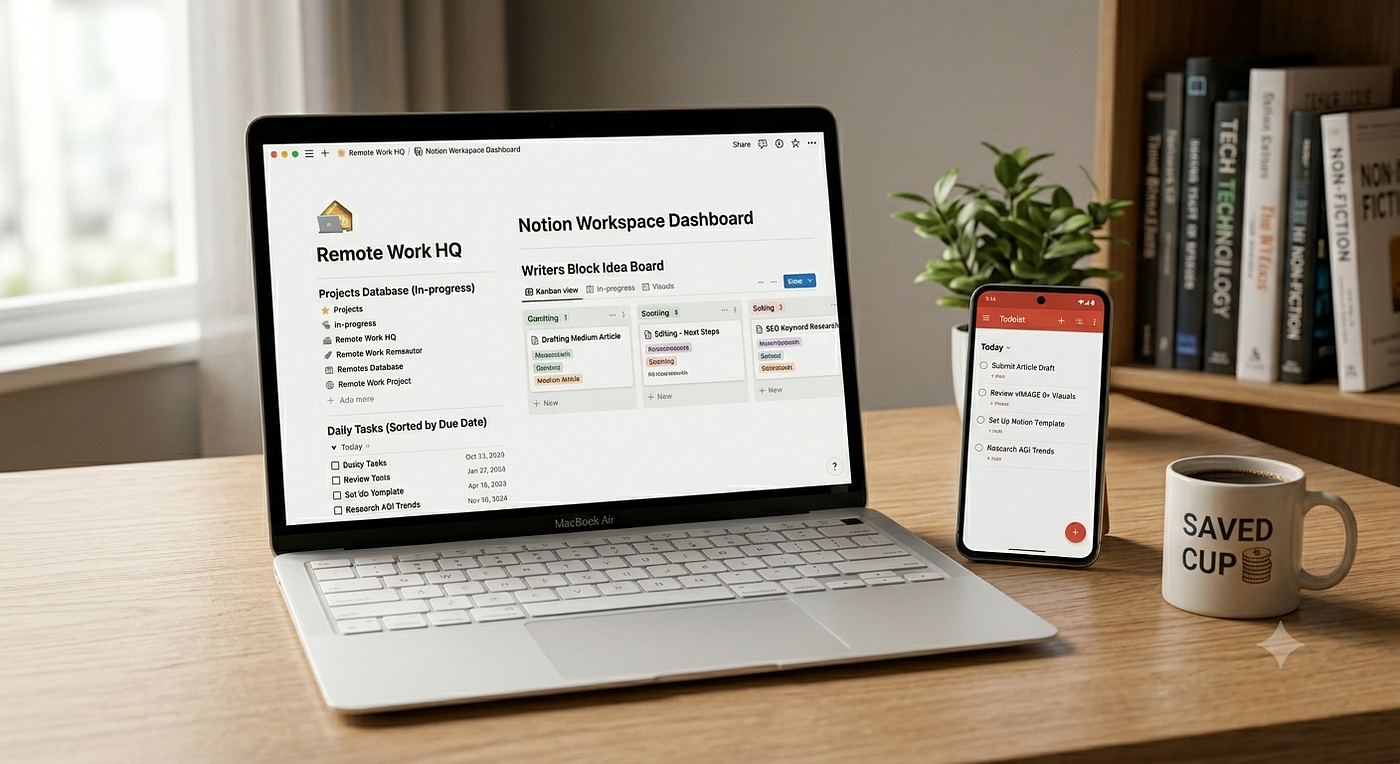
- Create a “Dashboard” Page: Start by creating a single “Home” page. This will be your command center.
- Build Your Structure: Within your Home page, create sub-pages for specific categories such as Work, Personal Projects, Reading List, and Finance Tracker.
- Keep it Flat: Beginners often make the mistake of creating too many nested sub-pages. Try to keep your structure within three levels deep so you don’t get lost in your own system.
2. Utilize Databases: The Power of Notion
If you only use text pages, you are missing out on 90% of Notion’s potential. Databases are what make Notion a powerful organization tool.
- Start with a Table View: For a reading list or task manager, use the “Table” view. It allows you to add properties like Status, Due Date, and Priority.
- Toggle Views: The best part? You can take that same database and view it as a Board (Kanban) or a Calendar. This allows you to visualize your data in the way that makes the most sense for your current task.
3. Use Templates to Save Time
Don’t reinvent the wheel. Notion’s template library is a goldmine for beginners.
- Browse the Template Gallery: Before building a complex system, check the sidebar for “Templates.” You will find pre-made layouts for meeting notes, habit trackers, and project management.
- Customize, Don’t Just Copy: Pick a template that fits your basic needs, then delete or add blocks to make it yours. This helps you understand how different features (like relations or rollups) work without having to build them from scratch.
4. Keep Your Workspace Clean with “Toggle Lists”
One of the biggest issues with digital notes is the “wall of text.”
- The Power of Toggles: Use the
/togglecommand to hide long lists, reference materials, or brainstormed ideas. It keeps your workspace looking minimalist and prevents visual overwhelm while you are focusing on high-priority items.
Final Thoughts: Start Small
The most common trap for Notion beginners is “over-engineering” — spending hours building the perfect system instead of actually using it. My advice? Start with just one dashboard and one database. As you identify what isn’t working, add new features one at a time. Your digital workspace should evolve with you.
Are you setting up your first Notion workspace? What is your biggest challenge? Share your journey in the comments below!
메타데이터
- post_id
- 83c418f8ab4d
- slug
- notion-for-beginners-the-ultimate-basic-setup-for-digital-organization-83c418f8ab4d
- url
- https://medium.com/@tyty7984/notion-for-beginners-the-ultimate-basic-setup-for-digital-organization-83c418f8ab4d
- canonical_url
- https://medium.com/@tyty7984/notion-for-beginners-the-ultimate-basic-setup-for-digital-organization-83c418f8ab4d
- author_url
- https://medium.com/@tyty7984
- status
- ok
- fetched_at
- 2026-07-10 09:52:19